
This page is not an official page of the app or its developer, but an independent editorial publication created for informational and commentary purposes. Unless expressly stated otherwise, neither the app nor its developer is affiliated with, endorsed by, sponsored by, authorized by, or otherwise officially connected with MWM, Apple, Google Play, the app publisher, or the app's developer, and nothing on this page implies that the app was developed using MWM's services. Any trademarks, logos, screenshots, and other content remain the property of their respective owners.


Luna Controller
Amazon's gamble, the Luna Controller app, empowers users with total command over their Luna hardware and gameplay.
Downloads
250k+User Rating
Total Ratings
9.0KPublisher
Category
GamesLocales
9Latest Version
1.0.2245Size
59.8 MBFirst Released
Oct 19, 2020An evaluation of key features enhancing cloud gaming accessibility and controller management for Amazon Luna users.
Luna Controller App: Core Functionality Review
Phone Controller Mode
It allows users to transform their mobile device into a virtual controller, enabling touch-based gameplay for Luna titles without needing a physical Luna Controller. This feature significantly enhances accessibility and spontaneous play.
Cloud Direct Connectivity
The app facilitates the seamless setup and management of the Luna Controller's Cloud Direct Wi-Fi connection, optimizing performance for low-latency cloud gaming. It also enables switching between Cloud Direct and Bluetooth modes for versatile play.
Controller Registration
This tool allows users to easily register their physical Luna Controllers to their Amazon account, streamlining the initial setup process and personalizing their gaming hardware.
Controller Firmware Management
The app provides essential tools for maintaining the Luna Controller, including updating its software to ensure optimal performance, compatibility, and access to new features. It also allows users to monitor battery status.
Bluetooth Connection Control
It enables users to manage their Luna Controller's Bluetooth connection, offering flexibility to connect to various devices beyond Luna cloud gaming, and seamlessly switch between Bluetooth and Cloud Direct modes.
Guest Mode Support
This tool features a Guest Mode, allowing users to easily invite friends to join local Luna gaming sessions. Guests can utilize their own mobile devices as controllers through the app, simplifying multi-player setups.
Frequently Asked Questions
Everything you need to know about Luna Controller
Can I use my phone as a game controller for Luna?
Yes, the Luna Controller app allows you to use your mobile device as a Phone Controller to play Luna games using touch inputs. Guests can also use this feature.
What is Cloud Direct in the Luna Controller app?
Cloud Direct technology sends gaming inputs over WiFi for faster response and seamless movement. It automatically connects to Amazon Luna's game servers after setup, requiring no extra pairing steps.
What are the main functions of the Luna Controller app?
The Luna Controller app allows you to register controllers, set up WiFi for Cloud Direct, play games with Phone Controller, add friends via Guest Mode, manage connections, update software, and check battery.
How do I set up my Luna Controller with the app?
To set up your Luna Controller, download the app, power on your controller with 2 AA batteries by holding the Luna button for 3 seconds, then follow the app's on-screen instructions.
Does the Luna Controller support Bluetooth connectivity?
Yes, the Luna Controller supports Bluetooth for gameplay on compatible devices. You can manage Bluetooth connections, and it automatically switches to Cloud Direct mode for gameplay.
Does the Luna Controller app have privacy terms?
Yes, by using the Luna Controller app, you agree to Amazon’s Conditions of Use and Privacy Notice. Links to these documents are provided within the app description.
The following screenshots and description are sourced directly from the app's official store listing and are the property of the app developer.
App Store
Screenshots
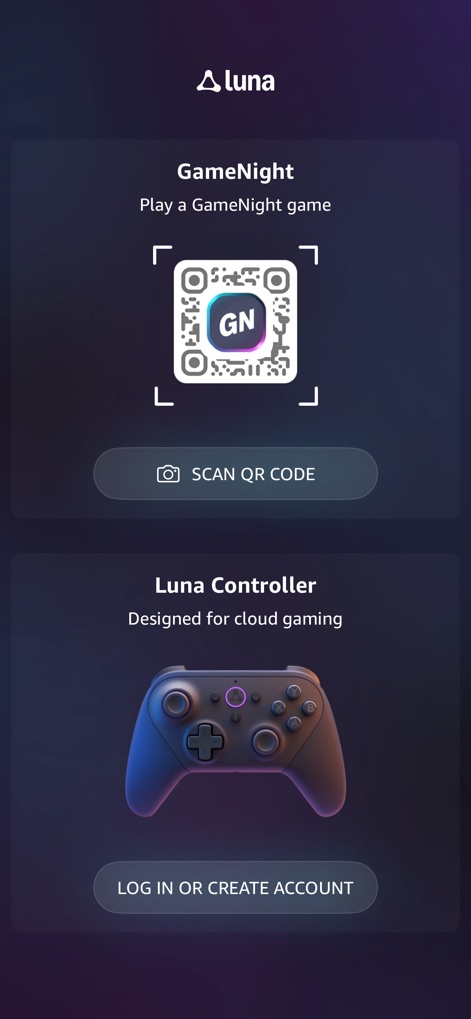
The app introduces users to GameNight QR code scanning and provides a clear prompt for logging in or creating an account to manage their Luna Controller.
GameNight & Setup
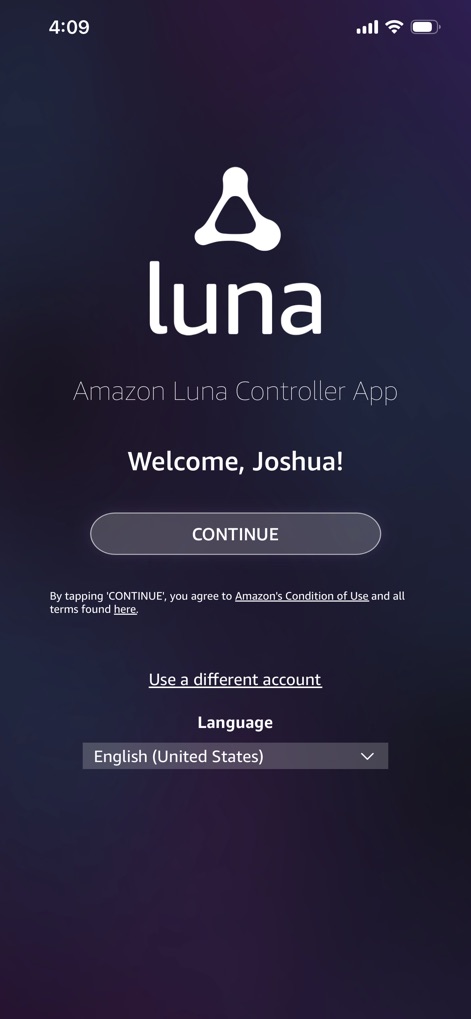
Users are greeted by a personalized welcome message, "Welcome, Joshua!", and can easily select their preferred language for the app experience.
Personalized Welcome
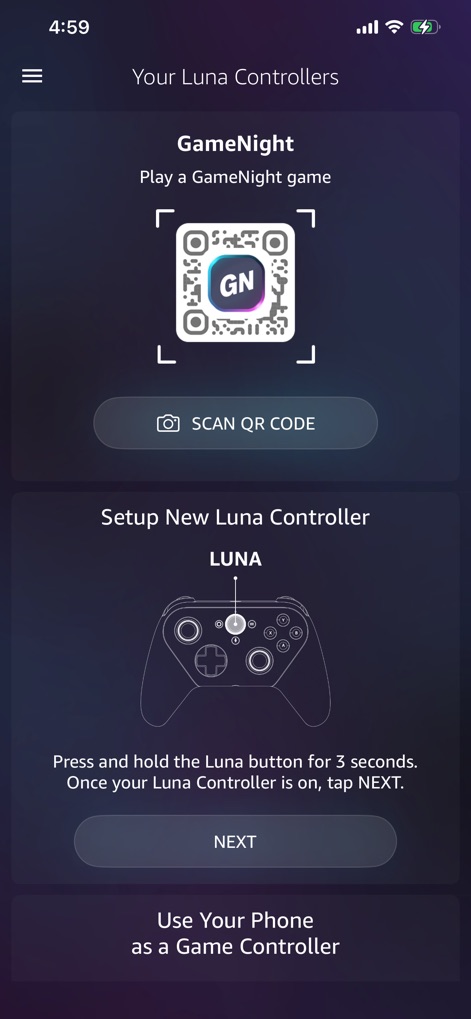
This screen presents visual instructions for setting up a new Luna Controller and an accessible option to use a mobile device as a phone controller.
Controller Setup Options

The app clarifies the benefits of Cloud Direct technology for gaming response and provides real-time feedback on firmware updates.
Cloud Direct Insight
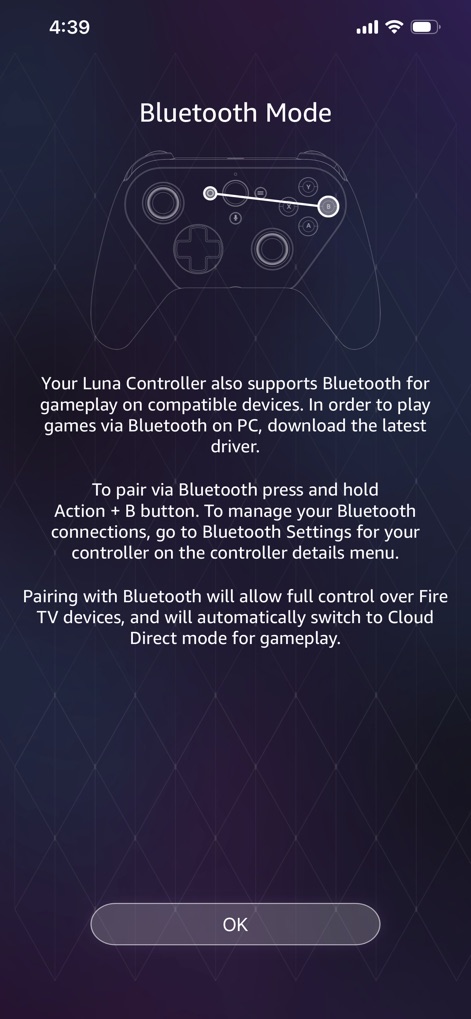
This guide illustrates the specific button combination for Bluetooth pairing and outlines the steps for managing Bluetooth connections.
Flexible Connectivity
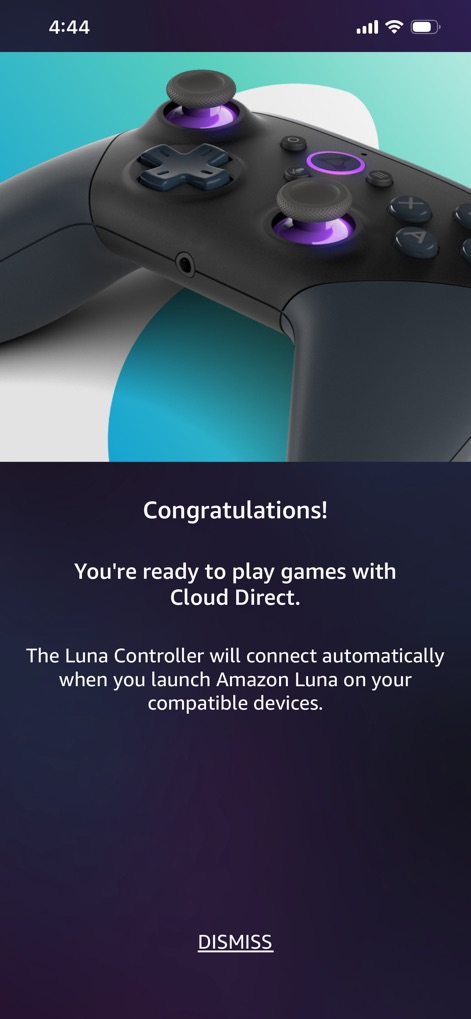
Users receive a congratulatory message confirming Cloud Direct readiness, highlighted by a visually appealing image of the Luna Controller.
Ready to Play
Description
Download
More Like This
Top-ranked apps in the same category
Block Blast!
ARETIS LIMITED

Solitaire Associations Journey
Hitapps Games LTD

Roblox
Roblox Corporation

Heartopia
XD Entertainment Co., Ltd.

Gossip Harbor®: Merge & Story
Microfun Limited
Arrows – Puzzle Escape
Lessmore UG haftungsbeschraenkt

Township
PLR Worldwide Sales Limited
Vita Mahjong
VITA STUDIO PTE. LTD.

Subway Surfers
Sybo Games ApS
This page is not an official page of the app or its developer, but an independent editorial publication created for informational and commentary purposes. Unless expressly stated otherwise, neither the app nor its developer is affiliated with, endorsed by, sponsored by, authorized by, or otherwise officially connected with MWM, Apple, Google Play, the app publisher, or the app's developer, and nothing on this page implies that the app was developed using MWM's services. Any trademarks, logos, screenshots, and other content remain the property of their respective owners.