
LutraCAD TrueScan


Streamline your orthotic workflow by capturing medical-grade scans on your iPhone and uploading them instantly to the LutraCAD platform. Eliminate messy plaster casts and save valuable time on every patient order.
Publisher
Category
MedicalDownloads
0User Rating
Total Ratings
0Locales
1Discover the interface used by 0 users.
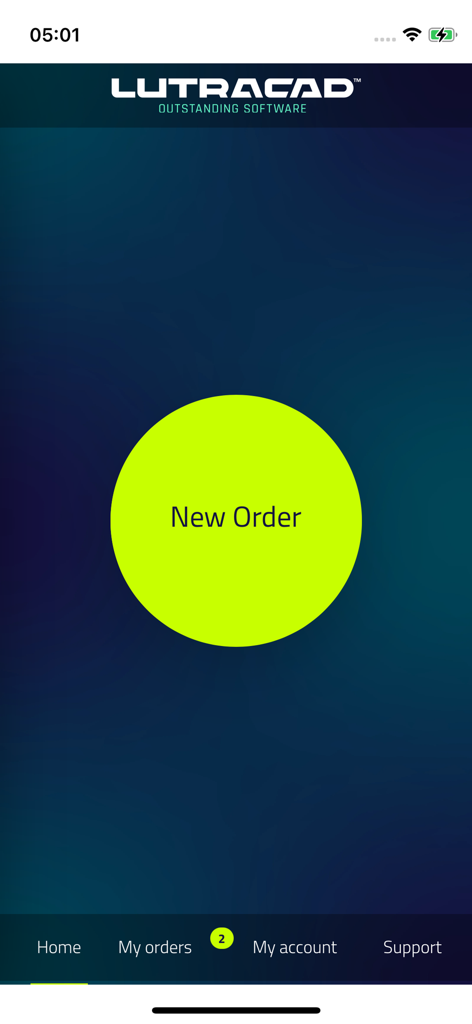
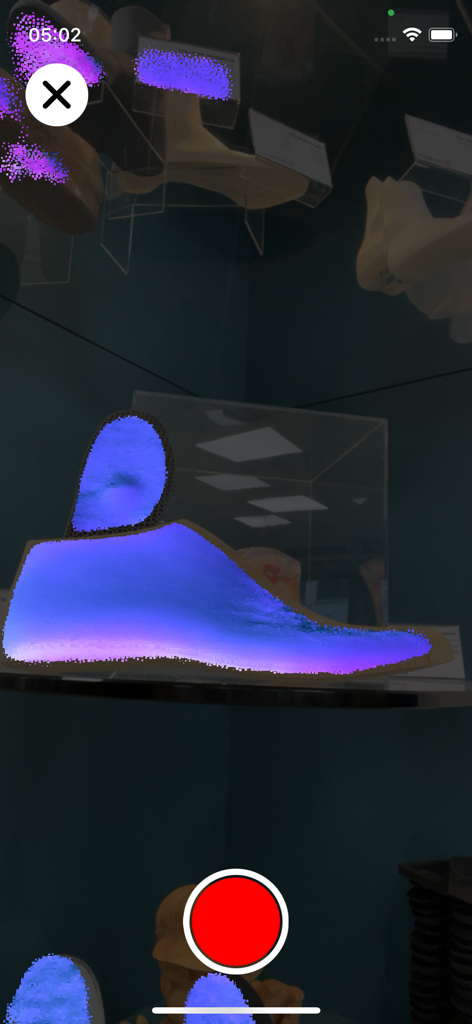
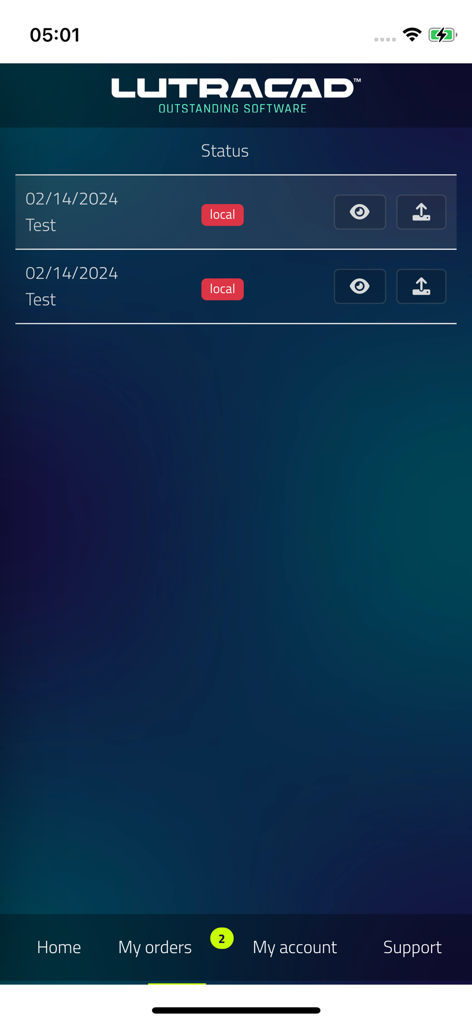
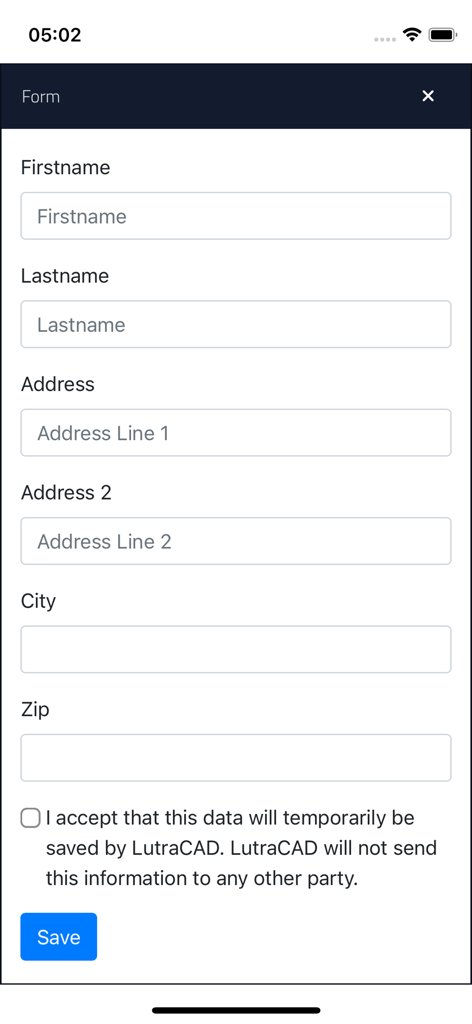
The tools that make this app stand out, trusted by 0 users.
Skip the cables and manual exports. Upload encrypted 3D foot scans directly to the LutraCAD platform for immediate access in your design manager.
Leverage the power of your iPhone’s advanced sensors to capture medical-grade data without the need for bulky, expensive, or stationary hardware.
Eliminate messy plaster casts and physical shipping costs. Create orders, scan, and send in minutes to significantly reduce your clinic's turnaround time.
Everything you need to know about LutraCAD TrueScan.
Description
Latest Version
1.2.0
Size
28.0 MB
First Released
Apr 28, 2024
Download LutraCAD TrueScan now to turn your iPhone into a high-precision 3D scanner. Eliminate messy plaster casts and bridge the gap between patient consultation and custom insole design in seconds.
Top-ranked apps in the same category

National Healthcare Security Administration

Epic Systems Corporation

Doctolib

Philips Digital UK Limited

CVS Pharmacy

Jiangsu Healthcare Security Bureau

Servicos e Informacoes do Brasil

BPJS Kesehatan

UNITED HEALTHCARE SERVICES, INC.
App information, icons, screenshots, and descriptions displayed on this page are sourced from the Apple App Store and are the property of their respective developers. Download estimates and rankings are based on MWM's proprietary models and may not reflect actual figures. This page is provided for informational and analytical purposes only.
Believe this page infringes your intellectual property? File a dispute