
This page is not an official page of the app or its developer, but an independent editorial publication created for informational and commentary purposes. Unless expressly stated otherwise, neither the app nor its developer is affiliated with, endorsed by, sponsored by, authorized by, or otherwise officially connected with MWM, Apple, Google Play, the app publisher, or the app's developer, and nothing on this page implies that the app was developed using MWM's services. Any trademarks, logos, screenshots, and other content remain the property of their respective owners.


MacJack
No coins? No problem. Experience the fastest way to pay for snacks, coffee, and more at vending machines and kiosks using just your phone.
Downloads
198K+User Rating
Total Ratings
100Publisher
Category
Food & DrinkLocales
16Latest Version
4.0.4Size
77.4 MBFirst Released
Oct 19, 2017Fuel Your Day, Without the Spare Change
MacJack turns your phone into a universal wallet for vending machines, coffee stations, and kiosks. Fast, cashless, and built for your busy lifestyle.
Ditch the Quarters
Stop hunting for physical cash. Your phone is all you need to grab a snack, a coffee, or a photo booth session instantly.
Scan, Tap, and Refuel
Scan the QR code or use NFC on any MacJack sticker to pay in seconds. Perfect for students and pros moving at the speed of life.
Frequently Asked Questions
Everything you need to know about MacJack
How do I pay using the MacJack app?
To pay with MacJack, scan a QR code or tap an NFC sticker at a vending machine, coffee station, kiosk, or photo booth using your phone.
How can I add money to my MacJack balance?
You can top up your MacJack balance using Apple Pay or a credit/debit card directly within the app. The app shows options for different amounts.
Where is the MacJack app accepted for payments?
MacJack is accepted at vending machines, coffee stations, kiosks, and photo booths. It is designed for use in offices, gyms, and universities.
Does MacJack offer promotions or loyalty programs?
Yes, MacJack offers active promotions, such as free coffee, and users can earn loyalty points and employee bonuses through the app.
Can I view my transaction history in MacJack?
Yes, the MacJack app provides a "Transactions" section where users can check all their spendings, top-ups, and loyalty point changes in one place.
How do I contact MacJack support for issues?
Users contact MacJack support by using the "Report a problem" feature within the app. Options include issues with purchase, recharge, machine, or the app itself.
The following screenshots and description are sourced directly from the app's official store listing and are the property of the app developer.
App Store
Screenshots
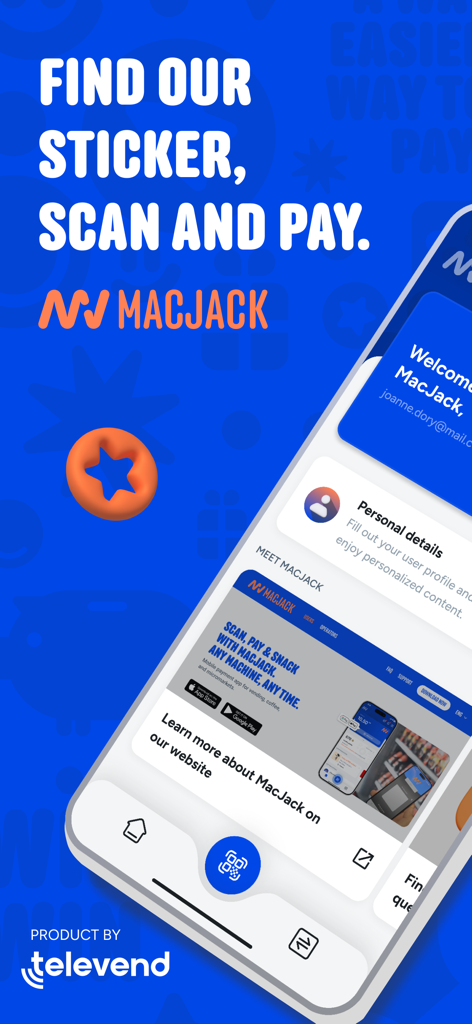
MacJack mobile app interface for contactless vending machine payments
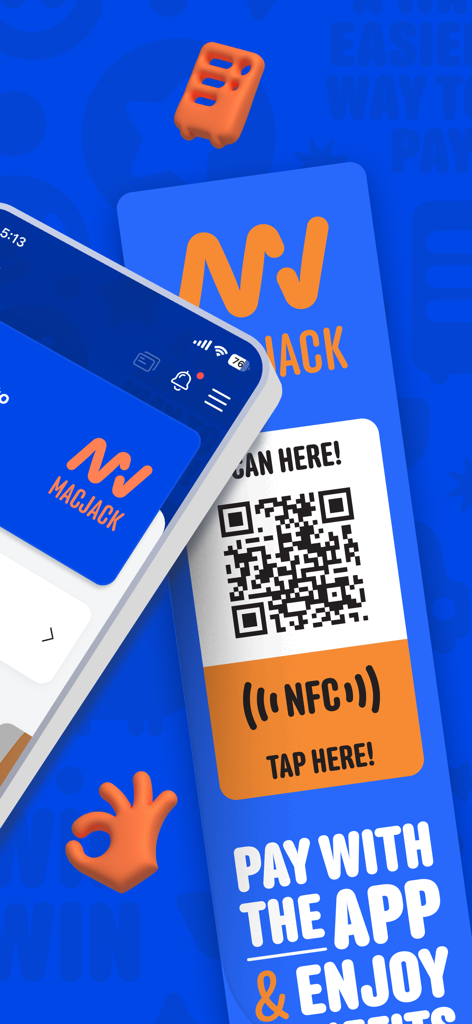
MacJack mobile app interface and contactless payment QR code sticker
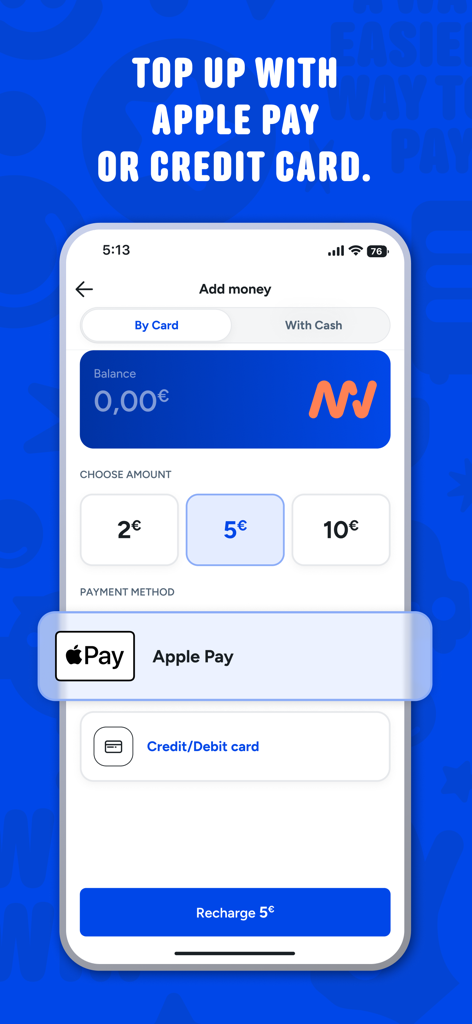
MacJack app interface for adding money using Apple Pay and credit cards
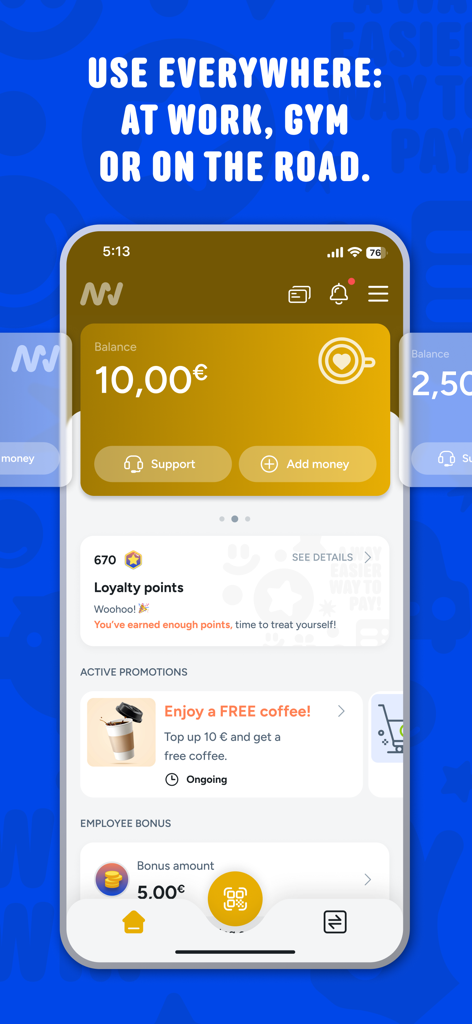
MacJack app interface for mobile payments at vending machines showing digital wallet balance and loyalty rewards
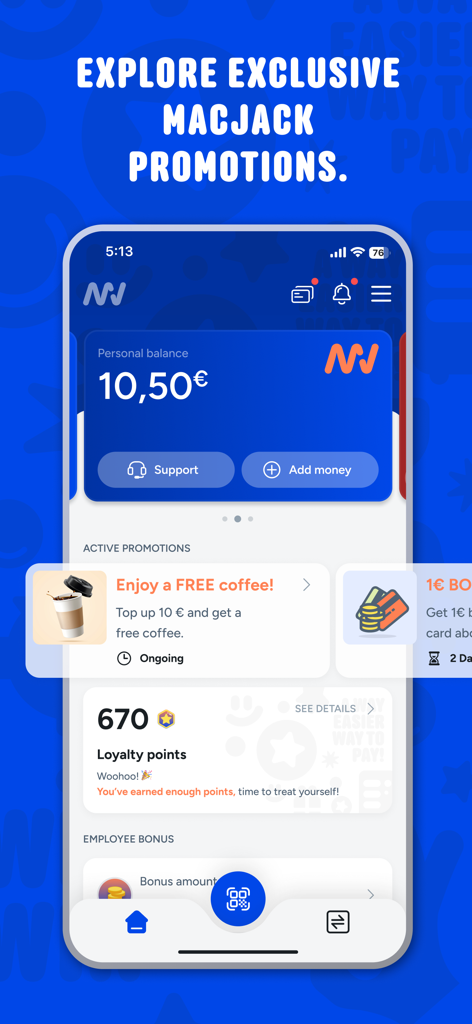
MacJack app screen showing personal balance, loyalty points, and active promotions like a free coffee offer.
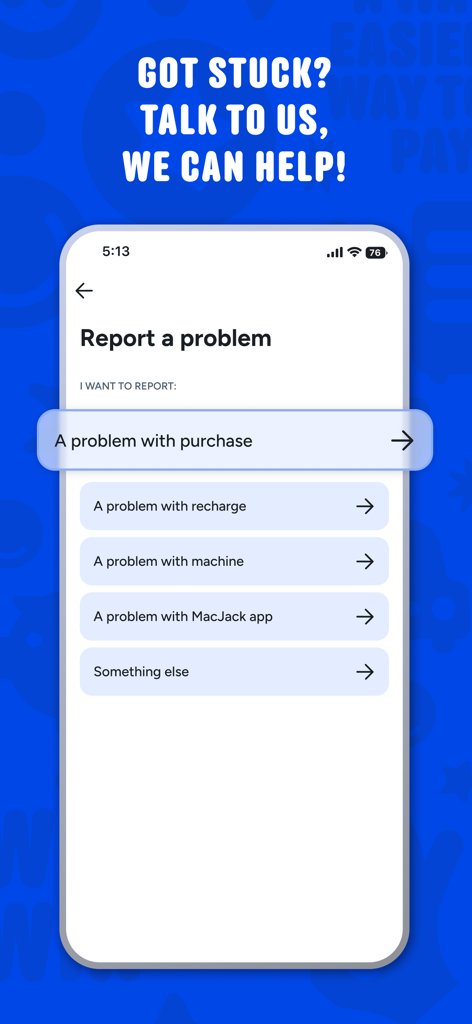
Interface of the MacJack app showing options to report a problem with a purchase or machine
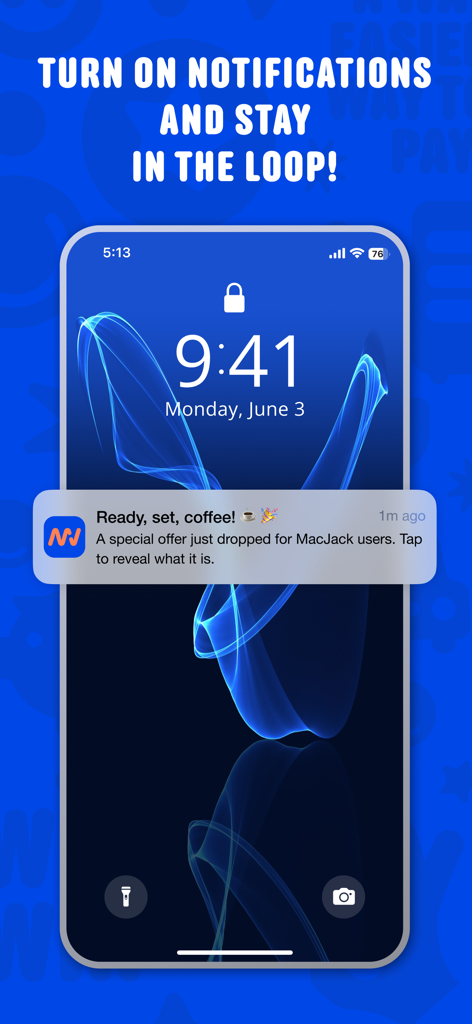
Smartphone screen showing a MacJack app notification with a special offer for users.
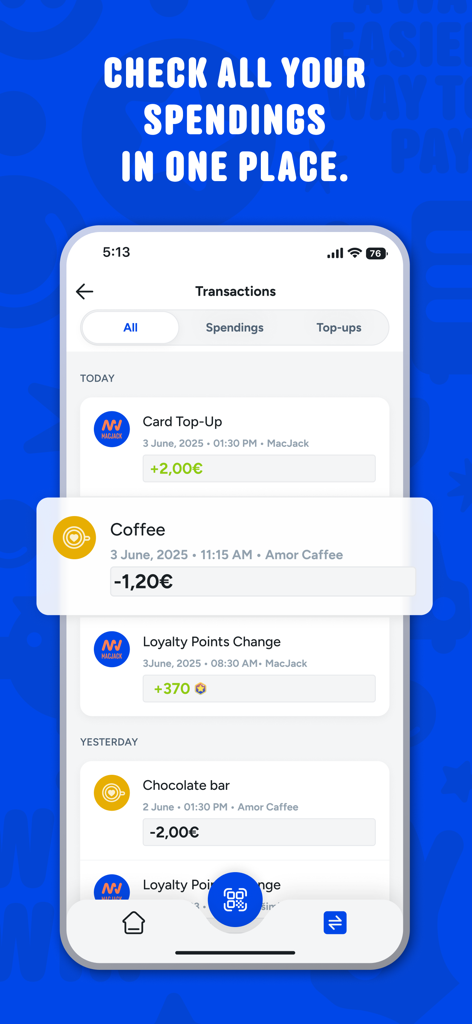
MacJack mobile app transaction history screen showing a list of recent coffee purchases and card top-ups
Description
Download
More Like This
Apps with similar features and user experience
Speed Queen
Alliance Laundry Systems, LLC

toreluna - トレルナで生理用ナプキンが無料
NEXT INNOVATION INC.

WashXpress
LAUNDRY YOU PUBLIC COMPANY LIMITED

VMmarket
VM TECNOLOGIA LTDA

Foodles
La Boite a Encas

PayRange
PayRange Inc.

CSC GO
CSC ServiceWorks Holdings, INC.

MatiPay
Matipay S.r.l.

Connect & Pay
365 Retail Markets, LLC
This page is not an official page of the app or its developer, but an independent editorial publication created for informational and commentary purposes. Unless expressly stated otherwise, neither the app nor its developer is affiliated with, endorsed by, sponsored by, authorized by, or otherwise officially connected with MWM, Apple, Google Play, the app publisher, or the app's developer, and nothing on this page implies that the app was developed using MWM's services. Any trademarks, logos, screenshots, and other content remain the property of their respective owners.