
This page is not an official page of the app or its developer, but an independent editorial publication created for informational and commentary purposes. Unless expressly stated otherwise, neither the app nor its developer is affiliated with, endorsed by, sponsored by, authorized by, or otherwise officially connected with MWM, Apple, Google Play, the app publisher, or the app's developer, and nothing on this page implies that the app was developed using MWM's services. Any trademarks, logos, screenshots, and other content remain the property of their respective owners.


Macwhisper - Text To Speech
The ultimate text-to-speech companion for students and professionals. Convert PDFs, scans, and web pages into high-quality audio to boost your productivity and reduce eye strain.
Downloads
1K+User Rating
Total Ratings
0Publisher
Category
BusinessLocales
32Latest Version
2.9Size
9.8 MBFirst Released
Feb 6, 2023Read Smarter with Your Ears
Macwhisper turns any document, photo, or webpage into a personal podcast, helping you stay productive without the screen fatigue.
Scan & Speak Instantly
Point your camera at any book or paper to hear it immediately. Perfect for students and busy researchers needing to digitize physical notes.
Turbocharge Your Learning
Adjust speaking speeds up to 2x. Power through dense professional reports and long reading lists in half the time.
The following screenshots and description are sourced directly from the app's official store listing and are the property of the app developer.
App Store
Screenshots
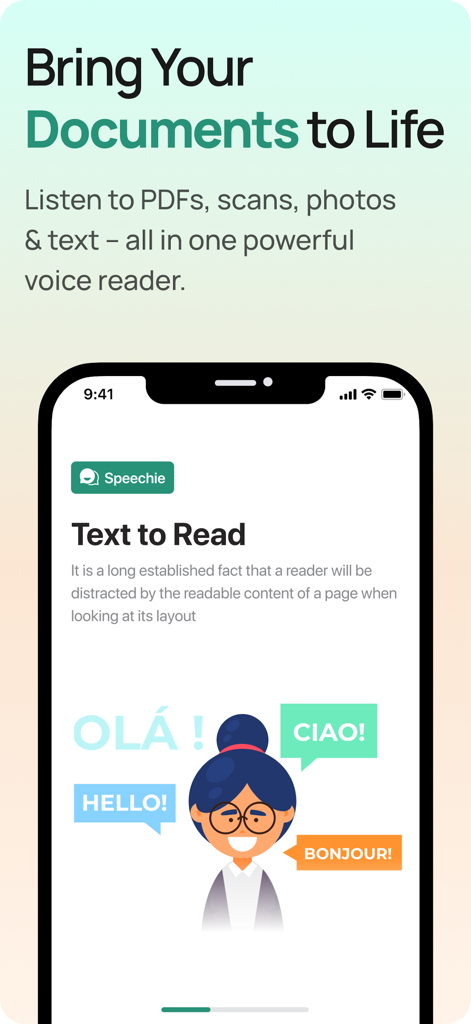
Smartphone screen showing Macwhisper text to speech app interface with multilingual support
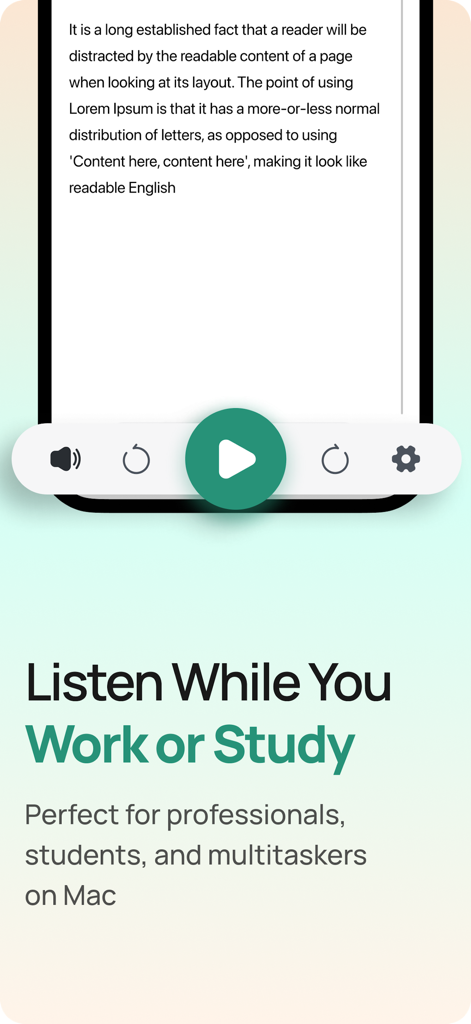
Macwhisper app interface showing a text reader with a play button and the headline Listen While You Work or Study.
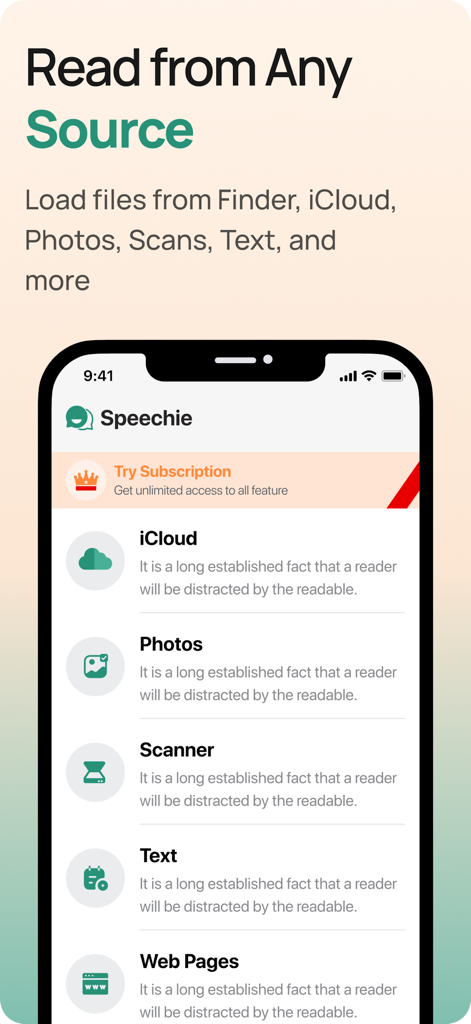
Macwhisper app interface showing text input options for iCloud, Photos, Scanner, and Web Pages.
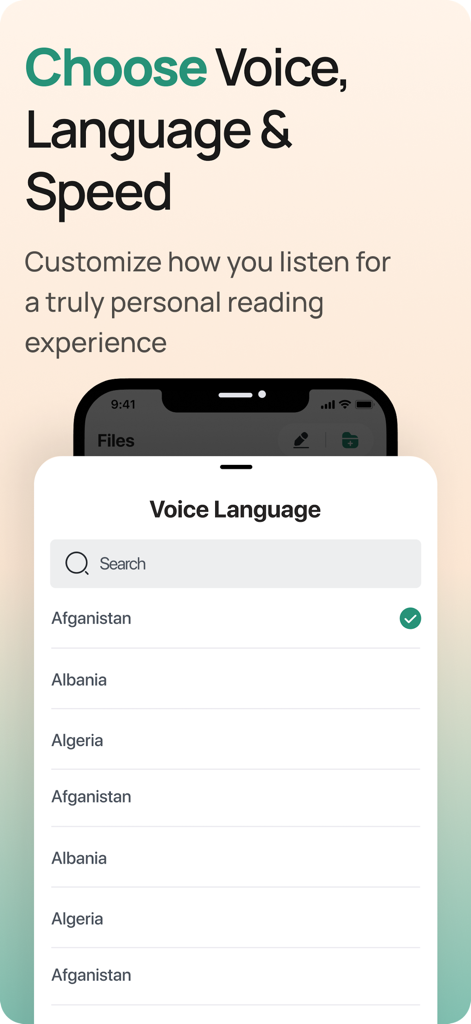
Macwhisper app interface showing the voice language selection menu with a list of countries and a search bar.
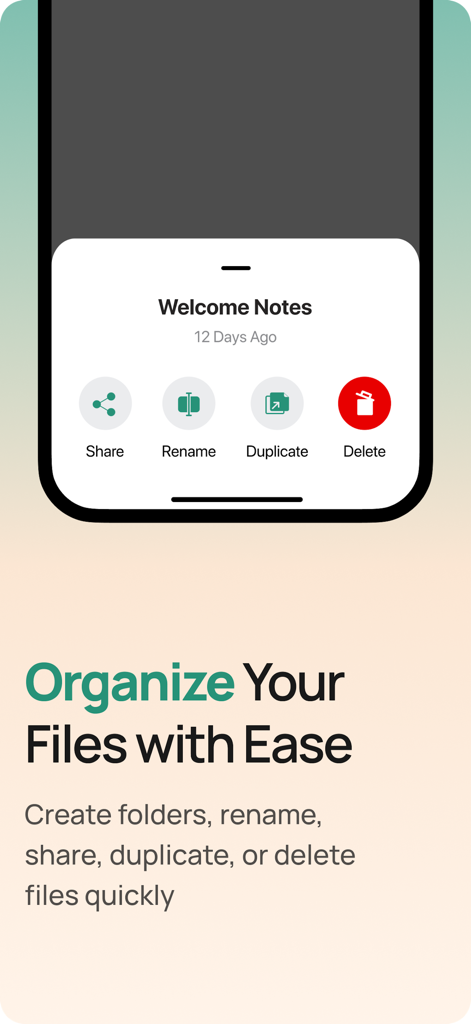
Interface of Macwhisper app showing file management options for organizing and sharing documents
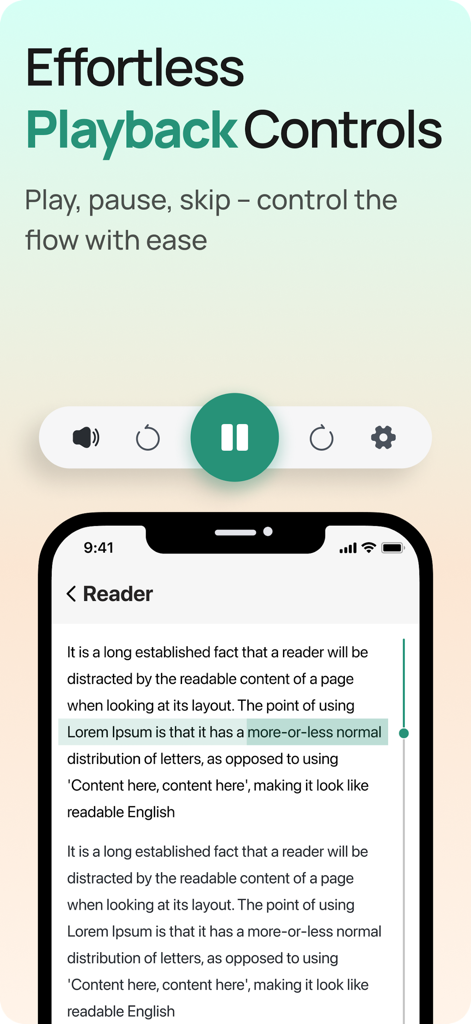
Macwhisper app interface showing text to speech playback controls including play pause and skip features
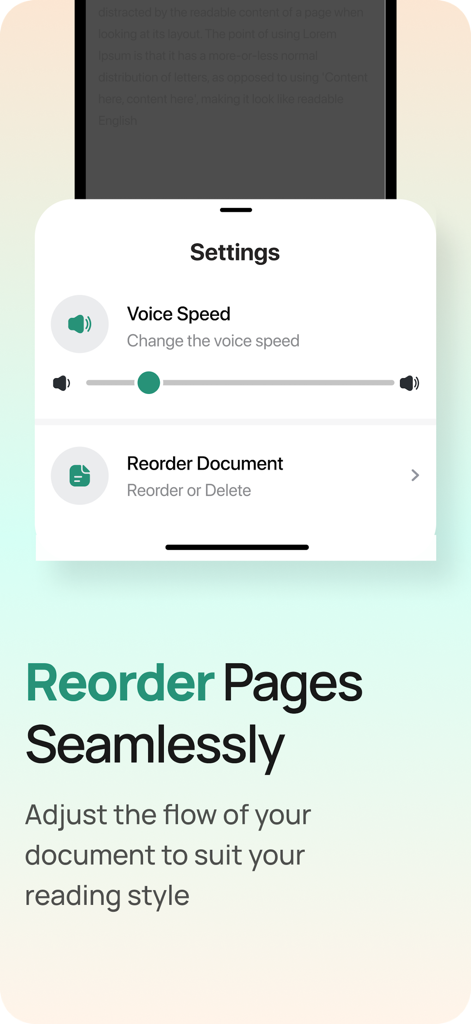
Macwhisper app settings showing voice speed control and document reordering options
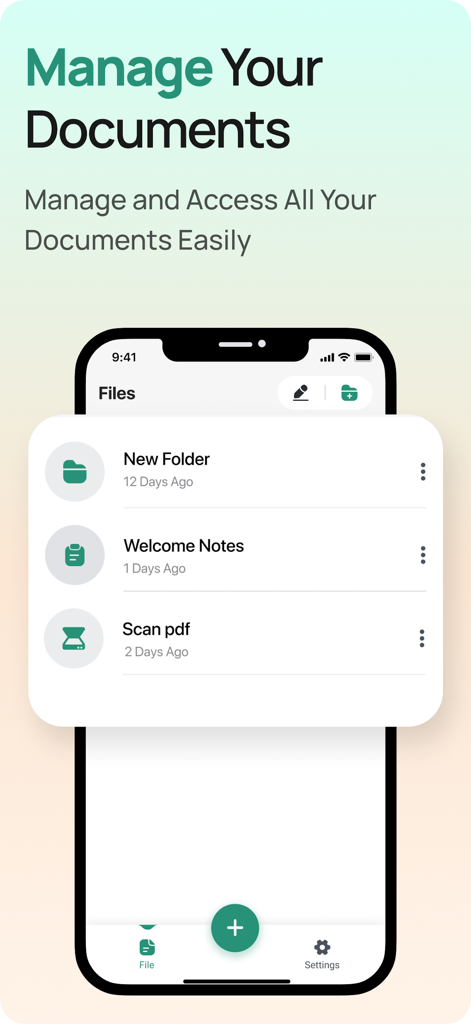
Screenshot of the Macwhisper app document management interface showing a list of files and folders.
Description
Download
More Like This
Top-ranked apps in the same category

Microsoft Teams
Microsoft Corporation

Zoom Workplace
Zoom Communications, Inc.

WhatsApp Business
WhatsApp Inc.

Indeed Job Search
Indeed Inc.

LinkedIn: Network & Job Finder
LinkedIn Corporation

Adobe Acrobat Reader: Sign PDF
Adobe Inc.

WeCom-Work Communication&Tools
Tencent Technology (Shenzhen) Company Limited

BOSS直聘-招聘求职找工作神器
Beijing China Product Bo Farce Network Technology Co., Ltd.

DingDing - Redefine Work in AI
DingTalk Technology Co., Ltd.
This page is not an official page of the app or its developer, but an independent editorial publication created for informational and commentary purposes. Unless expressly stated otherwise, neither the app nor its developer is affiliated with, endorsed by, sponsored by, authorized by, or otherwise officially connected with MWM, Apple, Google Play, the app publisher, or the app's developer, and nothing on this page implies that the app was developed using MWM's services. Any trademarks, logos, screenshots, and other content remain the property of their respective owners.