Makeblock-Play STEM Robots

Makeblock-Play STEM Robots

Download on App Store
Logo of Makeblock-Play STEM Robots

Makeblock-Play STEM Robots: Code, Control, and Create the Future of Play

Transform screen time into a hands-on STEM adventure. From remote control fun to advanced graphical programming, empower your child to build, code, and bring their favorite robots to life.

Publisher

Makeblock Co., Ltd.

Category

Education

Downloads

250K+

User Rating

3.6/5

Total Ratings

200

Locales

14

Your Command Center

Discover the interface used by 250K+ users.
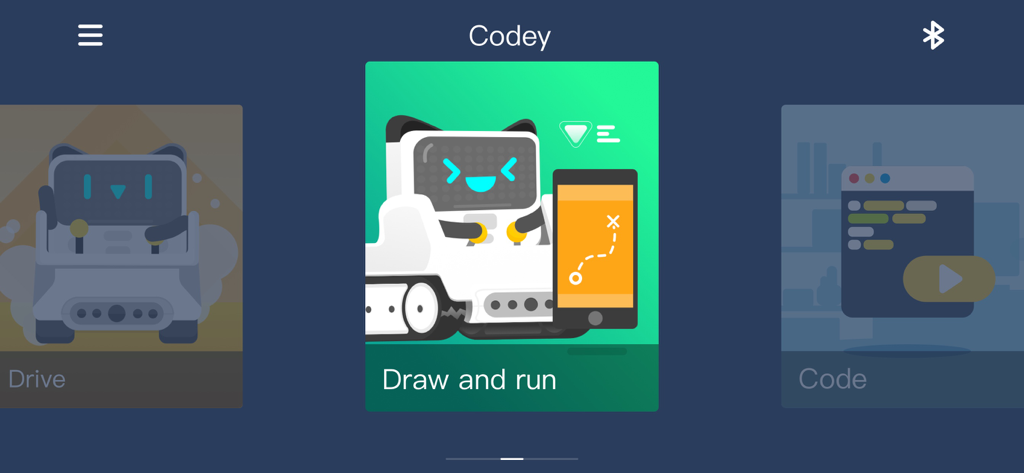
Makeblock app menu for Codey robot showing Draw and Run mode with graphical illustrations.

Makeblock app menu for Codey robot showing Draw and Run mode with graphical illustrations.

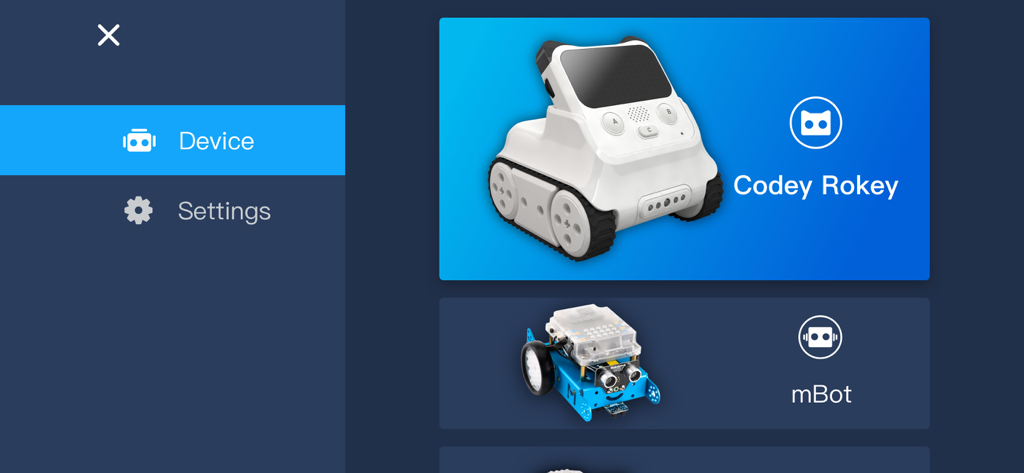
Makeblock app robot selection screen with Codey Rocky and mBot

Makeblock app robot selection screen with Codey Rocky and mBot

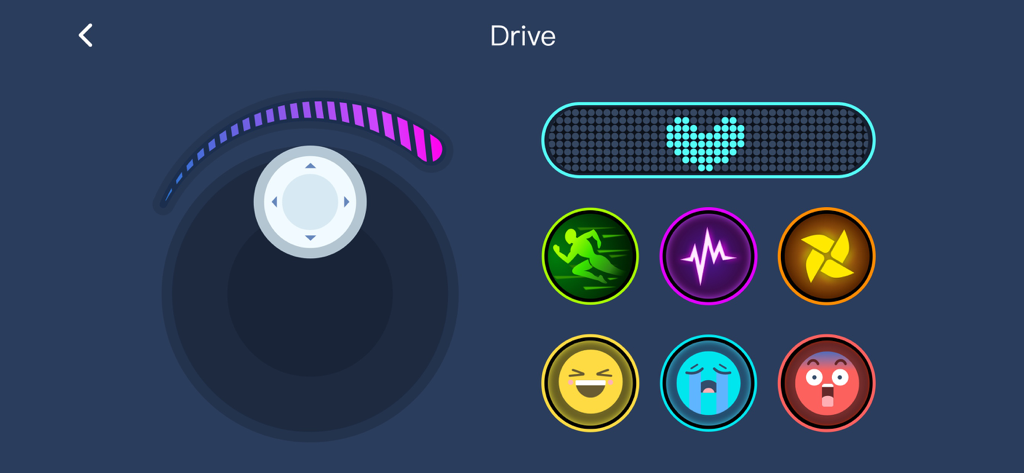
Makeblock app remote control screen with joystick and robot expression buttons

Makeblock app remote control screen with joystick and robot expression buttons

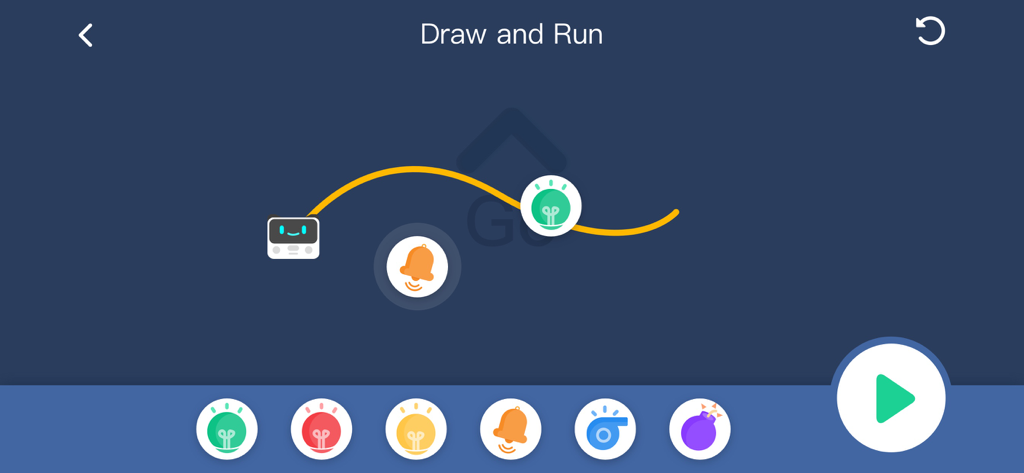
A visual interface for the Draw and Run feature where kids can map out a path and actions for their STEM robot

A visual interface for the Draw and Run feature where kids can map out a path and actions for their STEM robot

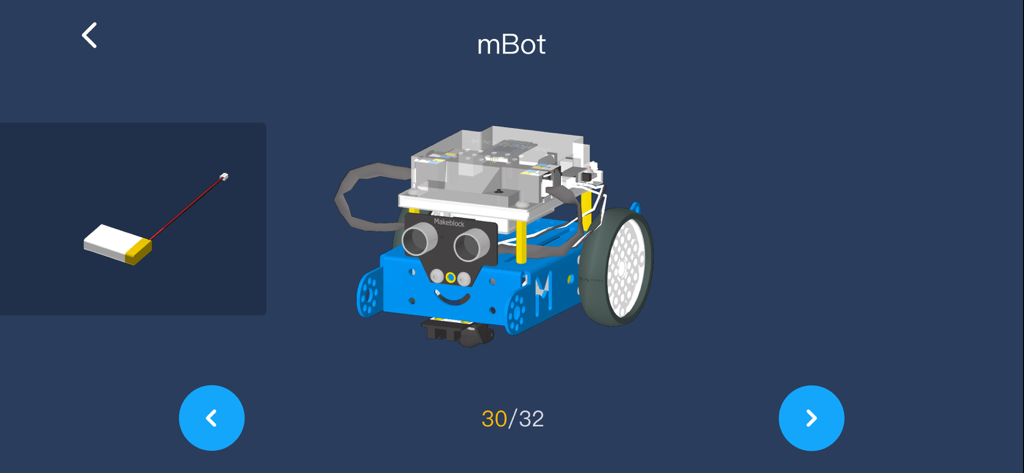
3D building instructions for mBot robot in the Makeblock app

3D building instructions for mBot robot in the Makeblock app

Empower the Next Generation of Creators

The tools that make this app stand out, trusted by 250K+ users.

🕹️

Instant Drive & Play

Start the fun immediately with pre-set controllers. Connect via Bluetooth to drive, sing, and dance with your robots right out of the box using a user-friendly interface designed for kids.

🧩

Visual Block-Based Coding

Master the logic of programming without typing a single line. Drag and drop command blocks to build custom scripts and see your code move in the physical world, not just on a screen.

🎨

Personalized Control Lab

Realize your imagination by designing custom control panels. Program unique buttons and advanced behaviors to turn your robot into a racer, a battle bot, or a programmable performer.

About the app

Everything you need to know about Makeblock-Play STEM Robots.

Description

Makeblock APP is a robot control software in smart devices. Everyone can directly control Makeblock robots using official controller in the software, or creates and programs a specific controller to achieve richer robotic functionality. Makeblock APP gives the user a way to grow. You can use the controller function to control directly, you can also drag the control to create a different multi-function console; advanced users can even programmatically through the control to achieve more complex functions. Features: -Brand New UI Design, User-Friendly Interface. -Stronger Controllability, Simpler Way to Learn STEM:STEM education becomes easy & fun as you can also master robot freely to sing, dance or light. -Create Customized Robot Controller with Graphical Programming: Realize your imagination and control your robot by simply dragging, dropping and programming the command blocks. -Supporting Makeblock Robots: Codey Rocky, MotionBlock, mBot、mBot Ranger、Airblock、Starter、Ultimate2.0 . -Multi-Language User Interface :Chinese, Traditional Chinese, English, Japanese, French, German, Spanish, Russian, Croatian,Polish,Romanian. Support: -You can visit the official website: www.makeblock.com for more information -support email: support@makeblock.cc -Support forum: we.makeblock.com

Latest Version

3.9.0

Size

457.7 MB

First Released

Sep 27, 2014

Ready to Bring Your Robot to Life?

Join over 250,000 young creators. Download the Makeblock app today and turn screen time into a hands-on coding adventure.

Download on App Store

App information, icons, screenshots, and descriptions displayed on this page are sourced from the Apple App Store and are the property of their respective developers. Download estimates and rankings are based on MWM's proprietary models and may not reflect actual figures. This page is provided for informational and analytical purposes only.

Believe this page infringes your intellectual property? File a dispute