
Marine Radar

Transform your iPad or iPhone into a high-definition radar display. Connect seamlessly with the Furuno DRS4W sensor to monitor traffic and weather from anywhere on your boat.
Publisher
Category
NavigationDownloads
213K+User Rating
Total Ratings
0Locales
1Discover the interface used by 213K+ users.
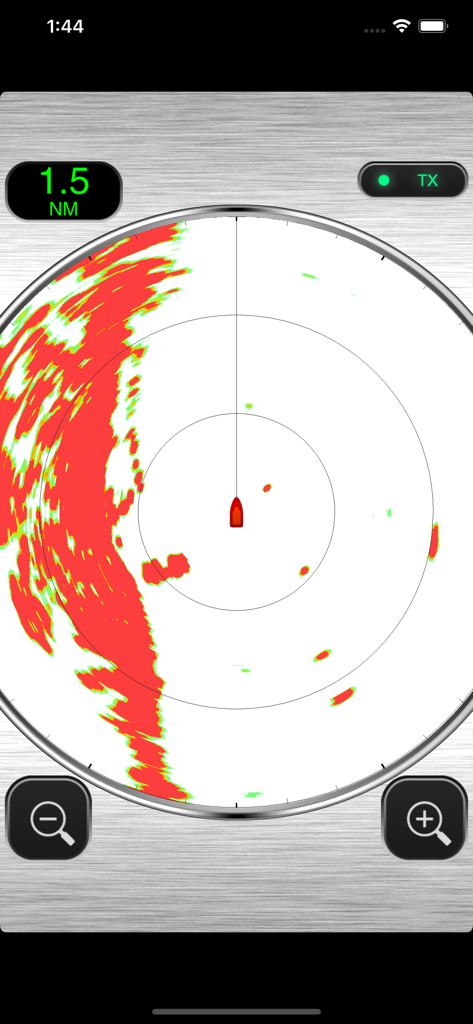
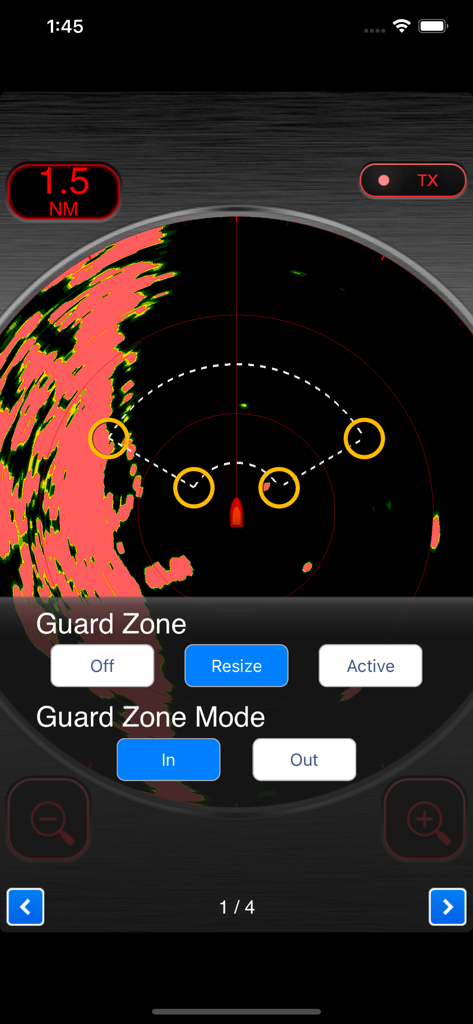
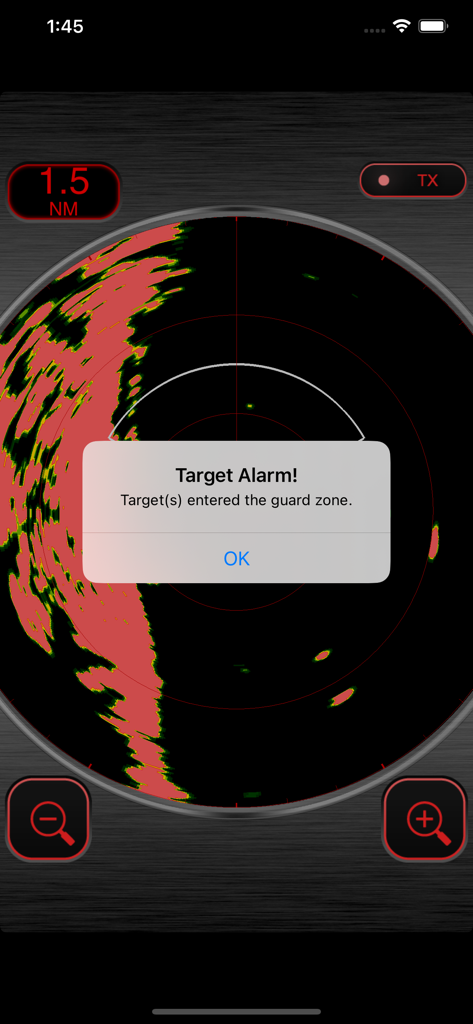
The tools that make this app stand out, trusted by 213K+ users.
Eliminate the hassle of data cables. Your iOS device connects directly to the DRS4W radar sensor for instant, high-definition imaging.
Turn any iPad or iPhone into a mobile command center. Monitor traffic and weather conditions from the cockpit, cabin, or flybridge.
Navigate through fog, rain, or darkness with confidence. Get professional-grade collision avoidance and obstacle detection in the palm of your hand.
Everything you need to know about Marine Radar.
Description
Latest Version
2.1.3
Size
10.8 MB
First Released
Apr 18, 2014
Transform your iPad or iPhone into a professional-grade Furuno display. Download the Marine Radar app today and navigate with the confidence of wireless precision.
Everything you need to know about Marine Radar
The Marine Radar App connects with the Furuno Wireless Radar Sensor DRS4W to display and control radar images directly on iOS devices.
Install the Marine Radar App, connect your iOS device to the DRS4W sensor, and launch the app. Refer to the DRS4W operation manual for detailed setup and procedures.
No, the Marine Radar App assists in navigation but does not replace basic navigation principles or common sense. It is an electronic aid, not a primary tool.
Yes, for use in Japan, the Marine Radar App requires the simultaneous equipment of a FURUNO Chart Plotter, specifically the GP-1x71F model.
The Marine Radar App displays radar images, indicating range (e.g., 1.5 NM) and transmitter status (TX). It shows radar returns as red and green areas on the screen.
Yes, the Marine Radar App includes a Guard Zone feature. Users can activate, resize, and set the guard zone mode (In/Out) through the app interface.
Yes, the Marine Radar App provides a "Target Alarm!" alert. This notification appears when targets enter the configured guard zone.
Top-ranked apps in the same category

Google LLC

waze

AutoNavi Information Technology Co. Ltd.

Beijing Baidu Netcom Science & Technology Co.,Ltd

Moovit App Global LTD

9280-0366 Quebec inc.

Parkmobile USA, Inc

Shenzhen Tencent Computer Systems Company Limited

Ile de France Mobilites
App information, icons, screenshots, and descriptions displayed on this page are sourced from the Apple App Store and are the property of their respective developers. Download estimates and rankings are based on MWM's proprietary models and may not reflect actual figures. This page is provided for informational and analytical purposes only.
Believe this page infringes your intellectual property? File a dispute