
This page is not an official page of the app or its developer, but an independent editorial publication created for informational and commentary purposes. Unless expressly stated otherwise, neither the app nor its developer is affiliated with, endorsed by, sponsored by, authorized by, or otherwise officially connected with MWM, Apple, Google Play, the app publisher, or the app's developer, and nothing on this page implies that the app was developed using MWM's services. Any trademarks, logos, screenshots, and other content remain the property of their respective owners.


Microsoft Warehouse Management
Empower your workforce with a rugged, ergonomic mobile experience. Boost pick accuracy and speed using a tool designed specifically for the warehouse floor—seamlessly integrated with Dynamics 365 Supply Chain Management.
Downloads
21K+User Rating
Total Ratings
0Publisher
Category
BusinessLocales
-Latest Version
3.0.6Size
250.2 MBFirst Released
Apr 20, 2023Built for the Warehouse Floor
Streamline your logistics workflow with a rugged, high-performance tool designed for speed, accuracy, and ease of use in fast-paced fulfillment centers.
High-Speed Input & Scanning
Crush your hourly KPIs with a tailored interface featuring large touch targets and automatic calculators for rapid material handling.
Glove-Friendly Ergonomics
Keep moving in any environment with high-contrast displays for dusty screens and customizable button layouts optimized for one-handed use.
The following screenshots and description are sourced directly from the app's official store listing and are the property of the app developer.
App Store
Screenshots
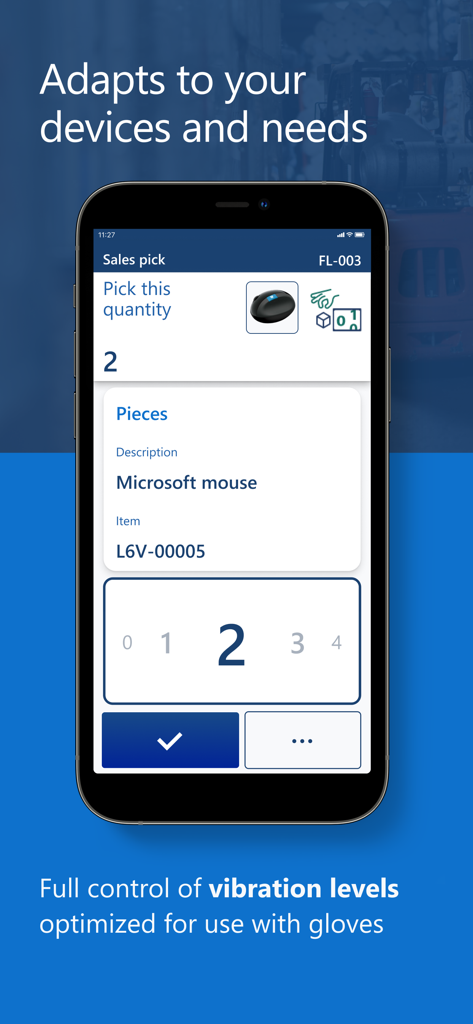
Mobile interface of Microsoft Warehouse Management showing a sales pick screen with large touch targets and product photo
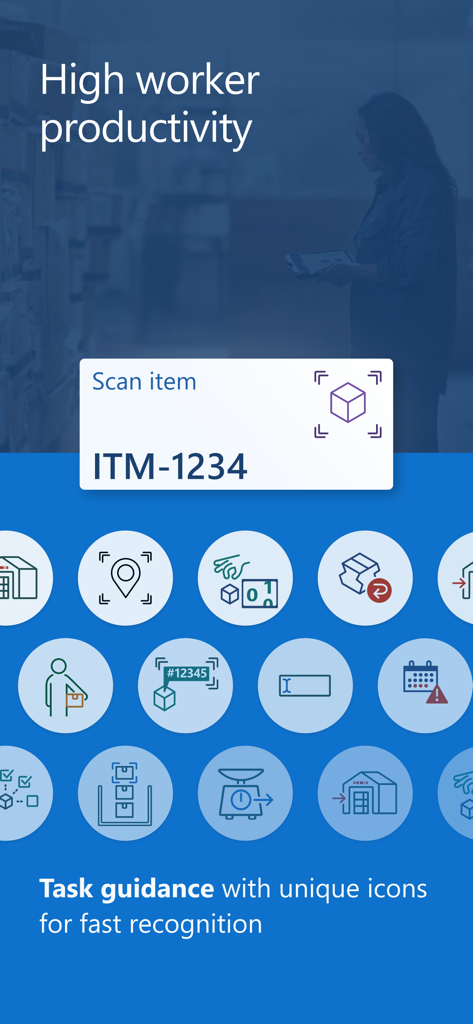
Microsoft Warehouse Management app task guidance screen with clear navigation icons
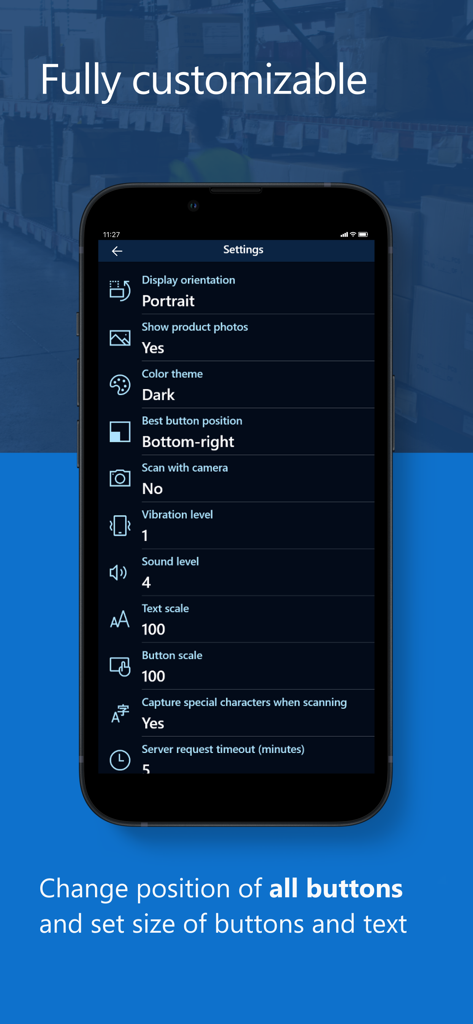
Settings screen of the Microsoft Warehouse Management app showing customization options for button positions and text size
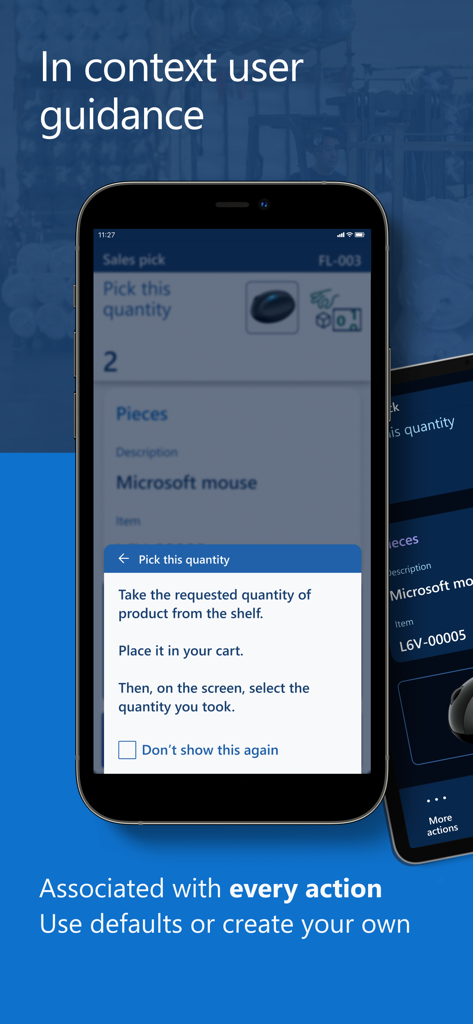
mobile app screen showing step by step instructions for picking items in a warehouse
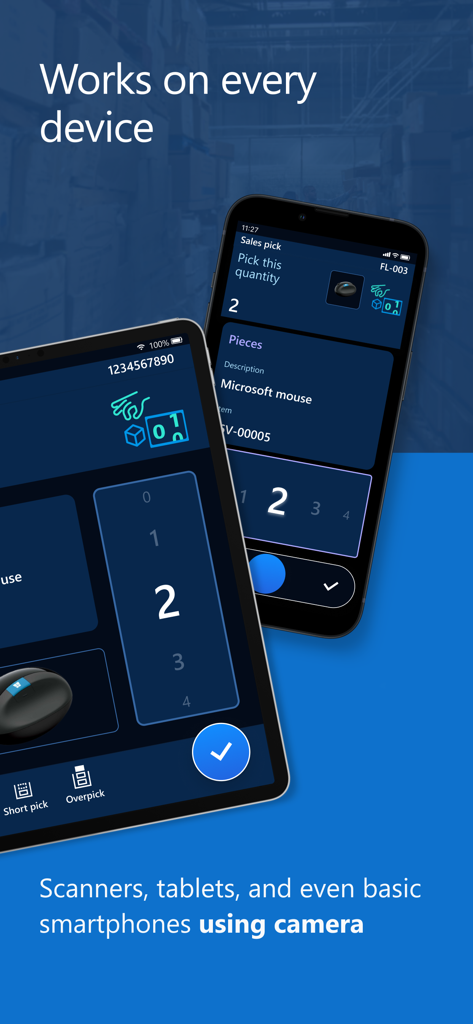
The Microsoft Warehouse Management app interface shown on a smartphone and tablet showcasing cross device compatibility

Microsoft Dynamics 365 Warehouse Management splash screen featuring a forklift in a distribution center
Description
Download
More Like This
Top-ranked apps in the same category

Microsoft Teams
Microsoft Corporation

Zoom Workplace
Zoom Communications, Inc.

WhatsApp Business
WhatsApp Inc.

Indeed Job Search
Indeed Inc.

LinkedIn: Network & Job Finder
LinkedIn Corporation

Adobe Acrobat Reader: Sign PDF
Adobe Inc.

WeCom-Work Communication&Tools
Tencent Technology (Shenzhen) Company Limited

BOSS直聘-招聘求职找工作神器
Beijing China Product Bo Farce Network Technology Co., Ltd.

DingDing - Redefine Work in AI
DingTalk Technology Co., Ltd.
This page is not an official page of the app or its developer, but an independent editorial publication created for informational and commentary purposes. Unless expressly stated otherwise, neither the app nor its developer is affiliated with, endorsed by, sponsored by, authorized by, or otherwise officially connected with MWM, Apple, Google Play, the app publisher, or the app's developer, and nothing on this page implies that the app was developed using MWM's services. Any trademarks, logos, screenshots, and other content remain the property of their respective owners.