
Minipad

Empower early learners to master phonics and spelling with a distraction-free editor. No autocorrect, no complex menus—just clear typography and a focused environment to discover the joy of writing.
Publisher
Category
EducationDownloads
0User Rating
Total Ratings
0Locales
1Discover the interface used by 0 users.
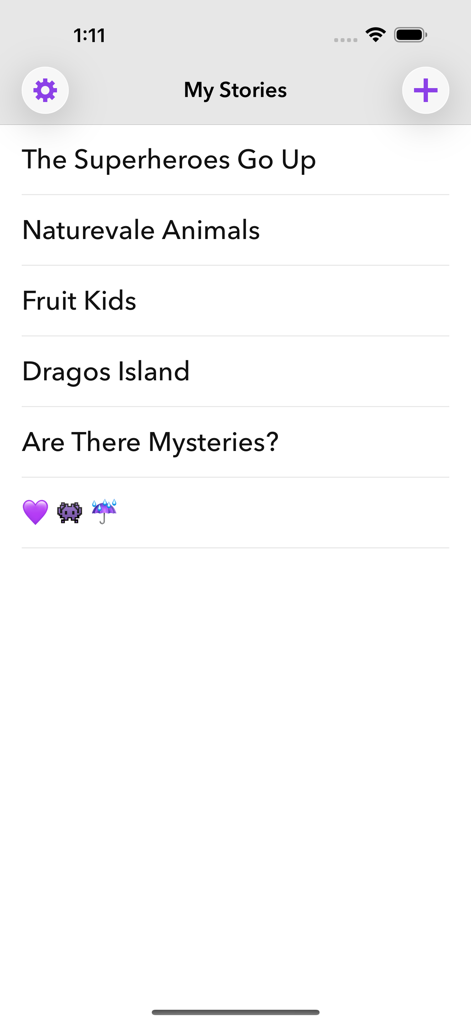
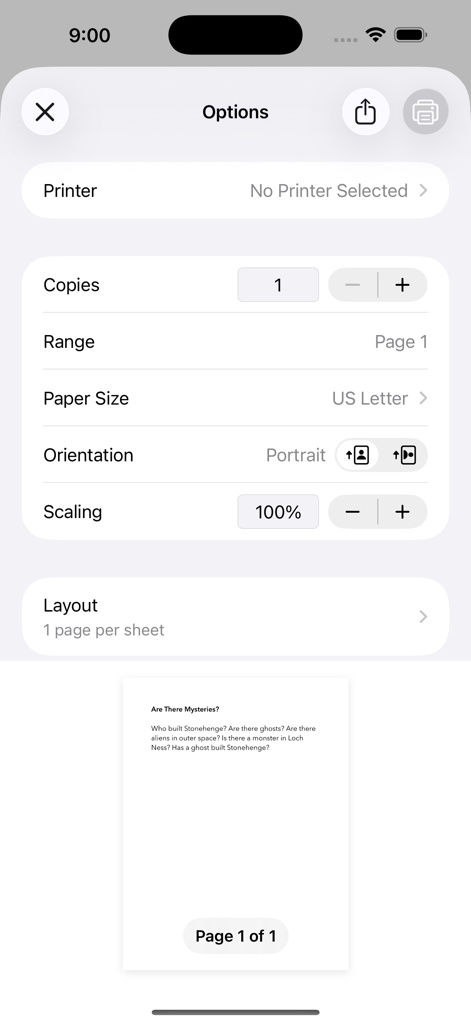
The tools that make this app stand out, trusted by 0 users.
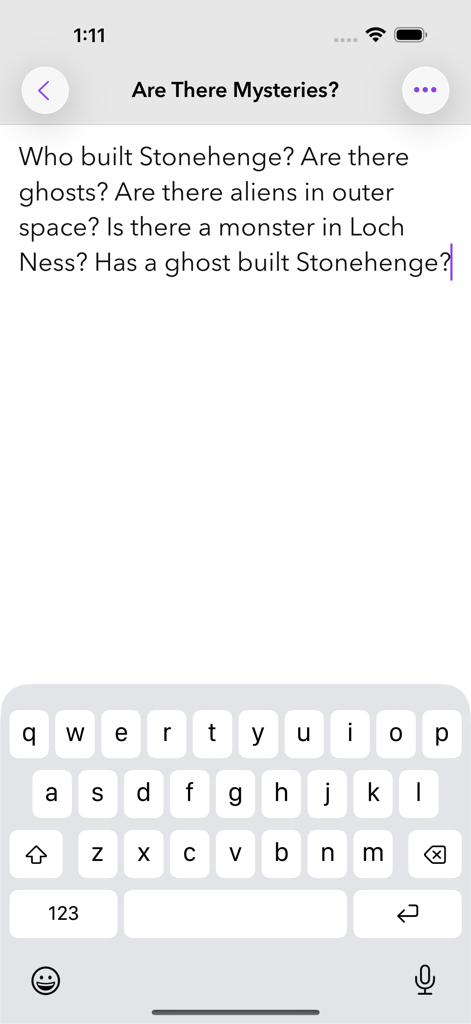
No autocorrect or spell-check interruptions, allowing young learners to master phonics and spelling through productive trial and error.
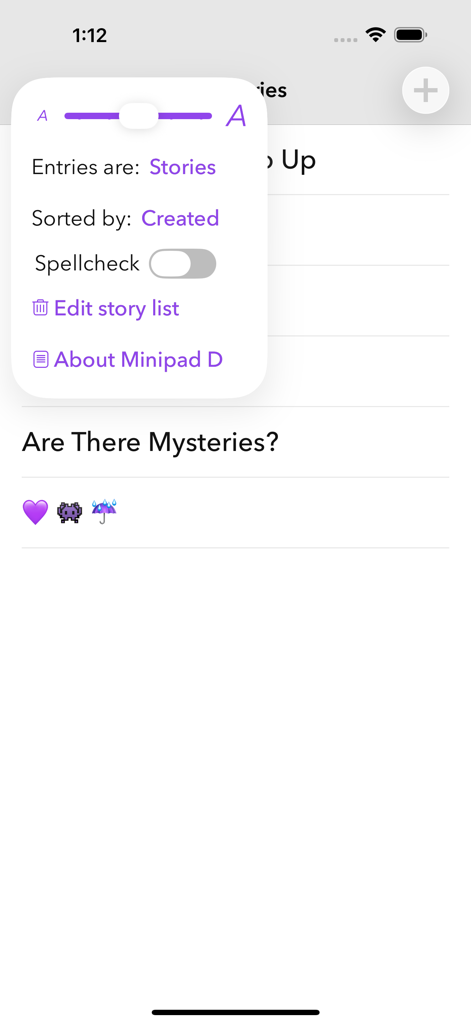
Extra confirmation taps for deletion provide a psychological safety net, ensuring precious stories and notes are never lost to accidental clicks.
High-clarity typography with five adjustable font sizes ensures a comfortable, distraction-free reading and writing experience for all ages.
Everything you need to know about Minipad.
Description
Latest Version
1.9.3
Size
2.7 MB
First Released
Aug 18, 2015
Designed for early learners and focused thinkers alike. Download Minipad today for a distraction-free space where every word matters.
Top-ranked apps in the same category
Duolingo, Inc

DEEP FLOW SOFTWARE SERVICES - FZCO
Toca Boca AB

Wuhan Jiakaobaodian Information Service Co., Ltd.

Google LLC
Guangzhou Polar Future Culture Technology Co., Ltd

GAUTHTECH PTE. LTD.

Brainytrainee Ltd

HELLOTALK FOREIGN LANGUAGE EXCHANGE LEARNING TALK CHAT APP
App information, icons, screenshots, and descriptions displayed on this page are sourced from the Apple App Store and are the property of their respective developers. Download estimates and rankings are based on MWM's proprietary models and may not reflect actual figures. This page is provided for informational and analytical purposes only.
Believe this page infringes your intellectual property? File a dispute