
This page is not an official page of the app or its developer, but an independent editorial publication created for informational and commentary purposes. Unless expressly stated otherwise, neither the app nor its developer is affiliated with, endorsed by, sponsored by, authorized by, or otherwise officially connected with MWM, Apple, Google Play, the app publisher, or the app's developer, and nothing on this page implies that the app was developed using MWM's services. Any trademarks, logos, screenshots, and other content remain the property of their respective owners.

Mirror Drawing Studio
Unlock your creative flow with neon brushes, motion-reactive tools, and 16-way mirroring. Whether you are designing professional patterns or doodling for Zen, achieve masterpiece results in seconds—no subscriptions, no ads, and total privacy.
Downloads
0User Rating
Total Ratings
0Publisher
Category
Graphics & DesignLocales
1Latest Version
1.0Size
1.9 MBFirst Released
Oct 29, 2025Master Every Stroke with Ease
From mindful doodling to professional pattern design, explore a suite of tools built for instant beauty, total privacy, and zero subscriptions.
Instant Radial Symmetry
Create complex mandalas and hypnotic geometric art effortlessly with up to 16-way mirroring that makes every line look perfect.
Pro Pattern Design
Use the real-time tiling canvas to build seamless repeats for textiles, wallpapers, or high-quality digital assets for your side-hustle.
The following screenshots and description are sourced directly from the app's official store listing and are the property of the app developer.
App Store
Screenshots
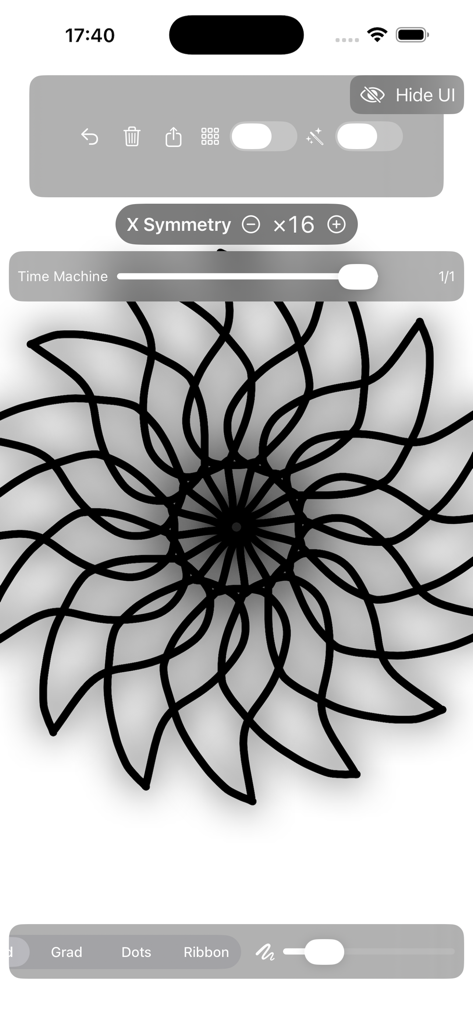
Mirror Drawing Studio app interface with 16x symmetry mandala drawing
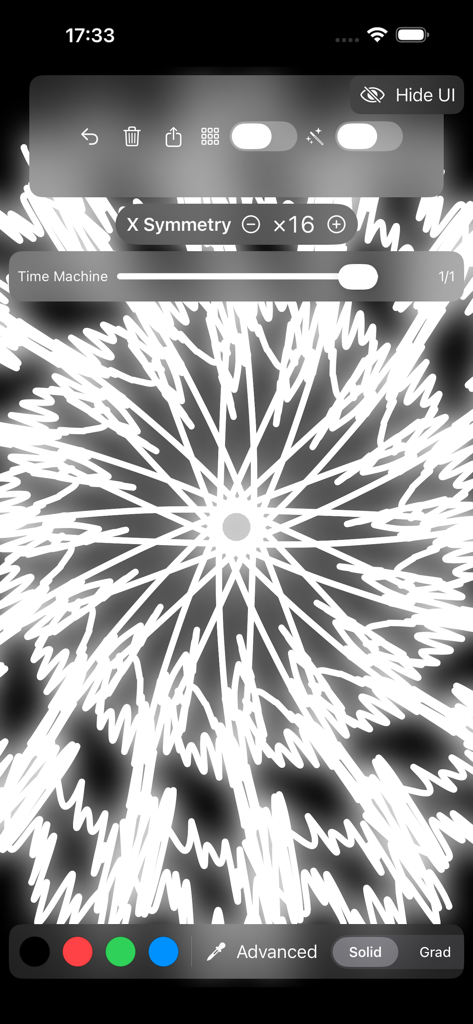
A white symmetrical mandala drawing in the Mirror Drawing Studio app interface with 16 way symmetry enabled.
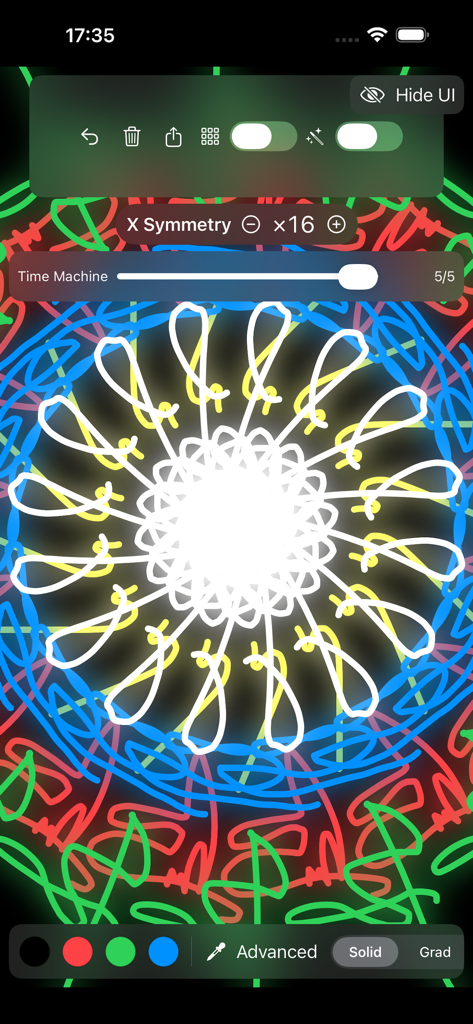
A colorful neon mandala created with 16-way symmetry in the Mirror Drawing Studio app
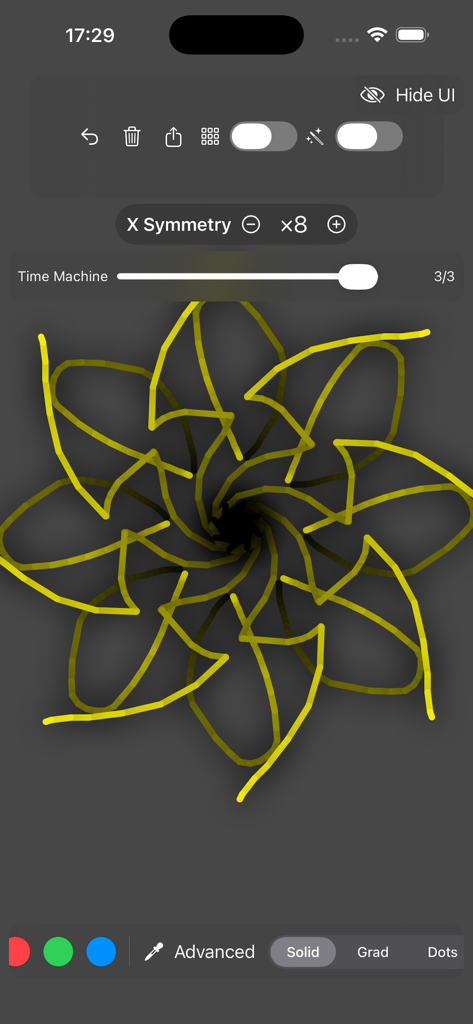
Yellow floral mandala created with eight-way symmetry in Mirror Drawing Studio
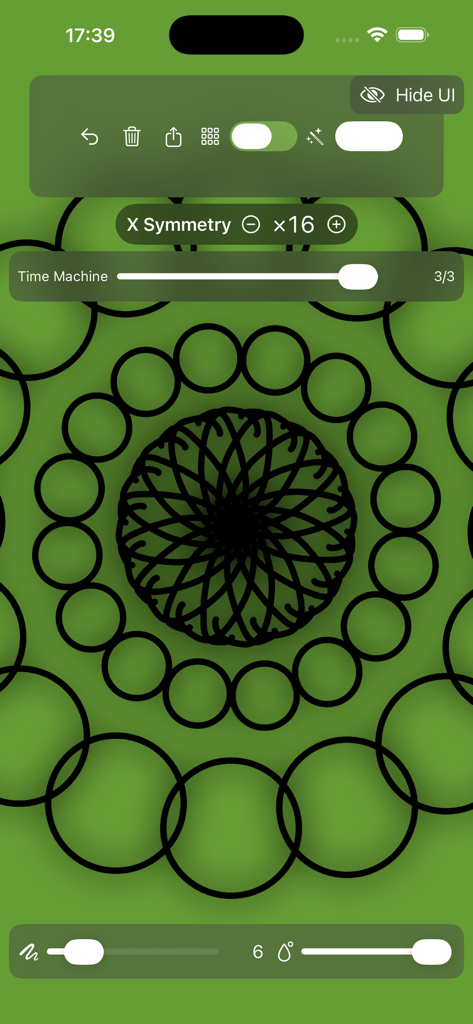
Mirror Drawing Studio app interface showing a black mandala pattern created with 16-way symmetry on a green canvas.
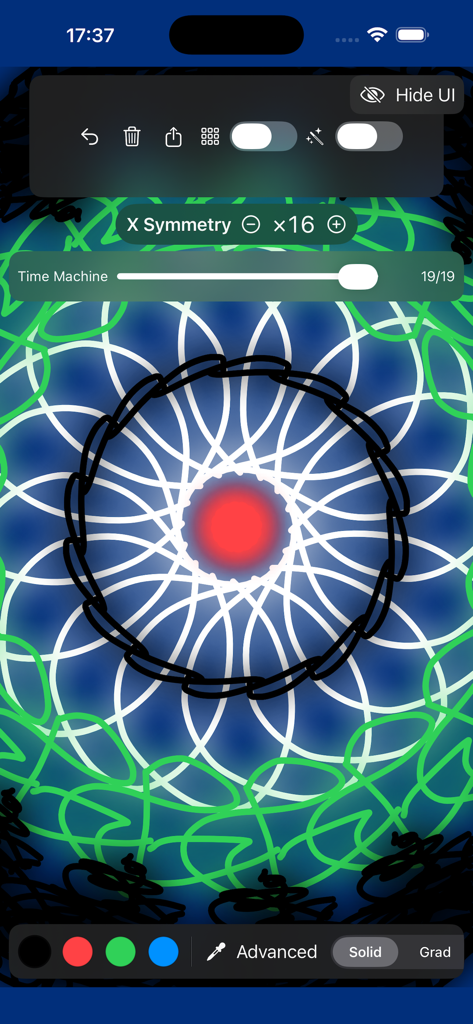
A 16-way symmetrical digital mandala being created in Mirror Drawing Studio showing the Time Machine slider and drawing tools
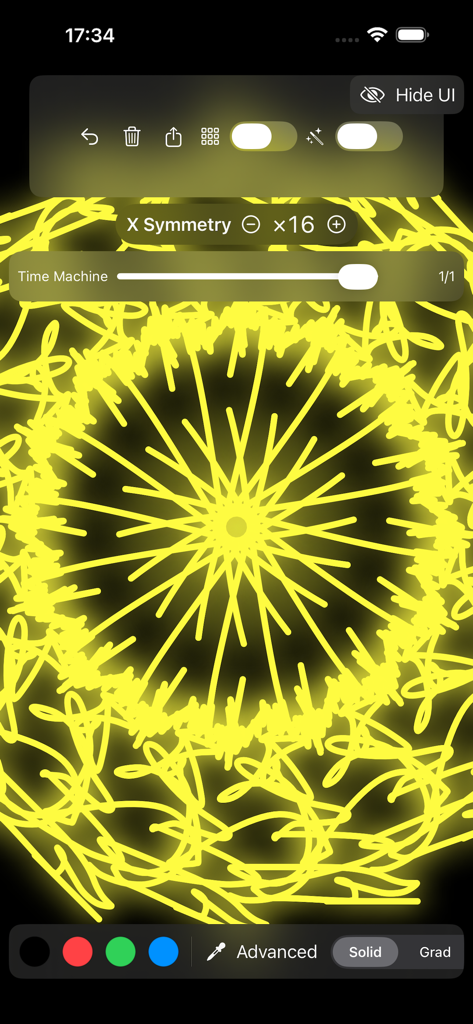
A complex yellow neon mandala created with 16-way symmetry in the Mirror Drawing Studio mobile app interface.
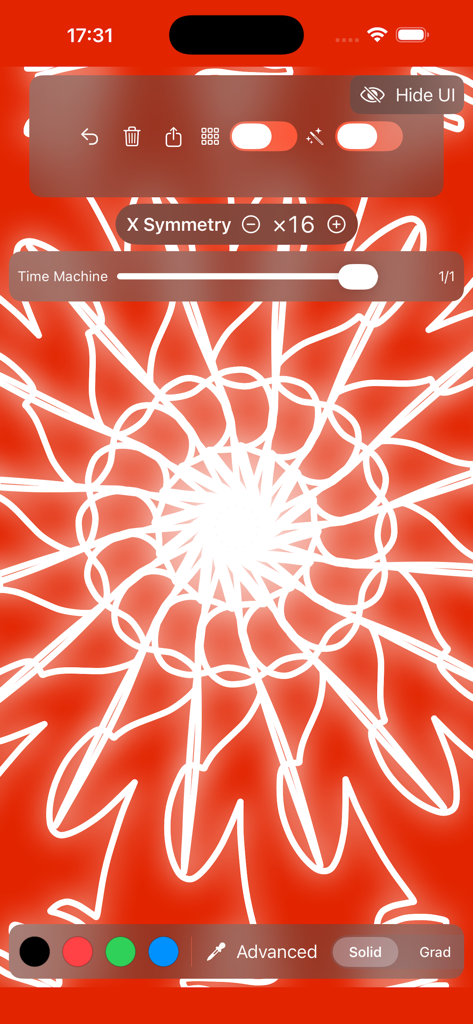
16-way symmetry drawing of a white mandala on a red background in Mirror Drawing Studio
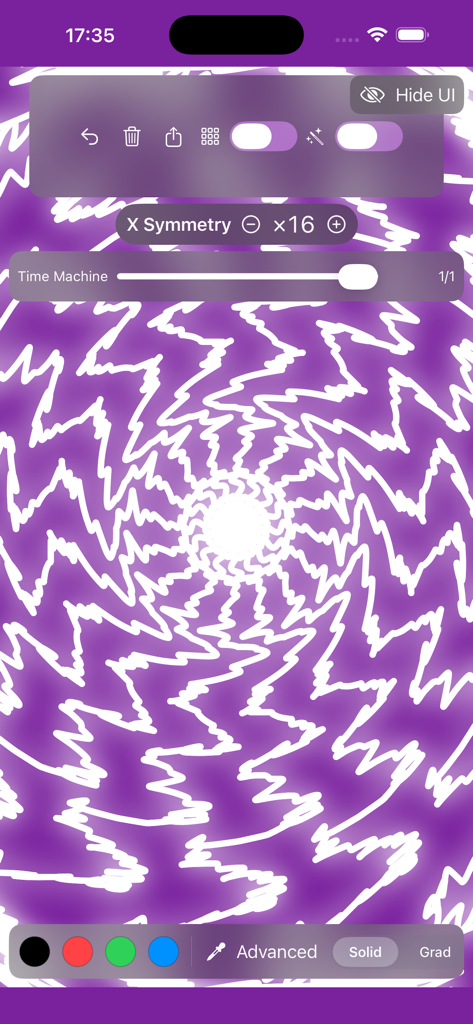
Mirror Drawing Studio interface displaying a purple radial mandala with sixteen way symmetry and drawing tools.
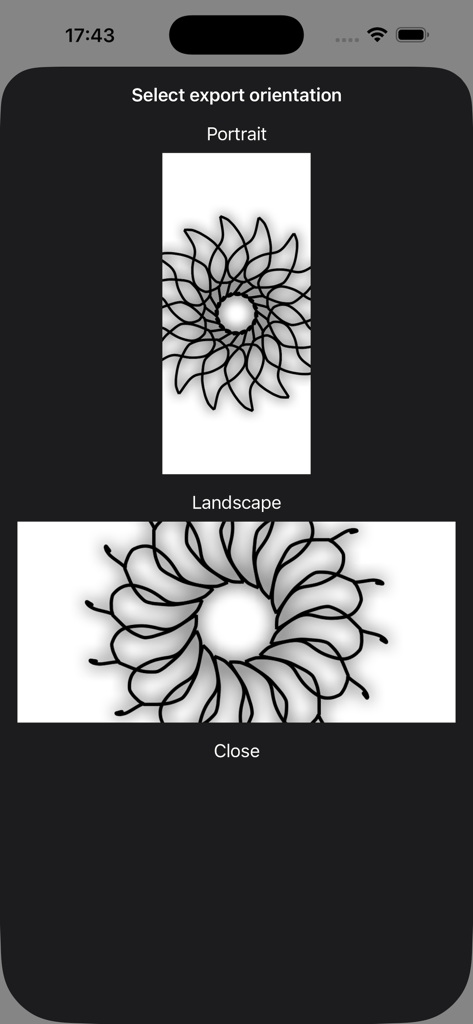
App screen showing portrait and landscape export orientation options for a symmetrical mandala drawing.
Description
Download
More Like This
Top-ranked apps in the same category

Kling AI: AI Image&Video Maker
LOHAS GAMES PTE. LTD.

iScreen - Widgets & Wallpaper
Xiamen ShenZhuo Information Technology Co., Ltd.

Dreamina AI: Image&Video Maker
BYTEDANCE PTE. LTD.

Home AI - AI Interior Design
HUBX YAZILIM HIZMETLERI ANONIM SIRKETI

ibis Paint X
ibis inc.

ThemeKit: Widget & Icon Themes
Woohoo Tech. Ltd.

Sketchbook®
Sketchbook, Inc.

Colorful Widget- Widget&Themes
Guangzhou ZHIFENG Information Technology Co.,Ltd.

ReRoom AI: Interior Design
GM UniverseApps Limited
This page is not an official page of the app or its developer, but an independent editorial publication created for informational and commentary purposes. Unless expressly stated otherwise, neither the app nor its developer is affiliated with, endorsed by, sponsored by, authorized by, or otherwise officially connected with MWM, Apple, Google Play, the app publisher, or the app's developer, and nothing on this page implies that the app was developed using MWM's services. Any trademarks, logos, screenshots, and other content remain the property of their respective owners.