
This page is not an official page of the app or its developer, but an independent editorial publication created for informational and commentary purposes. Unless expressly stated otherwise, neither the app nor its developer is affiliated with, endorsed by, sponsored by, authorized by, or otherwise officially connected with MWM, Apple, Google Play, the app publisher, or the app's developer, and nothing on this page implies that the app was developed using MWM's services. Any trademarks, logos, screenshots, and other content remain the property of their respective owners.


MIT App Inventor
No more gatekeepers. It grants everyone the power to build, not just consume.
Downloads
1M+User Rating
Total Ratings
1.9KPublisher
Category
EducationLocales
1Latest Version
2.78.1Size
57.7 MBFirst Released
Mar 4, 2021An evaluation of key functionalities empowering accessible mobile app development and computational learning.
MIT App Inventor: Core Capabilities Analysis
Blocks-Based Visual Programming
It allows users to construct app logic through intuitive drag-and-drop code blocks, simplifying complex programming concepts and reducing syntax errors for beginners.
Accessible Mobile App Development
The app provides an entry point for individuals without prior coding experience to design, build, and deploy functional mobile applications on Android.
Rich Component Library
This tool features over 60 diverse components, including UI elements, sensors, connectivity options, and multimedia capabilities, enabling the creation of interactive and real-world applications.
Live Testing and Debugging Companion
It allows users to instantly test and debug their projects directly on a mobile device using a companion application, providing immediate feedback during development.
Integrated Educational Resources
The platform offers built-in tutorials, extensive curricula, and guides for workshops, supporting structured learning and educational instruction in computer science principles.
Foundational Computational Thinking
This tool enables learners to grasp core computational thinking and computational action principles through the practical process of building applications.
Frequently Asked Questions
Everything you need to know about MIT App Inventor
What is MIT App Inventor?
MIT App Inventor is an educational tool for learning computational thinking by building mobile apps. It is a premier computer science education platform, used by over one million people globally.
How does the MIT App Inventor companion app function?
The MIT App Inventor companion app allows users to test drive projects, debug blocks code, and showcase their mobile app creations. It serves as a testing and demonstration interface.
Does MIT App Inventor use a traditional programming language?
No, MIT App Inventor uses a blocks-based programming language. This visual approach allows users to design and code their projects without traditional text-based coding.
What types of components are available in MIT App Inventor?
MIT App Inventor offers over 60 components, including user interface elements like buttons and switches, sensors, connectivity features, and multimedia components. These enable diverse app functionality.
Does MIT App Inventor provide learning resources for coding?
Yes, MIT App Inventor provides built-in tutorials for student workshops. It also supports learning through numerous books and curricula available for coding education.
Can MIT App Inventor create interactive games like "Sketch and Guess"?
Yes, MIT App Inventor can create interactive games. The screenshot demonstrates a "Sketch and Guess" game featuring a "Start Game" button, drawing instructions, and a color selection palette.
The following screenshots and description are sourced directly from the app's official store listing and are the property of the app developer.
App Store
Screenshots
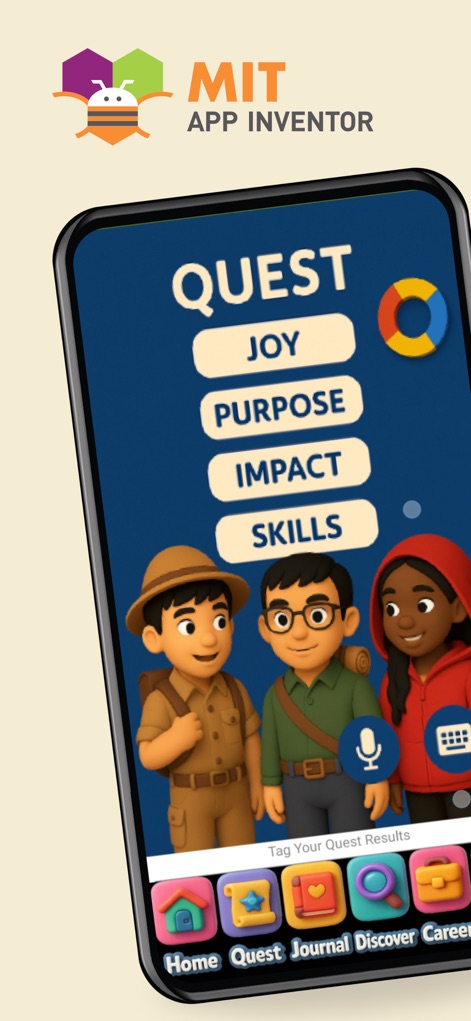
Explore the app's engaging 'QUEST' interface, featuring educational themes and a user-friendly bottom navigation bar for seamless exploration.
Interactive Learning Quests
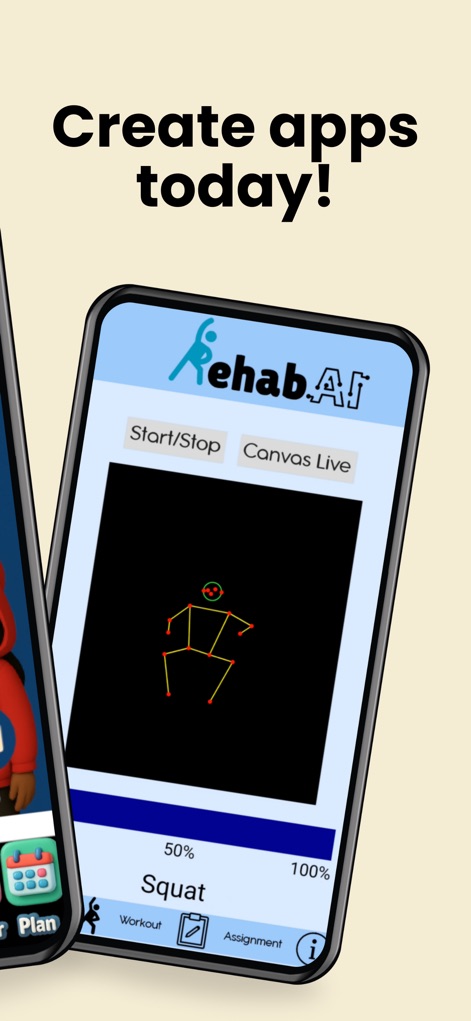
Witness user-created applications like 'Rehab.AI', demonstrating real-time AI capabilities with skeletal tracking and intuitive 'Start/Stop' controls.
Real-World App Showcase
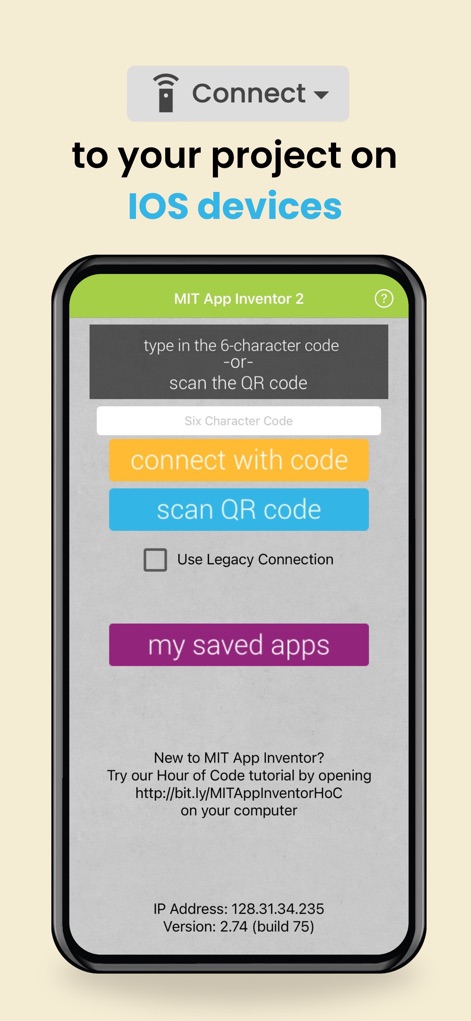
Discover how users can effortlessly connect projects to iOS devices using a QR code scanner or access 'my saved apps' for quick deployment.
Seamless Device Testing
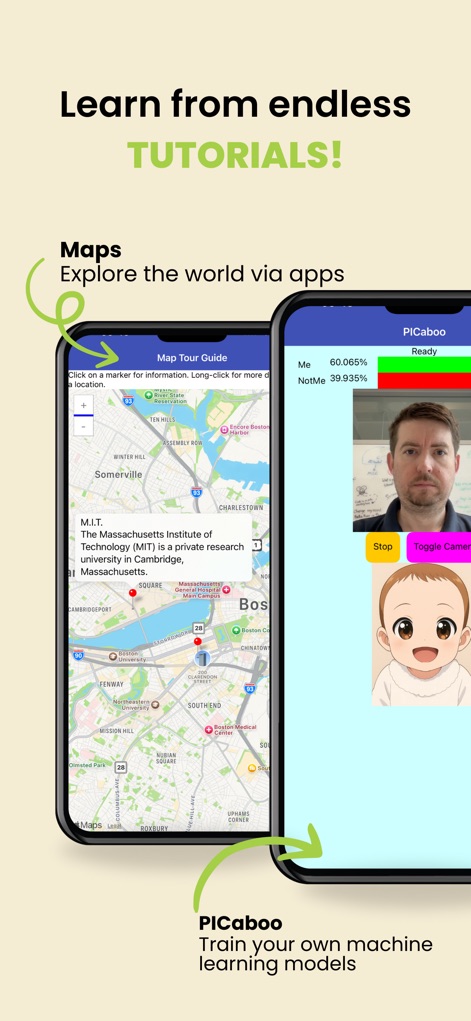
Access a wealth of tutorials demonstrating functionalities such as interactive maps for exploration and PICaboo for training custom machine learning models.
Diverse Tutorial Library
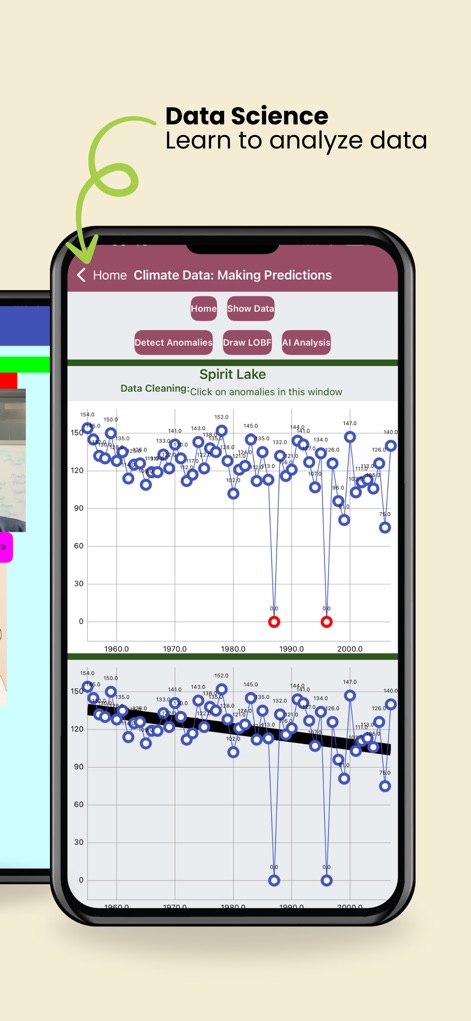
Dive into data science with tools that enable users to analyze climate data through interactive line graphs and utilize features like 'Detect Anomalies'.
Empowering Data Analysis
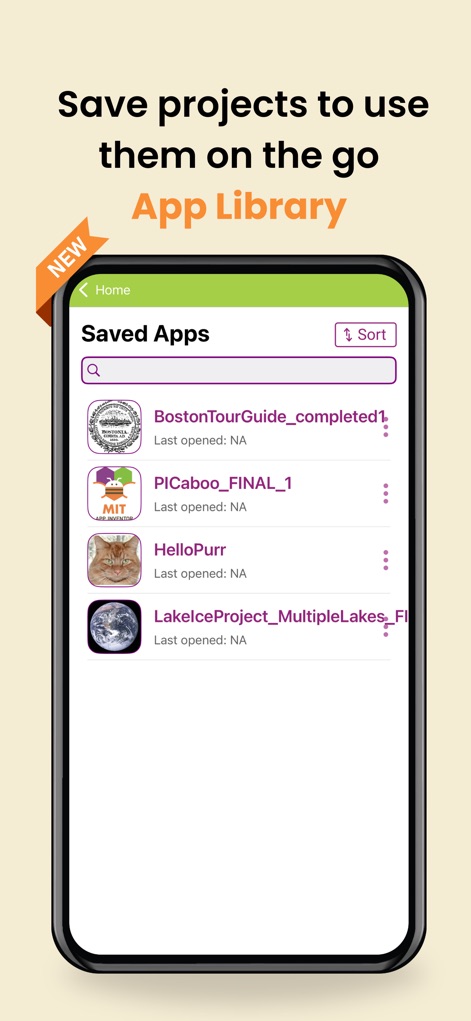
Effortlessly manage and access saved projects within the comprehensive 'App Library', allowing users to sort and revisit their creations anytime.
Organized Project Management
Description
Download
More Like This
Apps with similar features and user experience

codeSpark - Coding for Kids
HomerLearning, Inc.

Hopscotch-Programming for kids
Hopscotch Technologies

OctoStudio: Create-Code-Learn
Massachusetts Institute of Technology

Code Teens: Coding for Kids
Learny Land S.L.

Everything Machine by Tinybop
Tinybop Inc.

核桃编程
Guangdong Walnut Online Non Discipline Training School Co., Ltd

Julian‘s Editor: Create & Play
HORTOR INTERACTIVE TECHNOLOGY PTE. LTD.

Mod Creator for Minecraft
Neuron Fuel, Inc.

The Infinite Arcade by Tinybop
Tinybop Inc.
This page is not an official page of the app or its developer, but an independent editorial publication created for informational and commentary purposes. Unless expressly stated otherwise, neither the app nor its developer is affiliated with, endorsed by, sponsored by, authorized by, or otherwise officially connected with MWM, Apple, Google Play, the app publisher, or the app's developer, and nothing on this page implies that the app was developed using MWM's services. Any trademarks, logos, screenshots, and other content remain the property of their respective owners.