
This page is not an official page of the app or its developer, but an independent editorial publication created for informational and commentary purposes. Unless expressly stated otherwise, neither the app nor its developer is affiliated with, endorsed by, sponsored by, authorized by, or otherwise officially connected with MWM, Apple, Google Play, the app publisher, or the app's developer, and nothing on this page implies that the app was developed using MWM's services. Any trademarks, logos, screenshots, and other content remain the property of their respective owners.

Moonlight
Unlock the full power of your gaming PC on your iPhone or iPad with 120 FPS support. Experience the ultimate open-source client designed for Sunshine, featuring enhanced virtual controls and 4-player local co-op for the most demanding pro gamers.
Downloads
100+User Rating
Total Ratings
0Publisher
Category
GamesLocales
1Latest Version
1.3.4Size
34.9 MBFirst Released
Oct 8, 2025Desktop Performance, Handheld Freedom
The ultimate open-source streaming client for power users. Bring your high-end PC library to your iOS devices with the lowest latency in the industry and pro-grade quality of life updates.
Elite 4K & 120 FPS Fidelity
Unlock the full potential of your iPad Pro. Experience your favorite AAA titles with crystal-clear 4K resolution and buttery-smooth 120Hz refresh rates that rival a local wired connection.
Advanced Input Control
Navigate PC launchers and desktop environments effortlessly with built-in virtual keyboard and gamepad-to-mouse input, solving the biggest pain point of mobile PC streaming.
The following screenshots and description are sourced directly from the app's official store listing and are the property of the app developer.
App Store
Screenshots
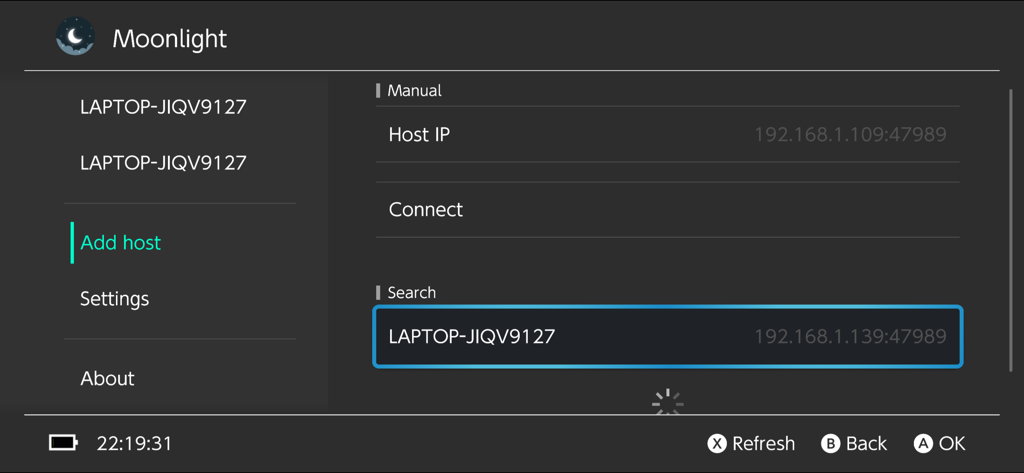
Moonlight game streaming client setup screen for adding a host PC via IP address or local search.
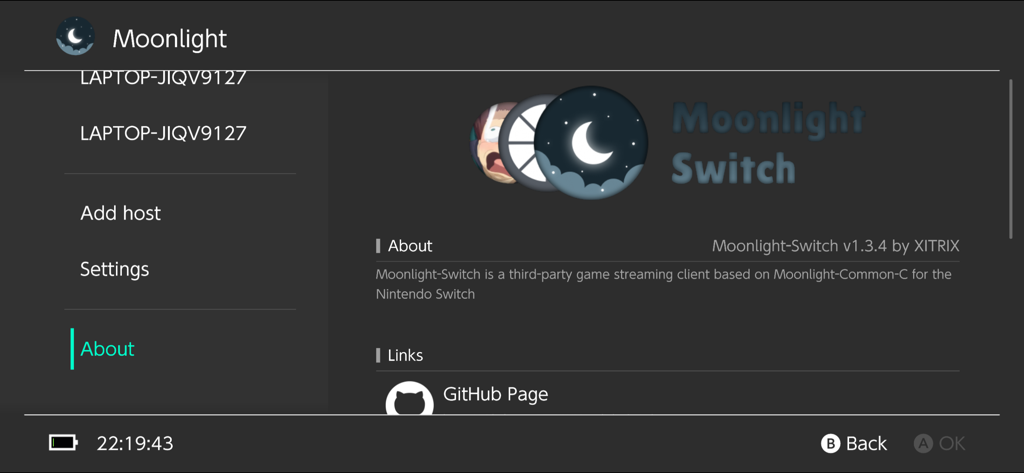
The About page of the Moonlight game streaming client showing version information and GitHub repository link.
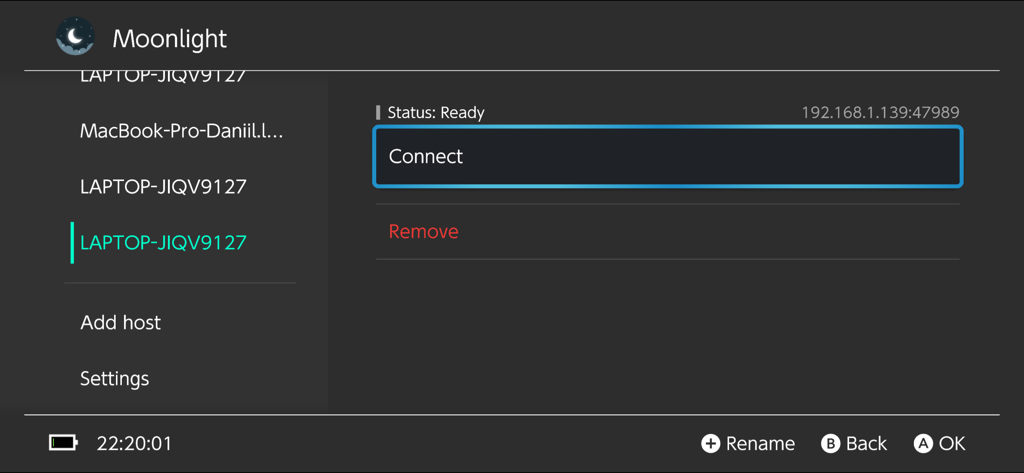
Screenshot of the Moonlight app showing a list of host PCs and a connection screen with status ready
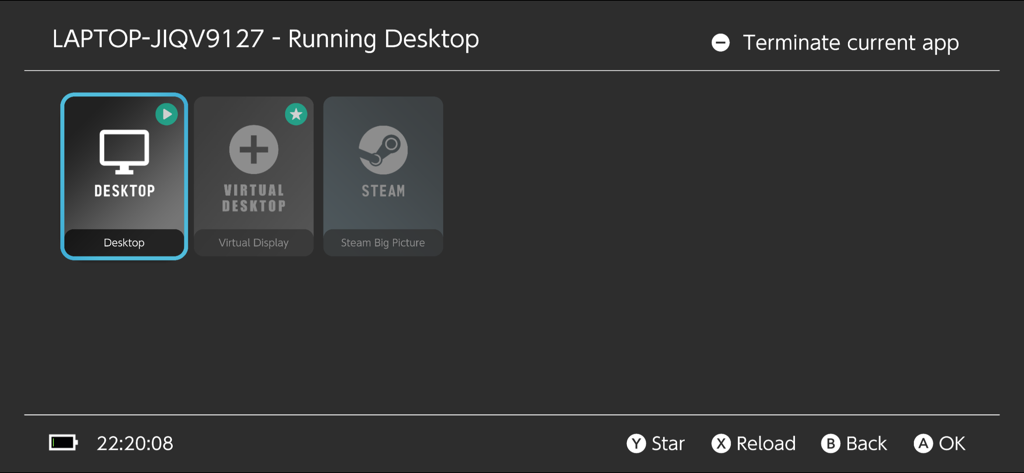
Moonlight app interface showing options to stream Desktop, Virtual Desktop, or Steam from a host PC
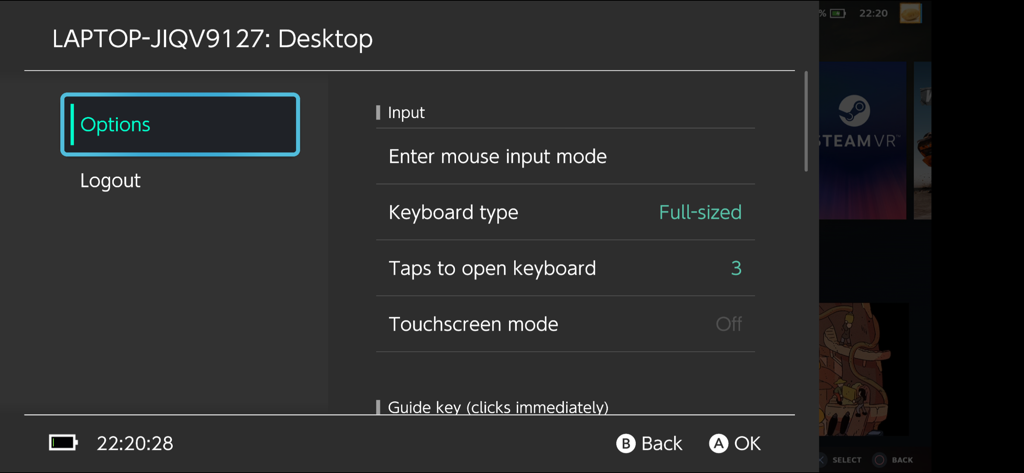
Moonlight app input options menu showing mouse and keyboard configuration settings
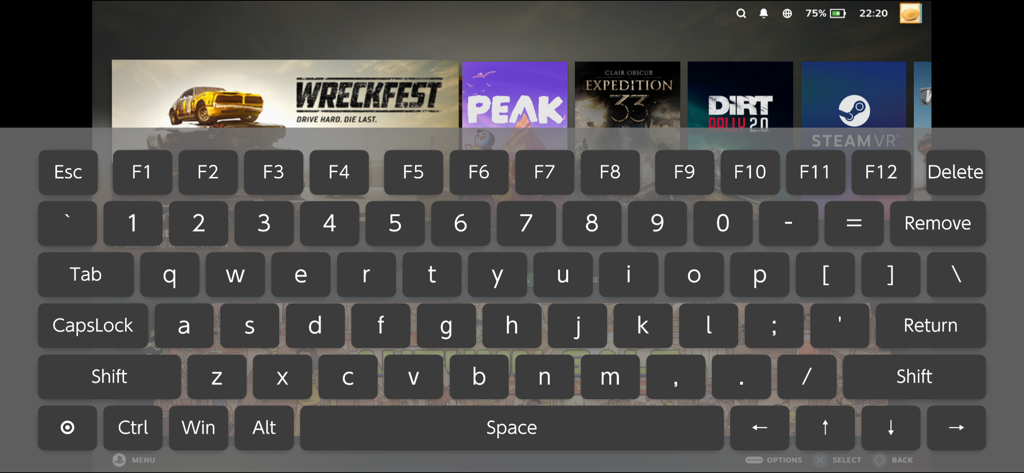
Moonlight app virtual PC keyboard overlay on a mobile game streaming interface
Description
Download
More Like This
Top-ranked apps in the same category

Block Blast!
ARETIS LIMITED

Roblox
Roblox Corporation
Solitaire Associations Journey
Hitapps Games LTD

Rainbow Six Mobile
Ubisoft Nova

Vita Mahjong
VITA STUDIO PTE. LTD.

Subway Surfers
Sybo Games ApS

Disney Solitaire
SuperPlay LTD

Magic Sort!
GRAND GAMES OYUN VE YAZILIM ANONIM SIRKETI

Gossip Harbor®: Merge & Story
Microfun Limited
This page is not an official page of the app or its developer, but an independent editorial publication created for informational and commentary purposes. Unless expressly stated otherwise, neither the app nor its developer is affiliated with, endorsed by, sponsored by, authorized by, or otherwise officially connected with MWM, Apple, Google Play, the app publisher, or the app's developer, and nothing on this page implies that the app was developed using MWM's services. Any trademarks, logos, screenshots, and other content remain the property of their respective owners.