
This page is not an official page of the app or its developer, but an independent editorial publication created for informational and commentary purposes. Unless expressly stated otherwise, neither the app nor its developer is affiliated with, endorsed by, sponsored by, authorized by, or otherwise officially connected with MWM, Apple, Google Play, the app publisher, or the app's developer, and nothing on this page implies that the app was developed using MWM's services. Any trademarks, logos, screenshots, and other content remain the property of their respective owners.


MotionAI: AI Video Filter
Bring your selfies to life with AI dance moves, custom sticker packs, and the viral Baby Podcast. The ultimate one-tap toolkit for Gen Z creators and social trend-setters.
Downloads
70K+User Rating
Total Ratings
600Publisher
Category
Photo & VideoLocales
5Latest Version
2.5.0Size
145.0 MBFirst Released
Jul 3, 2025Create Your Next Viral Moment
Turn ordinary selfies into extraordinary AI-powered videos and stickers that stop the scroll and dominate the social feed.
One-Tap Video Magic
Make your photos move, dance, or pose instantly. Create thumb-stopping content for TikTok and Reels without any editing skills.
Go Viral with Baby Podcast
Join the trend and morph into an adorable baby news anchor or chef. It is the ultimate way to create hilarious, shareable content.
Frequently Asked Questions
Everything you need to know about MotionAI: AI Video Filter
What is MotionAI: AI Video Filter?
MotionAI is an app that transforms photos into live moments and AI videos, enabling users to create cartoons, baby podcasts, tiny worlds, and apply various AI transformations and filters.
Can MotionAI turn photos into videos?
Yes, MotionAI turns photos into live videos. It makes selfies move, dance, walk, pose, or act, creating dynamic content in seconds.
How can I create a baby podcast with MotionAI?
MotionAI creates a baby podcast by transforming your face into an adorable AI-generated baby across different careers and settings directly within the app.
Does MotionAI provide sticker creation from selfies?
Yes, MotionAI generates expressive sticker packs from a single selfie. Users integrate these personalized stickers into chat applications like iMessage, WhatsApp, and Telegram.
What AI transformations does MotionAI: AI Video Filter offer?
MotionAI offers AI transformations including Y2K diva, fantasy hero, and retro star styles. The app applies these bold fashion and aesthetic changes with one tap.
Can I apply cartoon effects to my photos and videos with MotionAI?
Yes, MotionAI applies anime and cartoon effects to both photos and videos. Styles include fairytale, school anime, and manga transformations.
How does the "Tiny Hero" feature work in MotionAI: AI Video Filter?
The "Tiny Hero" feature in MotionAI shrinks users into pocket-sized adventures. It transforms individuals to appear tiny within larger, surreal mini-world scenes.
Does MotionAI: AI Video Filter offer a PRO version?
Yes, MotionAI offers a PRO version. Certain advanced video effects and fashion cover templates are marked "PRO," indicating they are premium features.
Is my data protected when using MotionAI: AI Video Filter?
Yes, user data is protected when using MotionAI. The app provides a dedicated Privacy Policy link, detailing its data handling and protection practices.
How many downloads does MotionAI: AI Video Filter have?
MotionAI has over 100 million trusted downloads. It also holds a top 1 ranking as a photo and video filter, showcasing its widespread use.
Can MotionAI: AI Video Filter transform body shapes?
Yes, MotionAI can transform body shapes. The "Crush Video" feature visibly demonstrates altering a person's physique from their original state.
How do I access different video effects in MotionAI?
Users access different video effects in MotionAI through categorized tabs like "Video" and "Effect," which include options such as "Action video," "fitness," "Fashion," and "Filter."
Does MotionAI: AI Video Filter support 3D avatar creation?
Yes, MotionAI supports 3D avatar creation. The "3D Avatar" feature specifically allows users to transform their original photos into detailed, animated 3D avatar representations.
The following screenshots and description are sourced directly from the app's official store listing and are the property of the app developer.
App Store
Screenshots
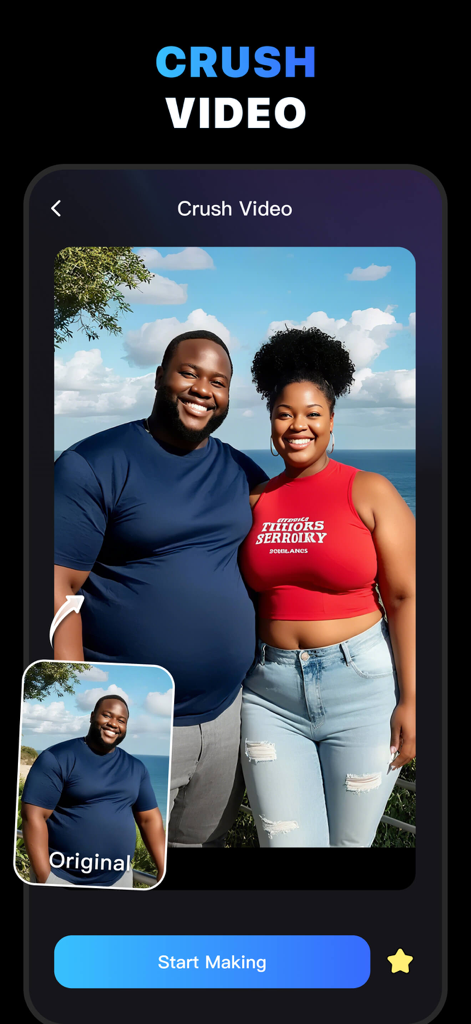
MotionAI app interface displaying the Crush Video feature to transform single photos into couple videos.
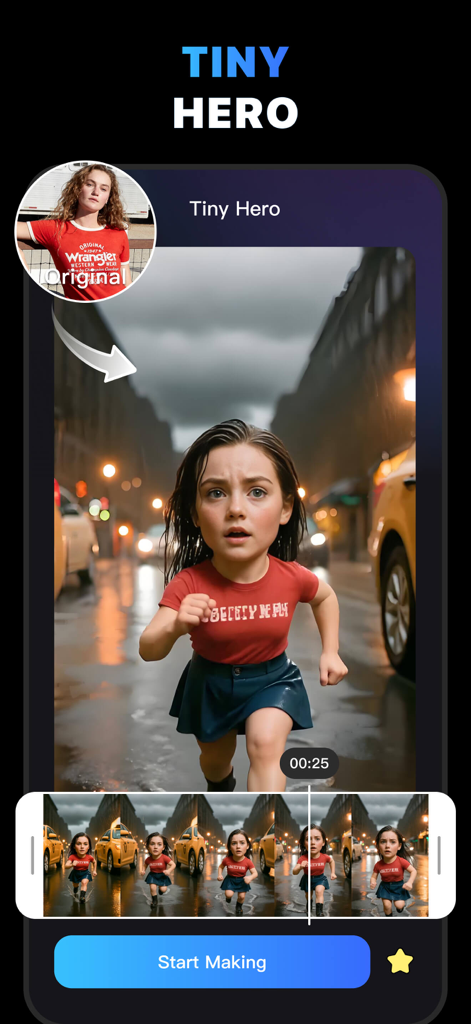
A screenshot of the MotionAI app showing the Tiny Hero filter transforming a selfie into an AI video of a miniature character running through a city street.
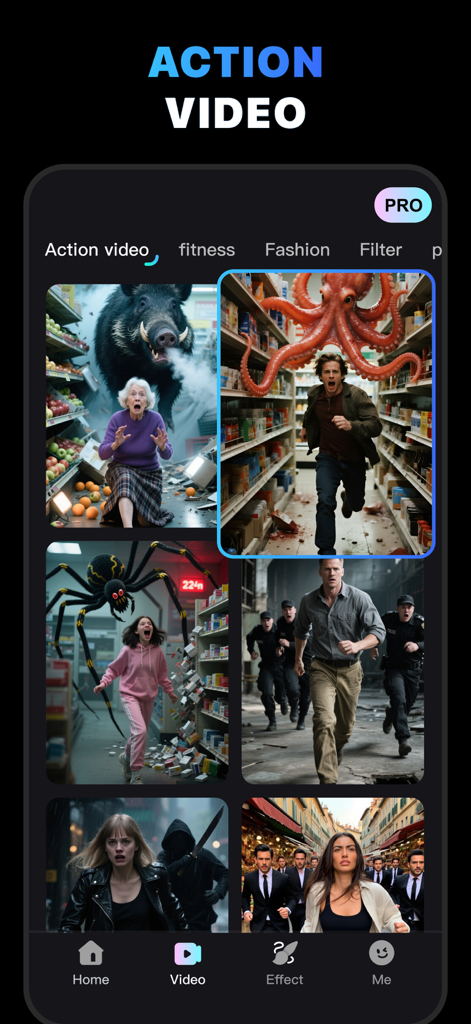
A mobile app screen for MotionAI showing various AI generated action video templates with people in dramatic chase scenes involving giant monsters and creatures
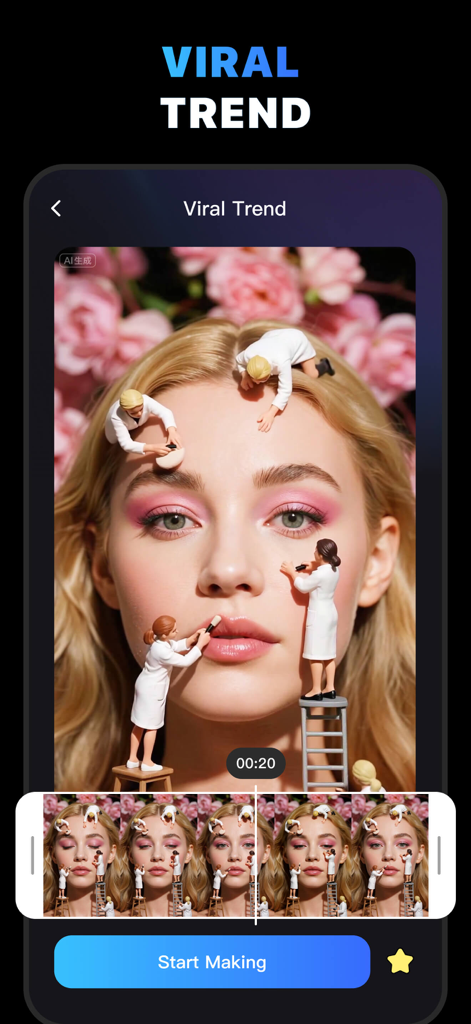
MotionAI app interface showing a viral mini world filter with tiny people working on a woman's face
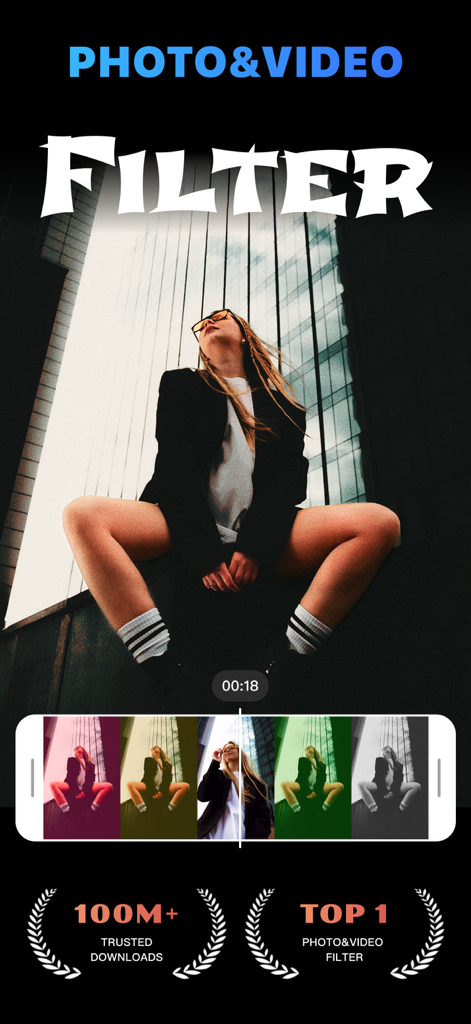
A woman using the MotionAI app to apply various creative photo and video filters
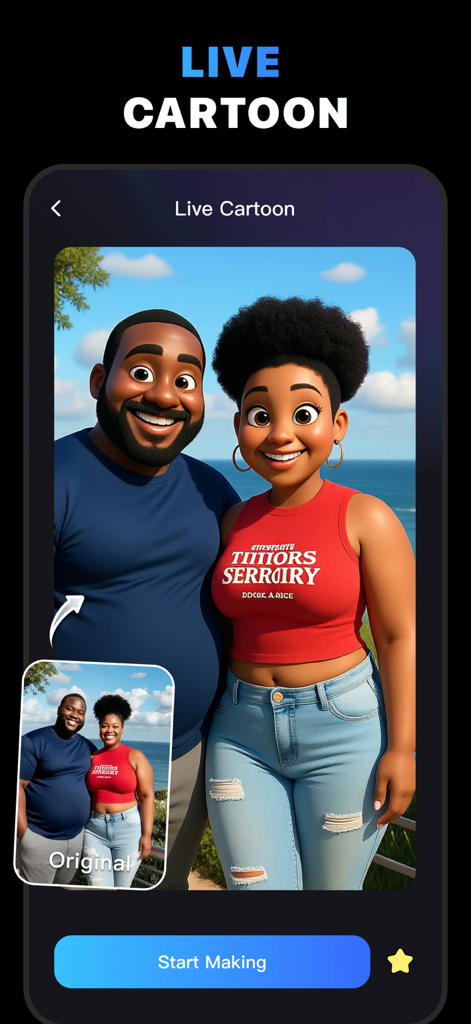
MotionAI app interface showing a real photo of a couple transformed into a 3D cartoon style.
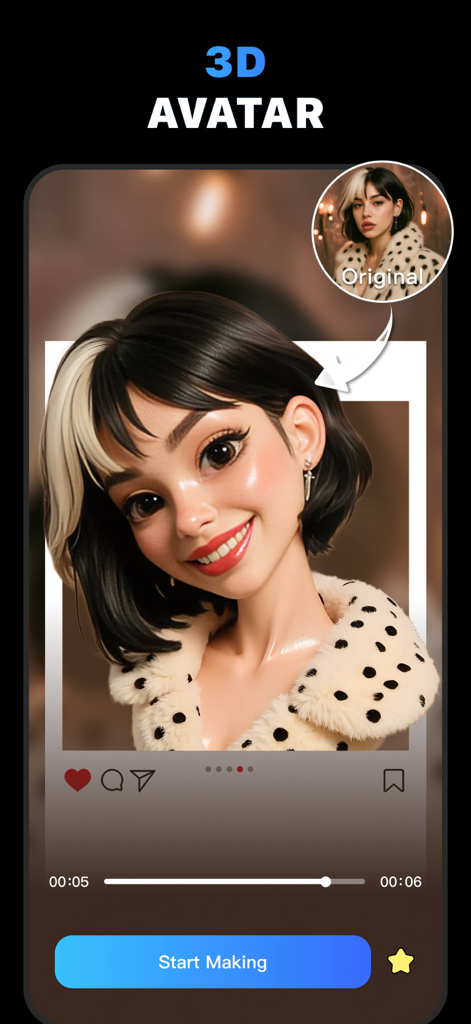
3D cartoon avatar of a woman with bicolor hair created with MotionAI app filter
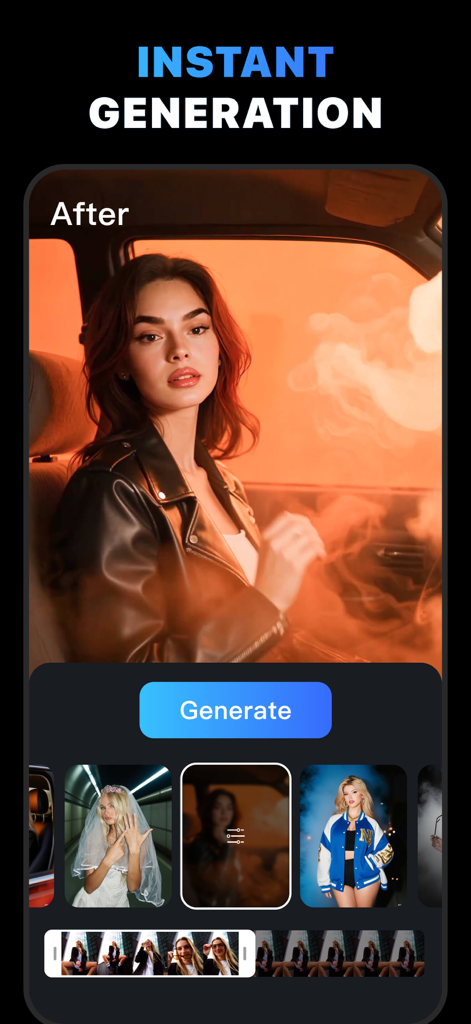
MotionAI app interface showing instant AI video generation with cinematic filters
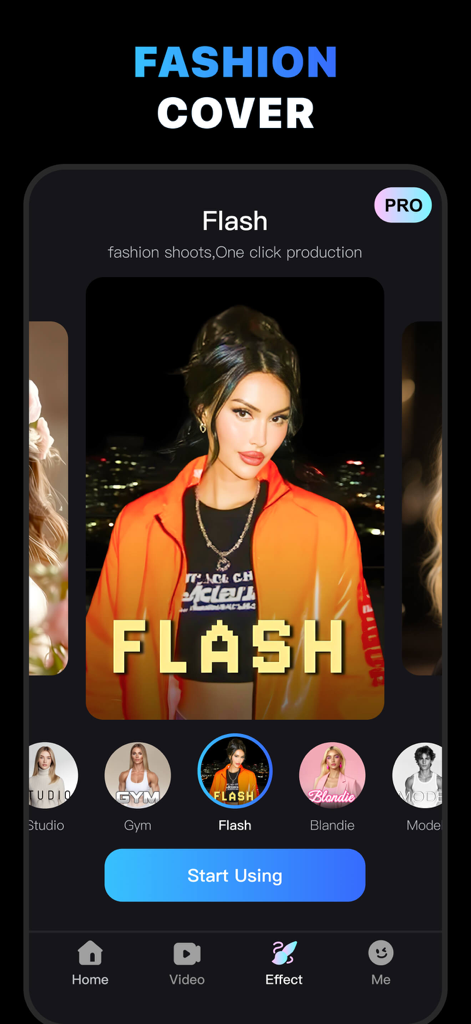
App interface showing a fashion cover video filter called Flash with an AI generated portrait of a woman in an orange jacket
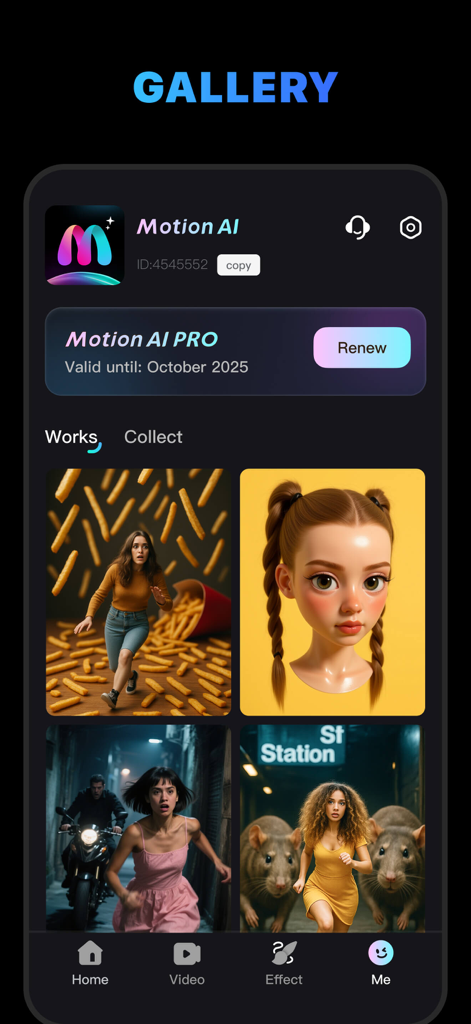
MotionAI app gallery showing user profile and creative AI generated video effects.
Description
Download
More Like This
Apps with similar features and user experience

Gizmo: Make Gizmos
Atma Sciences, Inc

Parody AI - Funny Video Maker
Screencat Labs Inc.

AI换脸-一键视频换脸换装制作
强 孙

Avatarify: AI Face Animator
Avatarify, Inc.

My Talking Pet
Sharemob LLC

换脸秀-AI换脸支持自定义,AI写真
昌荣 于

Woola-AI photo intelligent
Beijing Knowledge Burning Education Technology Co., Ltd.

繁彩特效-照片唱歌写真大片
Guangzhou Hutui Network Technology Company Limited

FaceAi - Reface & Dream Face
BE RISE COMPANY LIMITED
This page is not an official page of the app or its developer, but an independent editorial publication created for informational and commentary purposes. Unless expressly stated otherwise, neither the app nor its developer is affiliated with, endorsed by, sponsored by, authorized by, or otherwise officially connected with MWM, Apple, Google Play, the app publisher, or the app's developer, and nothing on this page implies that the app was developed using MWM's services. Any trademarks, logos, screenshots, and other content remain the property of their respective owners.