
This page is not an official page of the app or its developer, but an independent editorial publication created for informational and commentary purposes. Unless expressly stated otherwise, neither the app nor its developer is affiliated with, endorsed by, sponsored by, authorized by, or otherwise officially connected with MWM, Apple, Google Play, the app publisher, or the app's developer, and nothing on this page implies that the app was developed using MWM's services. Any trademarks, logos, screenshots, and other content remain the property of their respective owners.


삼성증권 mPOP Tab (태블릿 전용)
Maximize your investment potential with a spacious, data-rich interface designed exclusively for tablets. Experience crystal-clear charts, real-time market monitoring, and seamless order execution on a layout built for serious investors.
Downloads
36K+User Rating
Total Ratings
100Publisher
Category
FinanceLocales
2Latest Version
1.0.30Size
110.2 MBFirst Released
May 20, 2022A Professional Trading Suite on Your Tablet
Experience the power of a desktop-class trading environment optimized for the larger screen, allowing you to analyze and trade Korean and Global markets with precision.
Panoramic Market Analysis
View your entire watchlist at a glance with a layout that mimics a professional trading floor, making the most of your tablet's screen real estate.
Split-Screen Execution
Stop switching tabs. Place orders instantly while keeping your eye on real-time candle charts and detailed stock information on a single, wide interface.
The following screenshots and description are sourced directly from the app's official store listing and are the property of the app developer.
App Store
Screenshots

A tablet displaying a stock market candle chart in dark mode using the Samsung Securities mPOP Tab app interface

Light and dark mode interface of the Samsung Securities mPOP tablet app
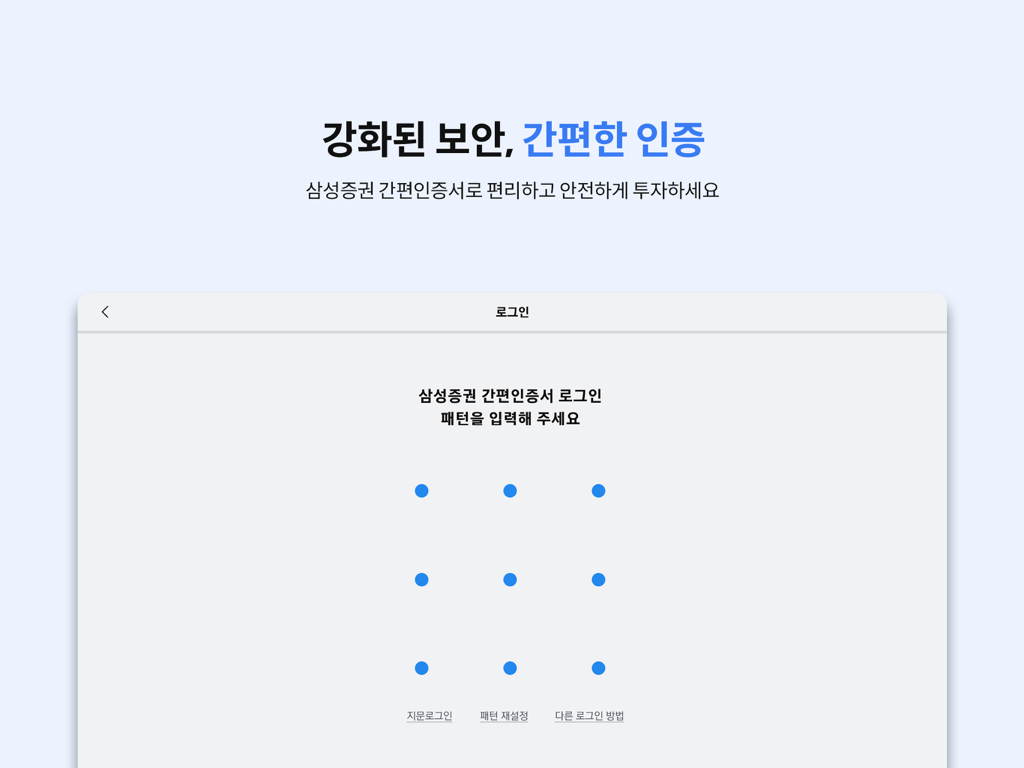
Samsung Securities mPOP Tab app login screen featuring a 3x3 dot grid for pattern-based security authentication.
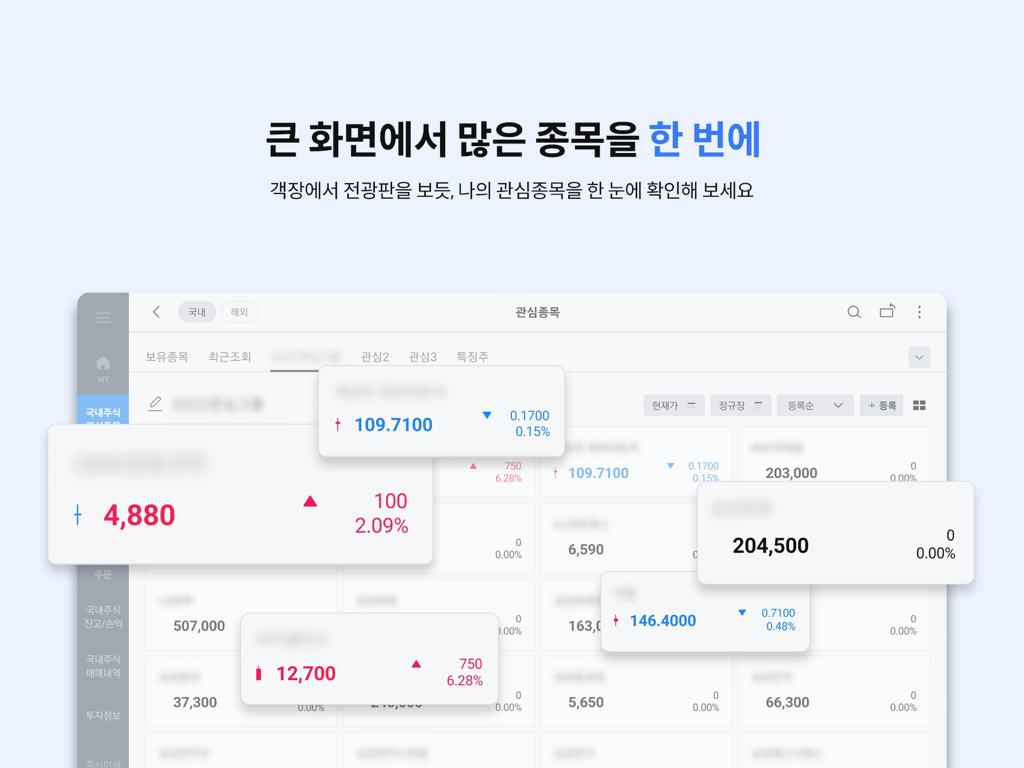
Samsung Securities mPOP Tab app dashboard showing multiple stock prices on a tablet screen
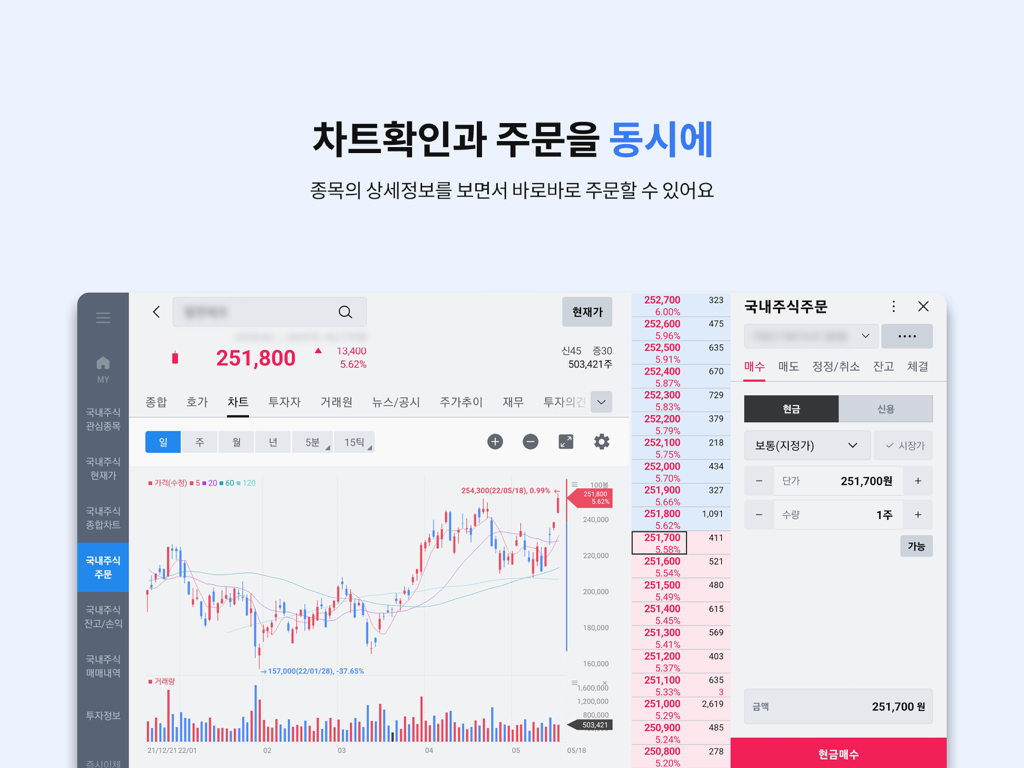
A tablet interface for stock trading showing a detailed candle chart and an order placement window side-by-side
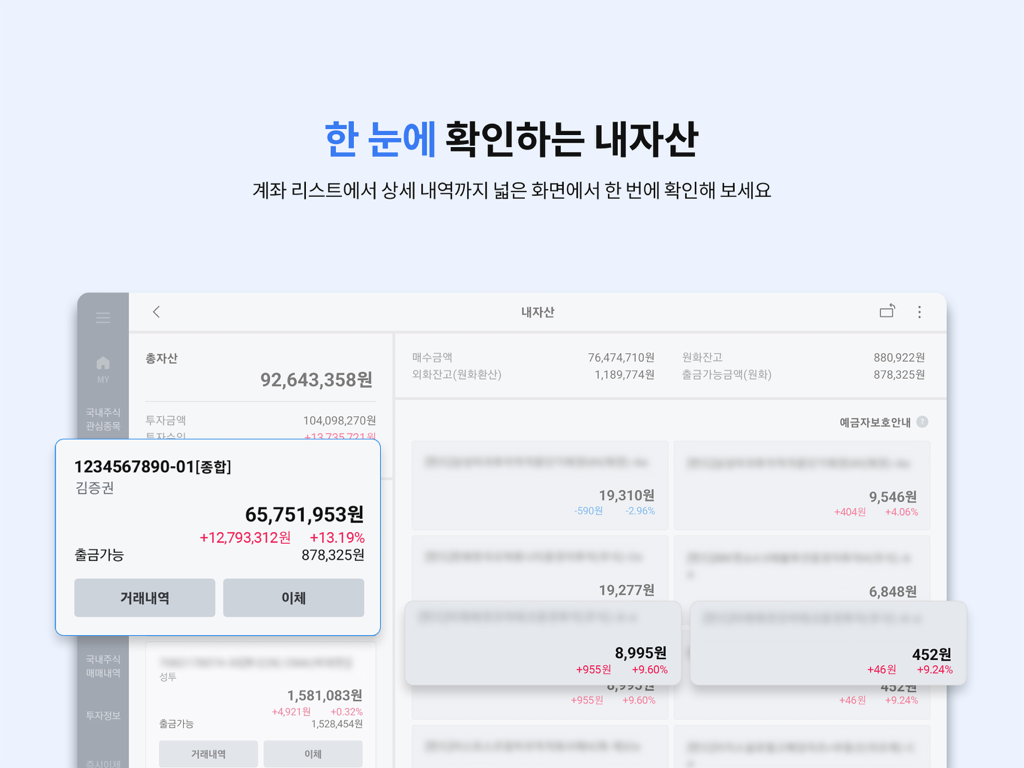
Samsung Securities mPOP Tab interface displaying an overview of assets and account balances on a tablet screen.
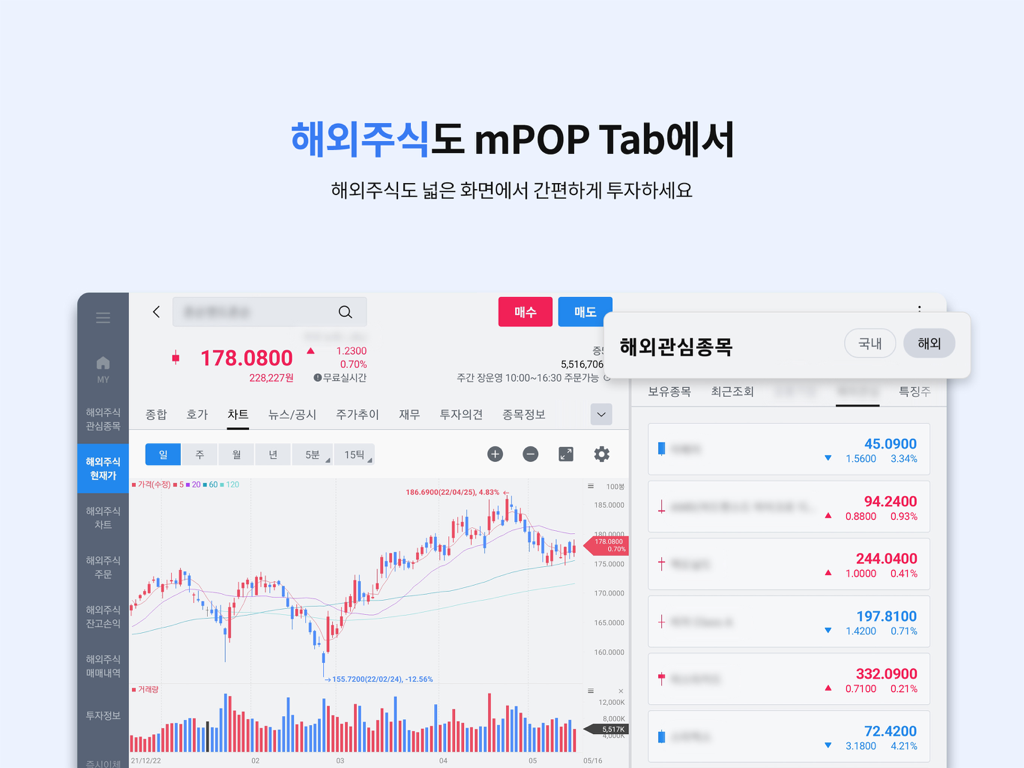
Samsung Securities mPOP Tab interface for overseas stock trading featuring a technical chart and watchlist on a tablet screen.
Description
Download
More Like This
Top-ranked apps in the same category

电子税务局
State Administration of Taxation

UnionPay APP
China Unionpay Co.,Ltd.

养基宝 - 年轻人的养基神器
Shenzhen Xiaoduotou Information Technology Co.,Ltd.

PayPal - Pay, Send, Save
PayPal, Inc.

中国农业银行
AGRICULTURAL BANK OF CHINA LIMITED

Mercado Pago: cuenta digital
MercadoLibre S.A.

Kalshi: Trade on the Big Game
KALSHI INC.

中国工商银行
Industrial and Commercial Bank of China

个人所得税
State Administration of Taxation
This page is not an official page of the app or its developer, but an independent editorial publication created for informational and commentary purposes. Unless expressly stated otherwise, neither the app nor its developer is affiliated with, endorsed by, sponsored by, authorized by, or otherwise officially connected with MWM, Apple, Google Play, the app publisher, or the app's developer, and nothing on this page implies that the app was developed using MWM's services. Any trademarks, logos, screenshots, and other content remain the property of their respective owners.