
This page is not an official page of the app or its developer, but an independent editorial publication created for informational and commentary purposes. Unless expressly stated otherwise, neither the app nor its developer is affiliated with, endorsed by, sponsored by, authorized by, or otherwise officially connected with MWM, Apple, Google Play, the app publisher, or the app's developer, and nothing on this page implies that the app was developed using MWM's services. Any trademarks, logos, screenshots, and other content remain the property of their respective owners.

Ms Paint
Bring the legendary lo-fi drawing experience to your pocket. No complexity, no learning curve—just the iconic tools you love for quick sketches, memes, and photo annotations.
Downloads
85K+User Rating
Total Ratings
0Publisher
Category
Graphics & DesignLocales
1Latest Version
2.0Size
27.5 MBFirst Released
Jul 21, 2022The Simplicity You Remember, The Tools You Need
Experience the classic, no-nonsense graphics editor optimized for your iPhone and iPad. No complex menus or subscriptions—just pure creativity and quick utility.
Iconic Retro Tools
All your favorites are here: the Paint Bucket, the Spray Can, and the classic Pencil for that authentic 90s pixel aesthetic.
Zero Learning Curve
Forget complex layers and confusing AI tools. Open the app and start creating immediately with the interface you already know by heart.
The following screenshots and description are sourced directly from the app's official store listing and are the property of the app developer.
App Store
Screenshots
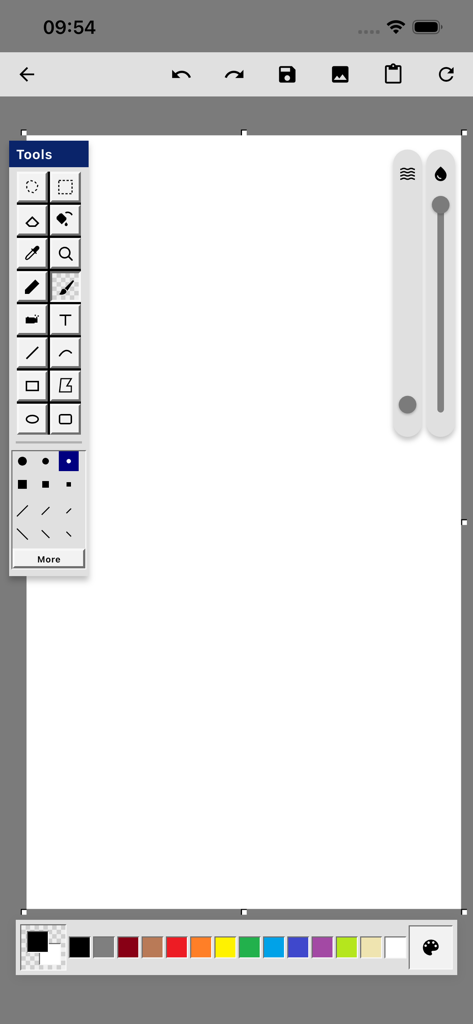
Mobile interface of Ms Paint app showing a white canvas with classic retro drawing tools and a color palette
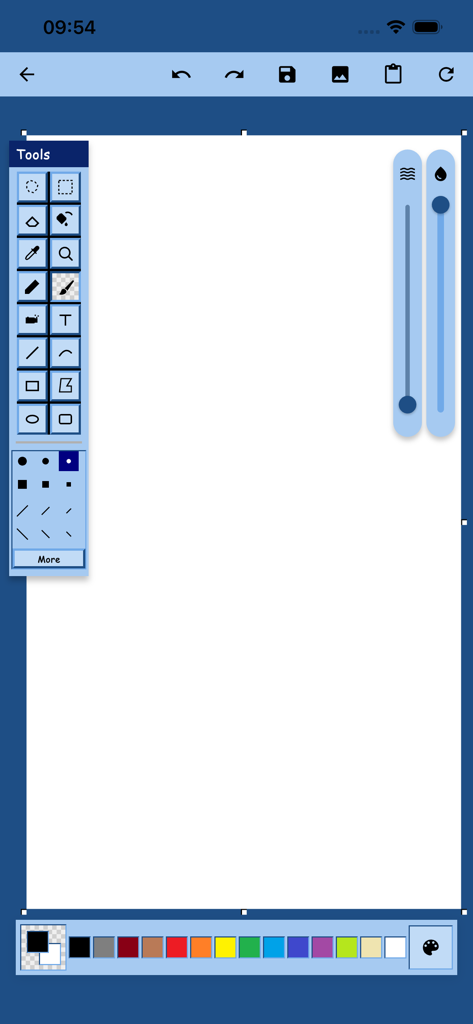
Ms Paint mobile app interface showing classic drawing tools and color palette on a white canvas
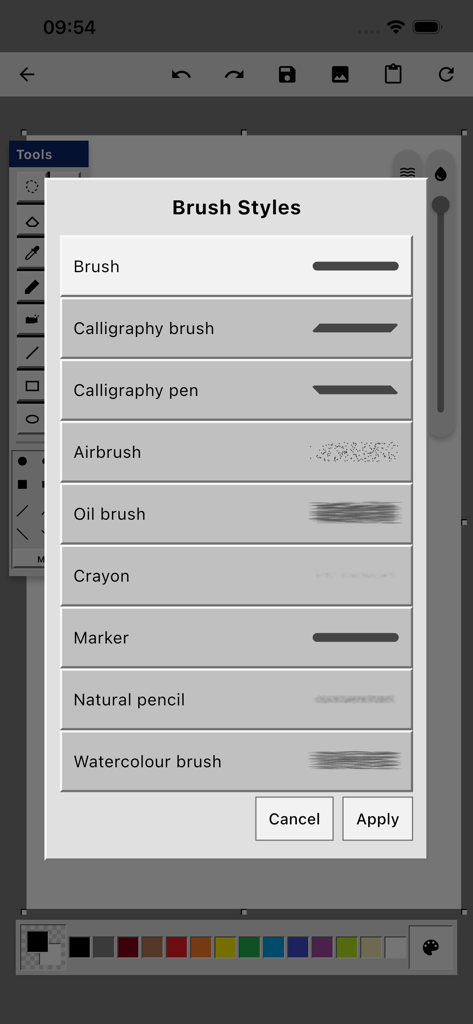
Ms Paint app brush styles selection menu on iOS
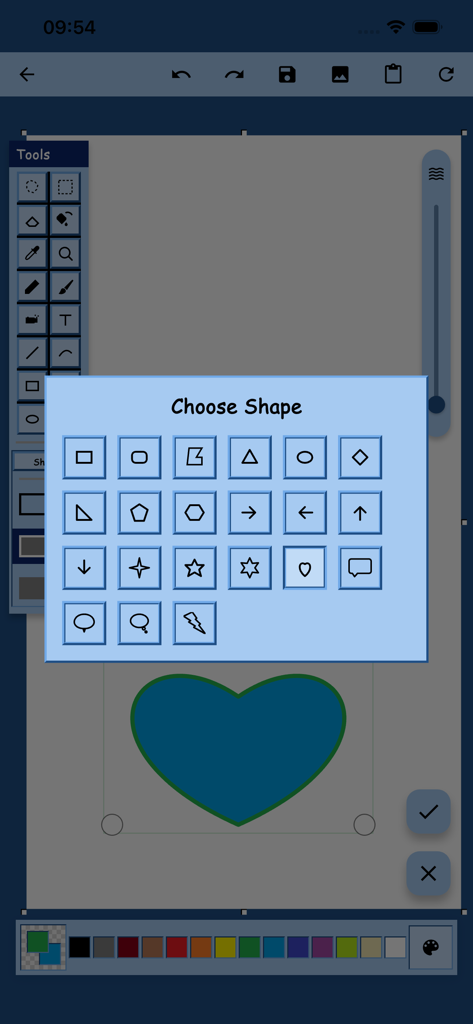
Shape selection menu in the Ms Paint app featuring retro icons and a blue heart
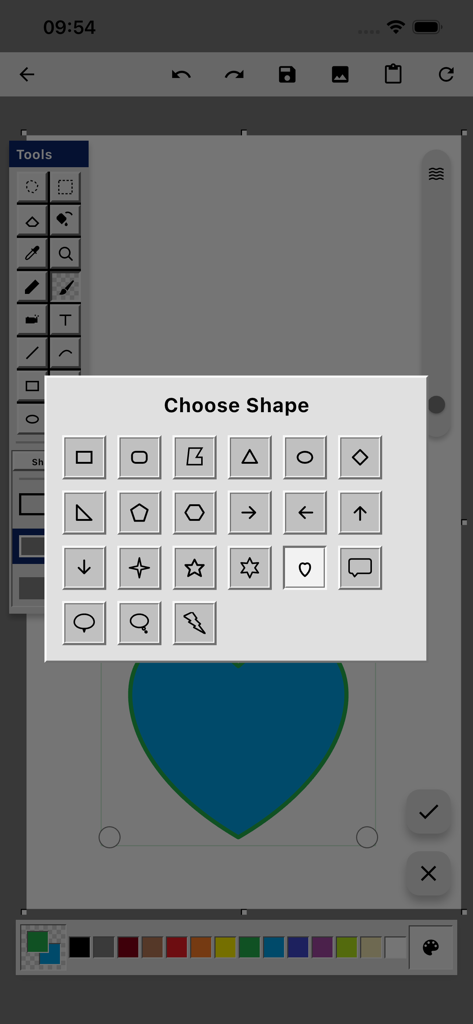
Ms Paint app interface showing a choose shape pop up menu over a blue heart illustration
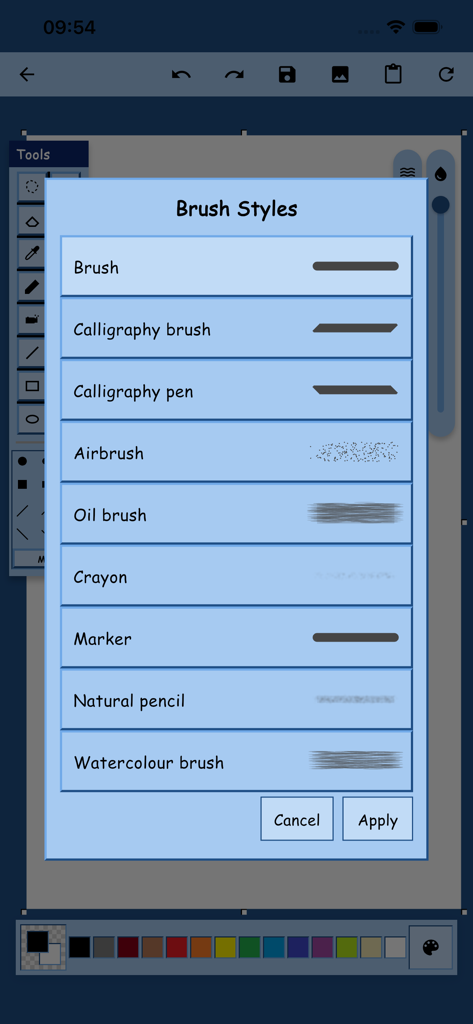
A selection of brush styles and stroke previews in the Ms Paint app menu
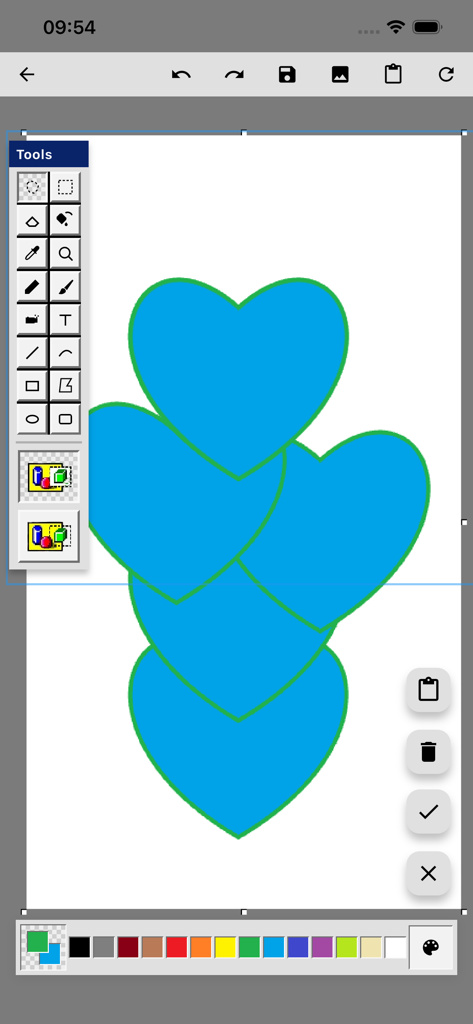
Interface of the Ms Paint app on iOS showing blue hearts drawn on the canvas with classic retro tools and a color palette
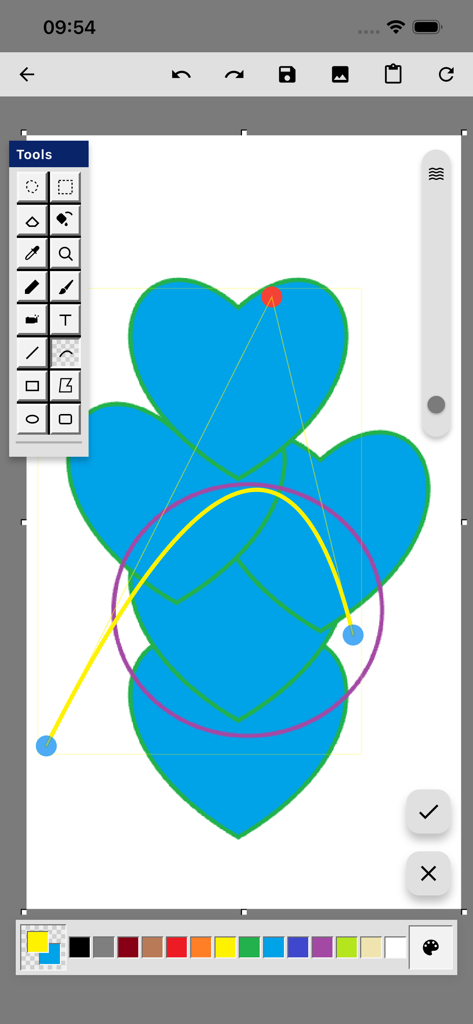
MS Paint mobile app interface with a drawing of blue hearts and classic digital art tools
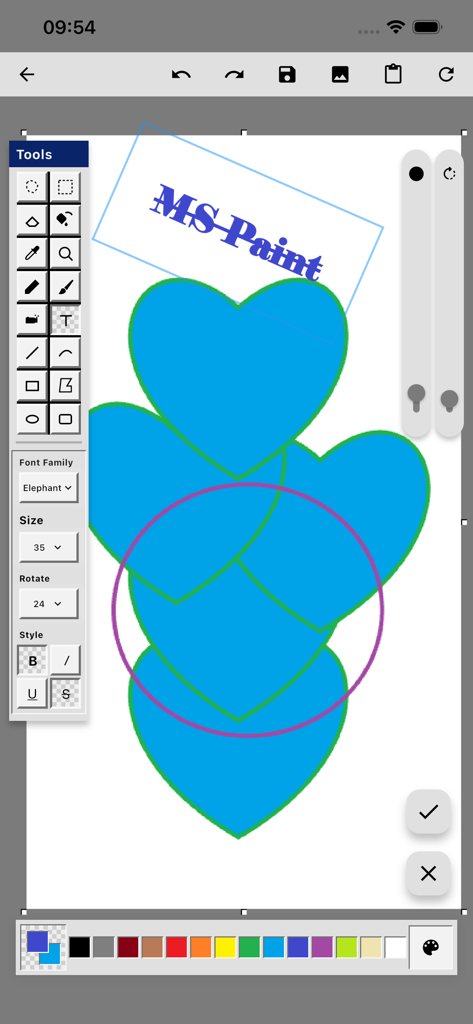
Ms Paint mobile app drawing interface showing heart shapes and classic editing tools
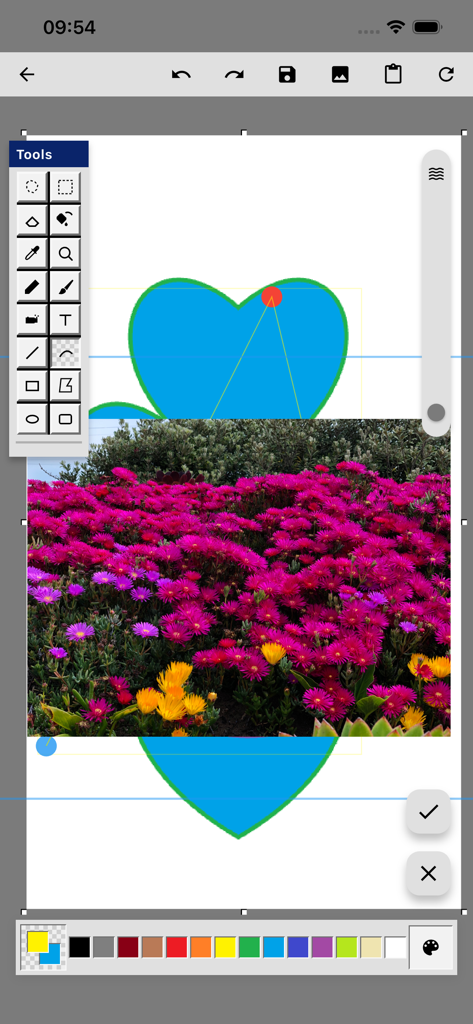
Screenshot of Ms Paint mobile app showing drawing tools and a heart shape over a flower photo
Description
Download
More Like This
Top-ranked apps in the same category

Kling AI: AI Image&Video Maker
LOHAS GAMES PTE. LTD.

iScreen - Widgets & Wallpaper
Xiamen ShenZhuo Information Technology Co., Ltd.

Dreamina AI: Image&Video Maker
BYTEDANCE PTE. LTD.

Home AI - AI Interior Design
HUBX YAZILIM HIZMETLERI ANONIM SIRKETI

ibis Paint X
ibis inc.

ThemeKit: Widget & Icon Themes
Woohoo Tech. Ltd.

Sketchbook®
Sketchbook, Inc.

Colorful Widget- Widget&Themes
Guangzhou ZHIFENG Information Technology Co.,Ltd.

ReRoom AI: Interior Design
GM UniverseApps Limited
This page is not an official page of the app or its developer, but an independent editorial publication created for informational and commentary purposes. Unless expressly stated otherwise, neither the app nor its developer is affiliated with, endorsed by, sponsored by, authorized by, or otherwise officially connected with MWM, Apple, Google Play, the app publisher, or the app's developer, and nothing on this page implies that the app was developed using MWM's services. Any trademarks, logos, screenshots, and other content remain the property of their respective owners.