
Multi Task Timer

The precision tool for students and professionals to visualize progress per question, optimize exam strategy, and conquer every deadline with surgical accuracy.
Publisher
Category
EducationDownloads
100User Rating
Total Ratings
0Locales
1Discover the interface used by 100 users.
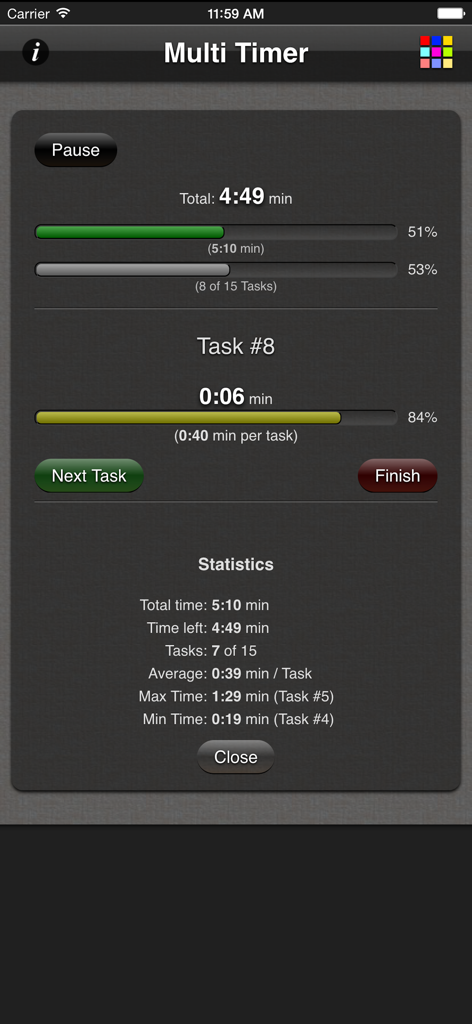
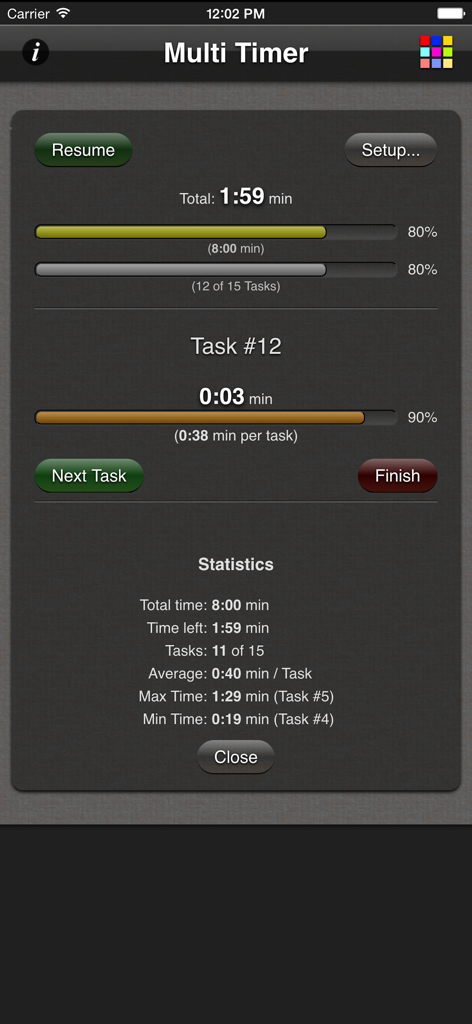
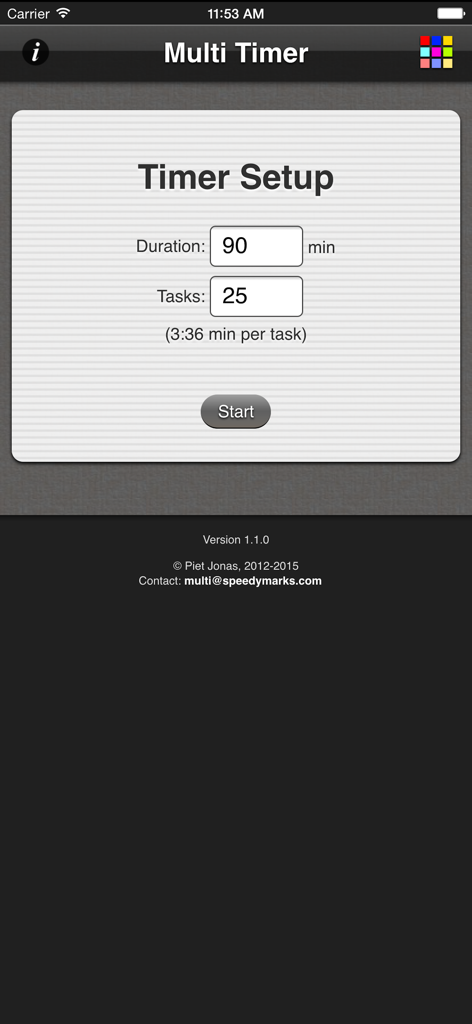
The tools that make this app stand out, trusted by 100 users.
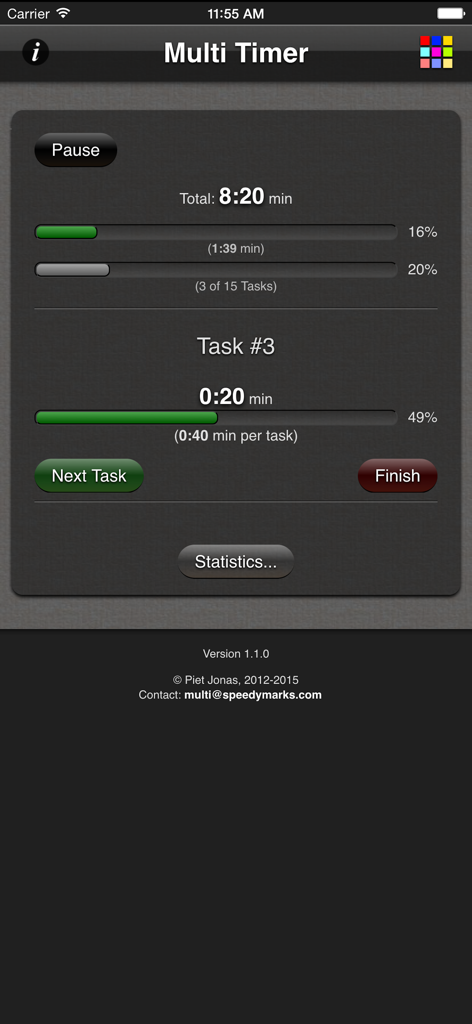
Instantly see how much time remains for each specific question so you never get stuck behind or lose focus during high-stakes tests.
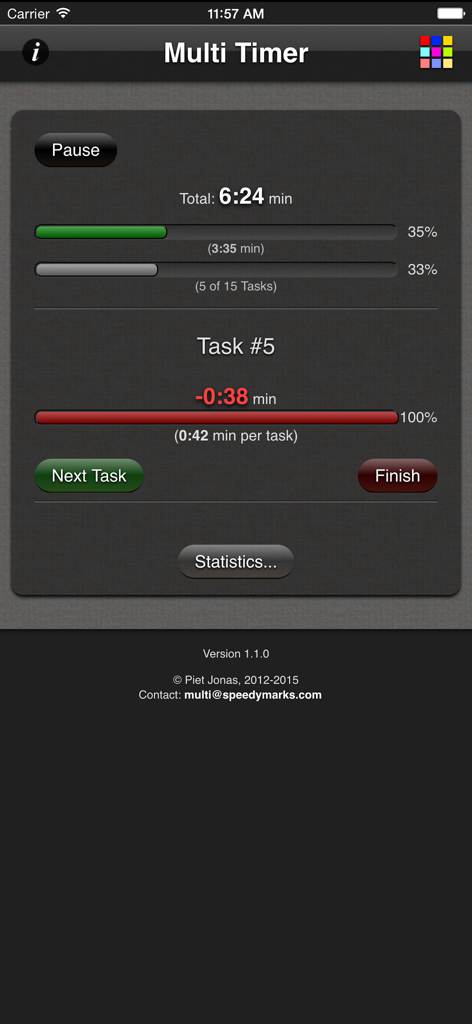
High-impact horizontal bars provide an intuitive, glanceable view of your pacing, helping you maintain a flow state without the stress of reading tiny numbers.
Maximize your digital study desk by running the timer in Split View alongside your PDF practice exams or note-taking apps.
Everything you need to know about Multi Task Timer.
Description
Latest Version
1.2.3
Size
2.0 MB
First Released
Oct 5, 2012
Join thousands of high-achievers who use Multi Task Timer to eliminate test anxiety and finish every question with precision. Start your success today.
Everything you need to know about Multi Task Timer
The Multi Task Timer app monitors the completion of a group of tasks with a common deadline. It is designed for situations like multiple-choice tests.
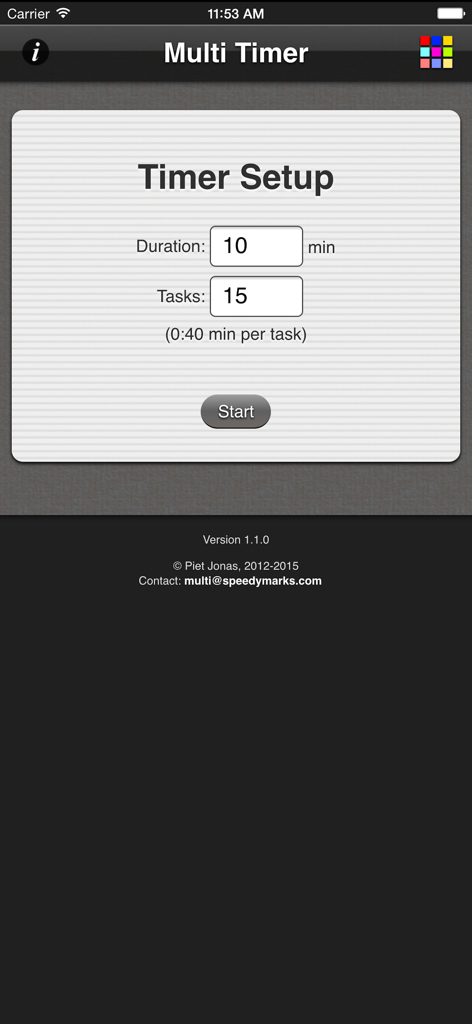
To set up a timer in Multi Task Timer, input the total duration and the number of tasks. The app then calculates the time per task before you start.
Yes, Multi Task Timer shows the time left for each single task. It also provides horizontal bars for a quick visual overview of progress for both individual tasks and the total duration.
Yes, Multi Task Timer provides additional statistics. These include total time, time left, tasks completed, average time per task, maximum, and minimum task times.
Yes, Multi Task Timer supports iPad multitasking, including features like split view.
You advance to the next task in Multi Task Timer by pressing the 'Next Task' button. This occurs after completing the current task within the timed session.
During a running timer, Multi Task Timer displays the total time remaining, the current task number, the time left for the current task, and overall progress bars.
If a task exceeds its allocated time, Multi Task Timer tracks this as a negative value for the specific task. It indicates the duration spent over the allocated time.
Top-ranked apps in the same category

Duolingo, Inc

DEEP FLOW SOFTWARE SERVICES - FZCO

Wuhan Jiakaobaodian Information Service Co., Ltd.

Toca Boca AB

Google LLC

Guangzhou Polar Future Culture Technology Co., Ltd

GAUTHTECH PTE. LTD.

Student Information Consultation Service Co., Ltd.

Aleksandr Ulitin
App information, icons, screenshots, and descriptions displayed on this page are sourced from the Apple App Store and are the property of their respective developers. Download estimates and rankings are based on MWM's proprietary models and may not reflect actual figures. This page is provided for informational and analytical purposes only.
Believe this page infringes your intellectual property? File a dispute