
This page is not an official page of the app or its developer, but an independent editorial publication created for informational and commentary purposes. Unless expressly stated otherwise, neither the app nor its developer is affiliated with, endorsed by, sponsored by, authorized by, or otherwise officially connected with MWM, Apple, Google Play, the app publisher, or the app's developer, and nothing on this page implies that the app was developed using MWM's services. Any trademarks, logos, screenshots, and other content remain the property of their respective owners.


MusConv: Playlist Transfer
Don’t let platform lock-in stop you from switching services. Effortlessly sync your playlists, tracks, and albums across Spotify, Apple Music, Tidal, and 30+ platforms with the ultimate music migration tool.
Downloads
53K+User Rating
Total Ratings
300Publisher
Category
MusicLocales
9Latest Version
3.4.527Size
172.9 MBFirst Released
May 6, 2024Your Music, Without Borders
Stop letting platform lock-in dictate your listening. Effortlessly migrate and sync your entire music library across 30+ streaming services in seconds.
One-Tap Migration
Switching from Spotify to Apple Music? Move thousands of tracks and curated playlists instantly without rebuilding from scratch.
Precision Track Matching
Our smart algorithm ensures every song finds its perfect match on the new platform, maintaining the integrity of your library.
Frequently Asked Questions
Everything you need to know about MusConv: Playlist Transfer
What is MusConv?
MusConv transfers music, playlists, and albums between over 30 streaming platforms, including Spotify, Apple Music, and YouTube Music. It provides a fast, effortless, and seamless experience for users moving their music library.
How does MusConv transfer music?
MusConv transfers music in five steps: log in to your current platform, choose the destination, select desired songs/playlists, review settings, and confirm. MusConv then transfers your music in seconds.
Which music streaming services does MusConv support?
MusConv supports over 30 music services for playlist transfer, including Apple Music, Spotify, YouTube Music, Amazon Music, TIDAL, Deezer, SoundCloud, Qobuz, Pandora, Napster, and Last.fm.
Can MusConv transfer playlists from Spotify to Apple Music?
Yes, MusConv transfers playlists from Spotify to Apple Music and vice-versa. It also supports transferring music across 30+ streaming platforms, providing a seamless and stress-free experience.
Does MusConv offer playlist synchronization?
Yes, MusConv syncs playlists across various music services. It also monitors playlists for new tracks, ensuring your transfers remain updated. Users can configure auto-sync for their library.
Where can I find the privacy policy for MusConv?
The MusConv privacy policy is located at the following URL: https://musconv.com/privacy-policy/. This ensures users can review how their data is handled.
Can MusConv transfer music using a web link?
Yes, MusConv transfers playlists using a web link copied to the clipboard. This feature streamlines the process of moving music, making transfers effortless.
Does MusConv help with backing up music libraries?
Yes, MusConv enables users to export and back up their entire music library. This feature ensures the safety and preservation of your music collection across different platforms.
The following screenshots and description are sourced directly from the app's official store listing and are the property of the app developer.
App Store
Screenshots
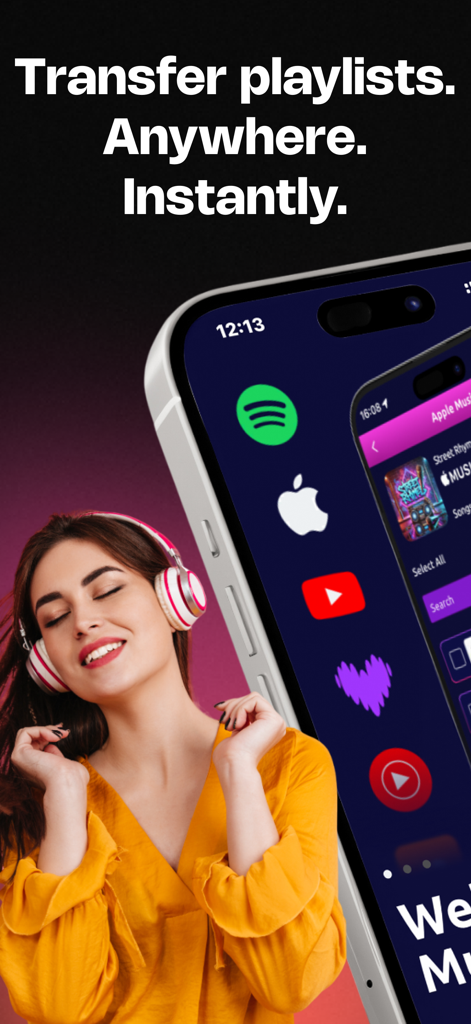
A woman wearing headphones next to an iPhone displaying music streaming service icons for playlist transfer
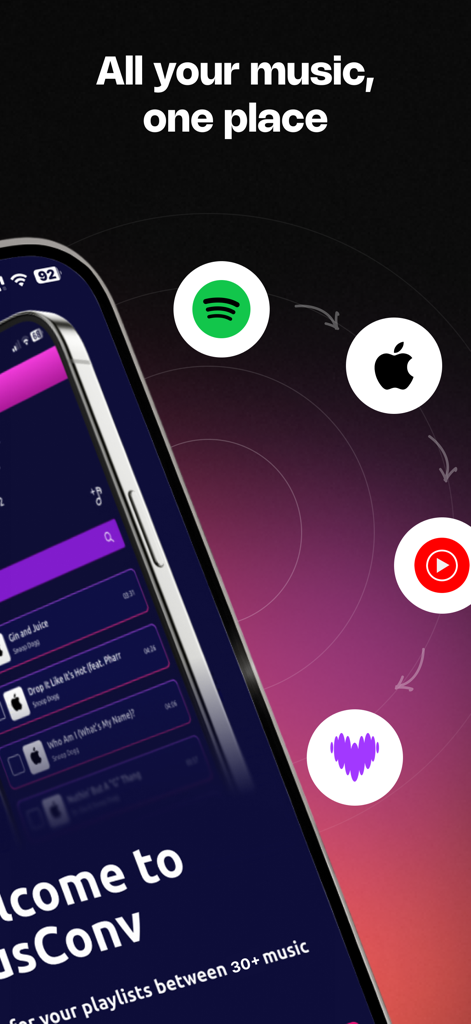
MusConv app interface showing playlist transfer between Spotify Apple Music and YouTube Music
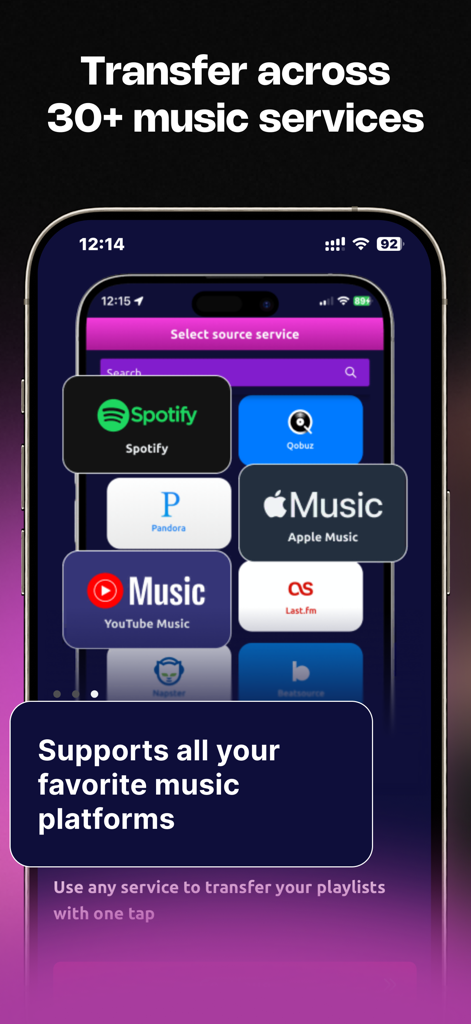
MusConv app interface showing logos of supported music platforms like Spotify and Apple Music for playlist transfer
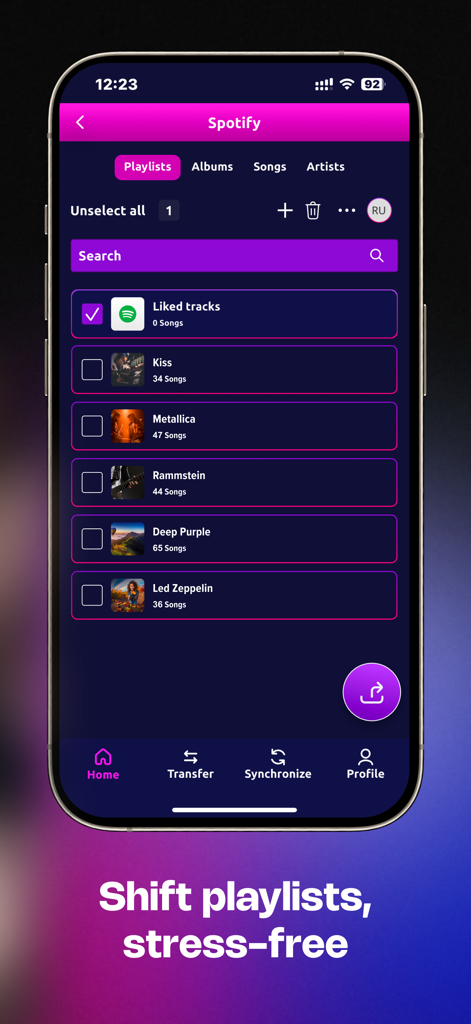
iPhone screenshot of MusConv app showing a list of Spotify playlists for transfer
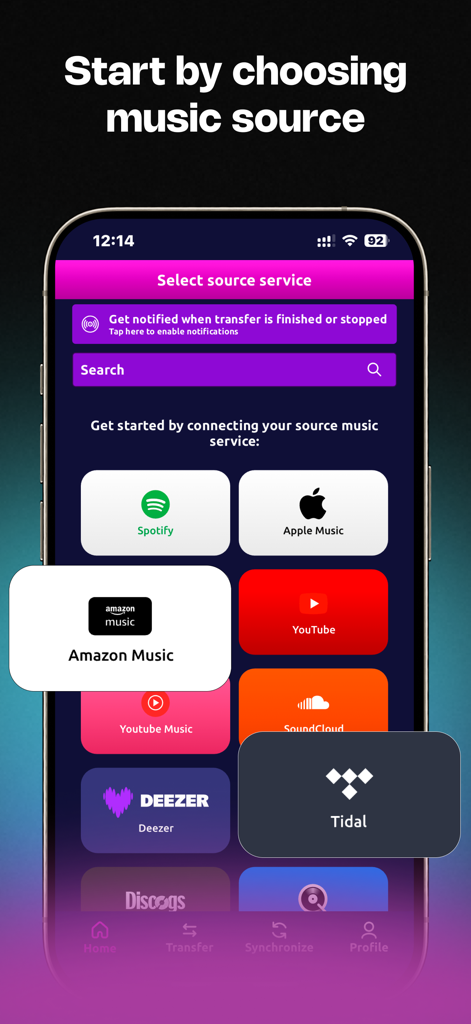
MusConv app screen showing a selection of music services like Spotify and Apple Music for playlist transfer.
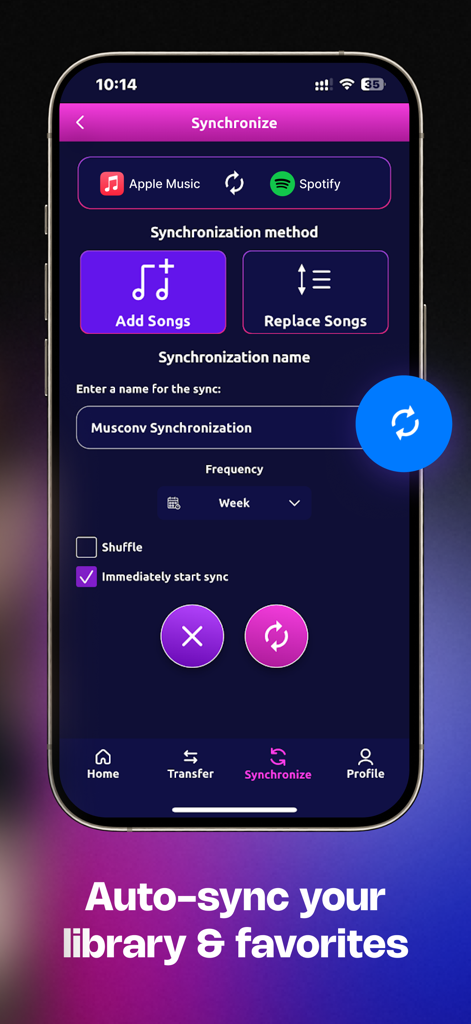
MusConv app interface showing synchronization settings between Apple Music and Spotify
Description
Download
More Like This
Top-ranked apps in the same category

Spotify: Music and Podcasts
Spotify

YouTube Music
Google LLC

Shazam: Find Music & Concerts
Apple Inc.

SoundCloud: The Music You Love
SoundCloud Global Limited & Co KG

Suno - AI Songs & Music
Suno Inc.

QQ音乐 - 听我想听
Tencent Technology (Shenzhen) Company Limited

Audiomack - Play Music Offline
Audiomack, Inc.

GuitarTuna: Tune & Play Guitar
Yousician Ltd

BandLab – Music Maker & Beats
BandLab Singapore Pte Ltd
This page is not an official page of the app or its developer, but an independent editorial publication created for informational and commentary purposes. Unless expressly stated otherwise, neither the app nor its developer is affiliated with, endorsed by, sponsored by, authorized by, or otherwise officially connected with MWM, Apple, Google Play, the app publisher, or the app's developer, and nothing on this page implies that the app was developed using MWM's services. Any trademarks, logos, screenshots, and other content remain the property of their respective owners.