
This page is not an official page of the app or its developer, but an independent editorial publication created for informational and commentary purposes. Unless expressly stated otherwise, neither the app nor its developer is affiliated with, endorsed by, sponsored by, authorized by, or otherwise officially connected with MWM, Apple, Google Play, the app publisher, or the app's developer, and nothing on this page implies that the app was developed using MWM's services. Any trademarks, logos, screenshots, and other content remain the property of their respective owners.


Musicnotes: Sheet Music Reader
Access over 500,000 professionally licensed arrangements. Instantly transpose keys, annotate your scores, and master every song with interactive tools designed for students and pros alike.
Downloads
2M+User Rating
Total Ratings
51K+Publisher
Category
MusicLocales
-Latest Version
3.2.5Size
123.9 MBFirst Released
Oct 31, 2014Master Every Note with Professional Tools
Experience the world's most powerful sheet music reader, designed to help musicians practice smarter and perform better from the studio to the stage.
Instant Key Transposition
Modify any score to match your vocal range or instrument tuning in a single tap, eliminating the need for manual rewriting.
Interactive Practice Tools
Master difficult passages by adjusting tempo, looping tricky sections, and following along as notes light up in real-time.
Frequently Asked Questions
Everything you need to know about Musicnotes: Sheet Music Reader
What is the Musicnotes app?
The Musicnotes app is a sheet music player and reader for learning, practicing, and performing. It provides instant access to a large collection of digital sheet music and features interactive tools.
Can I transpose sheet music using the Musicnotes app?
Yes, the Musicnotes app includes a Transpose tool. Users can change keys to support vocal training, theory exercises, or adapt music for different instruments.
How many sheet music titles are available in Musicnotes?
Musicnotes offers access to over 500,000 professionally licensed sheet music arrangements and study scores. It also provides 100 complimentary titles for early learning.
Can I add my own notes or annotations to sheet music in Musicnotes?
Yes, the Musicnotes app features a markup tool. Users can highlight, write, and add custom markings with a stylus or finger to reinforce learning and interpretation.
Does Musicnotes offer real-time playback for sheet music?
Yes, Musicnotes provides interactive playback. This feature allows users to improve rhythm, timing, and accuracy, and to watch notes light up in real-time for visual learning.
Can I organize my sheet music library in the Musicnotes app?
Yes, Musicnotes allows users to organize sheet music into set lists and folders. This feature helps prepare for lessons, practice routines, and recitals effectively.
Is Musicnotes Pro a subscription service?
Yes, Musicnotes Pro is an annual subscription. It automatically charges to your App Store Account and renews unless auto-renewal is turned off 24 hours prior to the current period's end.
How do I manage my Musicnotes Pro subscription?
Users manage their Musicnotes Pro subscription and auto-renewal through their App Store Account Settings. This provides full control over their annual membership status.
Can Musicnotes users upload their own sheet music?
Yes, the Musicnotes app allows users to upload and store their personal sheet music. This enables easy access and organization of individual scores within the application.
Does Musicnotes allow printing of purchased scores?
Yes, Musicnotes allows users to print purchased scores. This function supports use in classrooms or in-person lessons, providing physical copies of digital sheet music.
The following screenshots and description are sourced directly from the app's official store listing and are the property of the app developer.
App Store
Screenshots
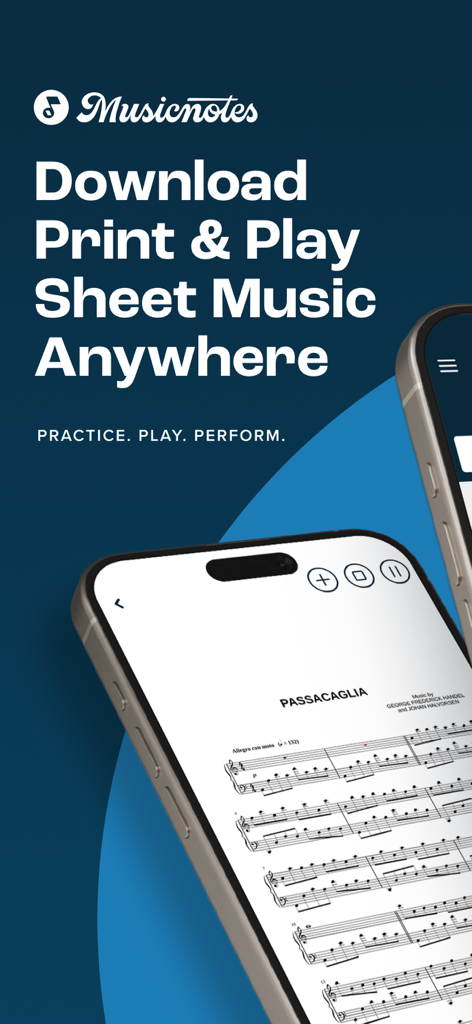
Smartphone screen displaying digital sheet music on the Musicnotes app
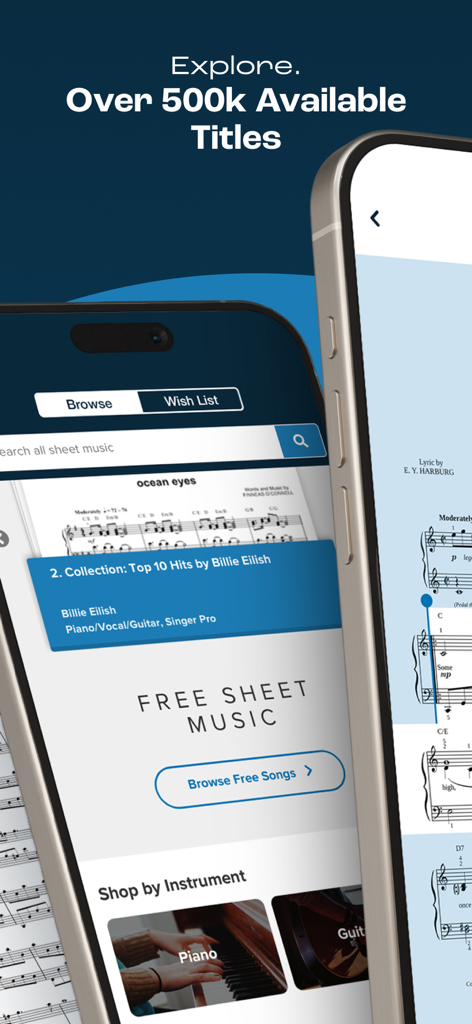
Smartphone screens displaying the Musicnotes app interface with various sheet music titles and scores
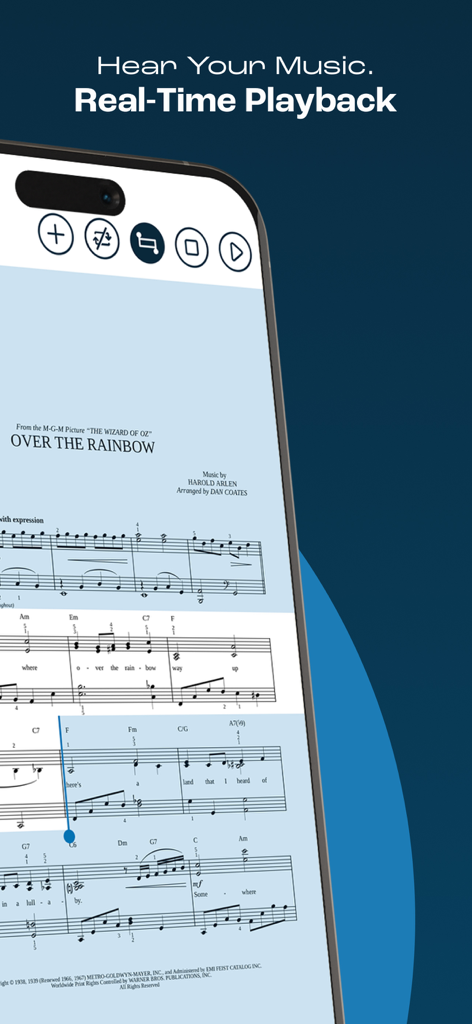
Smartphone screen showing sheet music for Over the Rainbow with the real time playback feature active in the Musicnotes app
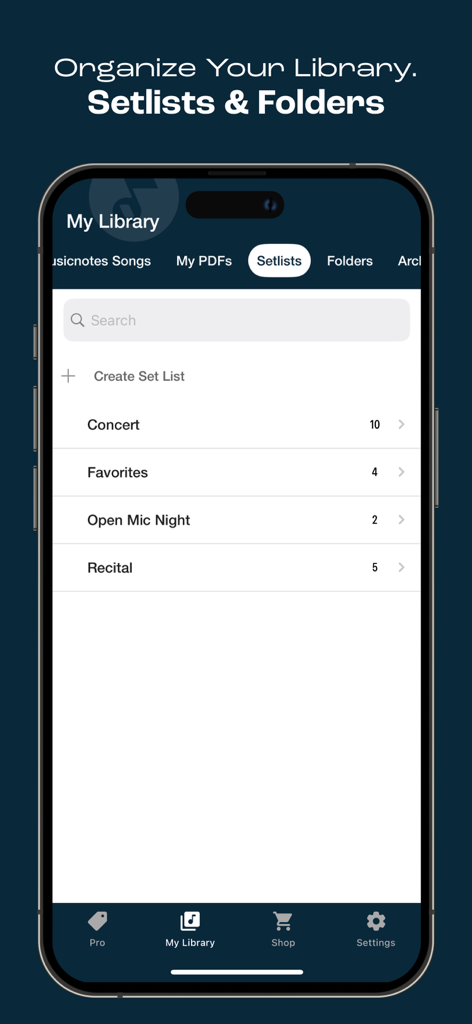
Musicnotes app interface showing the My Library screen with setlists for concerts and recitals
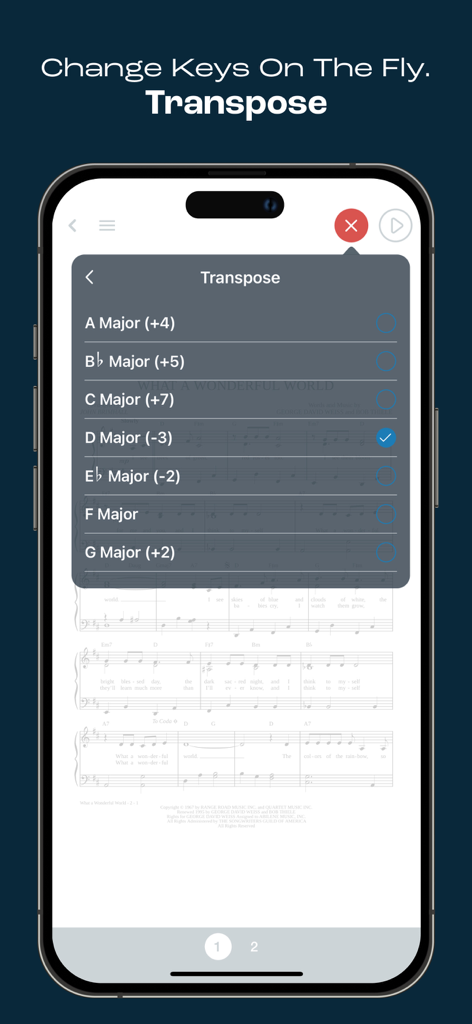
Interface of the Musicnotes app on an iPhone showing the transpose menu to change keys of a musical score
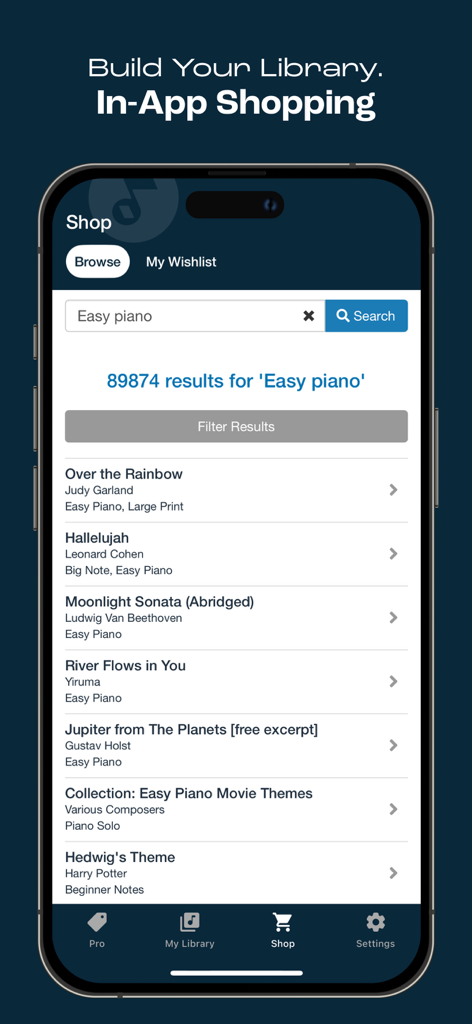
Screenshot of the Musicnotes app shop showing search results for easy piano sheet music
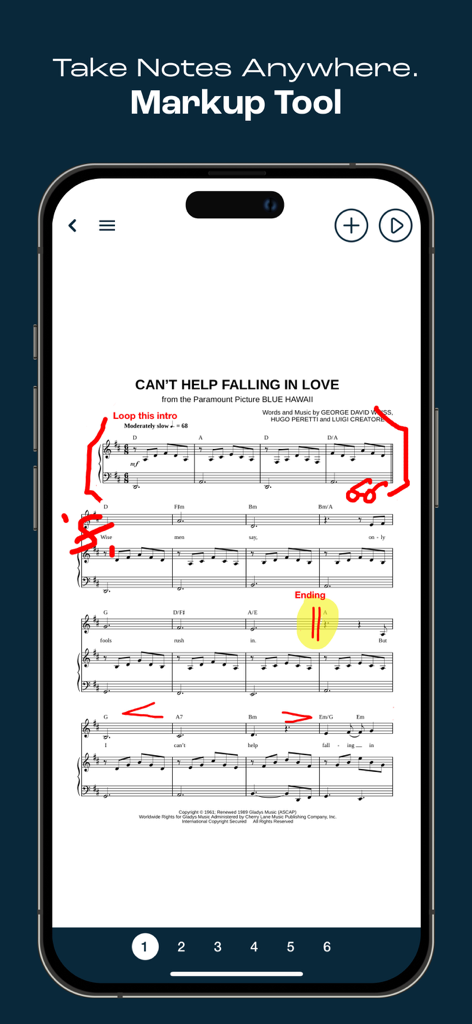
Smartphone displaying the Musicnotes app markup tool with handwritten red annotations on digital sheet music
Description
Download
More Like This
Apps with similar features and user experience

Cifra Club
Studio Sol Comunicacao Digital LTDA

Spark: Chords, Backing Tracks
Positive Grid Inc

iReal Pro
Technimo LLC

懂音律-钢琴吉他谱共享学习平台
梦莹 张

Jamzone - Sing & Play Along
Recisio

MuseScore: sheet music
MuseScore Limited

Songsterr Tabs & Chords
Guitar Tabs LLC

弹琴吧-钢琴吉他学习平台
Beijing Qule Technology Co., Ltd.

Tomplay Sheet Music
Tombooks Sàrl
This page is not an official page of the app or its developer, but an independent editorial publication created for informational and commentary purposes. Unless expressly stated otherwise, neither the app nor its developer is affiliated with, endorsed by, sponsored by, authorized by, or otherwise officially connected with MWM, Apple, Google Play, the app publisher, or the app's developer, and nothing on this page implies that the app was developed using MWM's services. Any trademarks, logos, screenshots, and other content remain the property of their respective owners.