
This page is not an official page of the app or its developer, but an independent editorial publication created for informational and commentary purposes. Unless expressly stated otherwise, neither the app nor its developer is affiliated with, endorsed by, sponsored by, authorized by, or otherwise officially connected with MWM, Apple, Google Play, the app publisher, or the app's developer, and nothing on this page implies that the app was developed using MWM's services. Any trademarks, logos, screenshots, and other content remain the property of their respective owners.

My Dental Clinic
Streamline your solo practice with digital dental charts, automated appointment reminders, and secure patient records—all from your favorite iOS device.
Downloads
50K+User Rating
Total Ratings
100Publisher
Category
MedicalLocales
6Latest Version
7.8.5Size
39.9 MBFirst Released
Nov 10, 2015Complete Practice Management in Your Pocket
Empower your solo practice with professional-grade tools for charting, scheduling, and billing—all without the high overhead of enterprise software.
Visual Patient Records & Charting
Digitalize your workflow with multi-teeth charting and high-resolution photo attachments to improve treatment acceptance and build patient trust.
Eliminate No-Shows via SMS
Send automated reminders and recall notifications directly to patients from your mobile device to keep your chair full and revenue steady.
The following screenshots and description are sourced directly from the app's official store listing and are the property of the app developer.
App Store
Screenshots
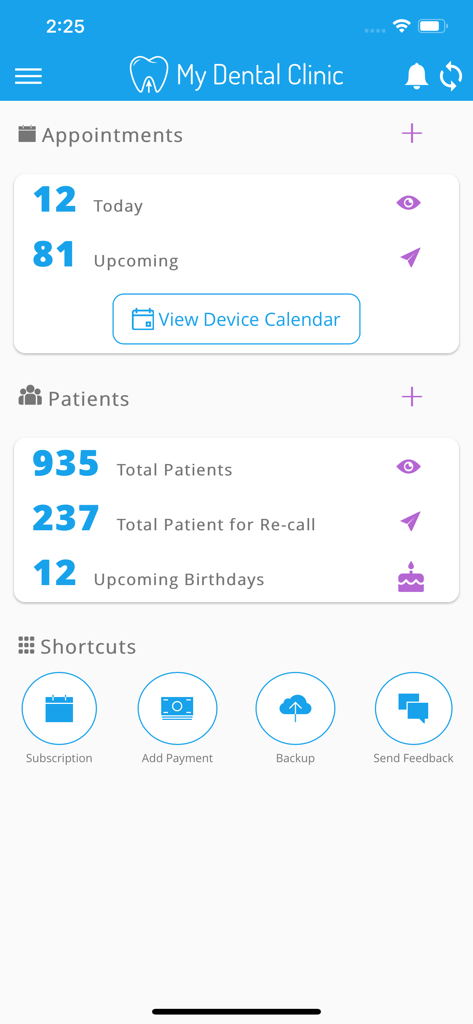
Dashboard of the My Dental Clinic app showing appointment counts and patient management statistics.
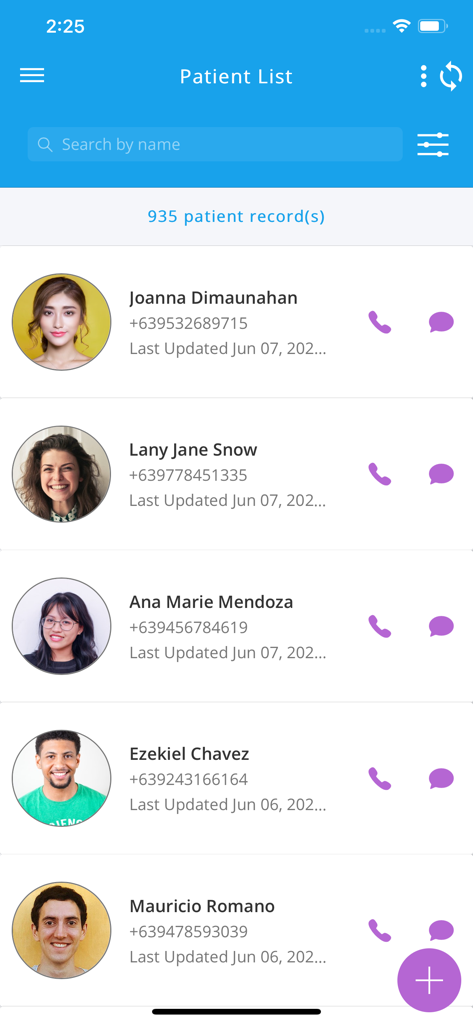
Patient list interface of the My Dental Clinic app showing patient names and contact options
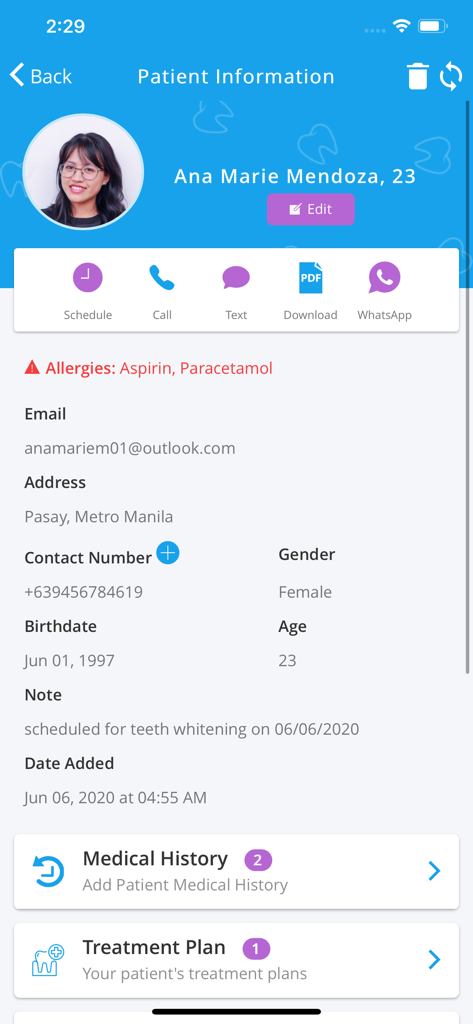
Patient information screen in the My Dental Clinic app showing contact details medical history and treatment plans
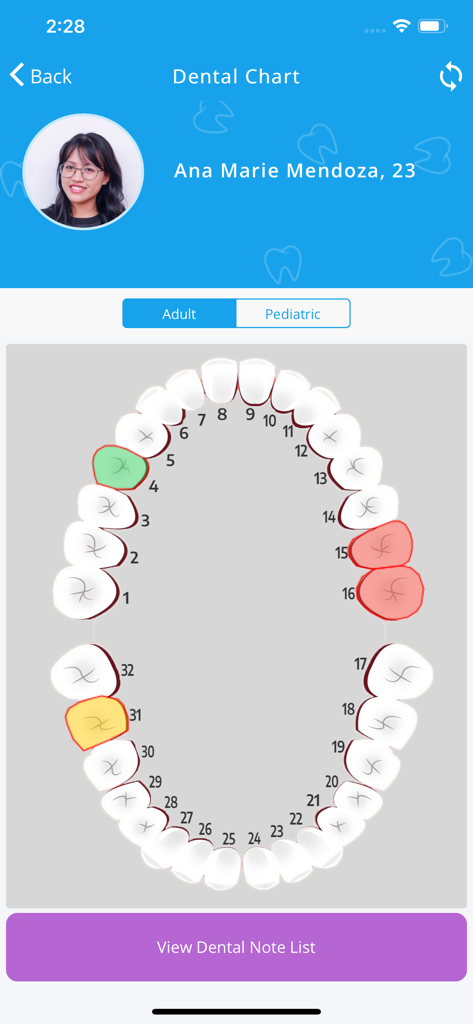
A digital dental chart showing a patient tooth map with color coded status in the My Dental Clinic app
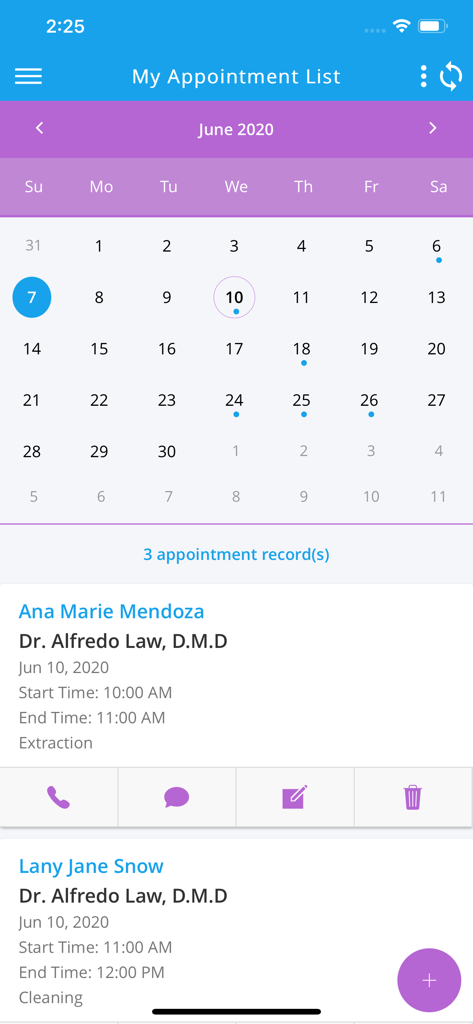
Dental clinic mobile app showing appointment list and calendar
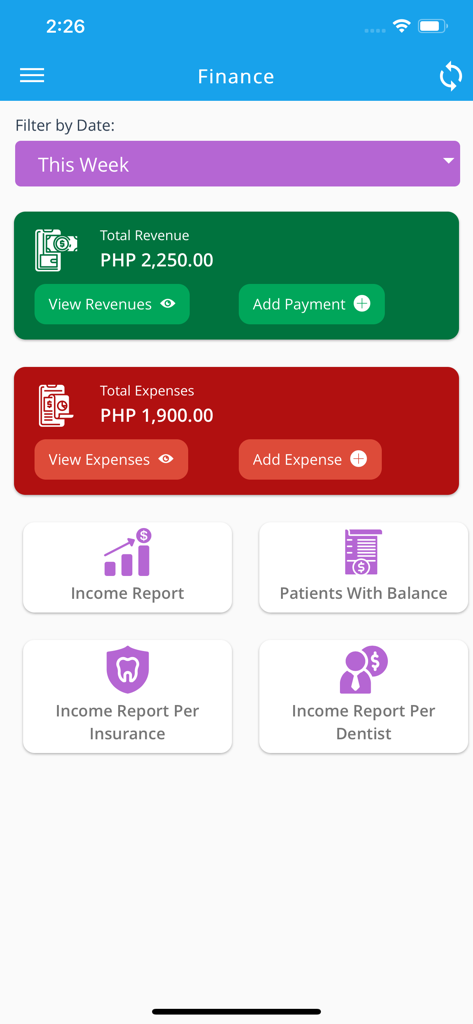
Financial tracking dashboard in My Dental Clinic app showing weekly revenue and expenses
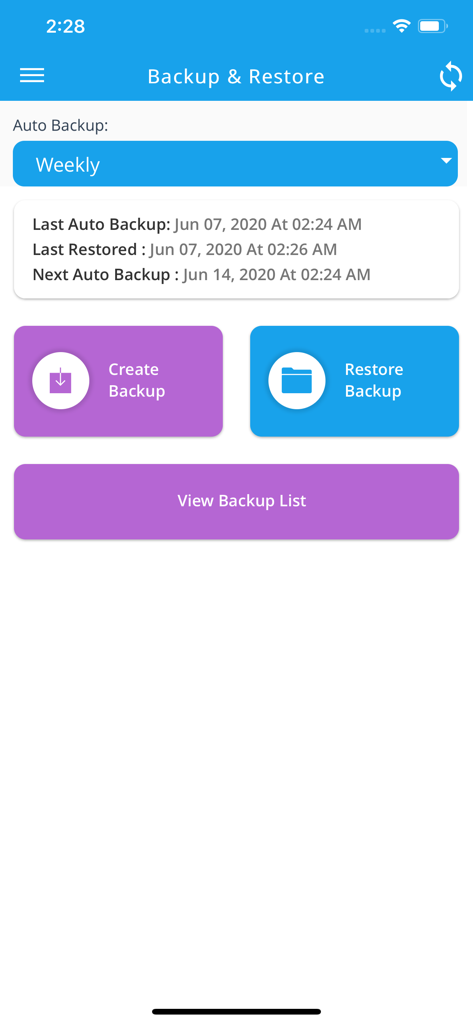
Backup and restore management interface in the My Dental Clinic mobile app
Description
Download
More Like This
Apps with similar features and user experience

Doctoralia for specialists
Docplanner Italy S.R.L.

athenaOne
athenahealth, Inc.

DocUpdate
ImpiricusHealth Corp.

大家中医 - 助力中医师随时随地看好病
Shanghai Baopu Information Technology Co., Ltd.

Consultorio.me
Codequest Tecnologia da Informacao Ltda

Simples Dental - Agenda Odonto
Simples Dental Software SA

Doutore - Prontuário e Agenda
Doutore LLC

Amigo One
AMIGO CONNECTING LTDA

Dr.Pad: Patient Medical Record
IMEDI Systems, LLC
This page is not an official page of the app or its developer, but an independent editorial publication created for informational and commentary purposes. Unless expressly stated otherwise, neither the app nor its developer is affiliated with, endorsed by, sponsored by, authorized by, or otherwise officially connected with MWM, Apple, Google Play, the app publisher, or the app's developer, and nothing on this page implies that the app was developed using MWM's services. Any trademarks, logos, screenshots, and other content remain the property of their respective owners.