
This page is not an official page of the app or its developer, but an independent editorial publication created for informational and commentary purposes. Unless expressly stated otherwise, neither the app nor its developer is affiliated with, endorsed by, sponsored by, authorized by, or otherwise officially connected with MWM, Apple, Google Play, the app publisher, or the app's developer, and nothing on this page implies that the app was developed using MWM's services. Any trademarks, logos, screenshots, and other content remain the property of their respective owners.


My Measures PRO + AR Measure
Stop wasting time on messy paper sketches. Transform photos into precise, annotated blueprints with arrows, angles, and laser-meter accuracy to share professional PDF reports instantly.
Downloads
428K+User Rating
Total Ratings
43K+Publisher
Category
ProductivityLocales
20Latest Version
7.09Size
83.3 MBFirst Released
Aug 13, 2009Measure Once, Cut Twice? Never Again.
The ultimate digital toolbox for contractors and DIYers. Turn any photo into a detailed blueprint with precise dimensions, angles, and notes in seconds.
Smart Visual Annotations
Ditch the messy paper sketches. Overlay arrows and angles directly on photos with full support for imperial units and fractions.
Professional PDF Reports
Impress clients and vendors by generating polished PDF exports on-site. Share dimensions instantly to avoid communication errors.
The following screenshots and description are sourced directly from the app's official store listing and are the property of the app developer.
App Store
Screenshots
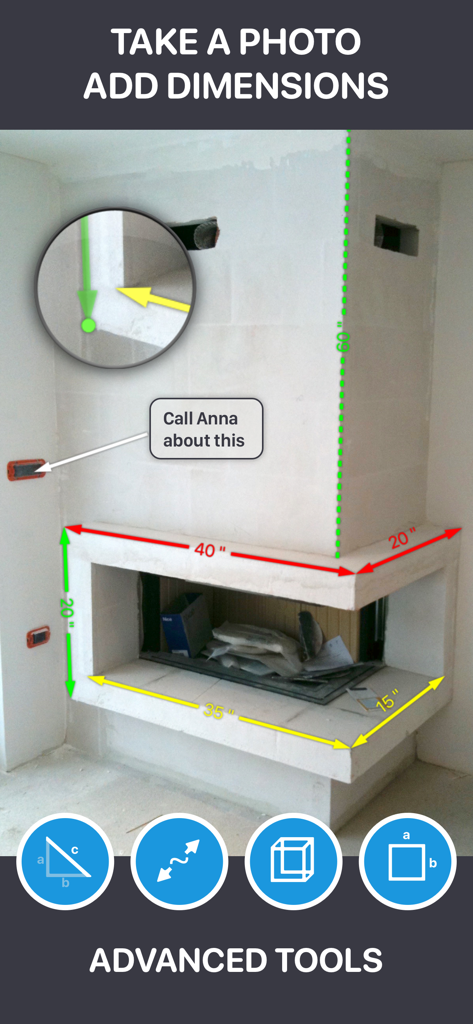
Screenshot of a fireplace with digital dimension overlays and text annotations in the My Measures PRO app
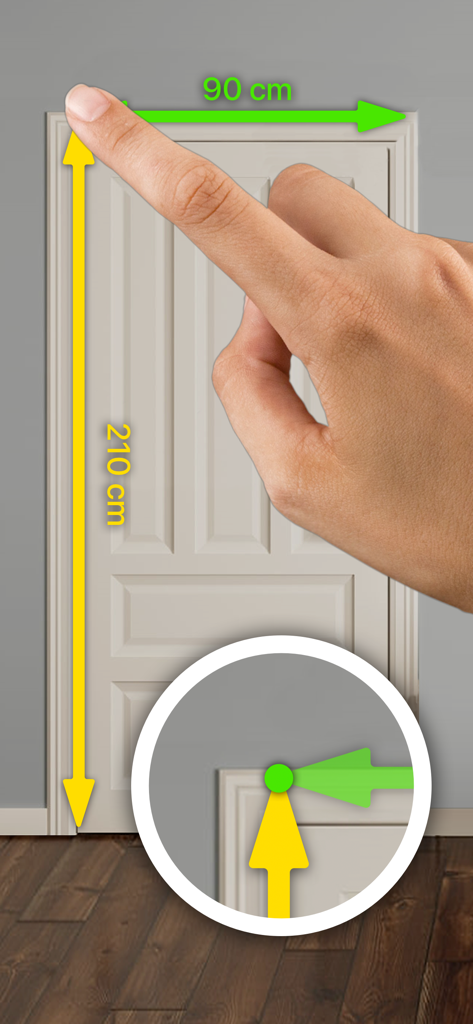
A hand using the app to add digital height and width measurements to a photo of a door with a precision zoom tool
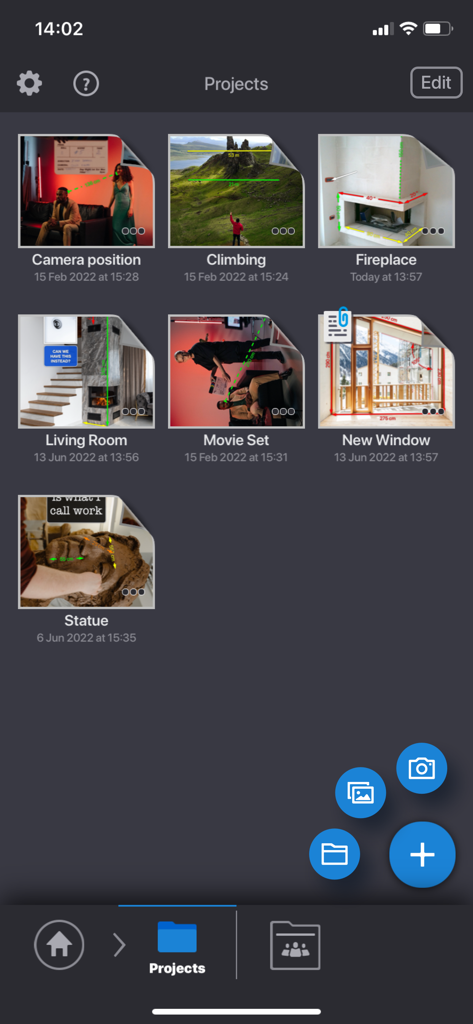
My Measures PRO app interface showing a grid of measurement projects including interior rooms and outdoor scenes
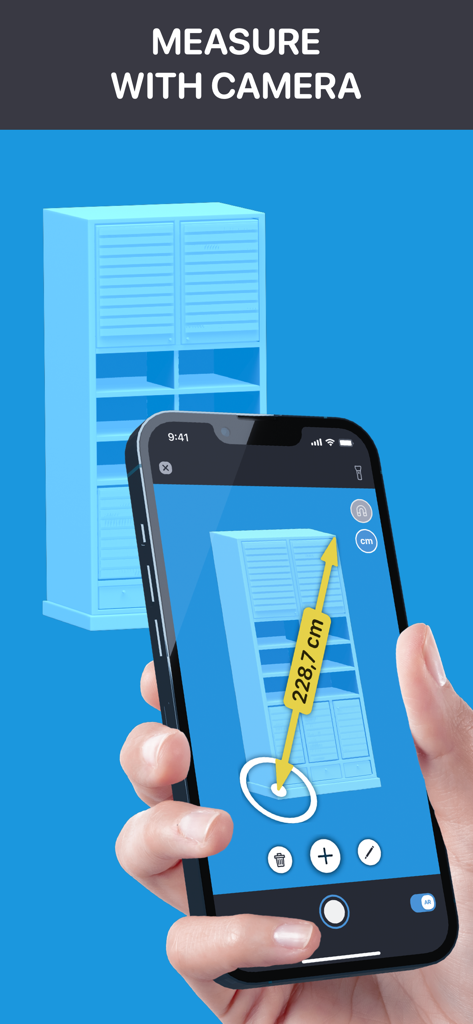
A person using the My Measures PRO app on a smartphone to measure a blue cabinet using AR technology.
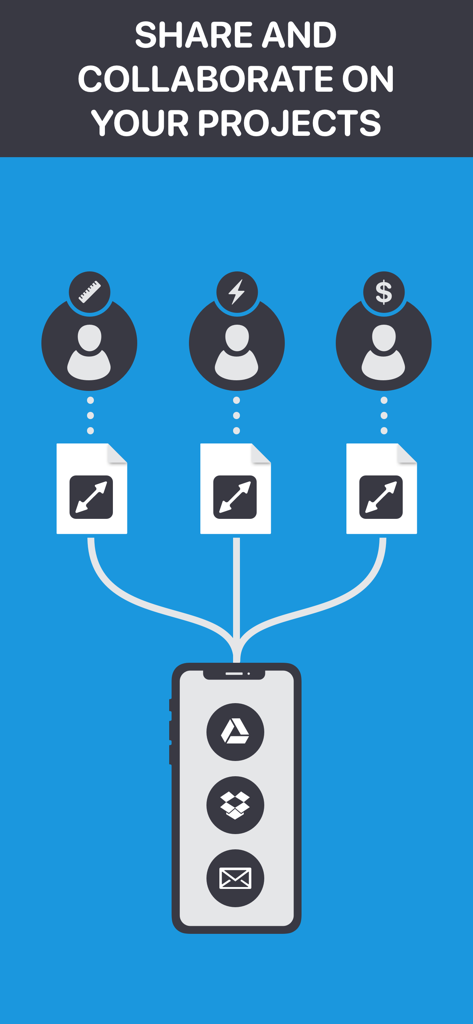
Infographic showing how to share and collaborate on measurement projects using cloud services and email within the My Measures PRO app.
Description
Download
More Like This
Apps with similar features and user experience




This page is not an official page of the app or its developer, but an independent editorial publication created for informational and commentary purposes. Unless expressly stated otherwise, neither the app nor its developer is affiliated with, endorsed by, sponsored by, authorized by, or otherwise officially connected with MWM, Apple, Google Play, the app publisher, or the app's developer, and nothing on this page implies that the app was developed using MWM's services. Any trademarks, logos, screenshots, and other content remain the property of their respective owners.