
This page is not an official page of the app or its developer, but an independent editorial publication created for informational and commentary purposes. Unless expressly stated otherwise, neither the app nor its developer is affiliated with, endorsed by, sponsored by, authorized by, or otherwise officially connected with MWM, Apple, Google Play, the app publisher, or the app's developer, and nothing on this page implies that the app was developed using MWM's services. Any trademarks, logos, screenshots, and other content remain the property of their respective owners.

My-Own
Empower your bike shop or professional team with Prologo’s scientific system to analyze pedaling physics, optimize saddle selection, and maximize rider performance.
Downloads
0User Rating
Total Ratings
0Publisher
Category
SportsLocales
3Latest Version
1.1.3Size
7.0 MBFirst Released
May 14, 2024Precision Engineering for Professional Fitters
The Pressure Map MyOwn system transforms the saddle fitting experience into a scientific process, providing the data needed to eliminate pain and unlock peak performance.
Real-Time Heat Mapping
Visualize pressure distribution across all pedaling phases to identify and resolve biomechanical bottlenecks instantly.
Objective Saddle Matching
Scientifically justify saddle recommendations and positioning to build client trust and increase retail conversion.
The following screenshots and description are sourced directly from the app's official store listing and are the property of the app developer.
App Store
Screenshots
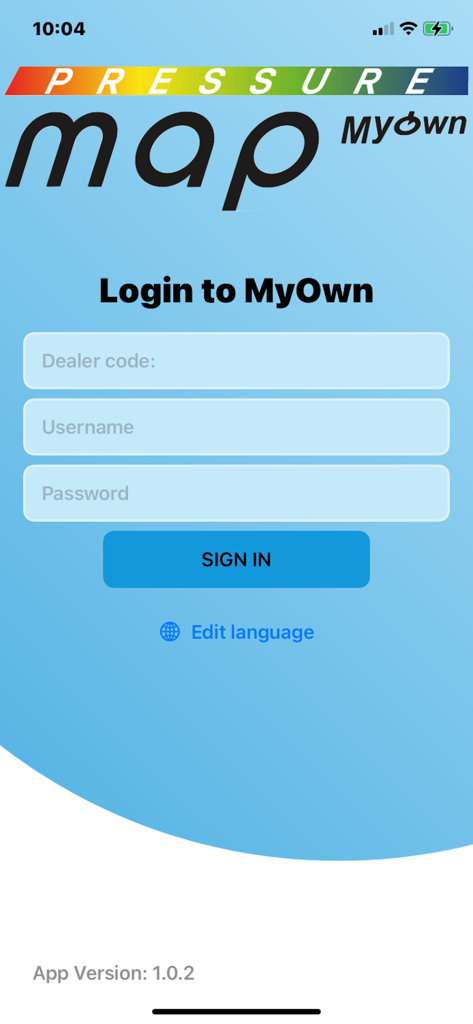
Login screen of the Pressure Map MyOwn app for professional bike fitters and retailers.
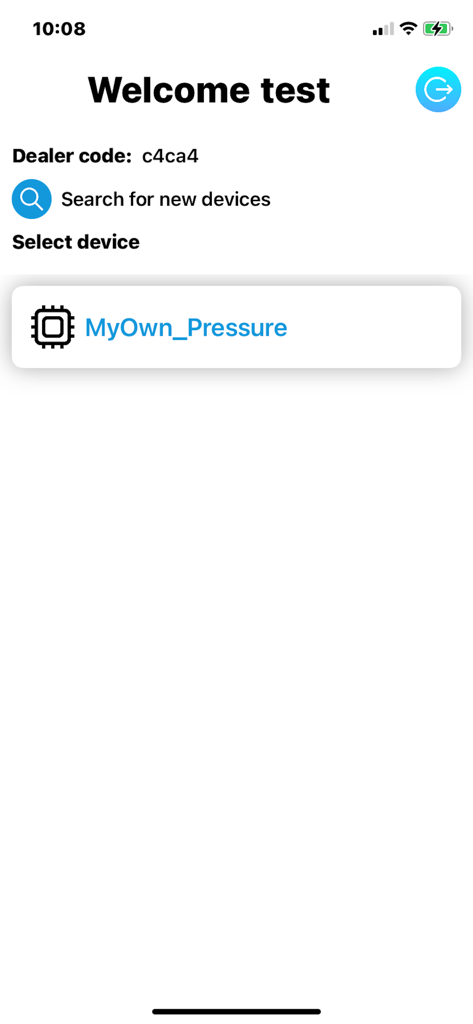
Device selection screen in the My-Own app for Prologo pressure map hardware.
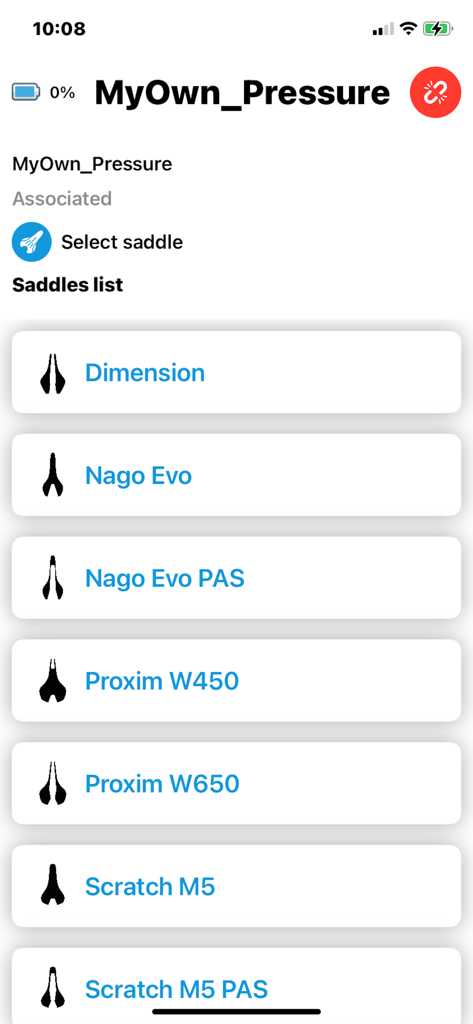
Interface of the My-Own app showing a list of Prologo saddle models including Dimension and Nago Evo for selection during a bike fit.
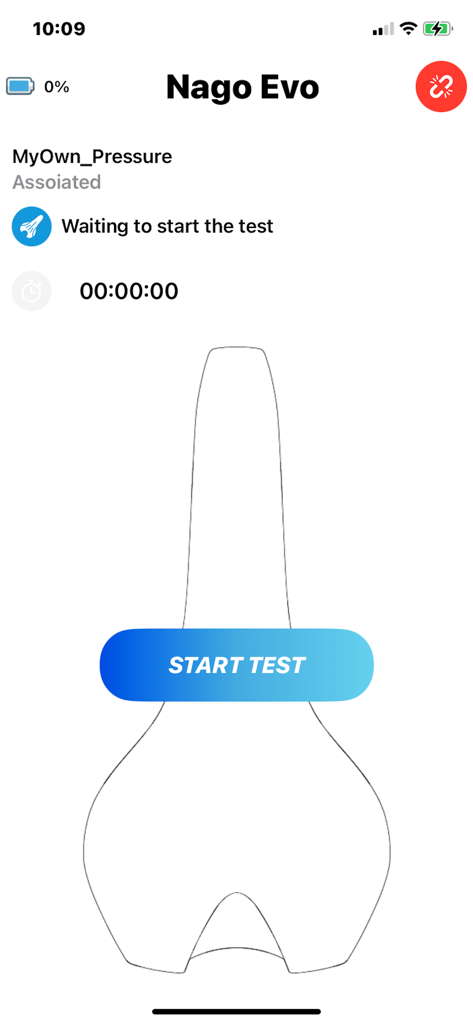
Start screen of the My-Own app for bike saddle pressure mapping
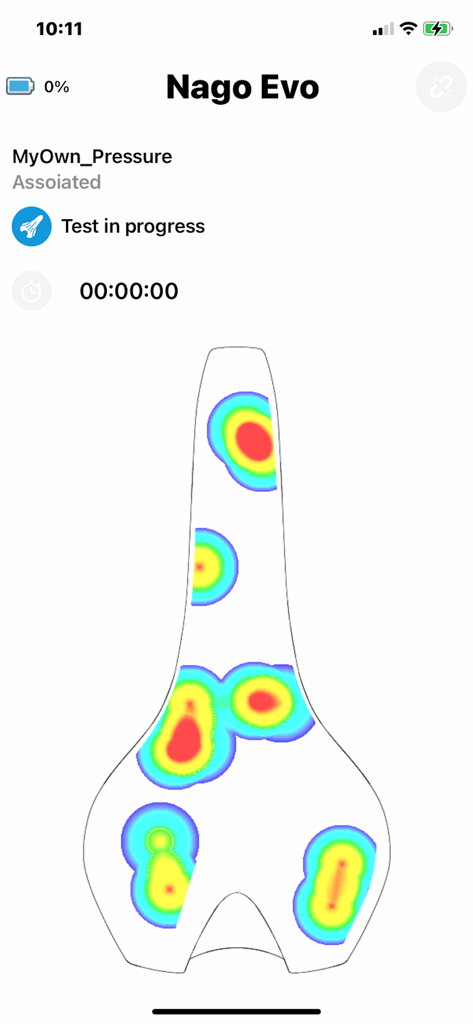
A digital heat map showing pressure distribution on a bicycle saddle during a professional bike fitting test
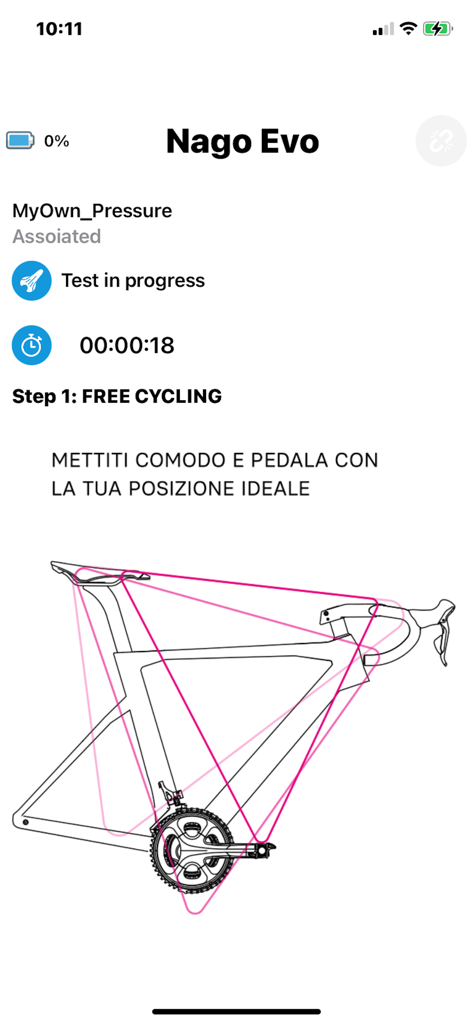
My-Own app screen showing a bike fitting test in progress for a Nago Evo saddle
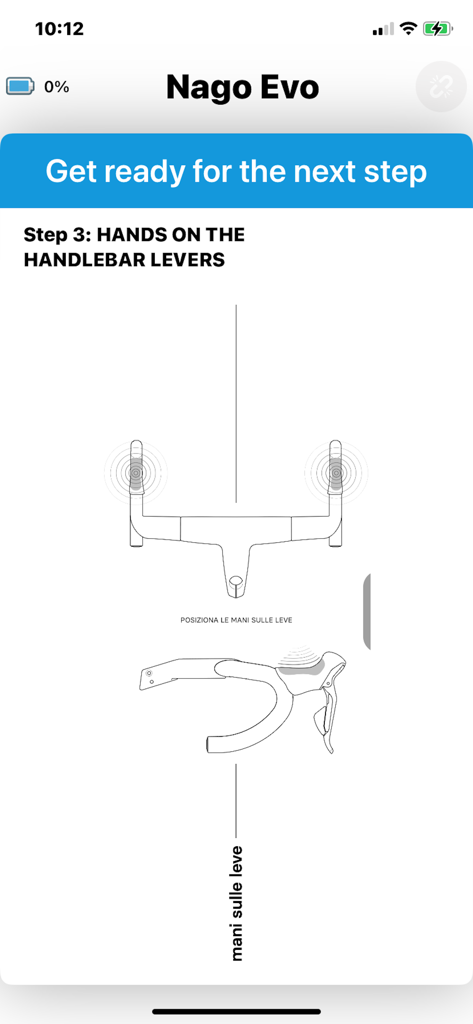
Step by step instructions for positioning hands on handlebar levers in the My-Own bike fitting app
Description
Download
More Like This
Top-ranked apps in the same category

得物 - 得到美好事物
Shanghai Dewu Information Group Co., Ltd.

懂球帝 - 足球篮球体坛数据
Hainan Football-Loving Girl Network Technology Co., Ltd.

虎扑-评分篮球足球游戏影视
Shanghai Kuanghui Network Technology Co., LTD

Underdog Sports
Underdog Sports, Inc.

Olympic Games™
International Olympic Committee

DraftKings Sportsbook & Casino
DRAFTKINGS LLC.

PrizePicks - Sports Picks
SidePrize, LLC

ESPN: Live Sports & Scores
Disney Electronic Content, Inc.

Flashscore: Live Scores & News
Livesport s.r.o.
This page is not an official page of the app or its developer, but an independent editorial publication created for informational and commentary purposes. Unless expressly stated otherwise, neither the app nor its developer is affiliated with, endorsed by, sponsored by, authorized by, or otherwise officially connected with MWM, Apple, Google Play, the app publisher, or the app's developer, and nothing on this page implies that the app was developed using MWM's services. Any trademarks, logos, screenshots, and other content remain the property of their respective owners.