
This page is not an official page of the app or its developer, but an independent editorial publication created for informational and commentary purposes. Unless expressly stated otherwise, neither the app nor its developer is affiliated with, endorsed by, sponsored by, authorized by, or otherwise officially connected with MWM, Apple, Google Play, the app publisher, or the app's developer, and nothing on this page implies that the app was developed using MWM's services. Any trademarks, logos, screenshots, and other content remain the property of their respective owners.

My Panda Chef Kitchen
Join the BabyBus panda to explore, cook, and juice in a mess-free, hazard-free kitchen designed specifically for curious preschoolers and toddlers.
Downloads
4M+User Rating
Total Ratings
7K+Publisher
Category
EducationLocales
10Latest Version
9.88.9901Size
207.2 MBFirst Released
Aug 5, 2015Safe Kitchen Fun for Little Chefs
Nurture your child’s curiosity with a mess-free digital kitchen where they can explore, cook, and create alongside their favorite Panda friends.
100% Kid-Safe Environment
Satisfy their curiosity about the kitchen in a risk-free space designed specifically for the developmental needs of toddlers.
Interactive Role-Playing
From stir-frying to juicing, kids master realistic kitchen tasks that build confidence and spark culinary creativity.
Frequently Asked Questions
Everything you need to know about My Panda Chef Kitchen
What is the purpose of the My Panda Chef Kitchen app?
The My Panda Chef Kitchen app allows young children to explore kitchen activities such as preparing food, cooking, and juicing. It provides a less dangerous and fun environment for creative play.
Can users stir-fry food in My Panda Chef Kitchen?
Yes, users can stir-fry their favorite food in the My Panda Chef Kitchen app. This feature involves adding various ingredients to a pan and seasoning them, as depicted in the gameplay.
How do you make juice in My Panda Chef Kitchen?
Users make the tastiest juice in My Panda Chef Kitchen by combining ingredients like fruits and milk in a blender. The app guides the player through the complete juicing process.
What kitchen activities can children perform in My Panda Chef Kitchen?
Children can perform various kitchen activities in My Panda Chef Kitchen, including preparing food by cutting ingredients, exploring an open fridge, and mastering both cooking and juice extraction.
What is the goal of playing My Panda Chef Kitchen?
The goal of My Panda Chef Kitchen is for players to become the kitchen chef. They master food preparation and juice extraction, then serve their cooking creations to new friends.
The following screenshots and description are sourced directly from the app's official store listing and are the property of the app developer.
App Store
Screenshots
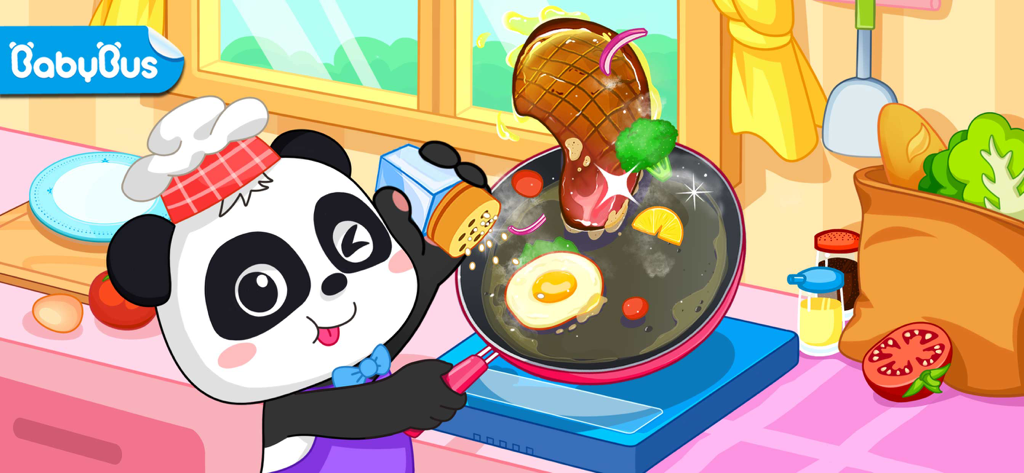
A cute panda chef stir-frying steak and eggs in a kitchen game.

A blender mixing milk and fruit next to a finished colorful fruit juice glass
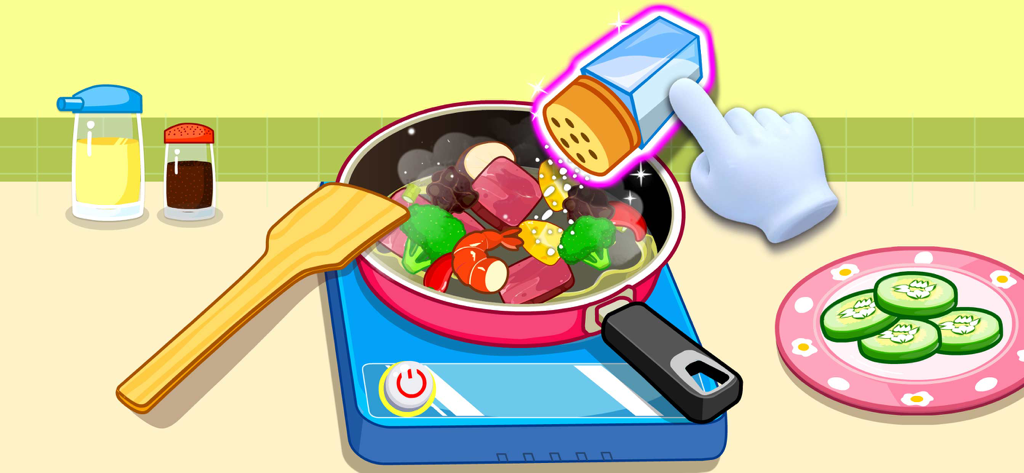
Cartoon hand seasoning a stir-fry with shrimp and vegetables in a kitchen game

A cartoon hand slicing a red tomato on a wooden cutting board in a kitchen game
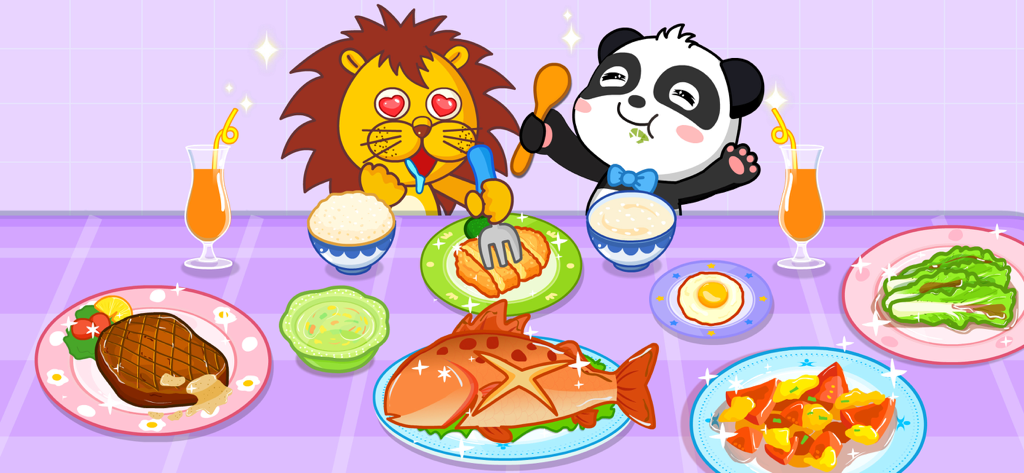
A panda and a lion sitting at a table filled with various food dishes in My Panda Chef Kitchen.
Description
Download
More Like This
Apps with similar features and user experience

Dr. Panda Restaurant 2
Dr. Panda Ltd

Foodabee: Virtual Pet for Kids
Bluebear Technologies Ltd.

Hello Kitty Lunchbox
Budge Studios

Strawberry Shortcake Bake Shop
Budge Studios

Kids Cooking: Toddler Games
Bimi Boo Kids Learning Games for Toddlers FZ LLC

Barbie Magical Fashion
Budge Studios

Little Panda Chinese Food
BABYBUS CO.,LTD
Little Panda's Restaurant
SINGAPORE BABYBUS PTE. LTD.

Pororo Cook Game
KIGLE Inc.
This page is not an official page of the app or its developer, but an independent editorial publication created for informational and commentary purposes. Unless expressly stated otherwise, neither the app nor its developer is affiliated with, endorsed by, sponsored by, authorized by, or otherwise officially connected with MWM, Apple, Google Play, the app publisher, or the app's developer, and nothing on this page implies that the app was developed using MWM's services. Any trademarks, logos, screenshots, and other content remain the property of their respective owners.