
This page is not an official page of the app or its developer, but an independent editorial publication created for informational and commentary purposes. Unless expressly stated otherwise, neither the app nor its developer is affiliated with, endorsed by, sponsored by, authorized by, or otherwise officially connected with MWM, Apple, Google Play, the app publisher, or the app's developer, and nothing on this page implies that the app was developed using MWM's services. Any trademarks, logos, screenshots, and other content remain the property of their respective owners.

My treasury
Take back control of your finances with an ad-free, intentional expense tracker. No bank links required—just smart tools to manage accounts, reach savings goals, and share budgets with those who matter.
Downloads
51K+User Rating
Total Ratings
1K+Publisher
Category
FinanceLocales
4Latest Version
4.0.5Size
58.3 MBFirst Released
Jun 26, 2018Take Full Command of Your Financial Future
A secure, ad-free personal ledger built for the intentional spender. Track every dollar, reach shared goals, and keep your sensitive banking data exactly where it belongs—with you.
Privacy-First Tracking
Avoid linking your bank accounts to third parties. Manage your finances manually with total data ownership, secure access codes, and no invasive ads.
Intentional Budgeting
Transform your spending habits by manually logging transactions with smart hints. Set goal thresholds and get notified before you exceed your limits.
Frequently Asked Questions
Everything you need to know about My treasury
Does the My treasury app contain ads or have limitations?
No, the My treasury app is free of charge, contains no ads, and has no limitations in its basic version.
Can I share accounts with other users in My treasury app?
Yes, the My treasury app allows account sharing with trusted persons or other devices. This feature requires a Premium subscription.
How does the Premium subscription for My treasury app work?
The Premium version is a subscription that renews automatically. Your account is charged within 24 hours before the period ends. To avoid renewal, cancel at least 24 hours prior.
How can My treasury app help me track my finances?
My treasury app helps you register expenses and incomes, create custom categories, and reflect multiple accounts with different currencies for comprehensive financial tracking.
What budget analysis features does My treasury app offer?
My treasury app offers analysis of expenses per category, expense structure in individual months, account balance overview, monthly/annual results, and period comparison.
Does My treasury app offer data security and backup options?
Yes, My treasury app secures access with a special code and allows users to create and restore backups. Backups can be saved locally or to cloud storage.
Can I export my financial data from My treasury app?
Yes, My treasury app allows you to export your transactions to a spreadsheet in CSV format for further analysis.
Does My treasury app help with bill reminders?
Yes, My treasury app includes functionality to create reminders for both one-off and recurring expenses, helping you remember about bills to pay.
Can I search for specific transactions in My treasury app?
Yes, My treasury app allows users to search for transactions by entries in descriptions, notes, and categories.
Can I set expense goals with the My treasury app?
Yes, My treasury app allows users to create goals with maximum expense levels, track progress, and receive notifications when warning thresholds are reached.
The following screenshots and description are sourced directly from the app's official store listing and are the property of the app developer.
App Store
Screenshots
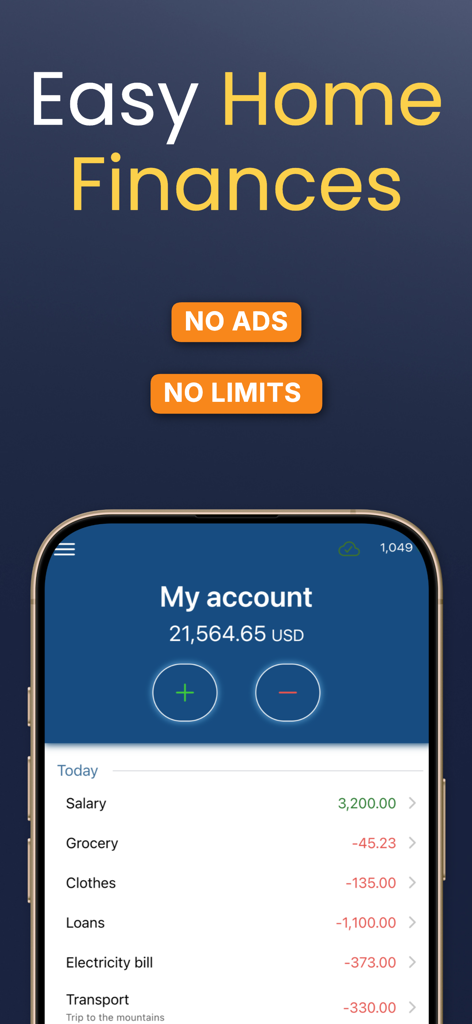
My treasury app interface showing a home finances dashboard with account balance and transaction list
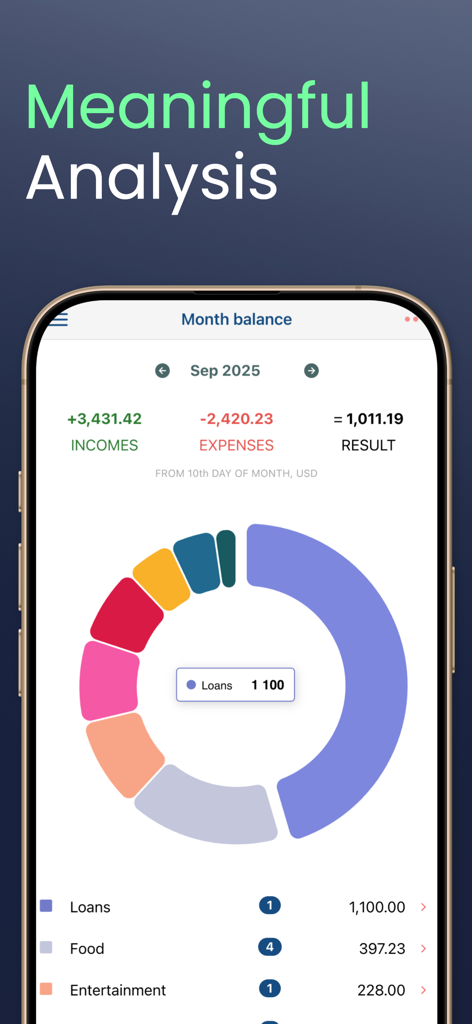
My treasury app interface showing a monthly expense donut chart and budget analysis
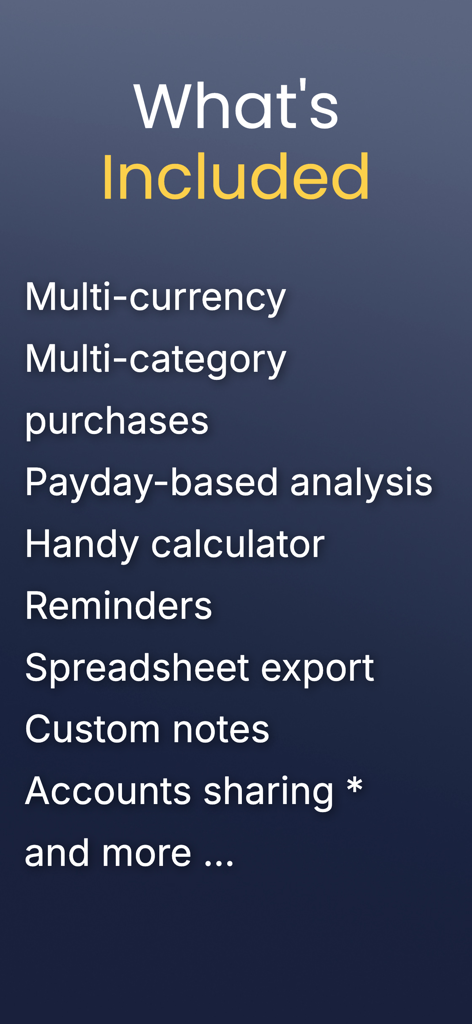
A list of features for the My treasury app including multi-currency support, payday-based analysis, and account sharing
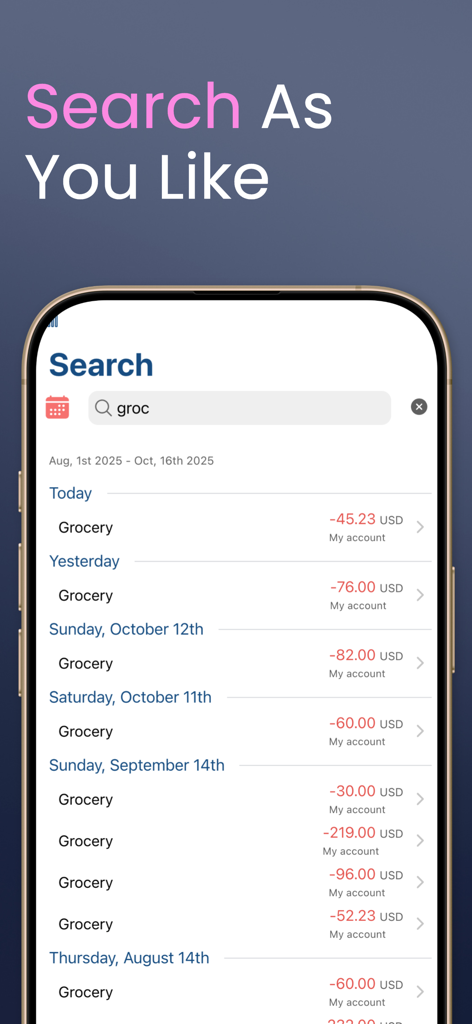
Search interface of My treasury app showing a list of categorized grocery expenses
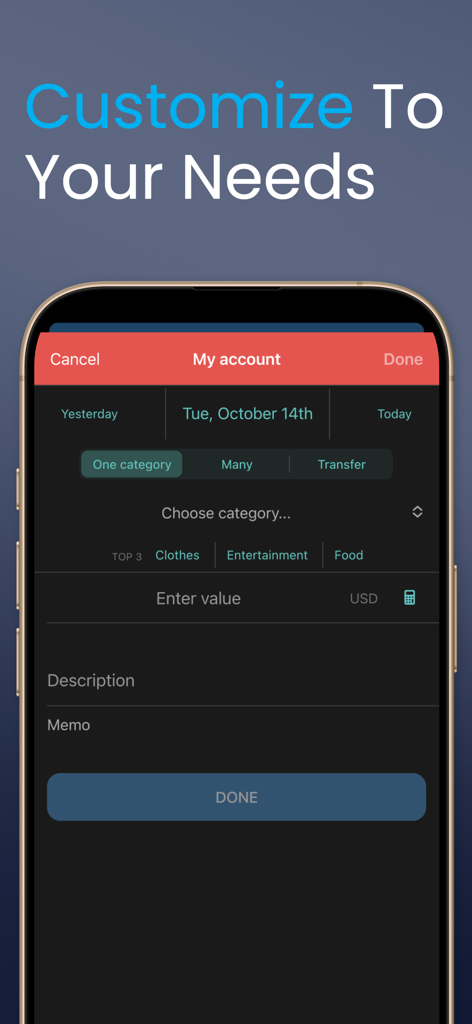
A mobile interface for manually entering transactions in the My treasury app with options for categories like clothes and entertainment
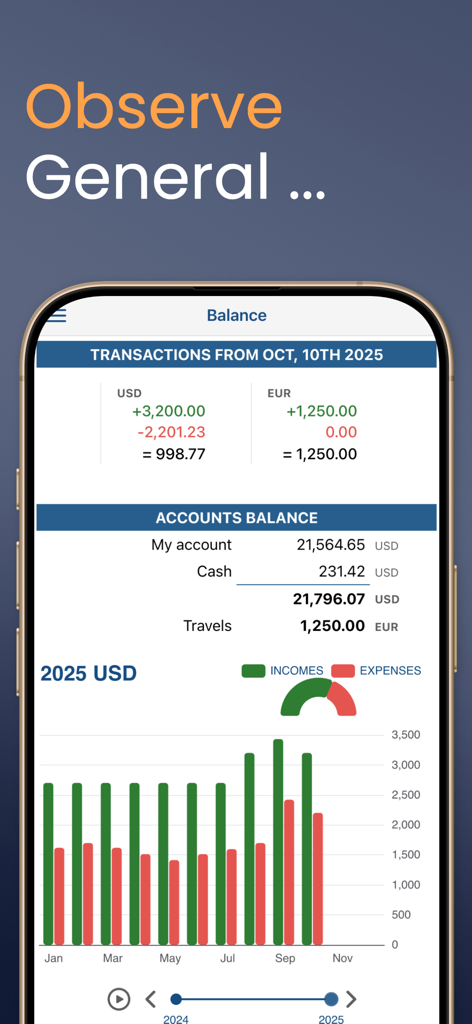
Financial dashboard in the My treasury app showing account balances in USD and EUR alongside a bar chart comparing monthly incomes and expenses
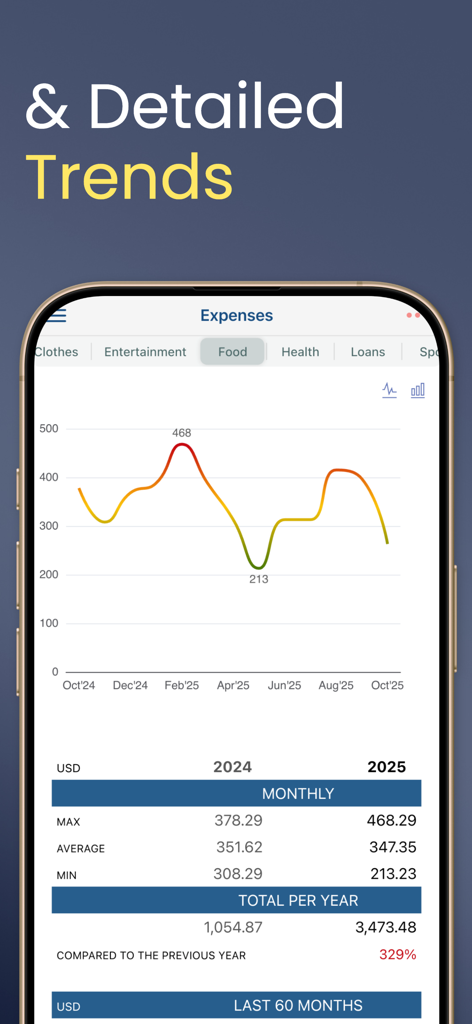
Line chart showing monthly expense trends and budget analysis in My treasury app
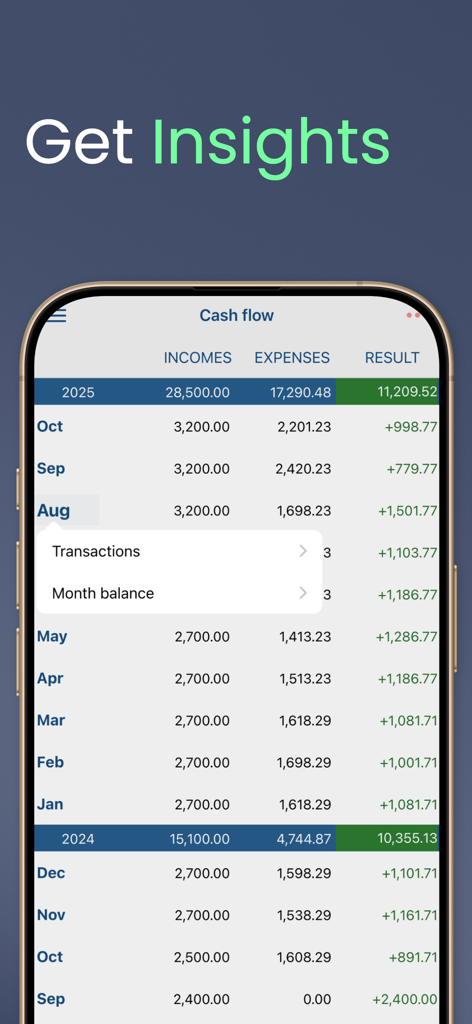
Monthly cash flow dashboard showing income and expenses in the My treasury finance app
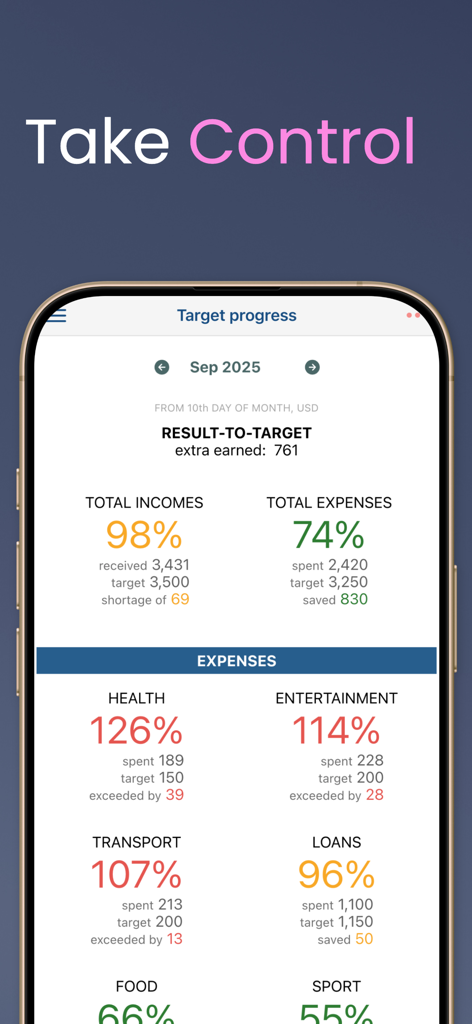
My treasury app dashboard showing monthly budget targets and expense progress across multiple categories

Premium offer screen for My treasury app explaining benefits like sharing accounts with partners and supporting the developer.
Description
Download
More Like This
Top-ranked apps in the same category

电子税务局
State Administration of Taxation

UnionPay APP
China Unionpay Co.,Ltd.

养基宝 - 年轻人的养基神器
Shenzhen Xiaoduotou Information Technology Co.,Ltd.

PayPal - Pay, Send, Save
PayPal, Inc.

中国农业银行
AGRICULTURAL BANK OF CHINA LIMITED

Mercado Pago: cuenta digital
MercadoLibre S.A.

Kalshi: Trade on the Big Game
KALSHI INC.

中国工商银行
Industrial and Commercial Bank of China

个人所得税
State Administration of Taxation
This page is not an official page of the app or its developer, but an independent editorial publication created for informational and commentary purposes. Unless expressly stated otherwise, neither the app nor its developer is affiliated with, endorsed by, sponsored by, authorized by, or otherwise officially connected with MWM, Apple, Google Play, the app publisher, or the app's developer, and nothing on this page implies that the app was developed using MWM's services. Any trademarks, logos, screenshots, and other content remain the property of their respective owners.