
This page is not an official page of the app or its developer, but an independent editorial publication created for informational and commentary purposes. Unless expressly stated otherwise, neither the app nor its developer is affiliated with, endorsed by, sponsored by, authorized by, or otherwise officially connected with MWM, Apple, Google Play, the app publisher, or the app's developer, and nothing on this page implies that the app was developed using MWM's services. Any trademarks, logos, screenshots, and other content remain the property of their respective owners.


MyFortis Doc
The exclusive all-in-one mobile workspace for Fortis doctors to manage daily schedules, provide teleconsultations, and access patient reports seamlessly from anywhere.
Downloads
0User Rating
Total Ratings
0Publisher
Category
Health & FitnessLocales
1Latest Version
15.0.0Size
64.2 MBFirst Released
May 22, 2021Empowering Your Clinical Excellence
A comprehensive digital ecosystem designed for Fortis consultants to manage patient care, schedules, and clinical data seamlessly from any location.
Seamless Teleconsultations
Connect with patients through integrated high-quality video calls, enabling flexible and remote care delivery.
Real-Time Queue Management
Instantly view and manage your daily appointments and patient flow to optimize your clinical hours and reduce wait times.
The following screenshots and description are sourced directly from the app's official store listing and are the property of the app developer.
App Store
Screenshots
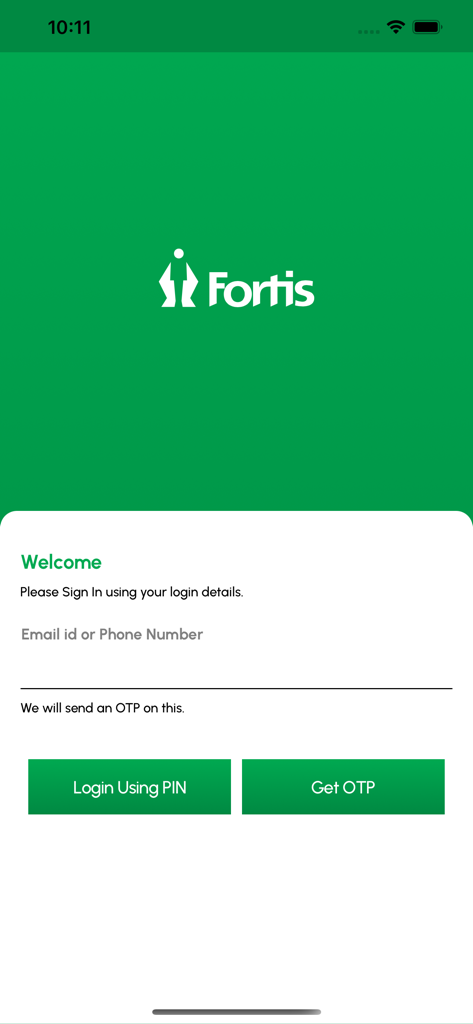
Login screen for the MyFortis Doc app featuring the Fortis logo and fields for email or phone number with options for PIN or OTP login.
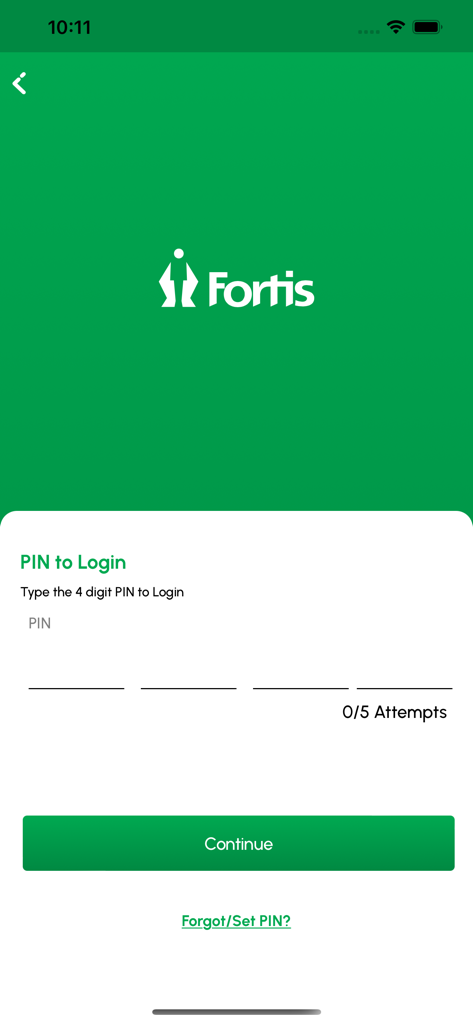
Login page of MyFortis Doc app for doctors featuring a four digit PIN entry field and Fortis logo
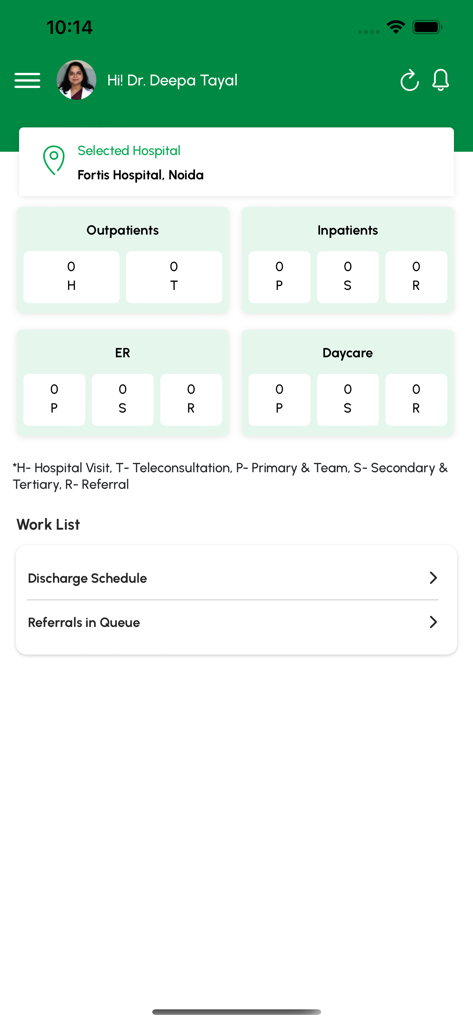
MyFortis Doc app dashboard for doctors displaying patient counts and work lists
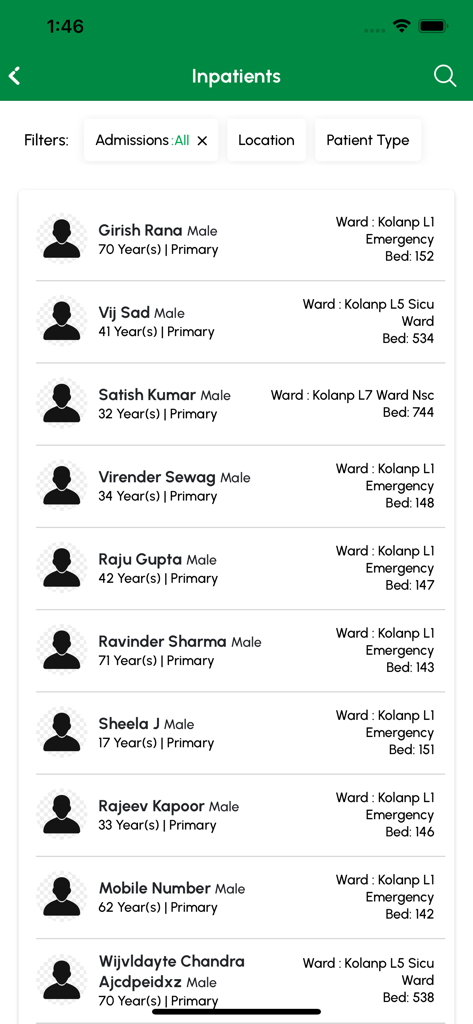
A list of inpatients within the MyFortis Doc app showing patient names, ward locations, and bed assignments.
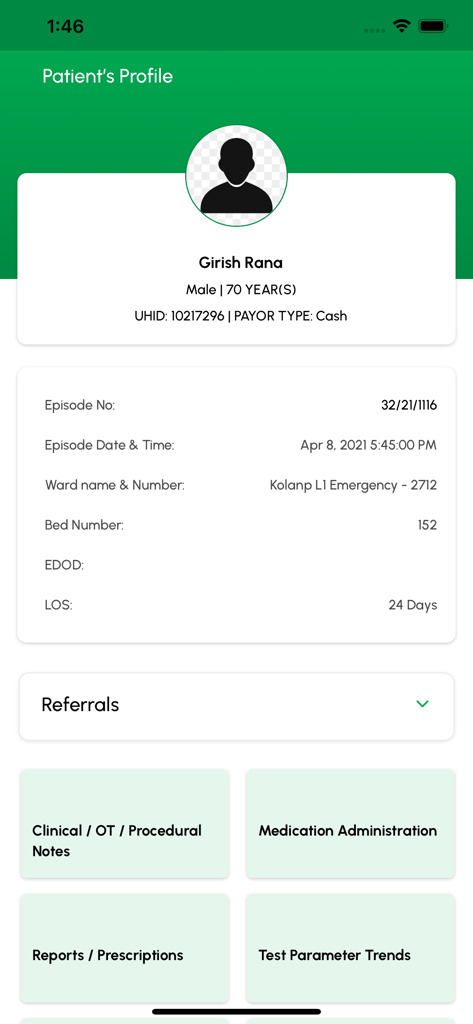
Patient profile screen in MyFortis Doc app showing clinical details and medical records access
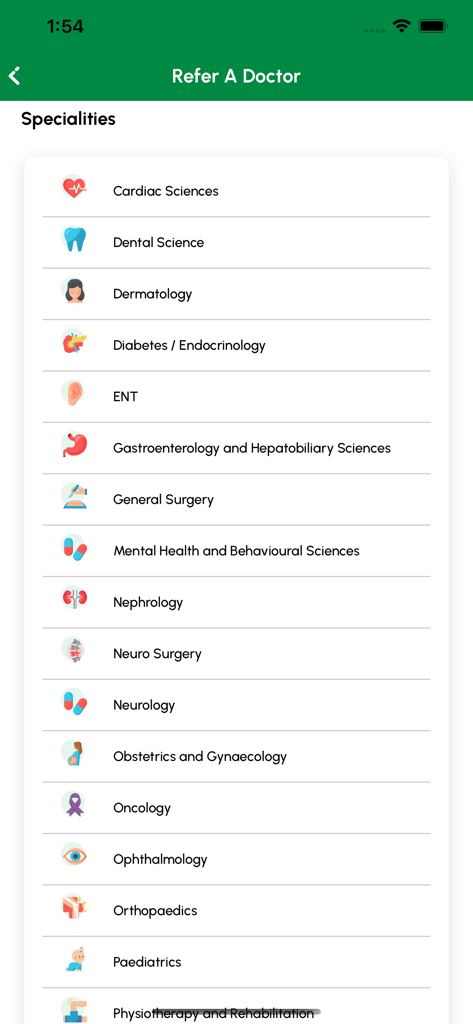
MyFortis Doc app screen showing a list of medical specialties for doctor referrals with descriptive icons
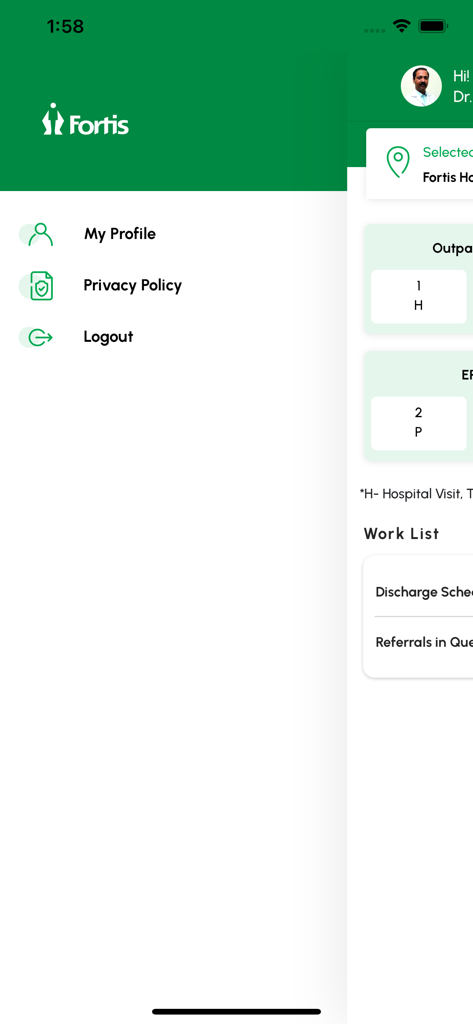
The side navigation menu of the MyFortis Doc app showing profile options and the doctors daily work list.
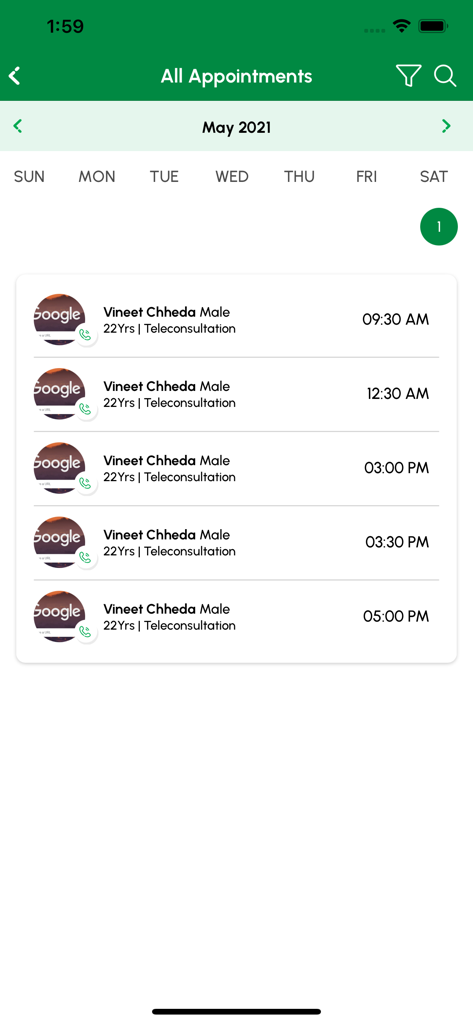
A list of patient teleconsultation appointments within the MyFortis Doc app schedule view
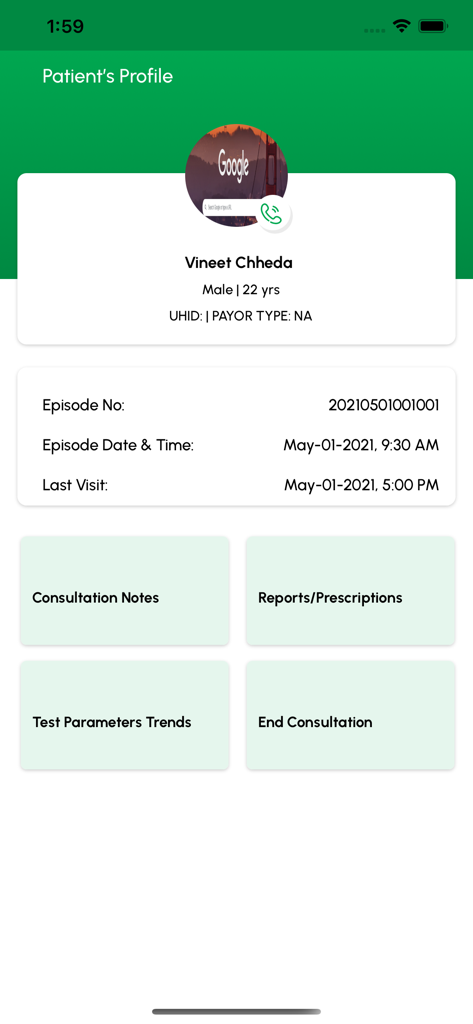
Patient profile screen in MyFortis Doc app displaying patient information and medical history
Description
Download
More Like This
Top-ranked apps in the same category

Strava: Run, Bike, Walk
Strava Inc.

Flo Cycle & Period Tracker
FLO HEALTH UK LIMITED

AI Calorie Tracker by Yazio
YAZIO GmbH

Mi Fitness (Xiaomi Wear Lite)
Beijing Xiaomi Co., Ltd

MyFitnessPal: Calorie Counter
MyFitnessPal, Inc.

Cal AI - Calorie Tracker
Viral Development LLC

Yuka - Food & Cosmetic Scanner
Yuca

美柚 - 经期·备孕·怀孕·育儿&亲友版
Xiamen Meet You Co., Ltd.

Period Tracker Period Calendar
ABISHKKING LIMITED.
This page is not an official page of the app or its developer, but an independent editorial publication created for informational and commentary purposes. Unless expressly stated otherwise, neither the app nor its developer is affiliated with, endorsed by, sponsored by, authorized by, or otherwise officially connected with MWM, Apple, Google Play, the app publisher, or the app's developer, and nothing on this page implies that the app was developed using MWM's services. Any trademarks, logos, screenshots, and other content remain the property of their respective owners.