
This page is not an official page of the app or its developer, but an independent editorial publication created for informational and commentary purposes. Unless expressly stated otherwise, neither the app nor its developer is affiliated with, endorsed by, sponsored by, authorized by, or otherwise officially connected with MWM, Apple, Google Play, the app publisher, or the app's developer, and nothing on this page implies that the app was developed using MWM's services. Any trademarks, logos, screenshots, and other content remain the property of their respective owners.

myQuintet QR Code
Elevate your eBanking experience with secure, frictionless authentication. Replace your physical Smartcard with a digital key and enjoy instant access to your global accounts with a simple scan.
Downloads
2K+User Rating
Total Ratings
0Publisher
Category
BusinessLocales
5Latest Version
7.7.6Size
147.8 MBFirst Released
Jul 26, 2018Streamlined Access to Your Global Wealth
Designed for the sophisticated investor, myQuintet QR Code offers a secure and effortless way to manage your private banking portfolio without the need for physical hardware.
Cardless Connectivity
Eliminate the need for physical smartcards and readers. Access your accounts instantly using only your mobile device.
Bank-Grade Protection
Benefit from robust, encrypted multi-factor authentication designed to meet the highest security standards for your global assets.
Frequently Asked Questions
Everything you need to know about myQuintet QR Code
What is myQuintet QR Code?
myQuintet QR Code is an authentication application for eBanking platforms like MyPuilaetco, myQuintet, and Brown Shipley. It simplifies logging into your bank account safely.
How does myQuintet QR Code simplify eBanking authentication?
myQuintet QR Code simplifies authentication by eliminating the need for a Smartcard for each connection after an initial device registration. It uses QR code scanning for quick access.
Do I need a Smartcard to use myQuintet QR Code?
Yes, a Smartcard is necessary for the first and unique registration of your mobile device with myQuintet QR Code. After this initial setup, it is not required for daily logins.
Can myQuintet QR Code be used for both web and mobile applications?
Yes, myQuintet QR Code works for both mobile and web application authentication. It supports secure login to the bank's website and its secure mobile application.
Does myQuintet QR Code support biometric login methods like Face ID or Touch ID?
Yes, myQuintet QR Code supports new technologies like Touch ID and Face ID for quick and easy sign-in. This feature enhances the security and convenience of accessing your account.
The following screenshots and description are sourced directly from the app's official store listing and are the property of the app developer.
App Store
Screenshots
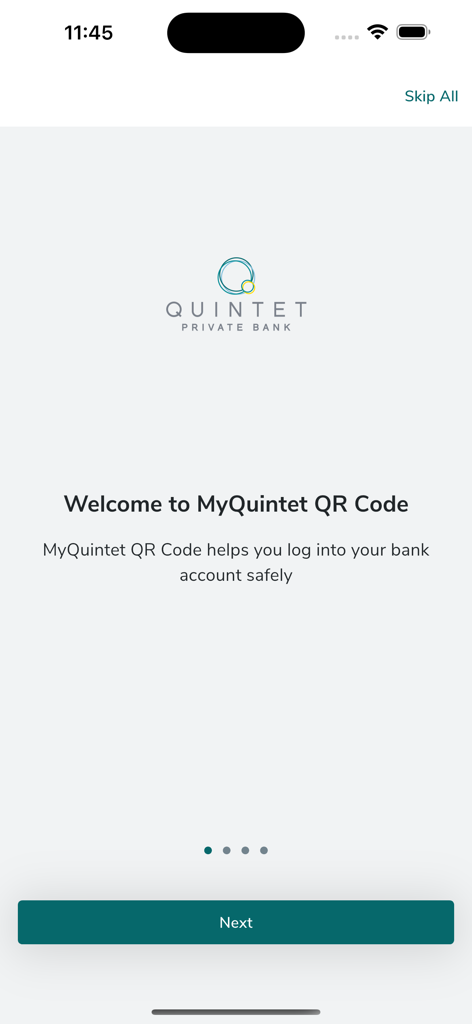
Welcome screen of the myQuintet QR Code app showing the Quintet Private Bank logo and login instructions.
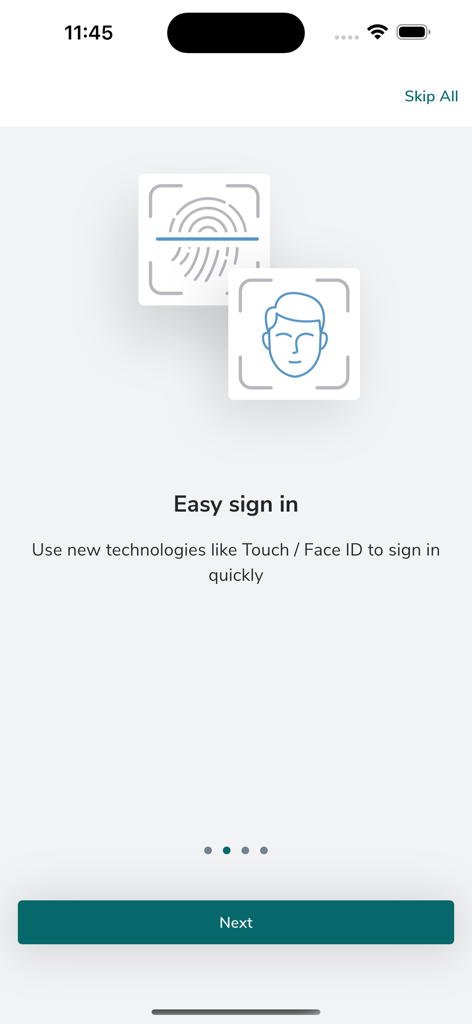
Easy sign in screen showcasing Touch ID and Face ID biometric authentication for secure mobile banking
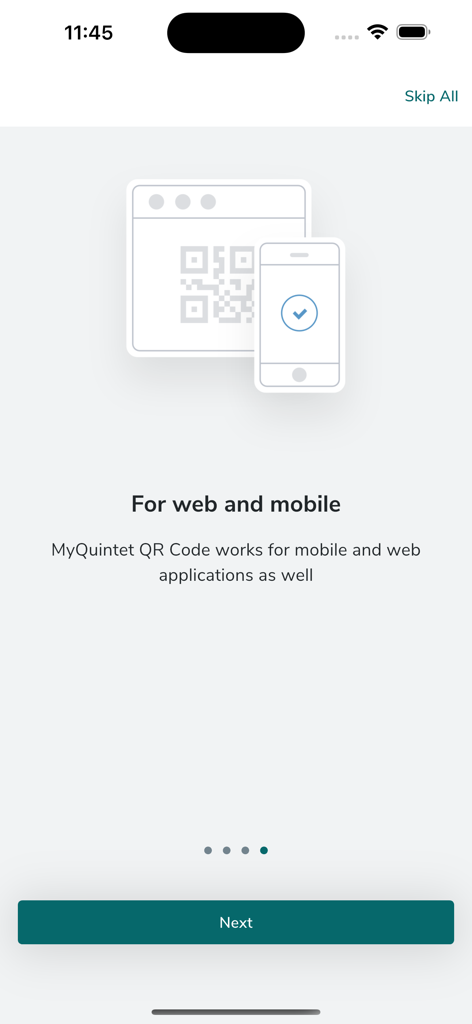
Onboarding screen of the myQuintet QR Code app explaining its compatibility with both web and mobile banking platforms.
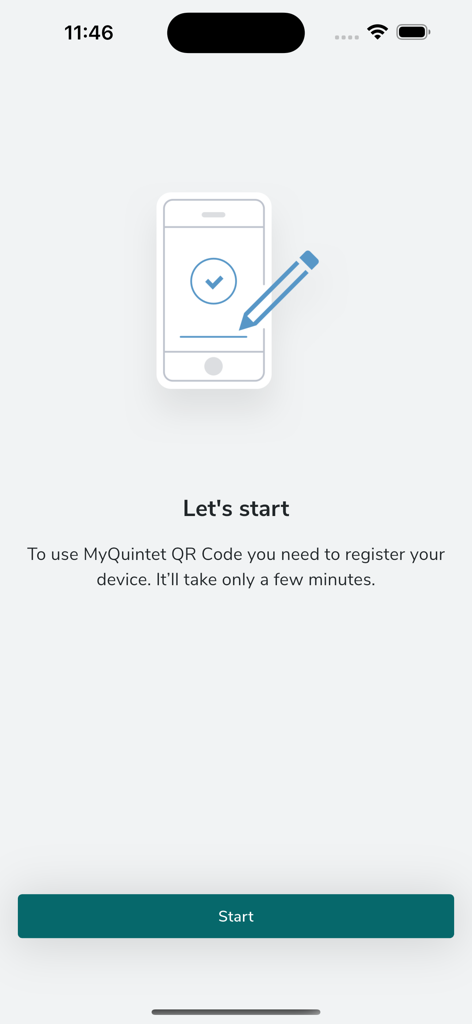
Registration welcome screen for the myQuintet QR Code authentication app
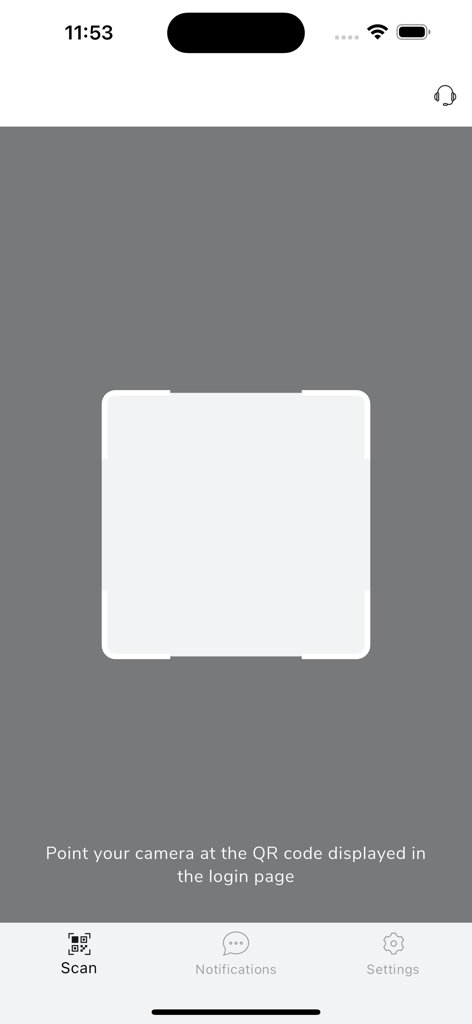
QR code scanning interface for secure myQuintet banking authentication
Description
Download
More Like This
Top-ranked apps in the same category

Microsoft Teams
Microsoft Corporation

Zoom Workplace
Zoom Communications, Inc.

WhatsApp Business
WhatsApp Inc.

Indeed Job Search
Indeed Inc.

LinkedIn: Network & Job Finder
LinkedIn Corporation

Adobe Acrobat Reader: Sign PDF
Adobe Inc.

WeCom-Work Communication&Tools
Tencent Technology (Shenzhen) Company Limited

BOSS直聘-招聘求职找工作神器
Beijing China Product Bo Farce Network Technology Co., Ltd.

DingDing - Redefine Work in AI
DingTalk Technology Co., Ltd.
This page is not an official page of the app or its developer, but an independent editorial publication created for informational and commentary purposes. Unless expressly stated otherwise, neither the app nor its developer is affiliated with, endorsed by, sponsored by, authorized by, or otherwise officially connected with MWM, Apple, Google Play, the app publisher, or the app's developer, and nothing on this page implies that the app was developed using MWM's services. Any trademarks, logos, screenshots, and other content remain the property of their respective owners.