
This page is not an official page of the app or its developer, but an independent editorial publication created for informational and commentary purposes. Unless expressly stated otherwise, neither the app nor its developer is affiliated with, endorsed by, sponsored by, authorized by, or otherwise officially connected with MWM, Apple, Google Play, the app publisher, or the app's developer, and nothing on this page implies that the app was developed using MWM's services. Any trademarks, logos, screenshots, and other content remain the property of their respective owners.


mySpreader
Optimize your Amazone spreader settings, analyze distribution with the EasyCheck digital test kit, and sync data instantly via Bluetooth for perfect field-ready performance.
Downloads
54K+User Rating
Total Ratings
100Publisher
Category
BusinessLocales
29Latest Version
1.10.10Size
137.8 MBFirst Released
Mar 10, 2020Precision Productivity in the Palm of Your Hand
Maximize every acre with a comprehensive digital suite designed to eliminate fertilizer waste and simplify your field workflow.
Smart Fertilizer Database
Get instant, field-ready settings for any fertilizer brand. Search by name, granule size, or density for laboratory-grade precision.
Photo-Based Spread Analysis
Stop guessing and start measuring. Snap a photo of your test mats to receive immediate machine adjustments for a perfectly even spread.
The following screenshots and description are sourced directly from the app's official store listing and are the property of the app developer.
App Store
Screenshots
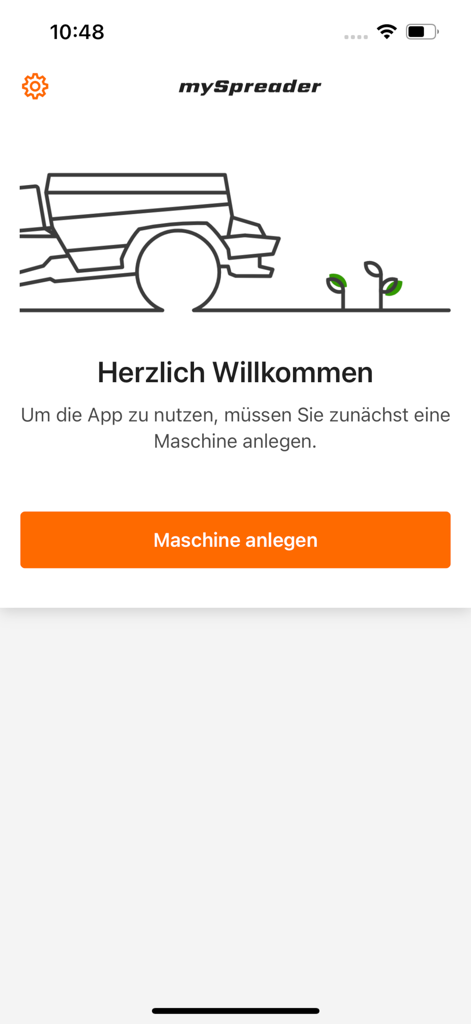
Welcome screen of the mySpreader agricultural app featuring a prompt to add a machine in German
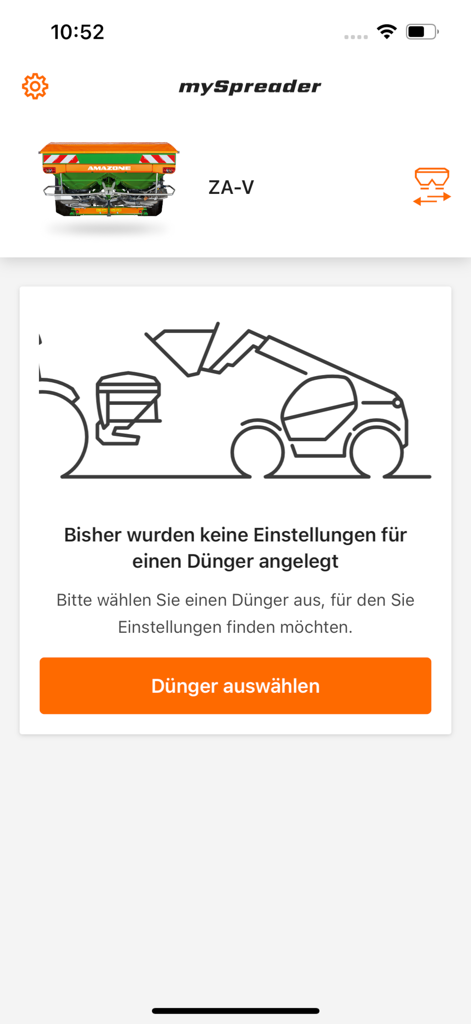
mySpreader app interface showing an Amazone ZA-V fertilizer spreader and a button to choose fertilizer
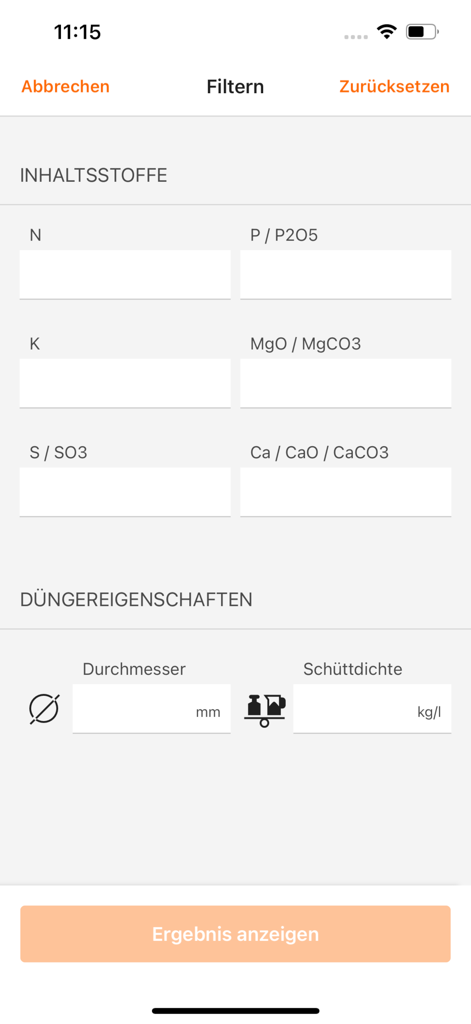
Filter interface for fertilizer ingredients and physical properties in the mySpreader app
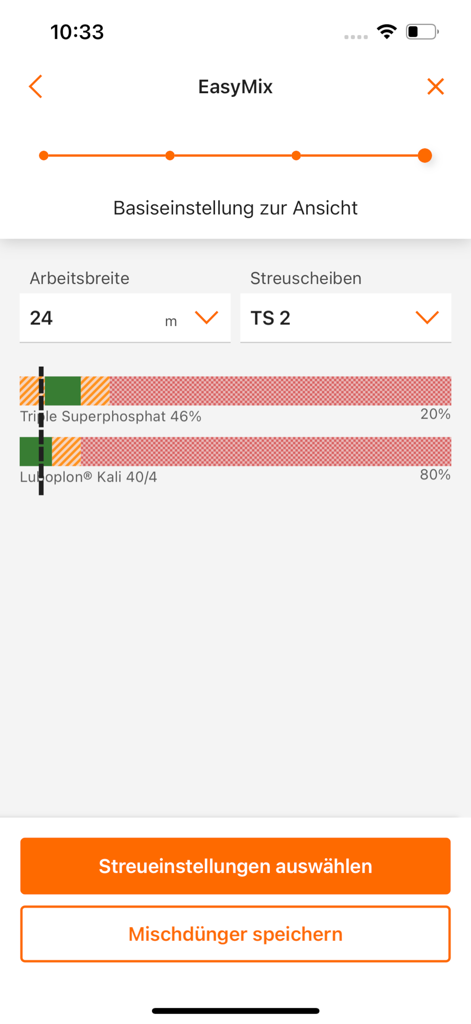
Smartphone screen displaying fertilizer blend ratios and spreader settings in the mySpreader app
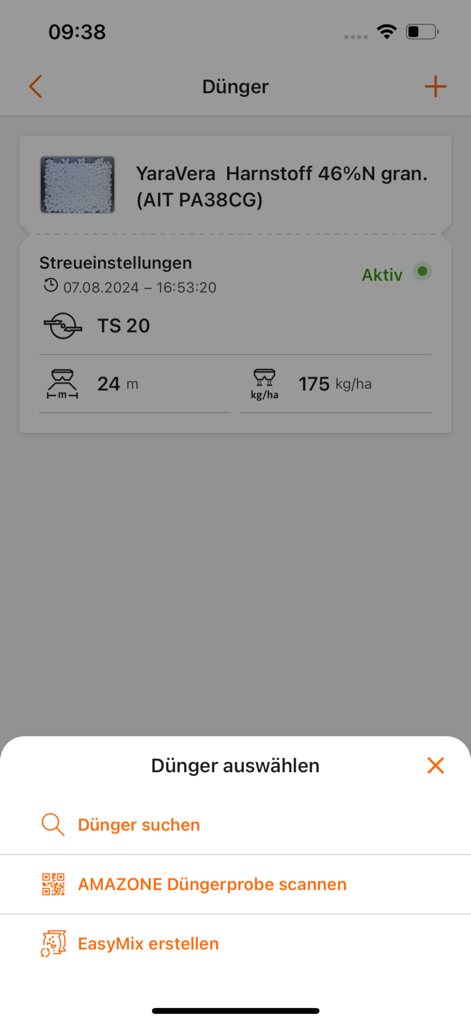
Interface of the mySpreader app showing spreader settings and a menu for selecting fertilizers
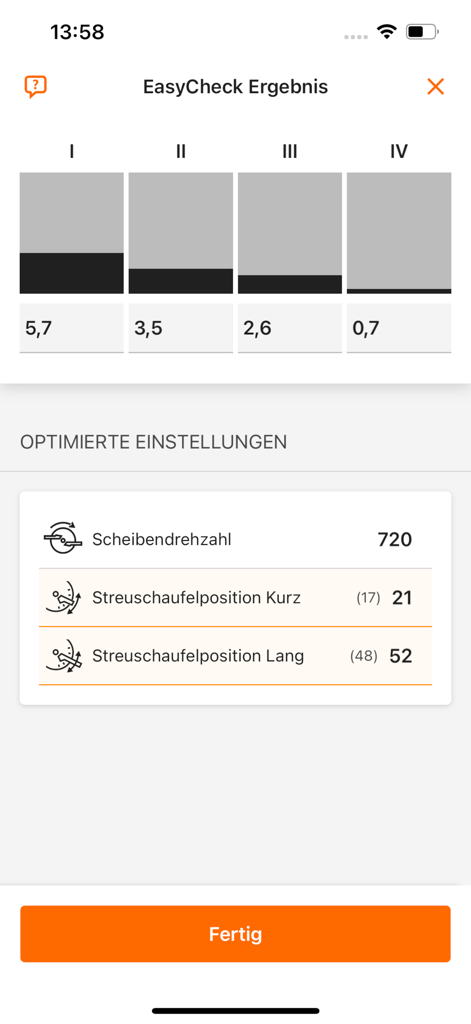
mySpreader app showing EasyCheck distribution results and optimized spreader settings
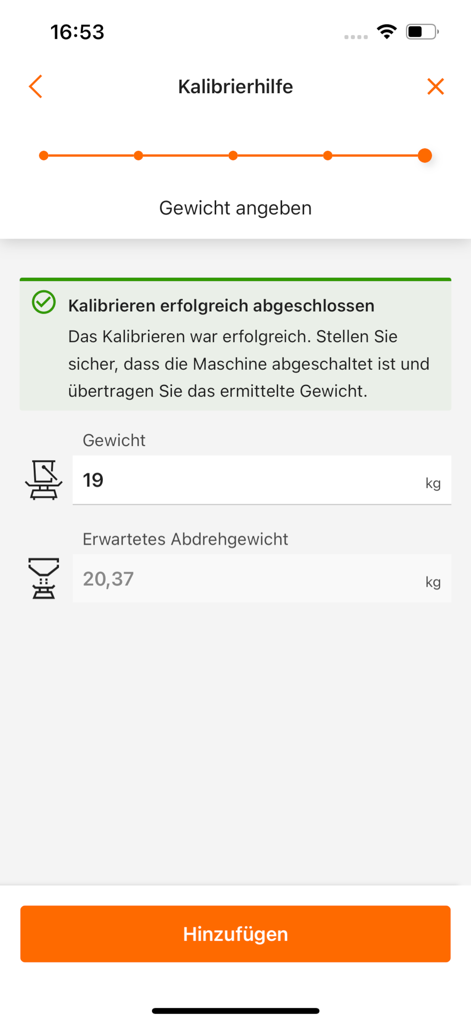
mySpreader app interface for fertilizer calibration and weight measurement input
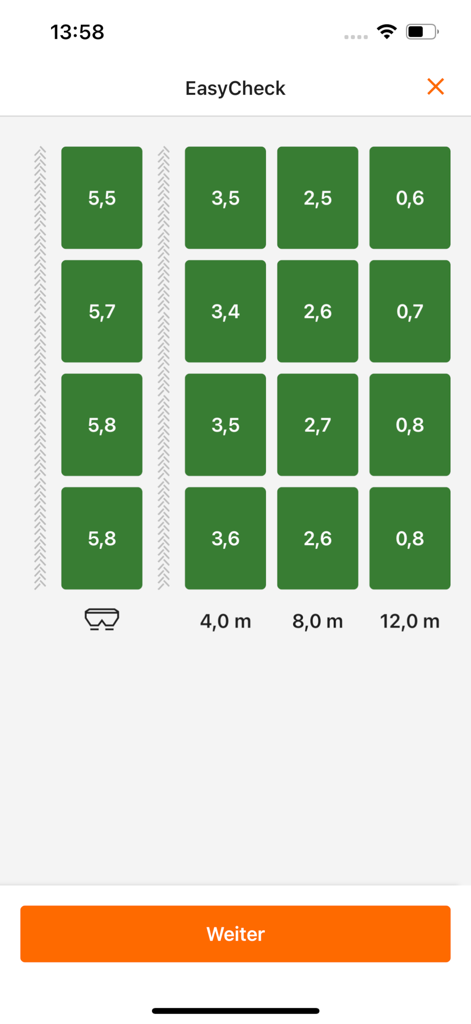
EasyCheck interface showing fertilizer lateral distribution results on a digital grid
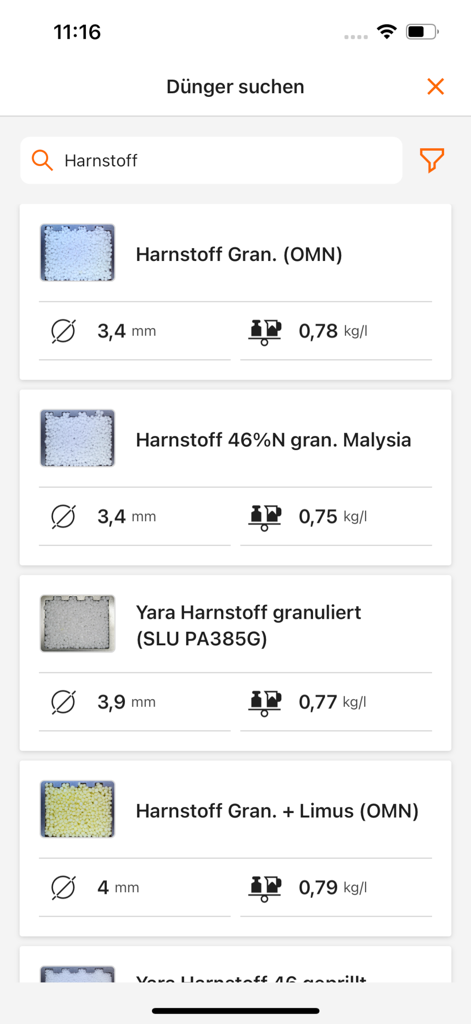
mySpreader app interface showing a searchable fertilizer database with granule size and density details
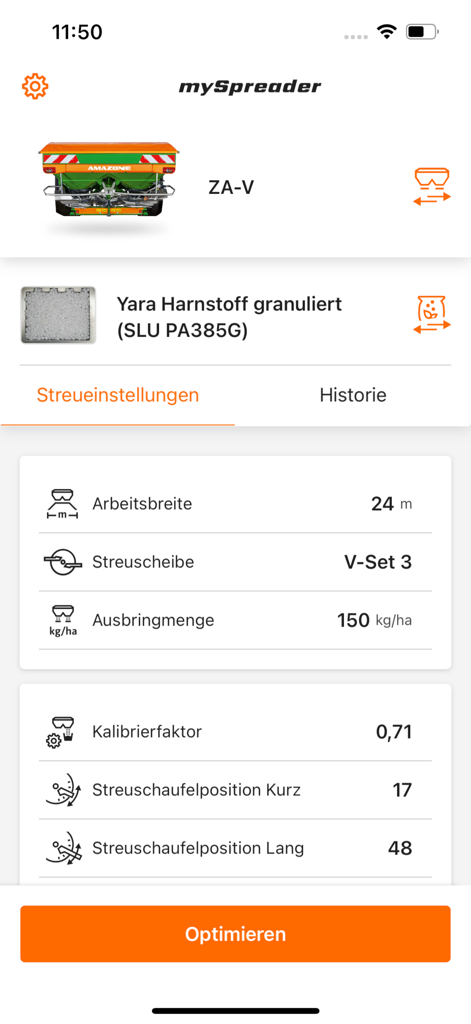
Interface of the mySpreader app showing spreading settings and calibration parameters for an Amazone ZA-V fertilizer spreader.
Description
Download
More Like This
Top-ranked apps in the same category

Microsoft Teams
Microsoft Corporation

Zoom Workplace
Zoom Communications, Inc.

WhatsApp Business
WhatsApp Inc.

Indeed Job Search
Indeed Inc.

LinkedIn: Network & Job Finder
LinkedIn Corporation

Adobe Acrobat Reader: Sign PDF
Adobe Inc.

DingDing - Redefine Work in AI
DingTalk Technology Co., Ltd.

WeCom-Work Communication&Tools
Tencent Technology (Shenzhen) Company Limited

BOSS直聘-招聘求职找工作神器
Beijing China Product Bo Farce Network Technology Co., Ltd.
This page is not an official page of the app or its developer, but an independent editorial publication created for informational and commentary purposes. Unless expressly stated otherwise, neither the app nor its developer is affiliated with, endorsed by, sponsored by, authorized by, or otherwise officially connected with MWM, Apple, Google Play, the app publisher, or the app's developer, and nothing on this page implies that the app was developed using MWM's services. Any trademarks, logos, screenshots, and other content remain the property of their respective owners.