
This page is not an official page of the app or its developer, but an independent editorial publication created for informational and commentary purposes. Unless expressly stated otherwise, neither the app nor its developer is affiliated with, endorsed by, sponsored by, authorized by, or otherwise officially connected with MWM, Apple, Google Play, the app publisher, or the app's developer, and nothing on this page implies that the app was developed using MWM's services. Any trademarks, logos, screenshots, and other content remain the property of their respective owners.

Neo Avant
Transform your home with 16 million colors and seamless voice control. From focused work to deep relaxation, create the perfect ambiance for every moment with Alexa and Google Assistant integration.
Downloads
79K+User Rating
Total Ratings
1K+Publisher
Category
UtilitiesLocales
3Latest Version
1.4.1Size
183.6 MBFirst Released
Apr 21, 2022Smart Lighting, Smarter Living
Take total control of your environment with intuitive features designed to match your lifestyle, boost productivity, and save energy effortlessly.
16 Million Colors & Mood Tuning
Instantly transform your space from a high-focus office to a cozy lounge with customizable color temperatures and millions of RGB options.
Seamless Voice & Scene Control
Hands-free living at its best. Sync with Amazon Alexa or Google Assistant to trigger custom lighting scenes with a simple voice command.
Frequently Asked Questions
Everything you need to know about Neo Avant
What is the Neo Avant app?
The Neo Avant app controls the Smart Wi-Fi Avant NEO lighting line, offering modern and versatile indoor illumination. Users manage color temperature, RGB colors, and create scenes or automations.
Does the Neo Avant app support voice commands?
Yes, the Neo Avant app supports voice commands through integration with Amazon Alexa and Google Assistant. This allows users to control lighting hands-free.
Can users create custom lighting scenes with Neo Avant?
Yes, users can create custom lighting scenes and automations using the Neo Avant app. This feature allows for automatic execution based on conditions like time or device status.
What color options are available with Neo Avant smart bulbs?
Neo Avant smart bulbs offer both adjustable white color temperatures, ranging from 2,700K to 6,500K, and over 16 million colors via the RGB model.
What environments are suitable for Neo Avant smart lighting?
Neo Avant smart lighting is ideal for various indoor environments. This includes bedrooms, living rooms, kitchens, and offices, providing versatile and modern illumination.
Does Neo Avant lighting help with energy saving?
Yes, Neo Avant intelligent lighting promotes energy saving. The system offers efficient control and management of illumination, contributing to reduced energy consumption.
How do I register an account for the Neo Avant app?
To register for the Neo Avant app, users input an email and select their country, then obtain a verification code. The process requires agreeing to the Privacy Policy.
Can I control the brightness of Neo Avant smart bulbs?
Yes, users can control the brightness of Neo Avant smart bulbs directly through the app. The interface includes a dedicated slider for adjusting light intensity.
The following screenshots and description are sourced directly from the app's official store listing and are the property of the app developer.
App Store
Screenshots
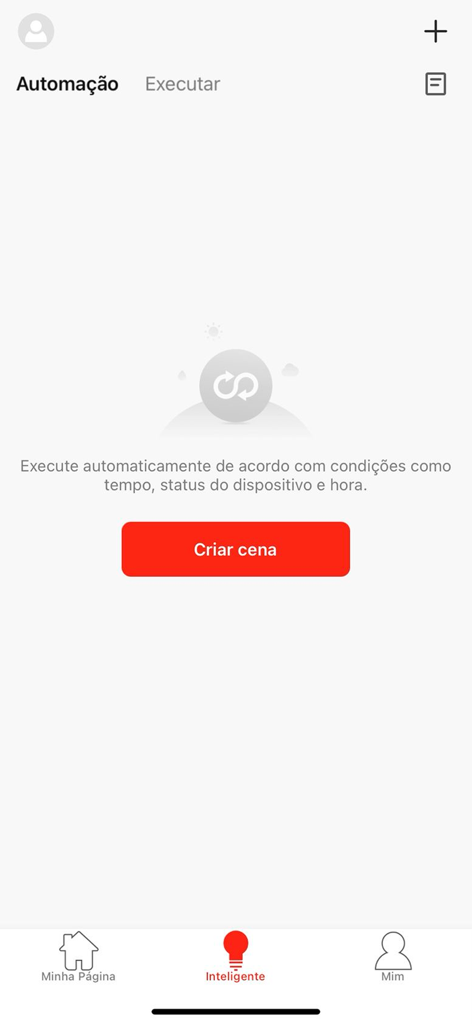
Neo Avant app automation screen with a button to create a new scene.
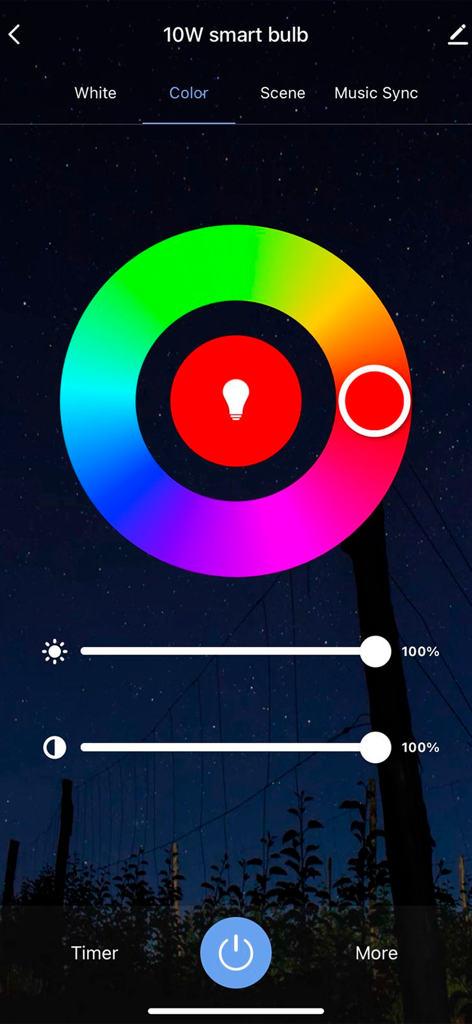
Neo Avant app interface showing a color wheel for controlling a smart bulb with brightness and saturation sliders
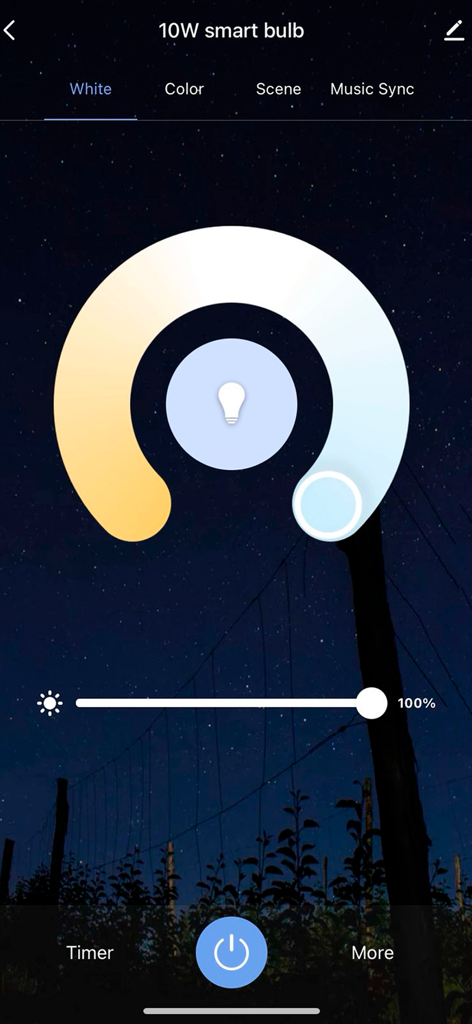
Neo Avant app interface showing color temperature and brightness settings for a smart bulb.
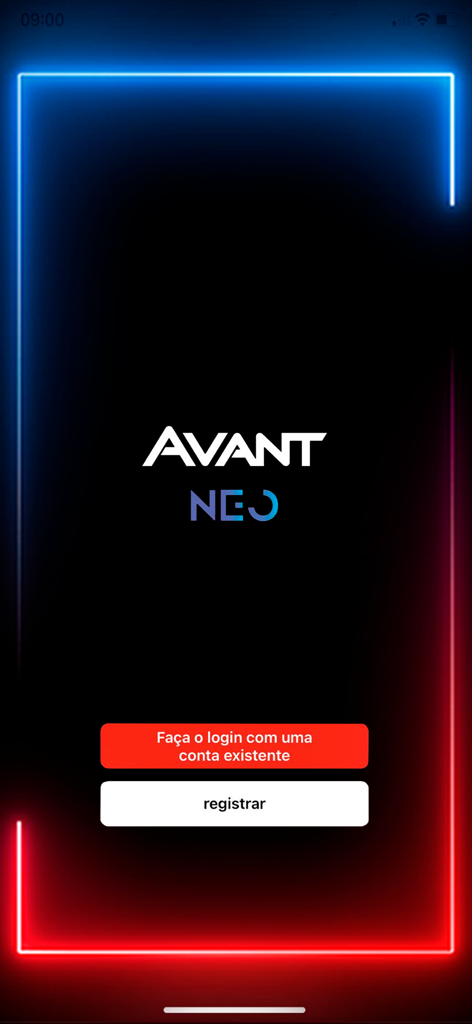
Neo Avant smart home lighting app login screen featuring neon borders and registration options
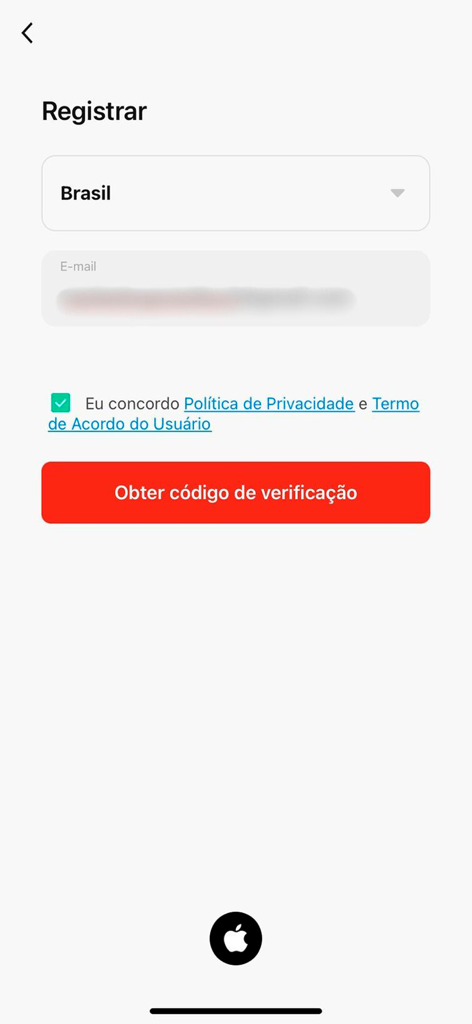
Registration screen for the Neo Avant smart home app featuring email input and verification code button
Description
Download
More Like This
Apps with similar features and user experience

Hello Fairy
Hysiry Technology Co., Ltd.
LED Light Controller Universal
Codenhagen.IO ApS
LED light controller LED lamp
EJ KEY, LLC

Feit Electric
Feit Electric Company, Inc.
Led Light Remote Controller +
HNLRE CAPITAL GROUP LLC
Led Lamp Control: LedLights
Sushmita Kumari

Twinkly
Ledworks srl

OnSwitch for Philips Hue
Buzzhaus, LLC
Snorg
羽露 赖
This page is not an official page of the app or its developer, but an independent editorial publication created for informational and commentary purposes. Unless expressly stated otherwise, neither the app nor its developer is affiliated with, endorsed by, sponsored by, authorized by, or otherwise officially connected with MWM, Apple, Google Play, the app publisher, or the app's developer, and nothing on this page implies that the app was developed using MWM's services. Any trademarks, logos, screenshots, and other content remain the property of their respective owners.