
This page is not an official page of the app or its developer, but an independent editorial publication created for informational and commentary purposes. Unless expressly stated otherwise, neither the app nor its developer is affiliated with, endorsed by, sponsored by, authorized by, or otherwise officially connected with MWM, Apple, Google Play, the app publisher, or the app's developer, and nothing on this page implies that the app was developed using MWM's services. Any trademarks, logos, screenshots, and other content remain the property of their respective owners.

Notation Pad Pro - Sheet Music
Capture inspiration whenever it strikes. Create, playback, and export high-quality scores with a powerful notation engine designed for students, teachers, and professional musicians.
Downloads
72K+User Rating
Total Ratings
400Publisher
Category
MusicLocales
5Latest Version
2.1.6Size
165.5 MBFirst Released
Oct 11, 2016Your Studio in Your Pocket
Professional notation tools designed for songwriters, students, and composers who need to write music on the move.
Effortless Notation
Turn flashes of inspiration into beautiful sheet music instantly using simple touch and drag controls optimized for mobile.
Pro-Level Exporting
Share your vision as PDF or MIDI, and seamlessly sync with desktop software like Sibelius and Finale via MusicXML export.
Frequently Asked Questions
Everything you need to know about Notation Pad Pro - Sheet Music
What is Notation Pad Pro - Sheet Music?
Notation Pad Pro is an iOS sheet music notation app for composing, editing, reading, and playing back musical scores and lyrics. It supports various instruments and notation for both beginners and experienced musicians.
What file formats can Notation Pad Pro export?
Notation Pad Pro exports MusicXML, MIDI, PNG image, and PDF document files. MusicXML allows exchange with other music software like Finale and Sibelius.
Can Notation Pad Pro edit multiple staves at once?
Yes, Notation Pad Pro supports editing up to 8 staves simultaneously. Users can assign different instruments to each staff within the score settings.
Does Notation Pad Pro include different musical instruments?
Yes, Notation Pad Pro supports over 100 kinds of musical instruments. These include piano, organ, guitar, violin, sax, flute, brass, and bass, which users can assign to staves.
What types of musical notation does Notation Pad Pro support?
Notation Pad Pro supports various note types, chords, staves, clefs (treble, alto, bass), lyrics, time signatures, key signatures, tempo, accidentals, ties, slurs, tuplets, ornaments, and dynamics.
Can users adjust the tempo in Notation Pad Pro?
Yes, Notation Pad Pro allows users to adjust the tempo of their compositions. The tempo setting is available and adjustable within the score settings interface.
Is Notation Pad Pro suitable for beginners learning music?
Yes, Notation Pad Pro is designed for beginners wanting to learn music scores, notes, and tablature. It facilitates music composition through a simple touch and move interface.
Can I manage my scores within Notation Pad Pro?
Yes, users can manage their scores within Notation Pad Pro using the "Local Scores" section. The app also features options to discover and upload scores.
Does Notation Pad Pro offer account login options?
Yes, Notation Pad Pro offers account login options. Users can log in with an email and password, or use "Sign in with Apple" and Facebook login.
Can Notation Pad Pro handle ensemble or symphony scores?
Yes, Notation Pad Pro handles ensemble, choir, or symphony scores. It also fully supports single-track piano scores for comprehensive musical composition.
The following screenshots and description are sourced directly from the app's official store listing and are the property of the app developer.
App Store
Screenshots
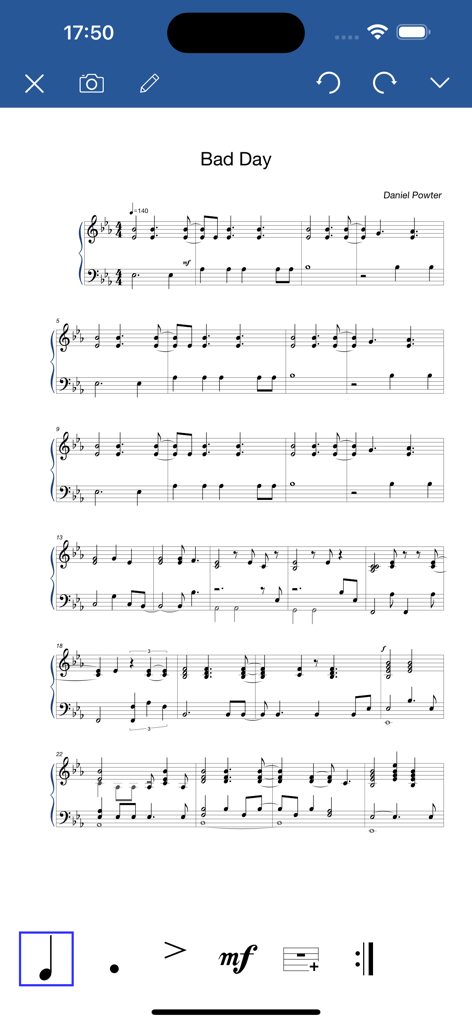
Notation Pad Pro app interface showing a piano score and music editing tools.
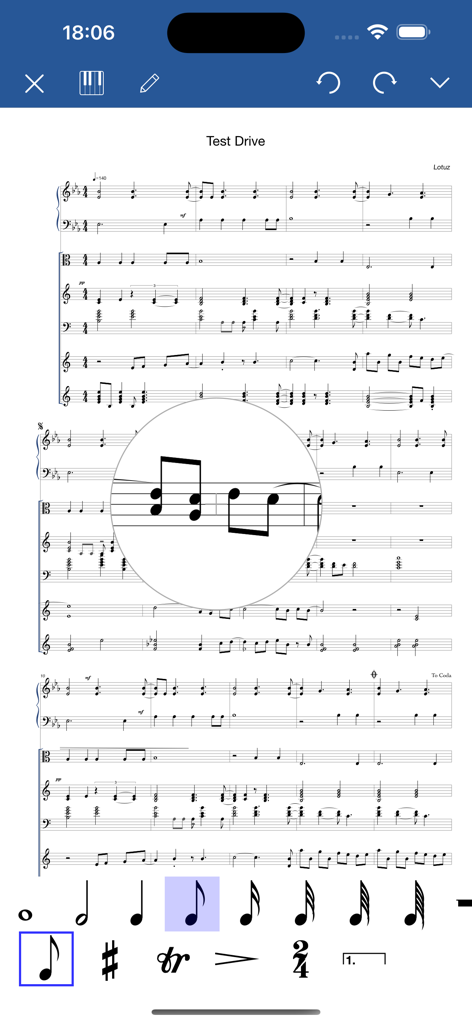
Mobile interface of Notation Pad Pro showing a multi-staff music score being edited with a magnifying glass tool and musical notation toolbar.
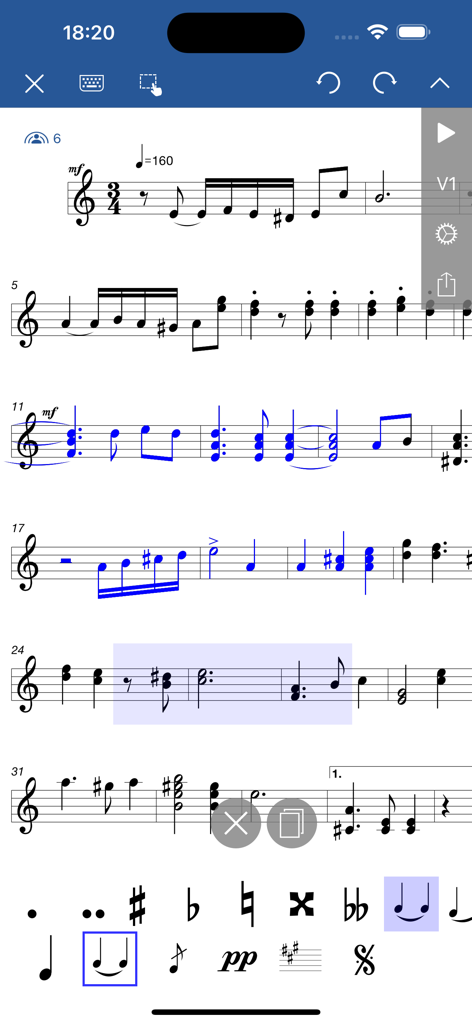
Interface of the Notation Pad Pro app showing a digital sheet music score with musical notes and editing tools
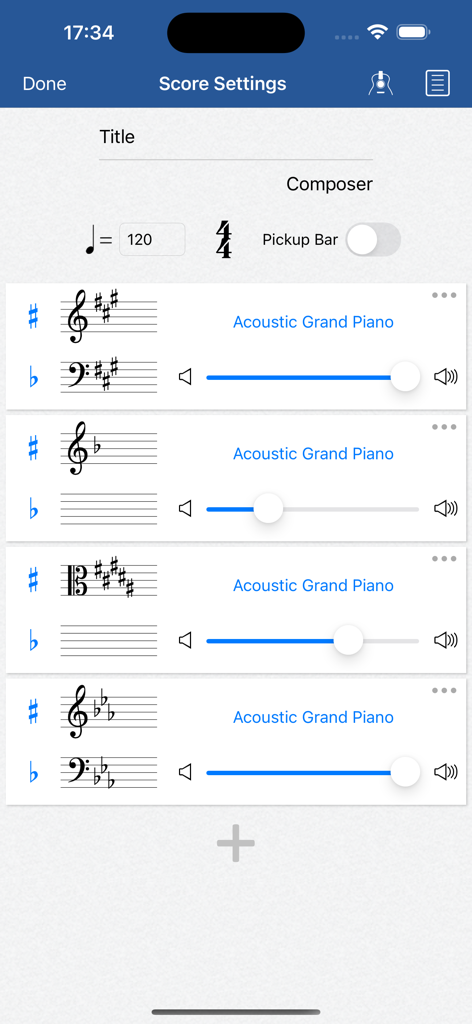
Notation Pad Pro score settings screen showing options for instrument tracks tempo and clef configurations
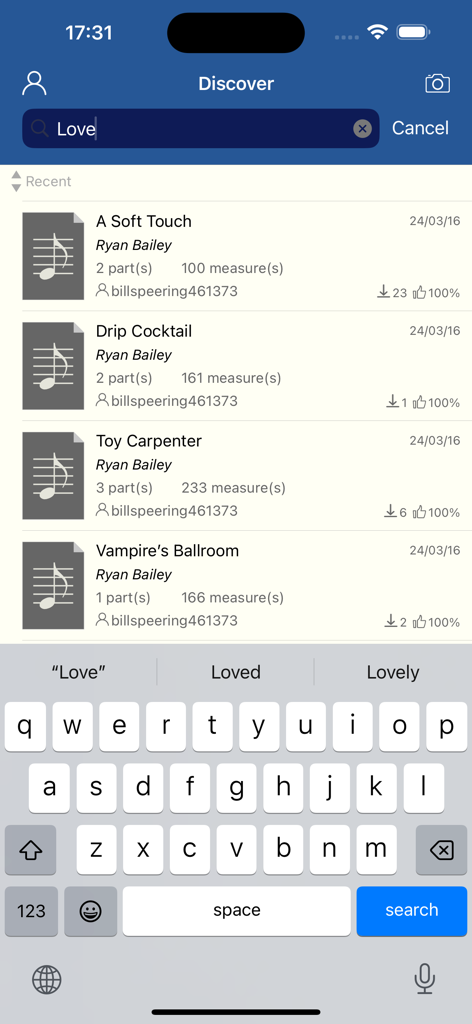
A search interface in the Notation Pad Pro app showing a list of sheet music compositions like A Soft Touch and Drip Cocktail with an onscreen keyboard.
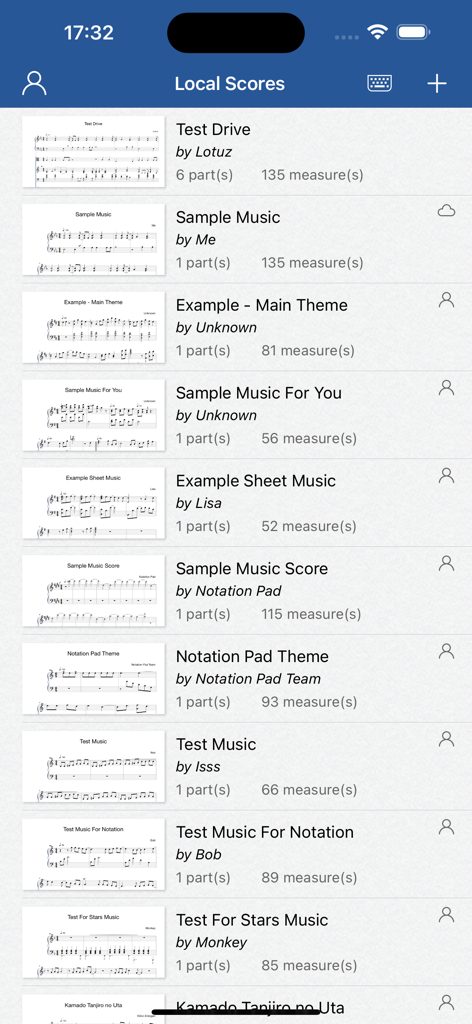
Library of sheet music scores in Notation Pad Pro app
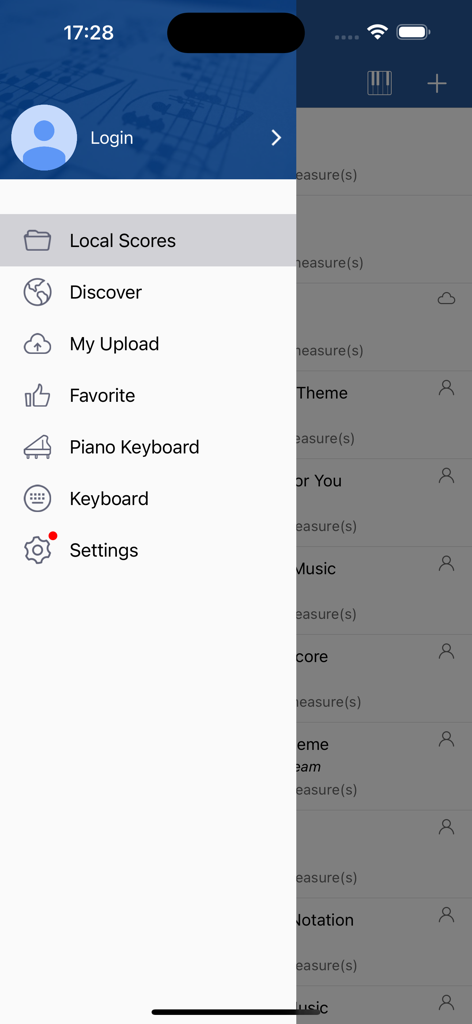
Side navigation menu in the Notation Pad Pro sheet music app showing options for local scores, discover, and settings
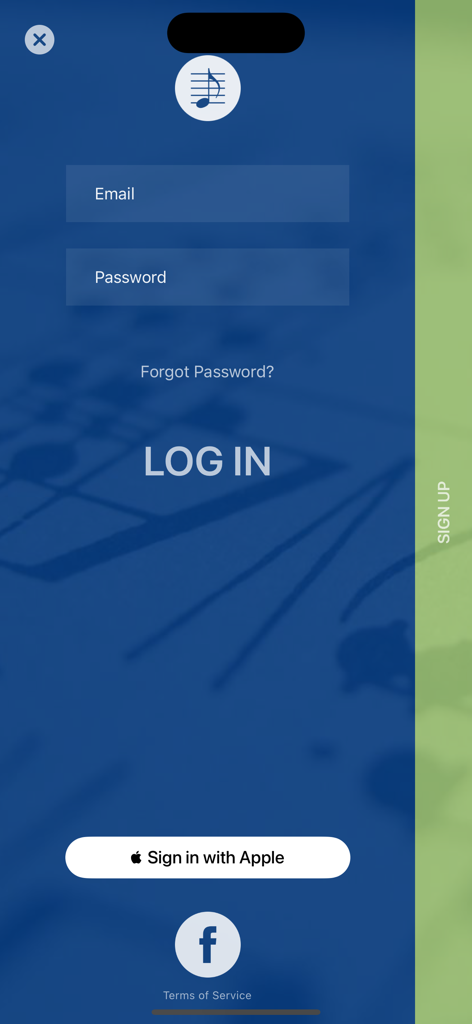
Login screen for Notation Pad Pro app with email password and social login options
Description
Download
More Like This
Top-ranked apps in the same category

Spotify: Music and Podcasts
Spotify

YouTube Music
Google LLC

Shazam: Find Music & Concerts
Apple Inc.

SoundCloud: The Music You Love
SoundCloud Global Limited & Co KG

Suno - AI Songs & Music
Suno Inc.

QQ音乐 - 听我想听
Tencent Technology (Shenzhen) Company Limited

Audiomack - Play Music Offline
Audiomack, Inc.

GuitarTuna: Tune & Play Guitar
Yousician Ltd

BandLab – Music Maker & Beats
BandLab Singapore Pte Ltd
This page is not an official page of the app or its developer, but an independent editorial publication created for informational and commentary purposes. Unless expressly stated otherwise, neither the app nor its developer is affiliated with, endorsed by, sponsored by, authorized by, or otherwise officially connected with MWM, Apple, Google Play, the app publisher, or the app's developer, and nothing on this page implies that the app was developed using MWM's services. Any trademarks, logos, screenshots, and other content remain the property of their respective owners.