
This page is not an official page of the app or its developer, but an independent editorial publication created for informational and commentary purposes. Unless expressly stated otherwise, neither the app nor its developer is affiliated with, endorsed by, sponsored by, authorized by, or otherwise officially connected with MWM, Apple, Google Play, the app publisher, or the app's developer, and nothing on this page implies that the app was developed using MWM's services. Any trademarks, logos, screenshots, and other content remain the property of their respective owners.

NuRack Auv3 FX Processor
Design custom signal chains with 80+ building blocks, craft your own pro interfaces, and experience total creative freedom on your iPad.
Downloads
14K+User Rating
Total Ratings
100Publisher
Category
MusicLocales
1Latest Version
1.51Size
27.7 MBFirst Released
Jun 26, 2020Your Ultimate Modular Sound Laboratory
Design custom signal chains with 80+ modular building blocks and create professional-grade interfaces tailored to your creative workflow.
80+ Modular Building Blocks
Chain together modulation, spectral, and MIDI effects to craft unique sounds that are impossible with standard plugins.
Custom Interface Builder
Hide the wiring and design a beautiful, clutter-free dashboard with custom labels and logos for a focused performance.
Frequently Asked Questions
Everything you need to know about NuRack Auv3 FX Processor
What is NuRack Auv3 FX Processor?
NuRack Auv3 FX Processor is an AUv3-based multi-channel audio and MIDI effects processor. It allows users to design custom effects using over 80 provided building blocks and control routing for complex audio paths.
How many building blocks does NuRack provide for custom effects?
NuRack provides over 80 audio and MIDI building blocks across 12 different categories of effects. Users can design custom effects using these modules.
Can NuRack operate in different modes?
Yes, NuRack operates in two modes. One provides 3 customizable effects racks with seamless switching, while the other routes audio through 3 independent audio racks.
Does NuRack Auv3 FX Processor support custom user interfaces?
Yes, NuRack allows users to create custom interfaces using the built-in Interface Builder. This feature enables combining audio components into a single customized effect with custom labels and backgrounds.
What types of effects are included in NuRack?
NuRack includes Modulation, Time Based, Spectral, Dynamic, Filter, MIDI, and Generator effects. Examples are Chorus, Tape Delay, Parametric EQ, Compressor, MultiFilter, MIDI Harmony, and Virtual Brass.
How does NuRack support audio routing?
NuRack provides full control over routing, allowing users to create complex audio paths in series or parallel. Modules are generally wired automatically, but connections can be manually routed.
Can I automate parameters within NuRack Auv3 FX Processor?
Yes, NuRack offers extensive automation options. Modules such as TouchPad, AutoMate, Pattern Automation, and Visual LFO allow remote control of knobs and sliders via direct touch, MIDI input, or level detection.
Does NuRack offer dark and light modes?
Yes, NuRack Auv3 FX Processor supports both Dark and Light Modes, allowing users to select their preferred visual theme for the application interface.
What is the purpose of the Interface Builder in NuRack?
The Interface Builder in NuRack allows users to combine all modules into a single custom interface. Elements can be dragged, resized, colored, and customized with labels, logos, and backgrounds.
How many input/output busses does NuRack support?
NuRack Auv3 FX Processor supports 3 Input / Output busses. This enables multi-channel audio processing and flexible routing within the application.
The following screenshots and description are sourced directly from the app's official store listing and are the property of the app developer.
App Store
Screenshots
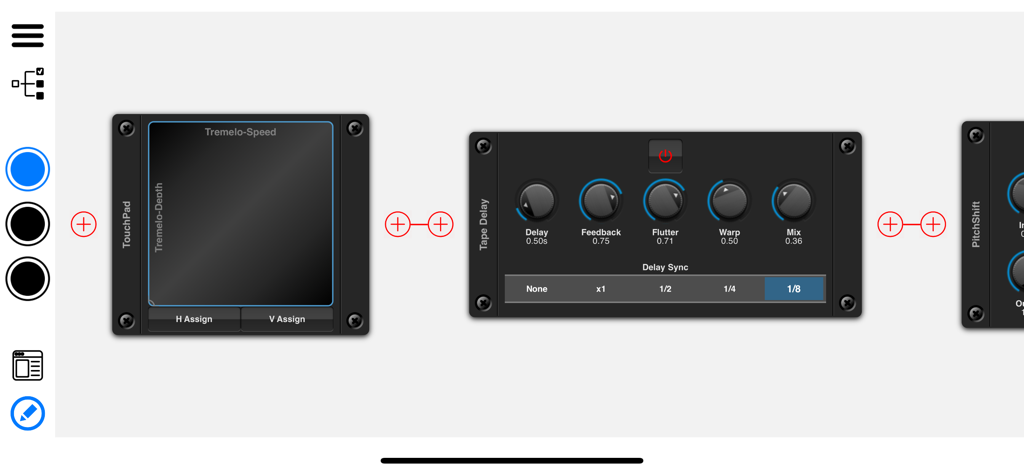
NuRack app interface showing modular audio effects including Tape Delay and TouchPad
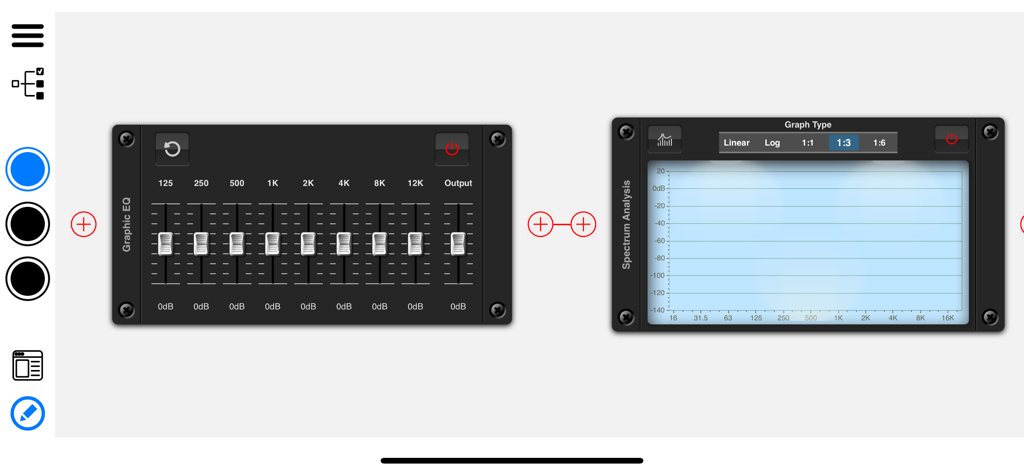
NuRack AUv3 interface showing a modular graphic EQ and spectrum analysis signal chain
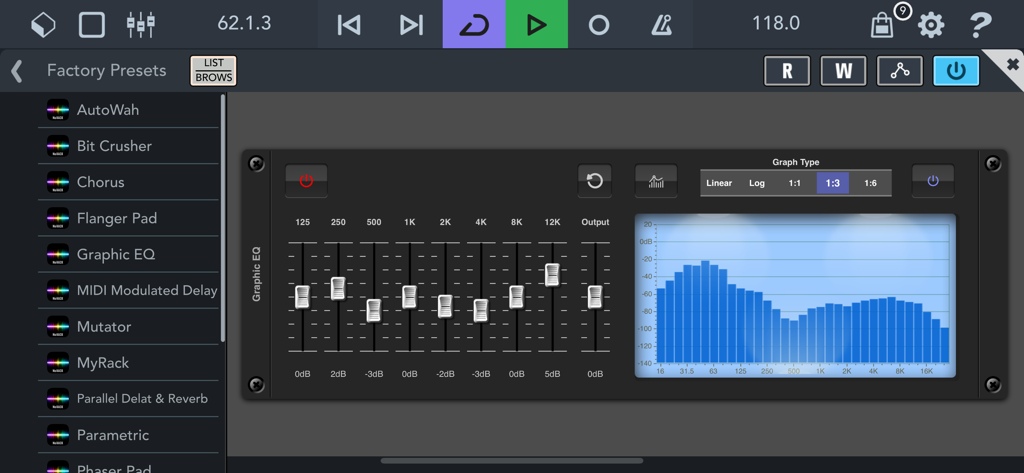
NuRack AUv3 FX Processor interface showing a graphic equalizer module with frequency faders and a spectral visualizer graph.
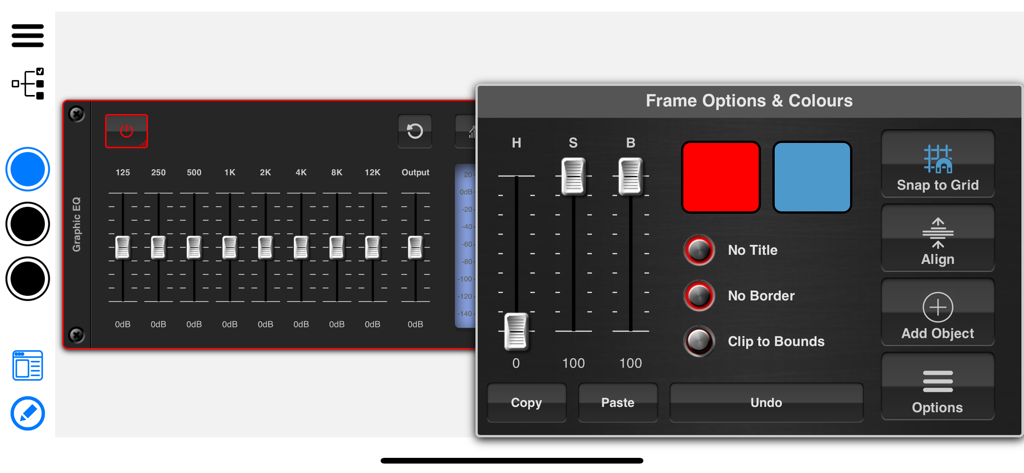
NuRack interface builder showing color and frame options for a graphic EQ module
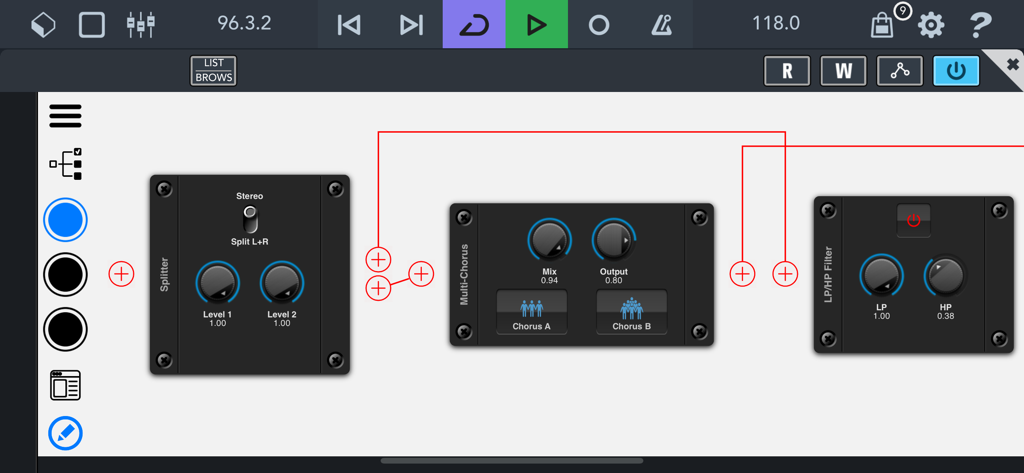
NuRack modular interface showing audio effect blocks and custom signal routing.
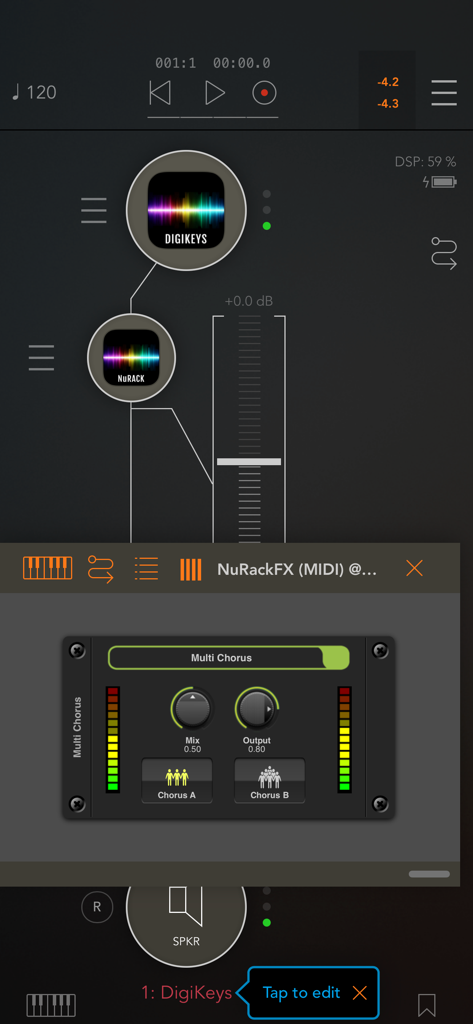
NuRack AUv3 FX Processor interface showing audio signal routing and a Multi Chorus effect module
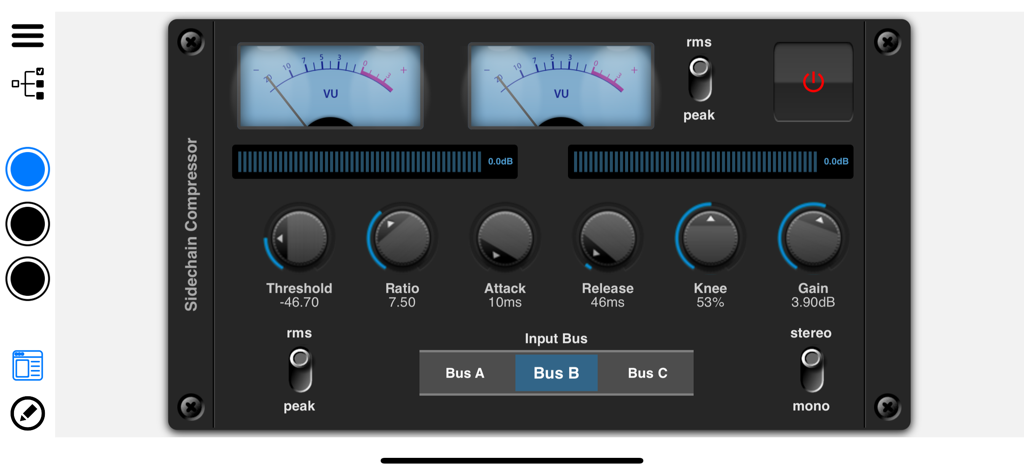
Sidechain Compressor interface in NuRack AUv3 FX Processor showing VU meters and audio control knobs
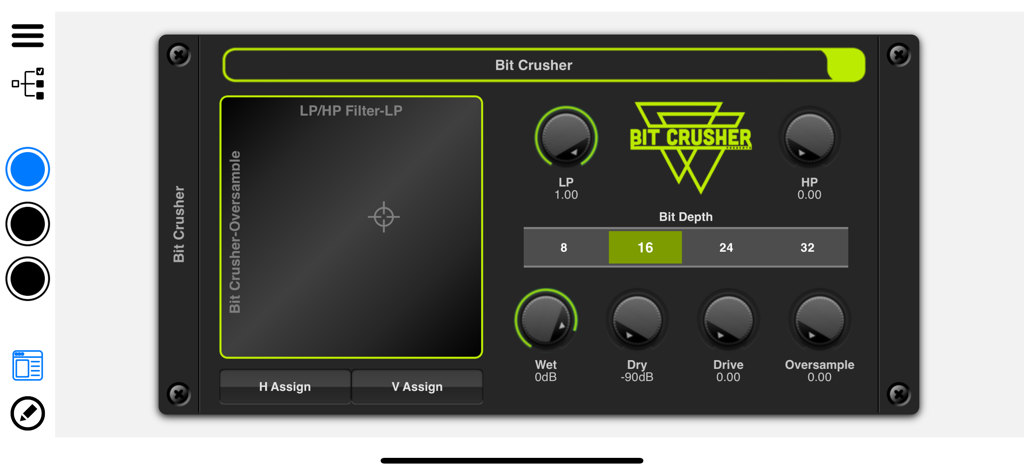
NuRack Bit Crusher audio effect module interface
Description
Download
More Like This
Top-ranked apps in the same category

Spotify: Music and Podcasts
Spotify

YouTube Music
Google LLC

Shazam: Find Music & Concerts
Apple Inc.

SoundCloud: The Music You Love
SoundCloud Global Limited & Co KG

Suno - AI Songs & Music
Suno Inc.

QQ音乐 - 听我想听
Tencent Technology (Shenzhen) Company Limited

Audiomack - Play Music Offline
Audiomack, Inc.

GuitarTuna: Tune & Play Guitar
Yousician Ltd

BandLab – Music Maker & Beats
BandLab Singapore Pte Ltd
This page is not an official page of the app or its developer, but an independent editorial publication created for informational and commentary purposes. Unless expressly stated otherwise, neither the app nor its developer is affiliated with, endorsed by, sponsored by, authorized by, or otherwise officially connected with MWM, Apple, Google Play, the app publisher, or the app's developer, and nothing on this page implies that the app was developed using MWM's services. Any trademarks, logos, screenshots, and other content remain the property of their respective owners.