
Offline Player – Music Player


The simple, lightweight solution for your local music collection. Import your tracks and enjoy seamless, data-free playback on the go—even in airplane mode.
Publisher
Category
UtilitiesDownloads
926K+User Rating
Total Ratings
12K+Locales
5Discover the interface used by 926K+ users.
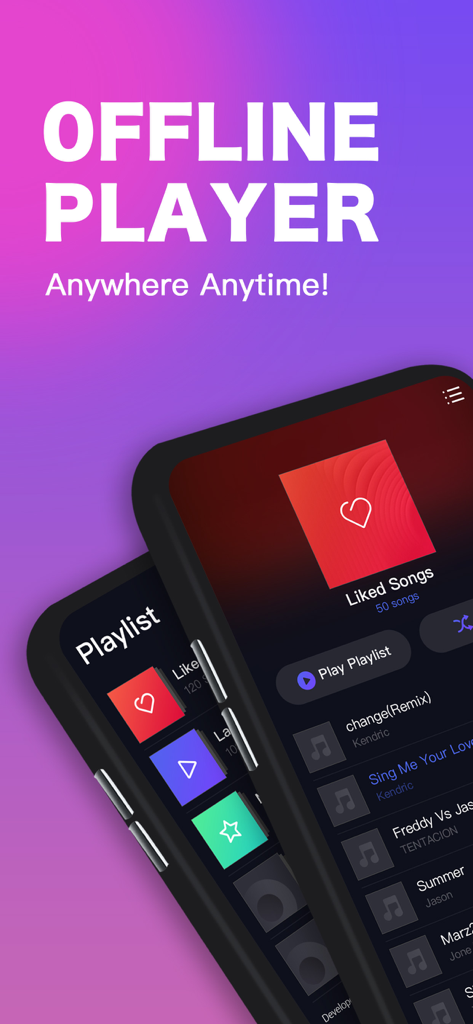
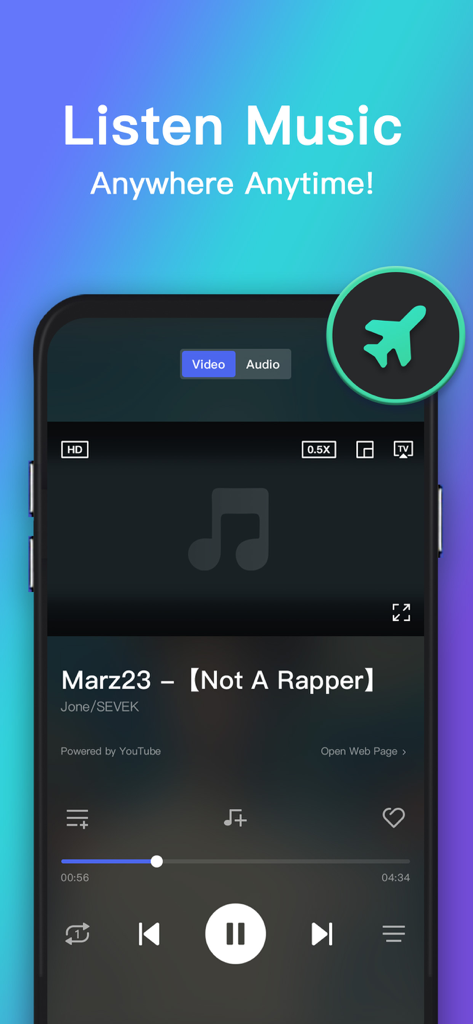
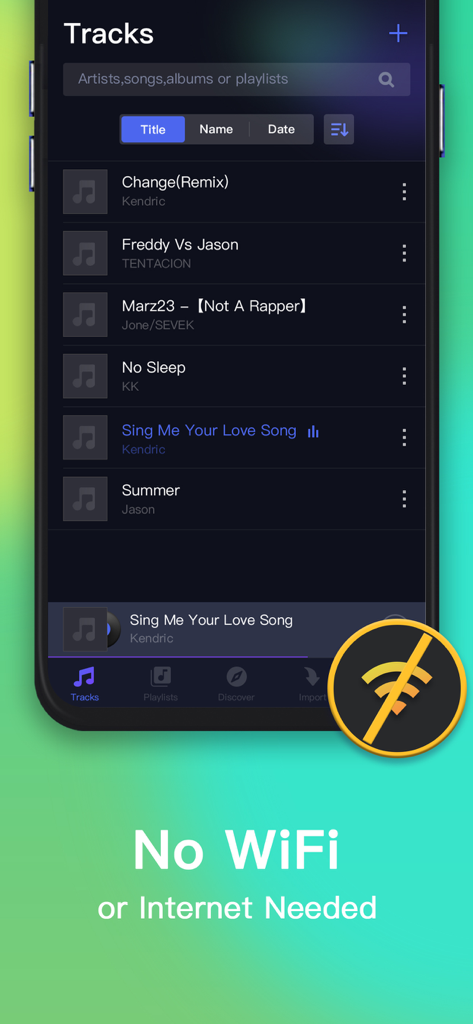
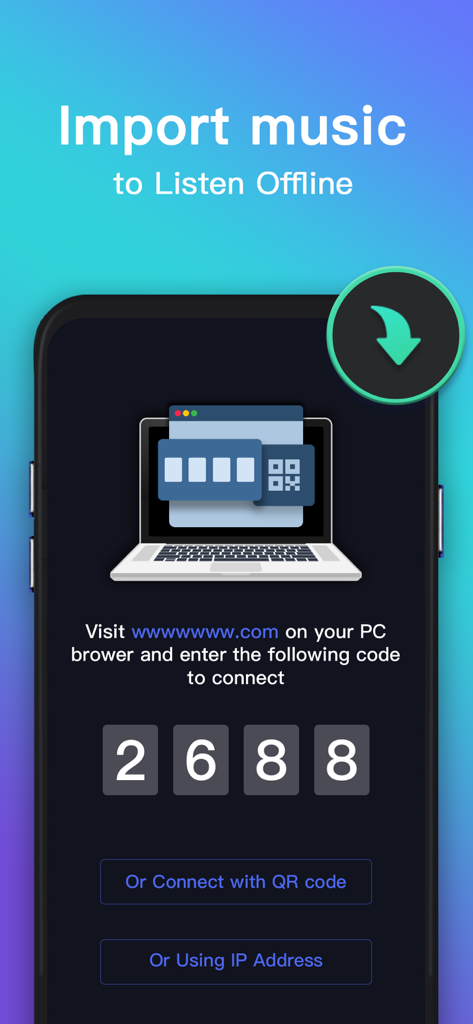
The tools that make this app stand out, trusted by 926K+ users.
Save your mobile data. Enjoy your tracks in airplane mode, on the subway, or in rural dead zones without ever needing an internet connection.
Play everything from standard MP3s to professional-grade FLAC and WAV files. Get the best audio quality from your existing music library.
A light, bloat-free app designed to save battery life. Manage playlists and control playback from your lockscreen or headphones with ease.
Insights from user reviews.
Sentiment Score
Summary
This music app receives mixed to negative feedback from users. While many appreciate its core offering of free music access and the ability to download songs for offline listening, which is highlighted as beneficial for long trips, the experience is significantly hampered by pervasive and intrusive ads. Users frequently report the app freezing, experiencing sluggish performance, and encountering issues where offline playback fails despite songs being downloaded. Additionally, frustrations include difficulties finding specific or updated music content, the unexpected deletion of playlists, and paid VIP subscriptions failing to remove ads or provide promised benefits.
Common Themes
Everything you need to know about Offline Player – Music Player.
Description
Latest Version
1.2.2
Size
93.7 MB
First Released
Sep 1, 2022
Join nearly a million listeners who enjoy total control over their music library. Download the ultimate lightweight player and listen offline today—no data, no limits.
Everything you need to know about Offline Player – Music Player
Offline Player is a simple and light music player designed for offline access. It allows users to import music, create playlists, and listen without internet or WiFi, supporting various popular audio formats.
No, Offline Player does not require an internet connection or WiFi to play music. Users save music for offline access and can listen anytime, anywhere without network dependencies.
Offline Player supports almost all popular audio formats, including .Mp3, .Flac, .wav, .caf, and .aac. Users can import these files for offline listening.
Yes, Offline Player allows users to create their own playlists. You can add your favorite music to these playlists and listen to them at any time.
Music can be imported into Offline Player by visiting a specified web address on a PC browser and entering a connection code, or by connecting via QR code or IP address.
Offline Player Premium provides an ad-free music playback experience, ensuring no interruptions. Premium also offers high-quality music playback.
Offline Player Premium offers three subscription plans: Annually for $13.99, Quarterly for $3.99, and Monthly for $1.49. Payments are charged via iTunes.
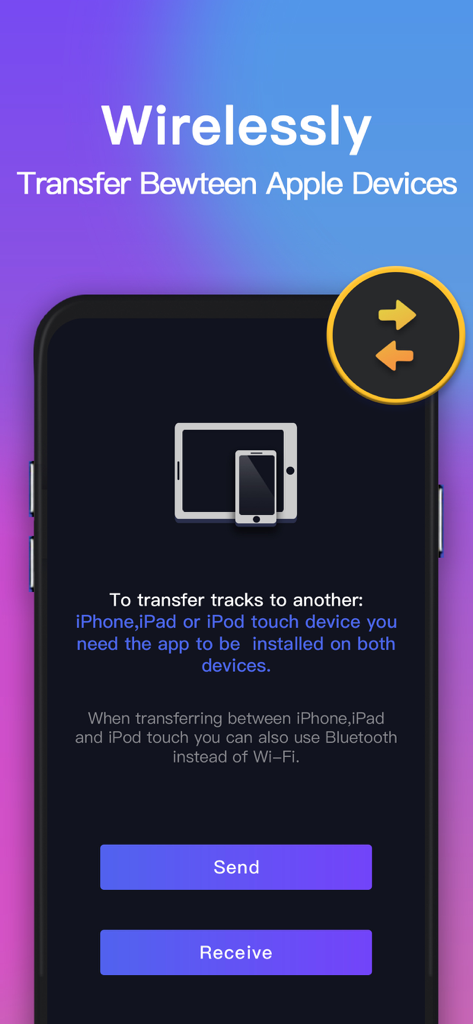
Yes, you can wirelessly transfer tracks between Apple devices such as iPhone, iPad, and iPod touch. The app must be installed on both devices, and Bluetooth can also be used.
Yes, Offline Player states it is a legal application. It does not download video or music from other websites, nor does it allow sharing of unauthorized files.
Yes, Offline Player supports background music playback. It also includes lockscreen control support, headphone control, and features like playlist shuffle and repeat modes.
Apps with similar features and user experience

Chengdu Shark Fin Network Technology Co., Ltd.

Md Zakir Hossain

Oleksandr Pylaiev

MobSoft Technology Srl

Patrick Fronvier

EASECLICKMOBI HK LIMITED

Astakhov Constantine

Changsha Shenguangyuan Technology Co., Ltd.

Luzhou Haochuang Network Technology Co., Ltd.
App information, icons, screenshots, and descriptions displayed on this page are sourced from the Apple App Store and are the property of their respective developers. Download estimates and rankings are based on MWM's proprietary models and may not reflect actual figures. This page is provided for informational and analytical purposes only.
Believe this page infringes your intellectual property? File a dispute