
This page is not an official page of the app or its developer, but an independent editorial publication created for informational and commentary purposes. Unless expressly stated otherwise, neither the app nor its developer is affiliated with, endorsed by, sponsored by, authorized by, or otherwise officially connected with MWM, Apple, Google Play, the app publisher, or the app's developer, and nothing on this page implies that the app was developed using MWM's services. Any trademarks, logos, screenshots, and other content remain the property of their respective owners.


OpusClip - AI video clipping
The #1 mobile editing studio for creators and marketers. Automatically find highlights, add captions, and publish 10+ viral clips from a single video in seconds.
Downloads
185K+User Rating
Total Ratings
2K+Publisher
Category
Photo & VideoLocales
1Latest Version
1.2.0Size
98.4 MBFirst Released
Jul 15, 2025Max Viral Reach, Minimal Effort
Stop spending hours editing. OpusClip uses advanced AI to turn your long-form videos into high-impact shorts that dominate the algorithm.
AI Smart Highlighting
Our AI automatically identifies gold-nugget moments, picking the clips most likely to go viral while you sleep.
Pro Branding & Captions
Add viral-style captions and your brand colors in one tap—get a professional look without the expensive software.
Frequently Asked Questions
Everything you need to know about OpusClip - AI video clipping
What is OpusClip?
OpusClip is the #1 AI video clipping tool. It fits an entire editing studio in your pocket, using AI to identify gold-nugget moments from long videos and transform them into share-worthy shorts with captions.
How does OpusClip work to create video shorts?
OpusClip uses AI smart highlighting to find key moments in long videos. It then auto-clips and captions these parts, making them suitable for platforms like TikTok, Reels, and Shorts.
Can I customize captions in OpusClip?
Yes, OpusClip provides a built-in editor to edit and style captions. Users can customize captions with various presets, positions, animations, fonts, and styles, even having full control over individual words.
Is OpusClip free to use?
Yes, OpusClip is free to use with credits that renew every month. Users can upgrade anytime for more credits or to access advanced features through in-app purchases.
What platforms can I share my OpusClip videos to?
OpusClip allows users to publish their clips in one tap to every major platform. This includes TikTok, YouTube, Facebook, Instagram, LinkedIn, and X. Users can also save videos to their camera roll.
Does OpusClip support branding for video clips?
Yes, OpusClip supports branding. Users can brand their clips with custom templates, fonts, and colors that match their personal or business style.
Who is the target audience for OpusClip?
OpusClip targets creators, coaches, and marketers. It enables them to efficiently produce multiple share-worthy short videos from a single longer video.
Where can I find the privacy policy for OpusClip?
The privacy policy for OpusClip is available at opus.pro/privacy-policy. This document outlines how the application handles user data.
The following screenshots and description are sourced directly from the app's official store listing and are the property of the app developer.
App Store
Screenshots
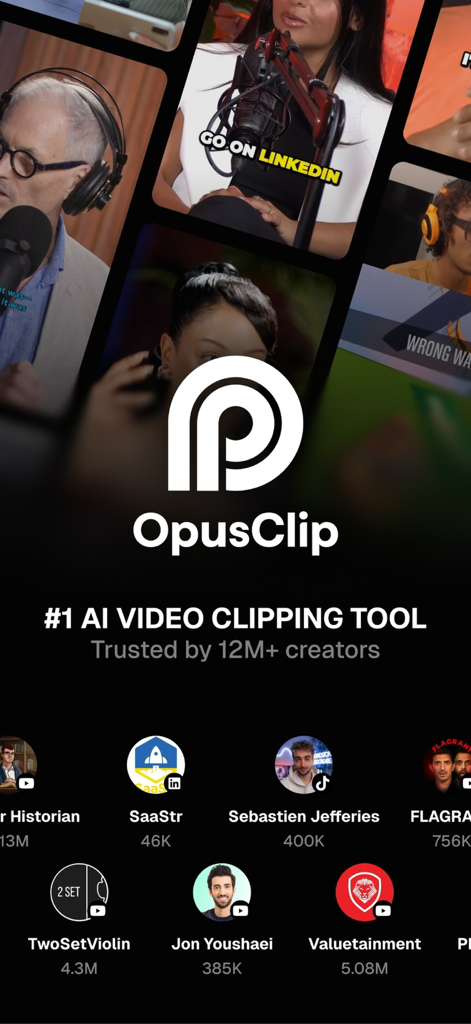
OpusClip mobile app home screen showing the AI video clipping tool logo and featured content creators
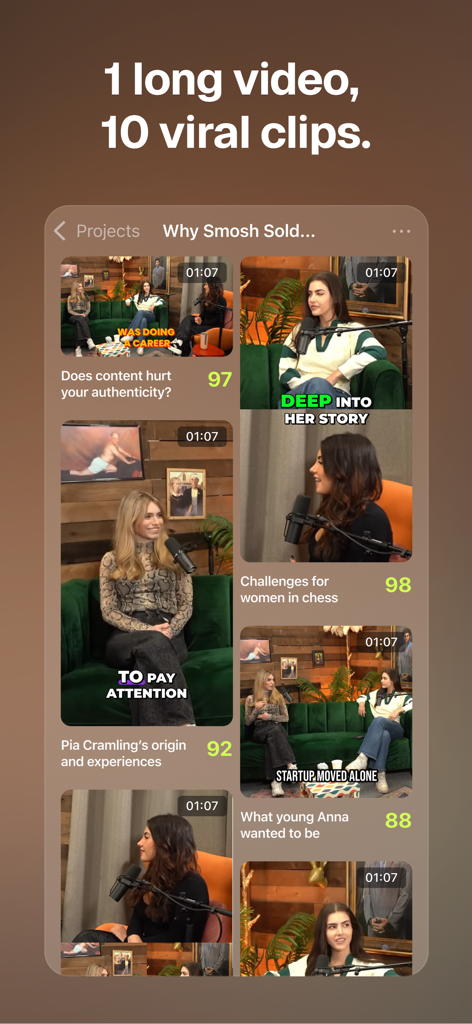
OpusClip app interface showing a list of AI generated viral video clips with virality scores
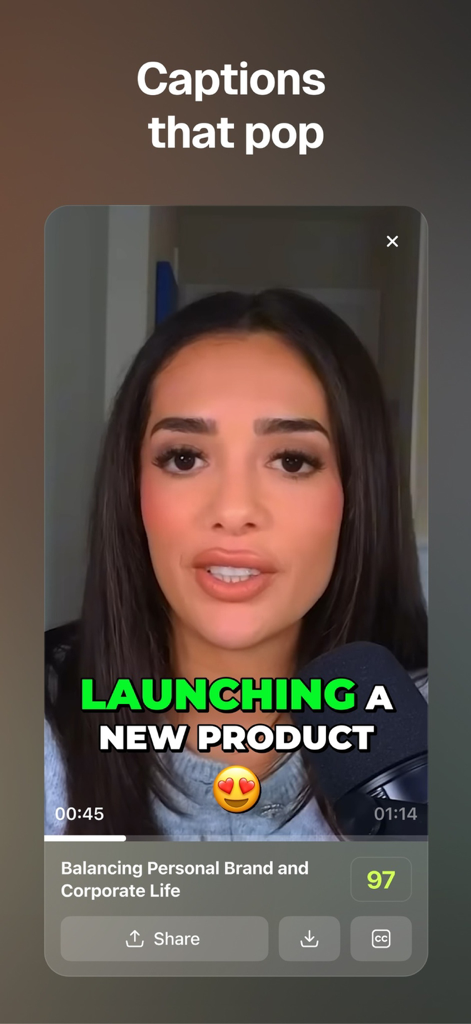
OpusClip mobile app interface showing professional video captions and virality score
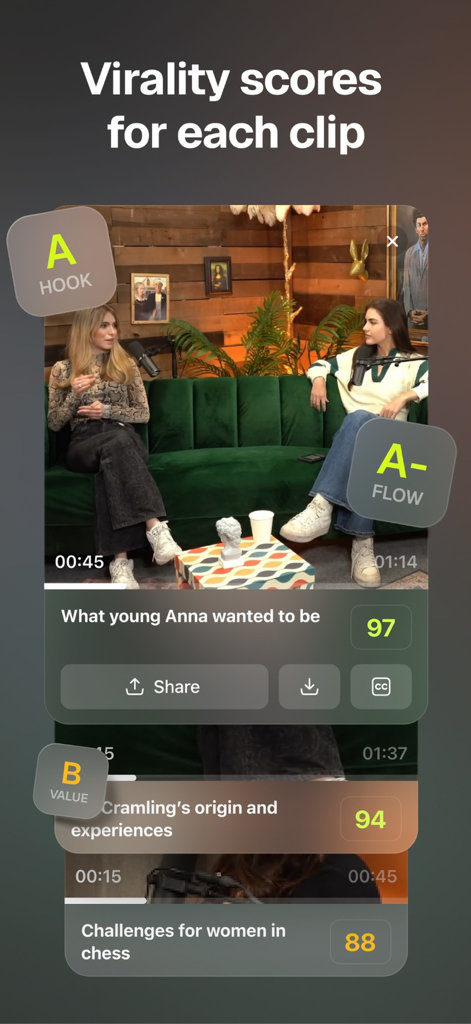
OpusClip app interface displaying AI virality scores and quality grades for edited video clips
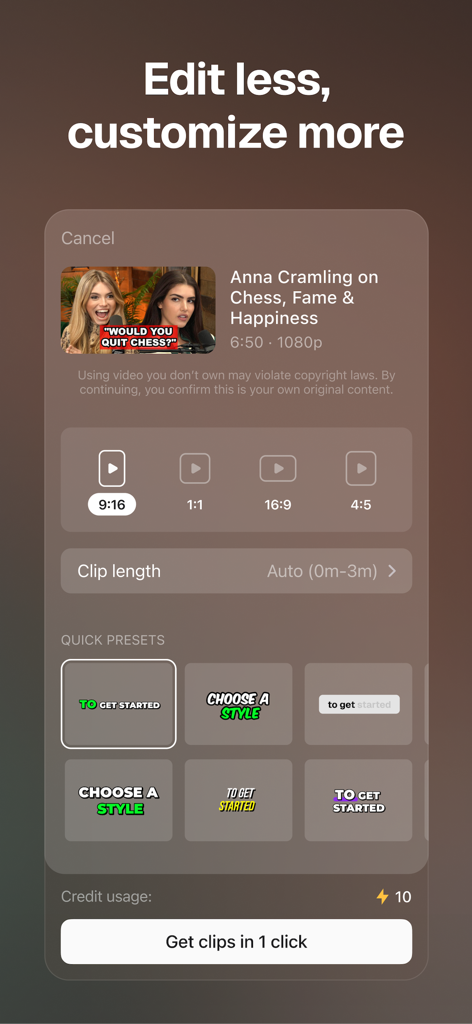
OpusClip app interface showing aspect ratio options and text style presets for AI video clipping
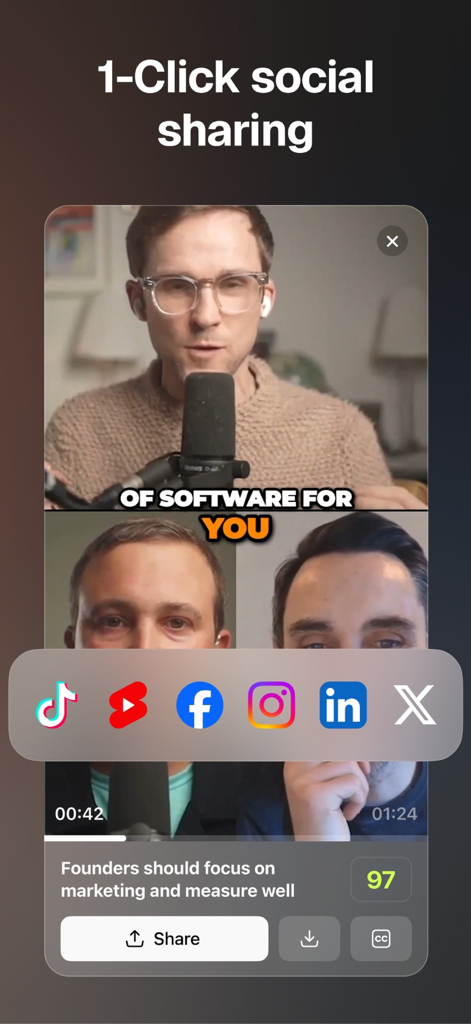
OpusClip mobile app interface showing the one-click social sharing feature with icons for TikTok, YouTube, Facebook, and Instagram
Description
Download
More Like This
Apps with similar features and user experience

水印大师-提取素材视频水印编辑
Changsha Tanbei Information Technology Co., Ltd

龙猫工具大师-素材文案提取&文本转语音&智能提词器&AI创作
彦超 仝

水印猫-视频解析保存素材一键水印
Changsha yunxiaoguo technology co., ltd

VideoCopy: Download manager
Softnoesis

FameTop - Viral Fans Growth
Susanne Anders

高清素材大全 - 高清热门素材库短视频创作
StarShine Technology Co. Ltd.

素材神器-短视频制作辅助素材库
Xiamen Bita Network Technology Co., Ltd.

Video Downloader & Saver
Derek Coutinho

SnapTik - Tik Video Downloader
Madhuri Pujara
This page is not an official page of the app or its developer, but an independent editorial publication created for informational and commentary purposes. Unless expressly stated otherwise, neither the app nor its developer is affiliated with, endorsed by, sponsored by, authorized by, or otherwise officially connected with MWM, Apple, Google Play, the app publisher, or the app's developer, and nothing on this page implies that the app was developed using MWM's services. Any trademarks, logos, screenshots, and other content remain the property of their respective owners.