
This page is not an official page of the app or its developer, but an independent editorial publication created for informational and commentary purposes. Unless expressly stated otherwise, neither the app nor its developer is affiliated with, endorsed by, sponsored by, authorized by, or otherwise officially connected with MWM, Apple, Google Play, the app publisher, or the app's developer, and nothing on this page implies that the app was developed using MWM's services. Any trademarks, logos, screenshots, and other content remain the property of their respective owners.

OWWA Mobile App
Skip the long trips to the consulate and manage your membership from anywhere. Secure your family's future and stay protected with 24/7 access to essential welfare programs, education grants, and social services.
Downloads
66K+User Rating
Total Ratings
100Publisher
Category
UtilitiesLocales
1Latest Version
3.0.2Size
24.8 MBFirst Released
Sep 18, 2025Your OWWA Benefits, Always Within Reach
The official digital portal for OFWs to manage membership, access social protection, and secure their family’s future without the need for a consulate visit.
Instant Membership Renewal
Save your precious time off. Renew and verify your membership status in minutes from your phone, skipping the long travel to the nearest Philippine Consulate.
Family Security & Benefits
Access essential welfare services including education grants, insurance, and disability benefits to ensure your loved ones are protected while you work abroad.
Frequently Asked Questions
Everything you need to know about OWWA Mobile App
What is the OWWA Mobile App?
The OWWA Mobile App is the official e-service of the Overseas Workers Welfare Administration. It allows Overseas Filipino Workers (OFWs) to access OWWA services, manage membership, and view information.
Who can use the OWWA Mobile App?
The OWWA Mobile App is specifically designed for Overseas Filipino Workers (OFWs). It enables them to access their OWWA services and benefits directly from their mobile device.
How do I sign up for an account on the OWWA Mobile App?
To sign up for an OWWA Mobile App account, users must click the "Sign up here" link, which is prominently displayed on the initial login screen of the application.
Can I view my OWWA membership status on the app?
Yes, the OWWA Mobile App allows users to view their membership status. It clearly displays whether the membership is active and provides detailed contract information and expiration dates.
What kind of personal information does the OWWA Mobile App display?
The OWWA Mobile App displays personal information including email, last name, first name, birthdate, gender, civil status, contact number, and religion. It also generates a unique QR code.
How can Overseas Filipino Workers (OFWs) contact OWWA through the OWWA Mobile App?
The OWWA Mobile App provides a "Hotlines" section for OFWs to contact OWWA. It lists specific hotline numbers for province, overseas, and NCR, along with options for regional and overseas hotlines.
What programs and benefits are listed in the OWWA Mobile App?
The OWWA Mobile App lists various programs and benefits, including Disability and Dismemberment Benefits, Death Benefits, Scholarship Programs, and specific Training Programs for OFWs and their dependents.
Can I update my information using the OWWA Mobile App?
Yes, the OWWA Mobile App allows users to update their information. This feature is accessible through the settings menu, which clearly includes an "Update Information" option.
Is it possible to delete an account in the OWWA Mobile App?
Yes, users can delete their account in the OWWA Mobile App. The "Delete Account" option is available within the app's settings menu for account management.
The following screenshots and description are sourced directly from the app's official store listing and are the property of the app developer.
App Store
Screenshots
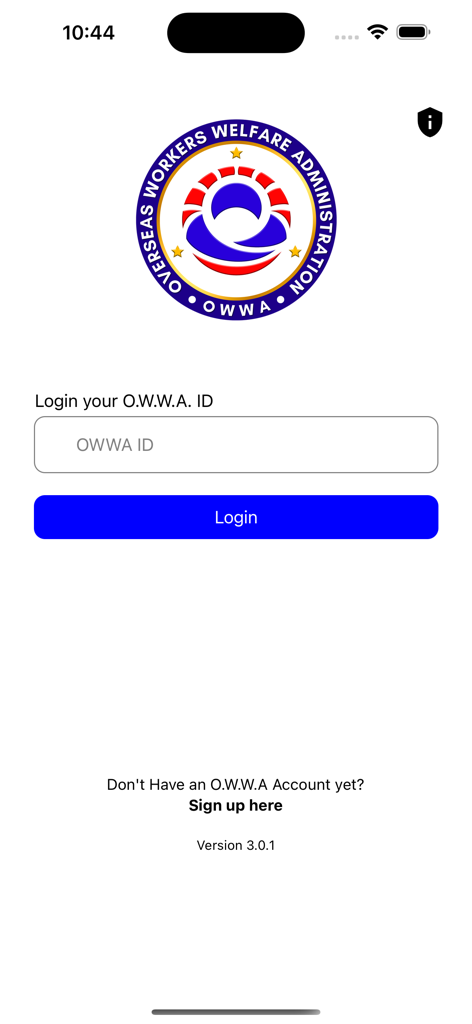
Login screen for the OWWA Mobile App featuring the official logo and a field to enter an OWWA ID.
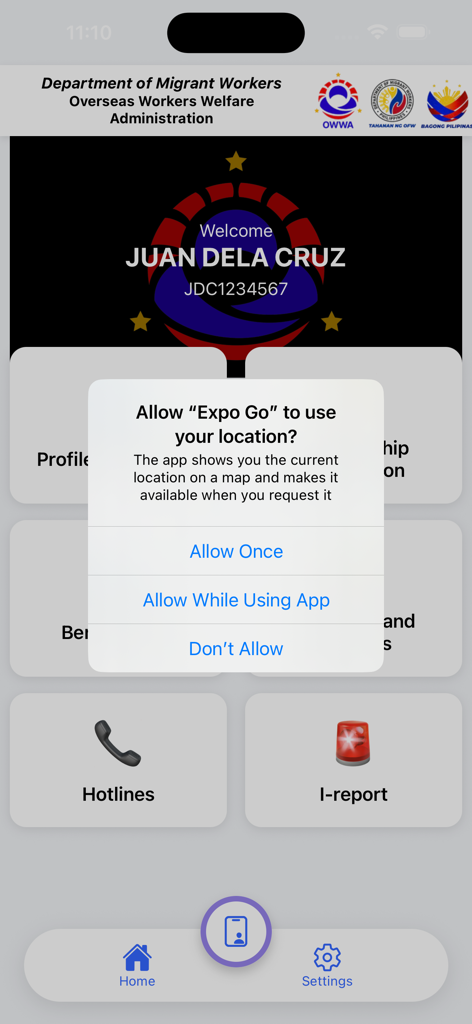
OWWA Mobile App dashboard showing user welcome screen and a location access permission popup
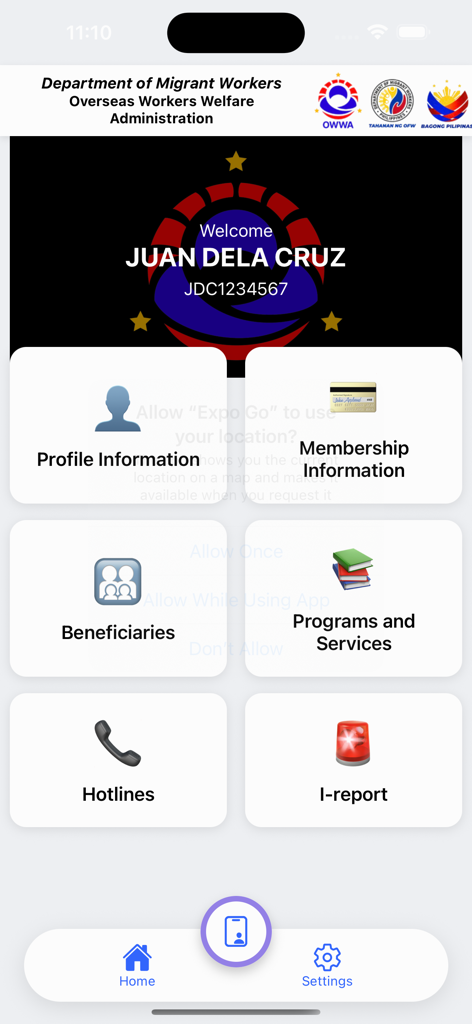
OWWA Mobile App dashboard showing member services including profile and membership information
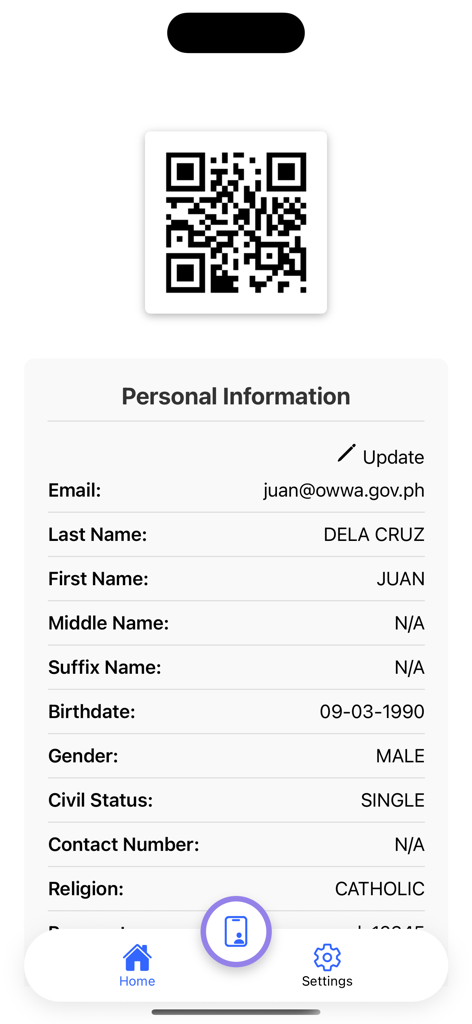
Personal information screen of the OWWA app showing user profile and QR code
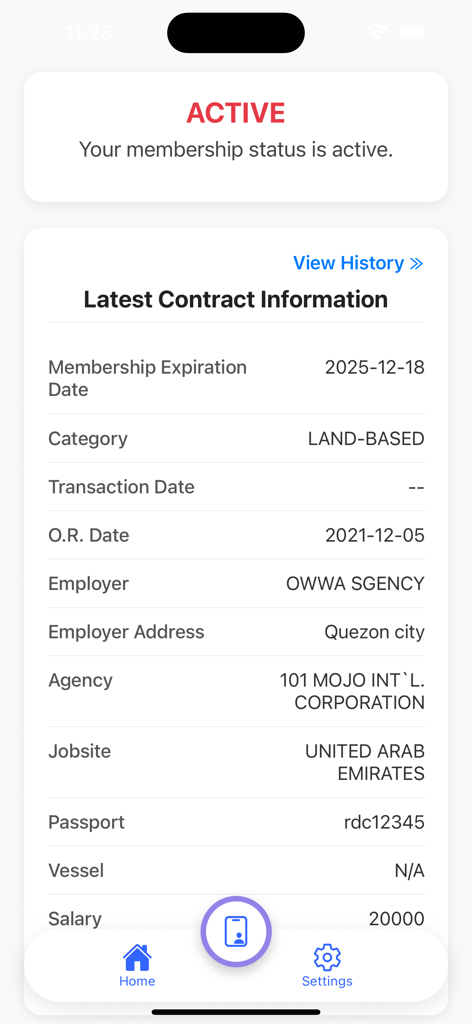
OWWA Mobile App screen displaying active membership status and detailed contract information for an overseas worker.
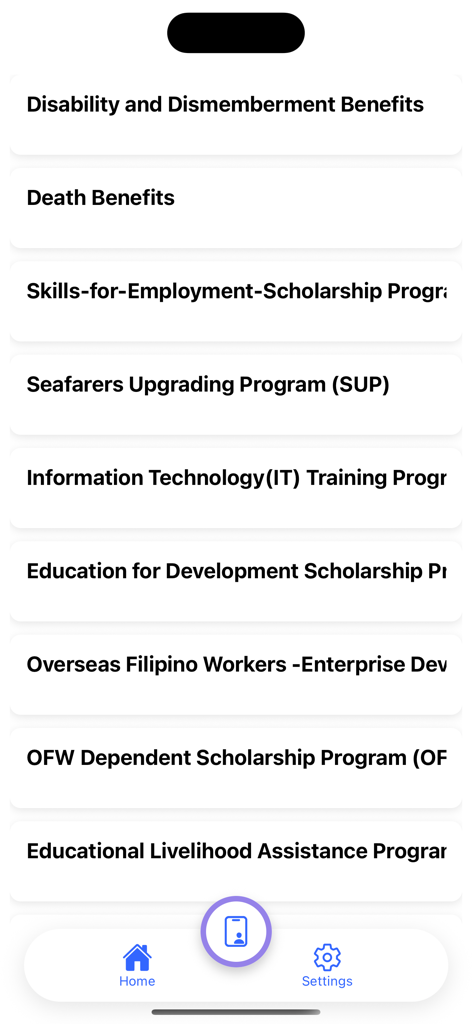
A list of OWWA benefits and scholarship programs for Overseas Filipino Workers shown on a mobile screen.
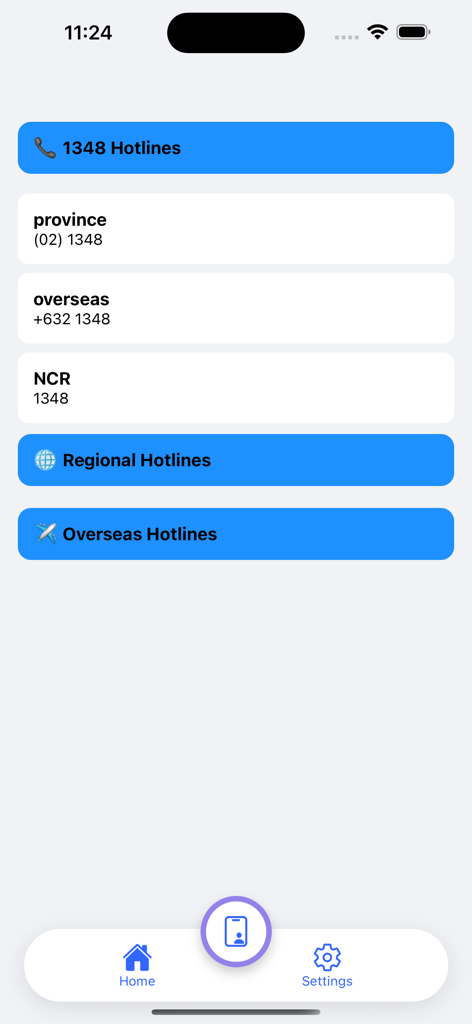
List of emergency and regional hotline numbers for provincial and overseas users in the OWWA Mobile App.
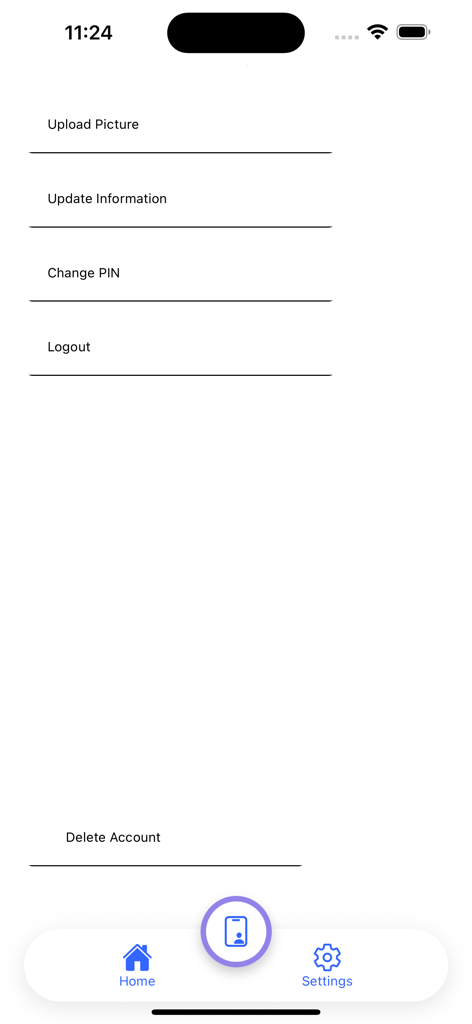
Settings menu of the OWWA Mobile App showing options to update information change PIN and logout
Description
Download
More Like This
Apps with similar features and user experience

GOSI
general organization for social insurance
Toeslagen
Belastingdienst

신용회복위원회
Credit counseling & Recovery service

e-Sosial
Ministry of Labour and Social Protection of the Population of the Azerbaijan Republic
ma MSA & moi
MUTUALITE SOCIALE AGRICOLE

myErgani
Ministry of Labour and Social Affairs Hellenic Republic
NSSF Member
National Social Security Fund, Cambodia

مؤسسة الضمان الإجتماعي
Jordan eGovernment

老来健康
Beijing Laolai Network Technology Development Co., Ltd.
This page is not an official page of the app or its developer, but an independent editorial publication created for informational and commentary purposes. Unless expressly stated otherwise, neither the app nor its developer is affiliated with, endorsed by, sponsored by, authorized by, or otherwise officially connected with MWM, Apple, Google Play, the app publisher, or the app's developer, and nothing on this page implies that the app was developed using MWM's services. Any trademarks, logos, screenshots, and other content remain the property of their respective owners.