
This page is not an official page of the app or its developer, but an independent editorial publication created for informational and commentary purposes. Unless expressly stated otherwise, neither the app nor its developer is affiliated with, endorsed by, sponsored by, authorized by, or otherwise officially connected with MWM, Apple, Google Play, the app publisher, or the app's developer, and nothing on this page implies that the app was developed using MWM's services. Any trademarks, logos, screenshots, and other content remain the property of their respective owners.


OxBlue Camera Viewer
The essential tool for developers and project managers to eliminate travel time, track progress with high-definition time-lapses, and maintain total site accountability directly from your mobile device.
Downloads
0User Rating
Total Ratings
0Publisher
Category
BusinessLocales
1Latest Version
5.2Size
6.7 MBFirst Released
Sep 1, 2009Master Your Jobsites Without the Commute
The OxBlue Camera Viewer puts high-resolution, real-time construction monitoring in your pocket, ensuring transparency and accountability across every project.
Eliminate Windshield Time
Monitor active and completed projects instantly from your iPhone or iPad, saving hours of unnecessary travel and fuel costs.
Precision Visual Calendar
Quickly locate high-resolution images from any date or time to verify milestones, settle disputes, and maintain a perfect paper trail.
The following screenshots and description are sourced directly from the app's official store listing and are the property of the app developer.
App Store
Screenshots
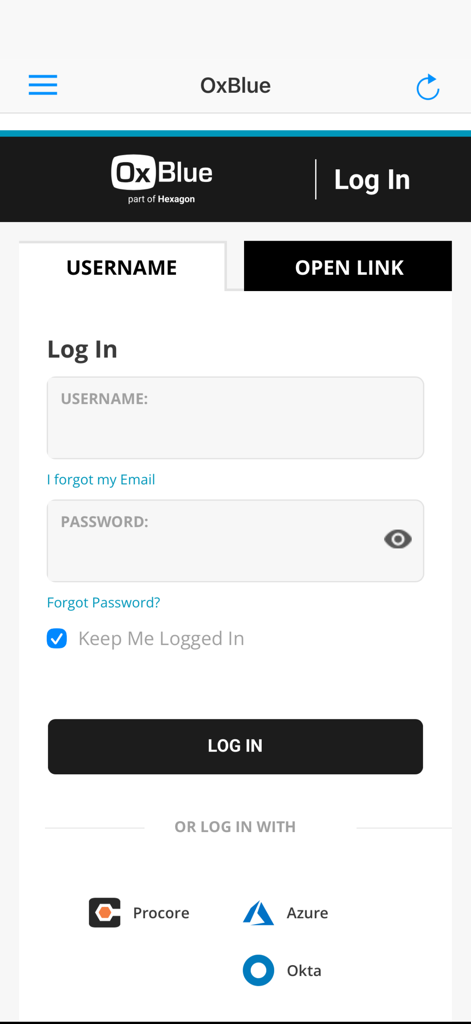
Login screen for the OxBlue Camera Viewer app featuring username and password fields and third party login options like Procore and Azure.
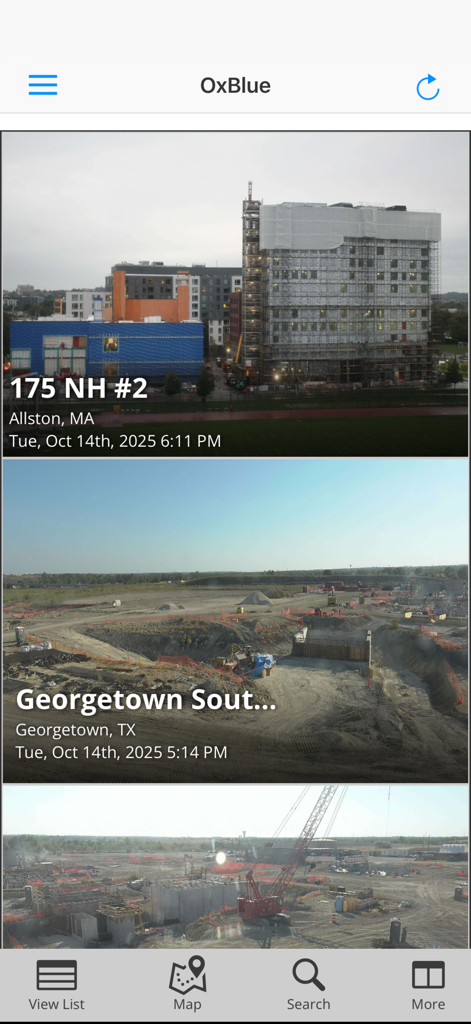
OxBlue mobile app dashboard displaying a list of construction projects with live camera feed previews
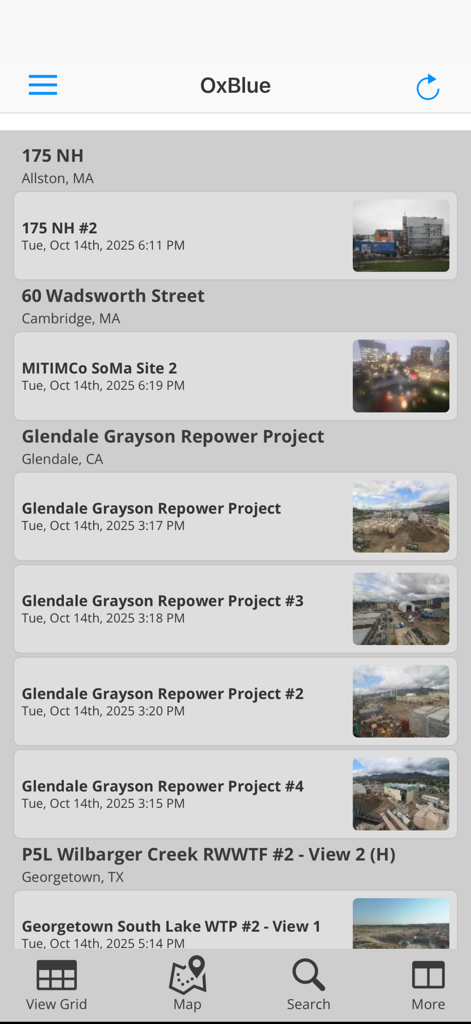
OxBlue app dashboard showing a list of construction projects with site names and camera thumbnail previews
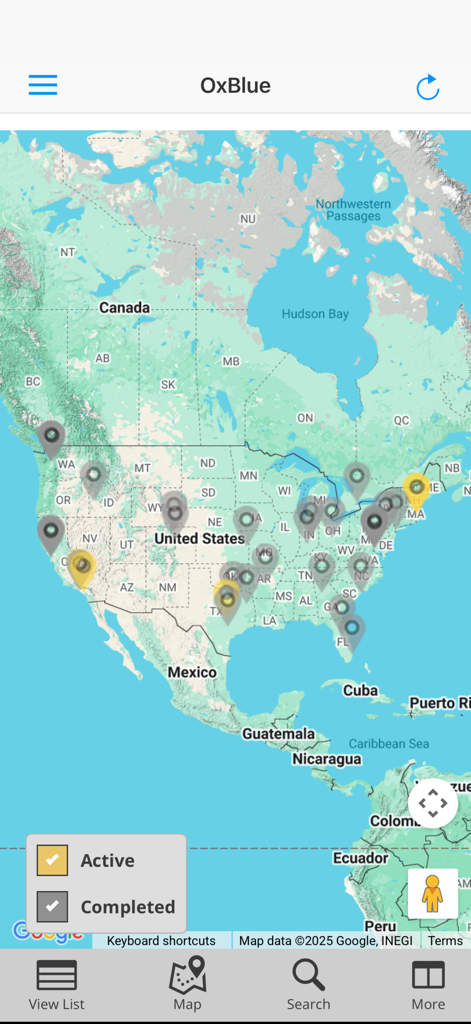
Map view of the OxBlue app showing various construction project locations across North America
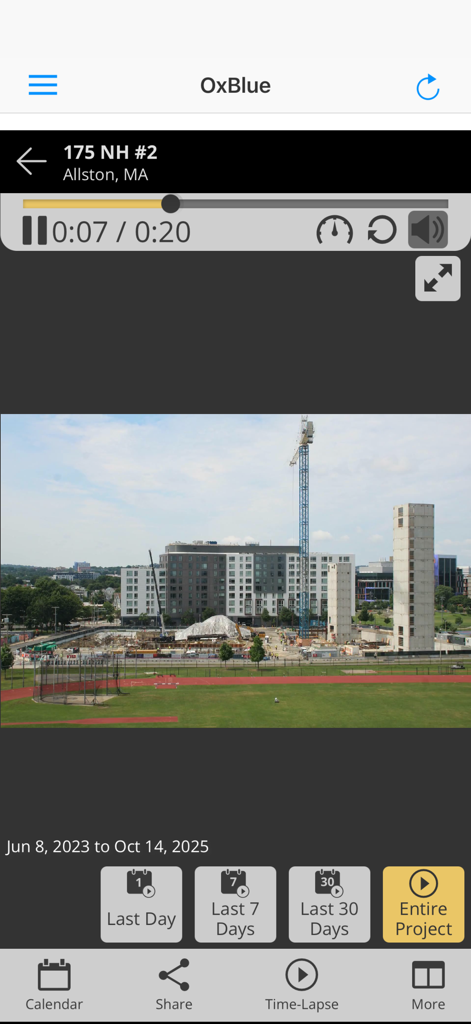
OxBlue app interface showing a time-lapse video of a construction project site with project duration filters
Description
Download
More Like This
Top-ranked apps in the same category

Microsoft Teams
Microsoft Corporation

WhatsApp Business
WhatsApp Inc.

Zoom Workplace
Zoom Communications, Inc.

Indeed Job Search
Indeed Inc.

LinkedIn: Community & Network
LinkedIn Corporation

Adobe Acrobat Reader: Sign PDF
Adobe Inc.

BOSS直聘-招聘求职找工作神器
Beijing China Product Bo Farce Network Technology Co., Ltd.

DingDing - Redefine Work in AI
DingTalk Technology Co., Ltd.

Uber - Driver: Drive & Deliver
Uber Technologies, Inc.
This page is not an official page of the app or its developer, but an independent editorial publication created for informational and commentary purposes. Unless expressly stated otherwise, neither the app nor its developer is affiliated with, endorsed by, sponsored by, authorized by, or otherwise officially connected with MWM, Apple, Google Play, the app publisher, or the app's developer, and nothing on this page implies that the app was developed using MWM's services. Any trademarks, logos, screenshots, and other content remain the property of their respective owners.