
This page is not an official page of the app or its developer, but an independent editorial publication created for informational and commentary purposes. Unless expressly stated otherwise, neither the app nor its developer is affiliated with, endorsed by, sponsored by, authorized by, or otherwise officially connected with MWM, Apple, Google Play, the app publisher, or the app's developer, and nothing on this page implies that the app was developed using MWM's services. Any trademarks, logos, screenshots, and other content remain the property of their respective owners.


Paidwork: Make Money
Join over 4 million users earning through games, surveys, and shopping. With a $1 minimum payout and fast transfers to PayPal or your bank, your side hustle is just a tap away.
Downloads
4M+User Rating
Total Ratings
32K+Publisher
Category
FinanceLocales
1Latest Version
19.1Size
156.7 MBFirst Released
Jan 5, 2021The Ultimate Side Hustle in Your Pocket
Maximize your downtime by turning simple tasks into real money. No experience needed—just your phone and a few spare minutes.
Earn While You Play
Get paid to discover new games and apps. It is the most fun way to hit your daily earning goals.
Rapid $1 Payouts
Experience the fastest withdrawals in the industry. Cash out to PayPal or your bank starting at just one dollar.
Frequently Asked Questions
Everything you need to know about Paidwork: Make Money
How can users earn money with the Paidwork app?
Paidwork allows users to earn money by completing surveys, typing texts, answering questions, shopping online, playing games, and watching videos. Users are compensated for their activity on the platform.
What payment methods does Paidwork offer for withdrawals?
Paidwork offers Bank transfer and PayPal as available payment methods for withdrawals. Users select their preferred option to receive funds from the app.
What is the minimum withdrawal amount for Paidwork?
The minimum withdrawal amount for Paidwork is $1. Users can initiate a payout once their earned balance reaches this threshold.
How long does it take to receive funds after a Paidwork withdrawal?
Users receive funds within 1-2 hours after initiating a withdrawal from the Paidwork app. The platform ensures quick payout processing.
Does the Paidwork app have a referral program?
Yes, the Paidwork app includes a referral program. Both the inviter and the invited friend receive $10 free once the referred user completes their first payout.
Can users monitor their earnings and withdrawals in Paidwork?
Yes, users can monitor their earnings and withdrawals in the Paidwork app. The "Analytics" tab provides a detailed overview, including daily earnings graphs and past withdrawal information.
Is there a maximum earning limit in the Paidwork app?
No, there is no maximum earning limit in the Paidwork app. Users determine their income by setting their own working hours and selecting higher-paying tasks.
What is the points-to-dollar conversion rate in Paidwork?
The points-to-dollar conversion rate in Paidwork is 300 points for $1. This conversion applies to earnings accumulated through various tasks.
The following screenshots and description are sourced directly from the app's official store listing and are the property of the app developer.
App Store
Screenshots
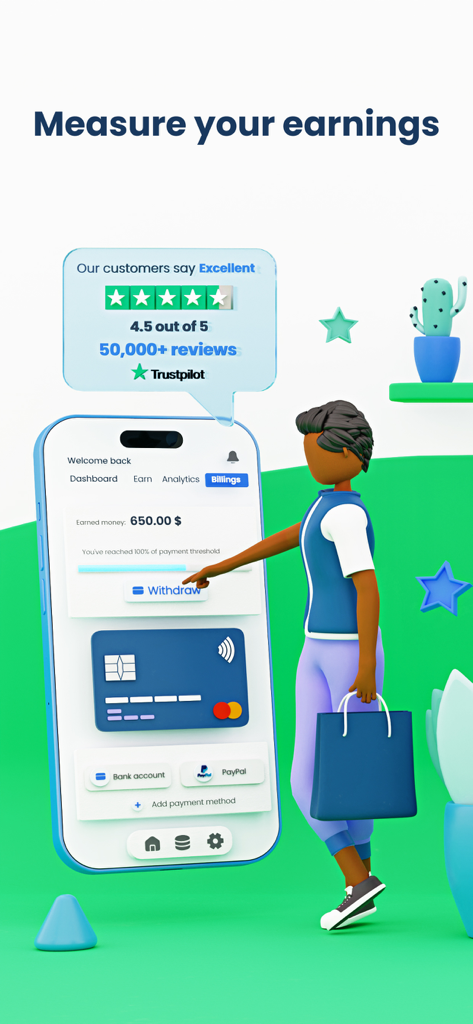
Paidwork app screen showing a user withdrawing six hundred fifty dollars with bank and PayPal options
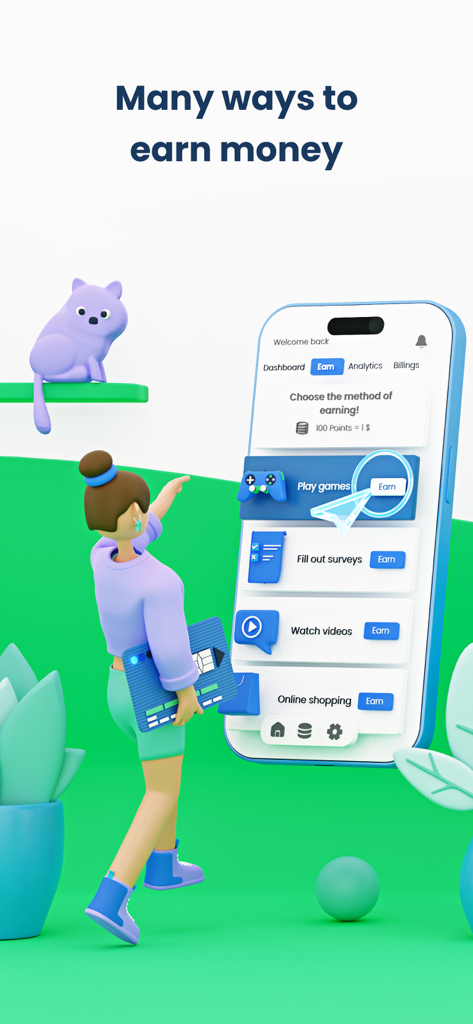
Paidwork app interface showing earning options like playing games and taking surveys
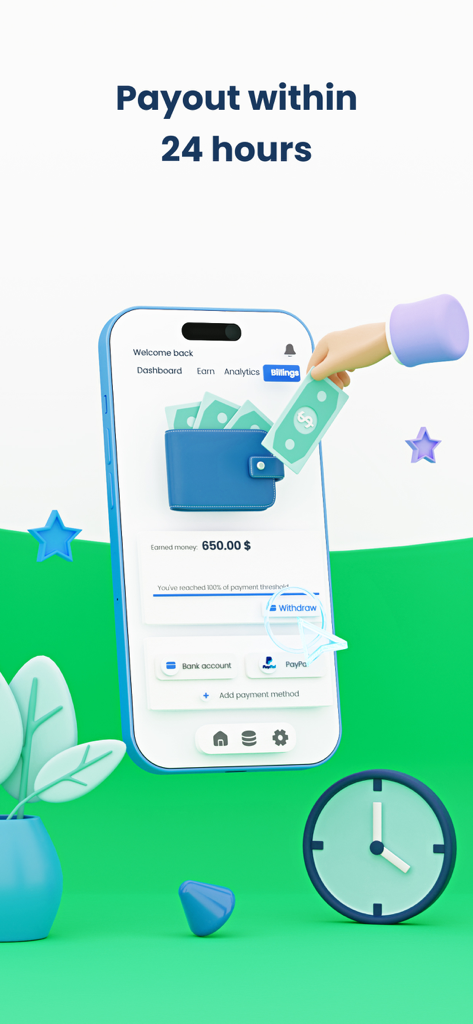
Interface of the Paidwork app showing a balance of 650 dollars with options for bank transfer and PayPal withdrawal
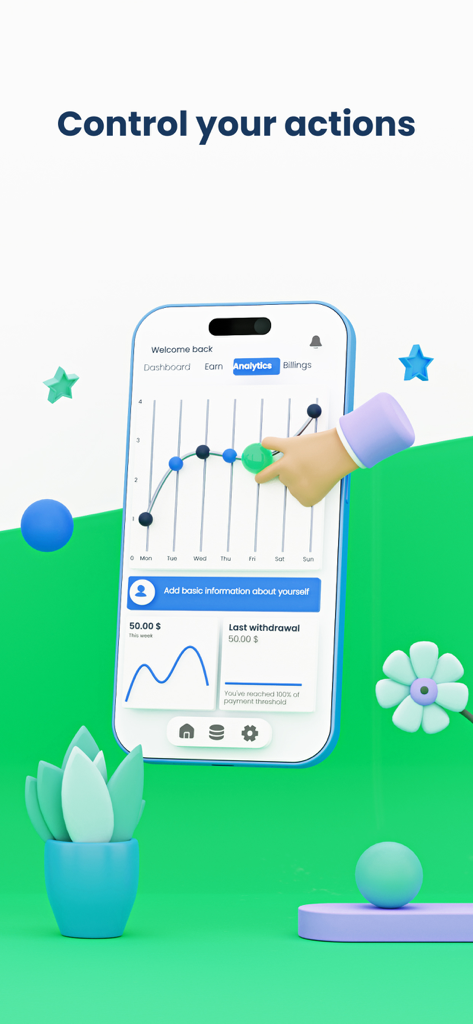
A 3D smartphone displaying the Paidwork app analytics screen with a weekly earnings graph and withdrawal balance

Two 3D characters, a man with a megaphone and a woman, standing together with floating money and stars to illustrate the Paidwork referral program.
Description
Download
More Like This
Apps with similar features and user experience

Make Money - Earn Easy Cash
Free International Calls App, Ltd
PLAYFUL REWARDS: Earn Rewards
Playful Rewards, LLC
JustPlay: Earn Loyalty Rewards
Gimica GmbH

AttaPoll Surveys - Make Money
AttaPoll Ltd

Eureka: Earn money for surveys
SocialLoop LLC
KashKick: Get paid to have fun
Besitos Corporation LLC
Mistplay: Play Games Earn Cash
Mistplay inc.

Cash Giraffe: Surveys & Perks
GR Apps GmbH
HeyCash - Earn Free Cash Now
Hey Cash AB
This page is not an official page of the app or its developer, but an independent editorial publication created for informational and commentary purposes. Unless expressly stated otherwise, neither the app nor its developer is affiliated with, endorsed by, sponsored by, authorized by, or otherwise officially connected with MWM, Apple, Google Play, the app publisher, or the app's developer, and nothing on this page implies that the app was developed using MWM's services. Any trademarks, logos, screenshots, and other content remain the property of their respective owners.