
This page is not an official page of the app or its developer, but an independent editorial publication created for informational and commentary purposes. Unless expressly stated otherwise, neither the app nor its developer is affiliated with, endorsed by, sponsored by, authorized by, or otherwise officially connected with MWM, Apple, Google Play, the app publisher, or the app's developer, and nothing on this page implies that the app was developed using MWM's services. Any trademarks, logos, screenshots, and other content remain the property of their respective owners.


Panasonic LUMIX Flow
The ultimate workflow companion for independent creators. Transform your smartphone into a pro-grade monitor, storyboard your masterpiece, and cut your editing time in half with intelligent clip organization.
Downloads
11K+User Rating
Total Ratings
0Publisher
Category
Photo & VideoLocales
11Latest Version
1.3.0Size
46.3 MBFirst Released
Feb 25, 2025Master Your Cinematic Workflow
The ultimate tool for independent creators to bridge the gap between planning, shooting, and editing with professional precision and speed.
Instant Footage Culling
Rate your clips as 'OK' or 'BAD' on-set and export XML files directly to DaVinci Resolve or Premiere Pro to skip hours of manual sorting.
Integrated Storyboarding
Draft scripts and sketch visual storyboards within the app to ensure your hero shots are perfectly planned and never missed during production.
The following screenshots and description are sourced directly from the app's official store listing and are the property of the app developer.
App Store
Screenshots
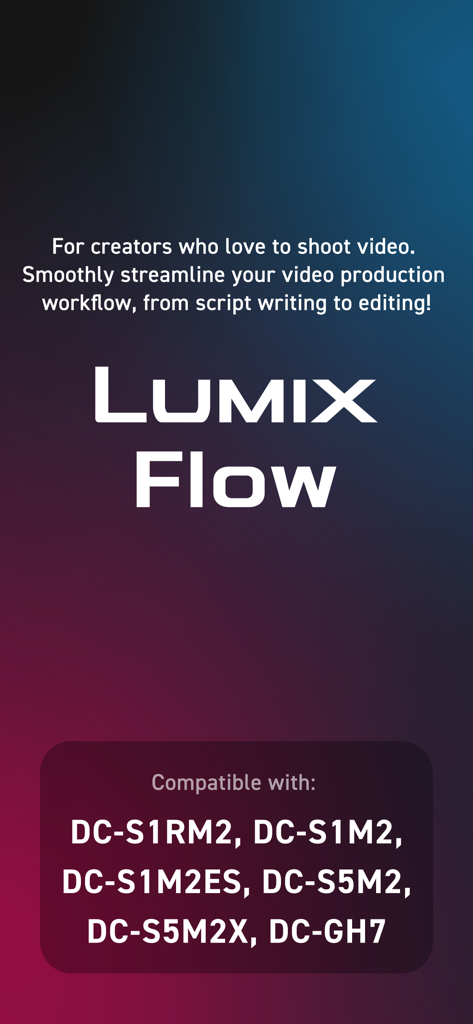
Panasonic LUMIX Flow app introduction screen highlighting video production workflow and compatible camera models
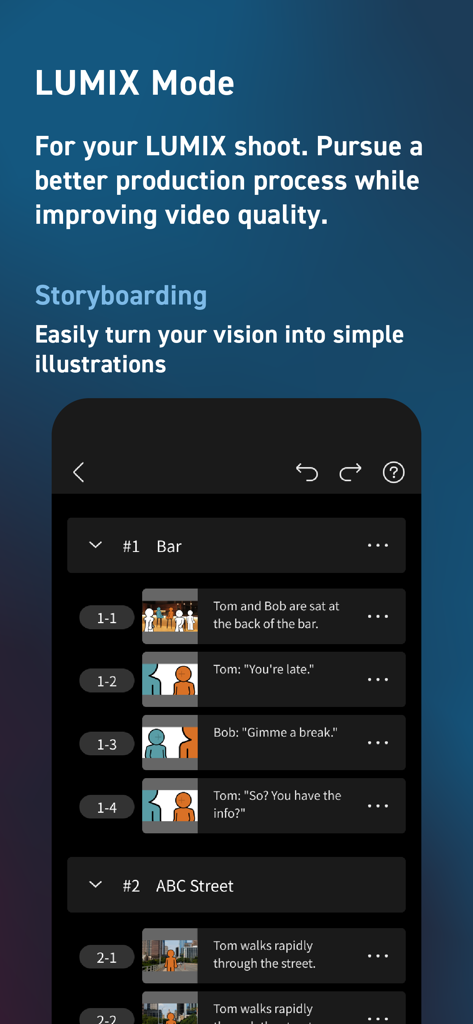
Panasonic LUMIX Flow app storyboarding screen showing a list of scenes with shot descriptions and simple illustrations.
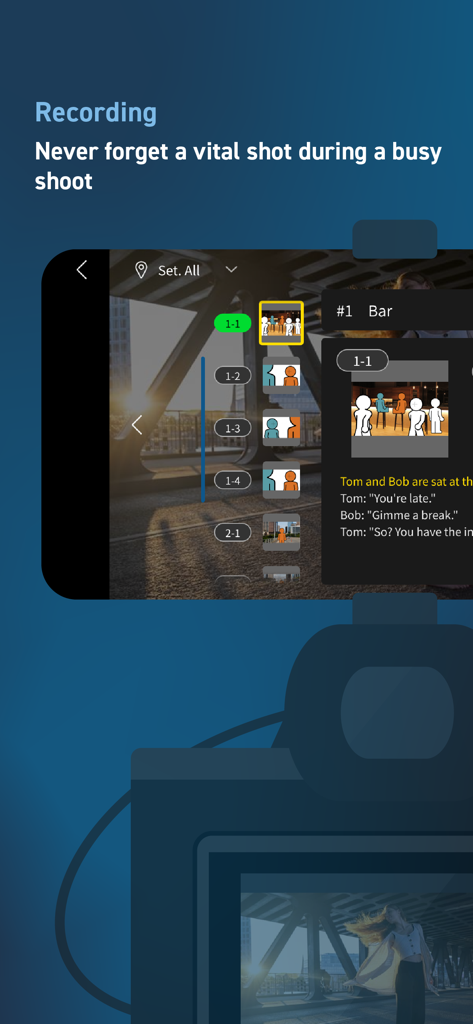
Panasonic LUMIX Flow recording interface featuring an integrated storyboard and digital shot list.
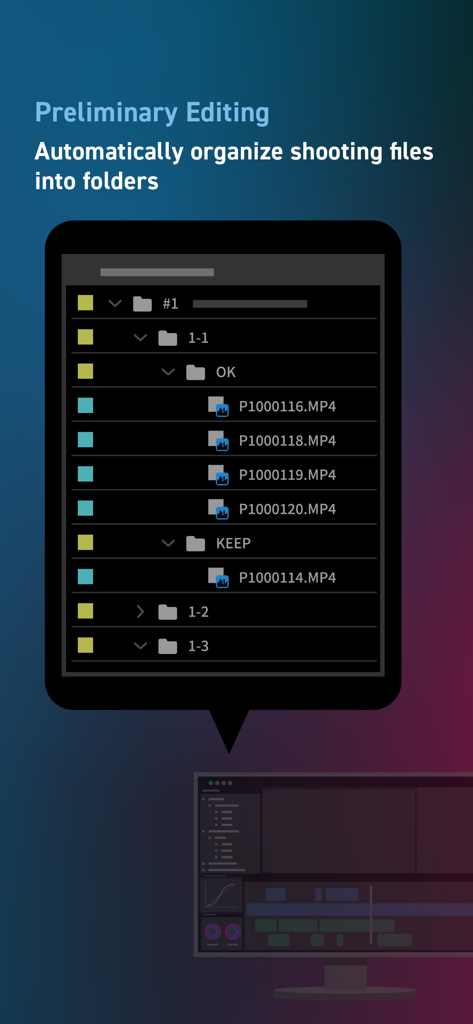
LUMIX Flow app interface showing video files automatically organized into folders for preliminary editing.
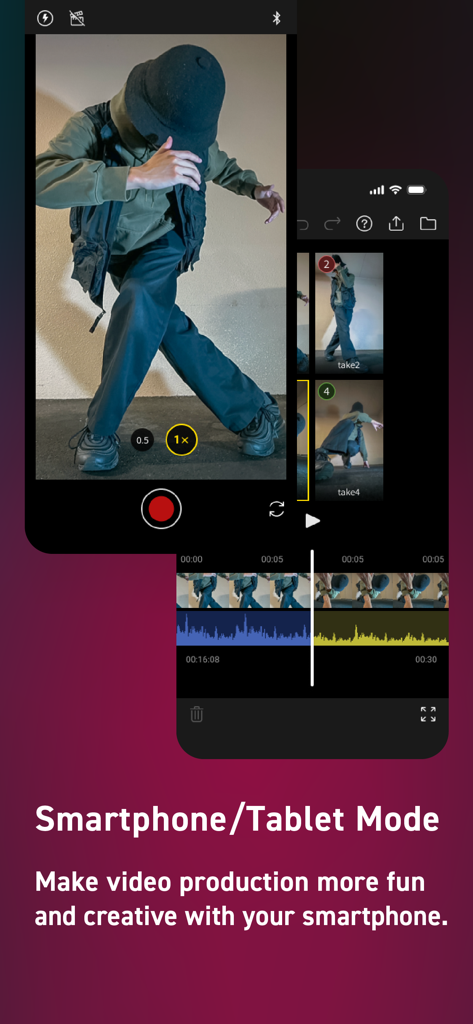
Panasonic LUMIX Flow app interface showing smartphone mode for mobile video recording and editing
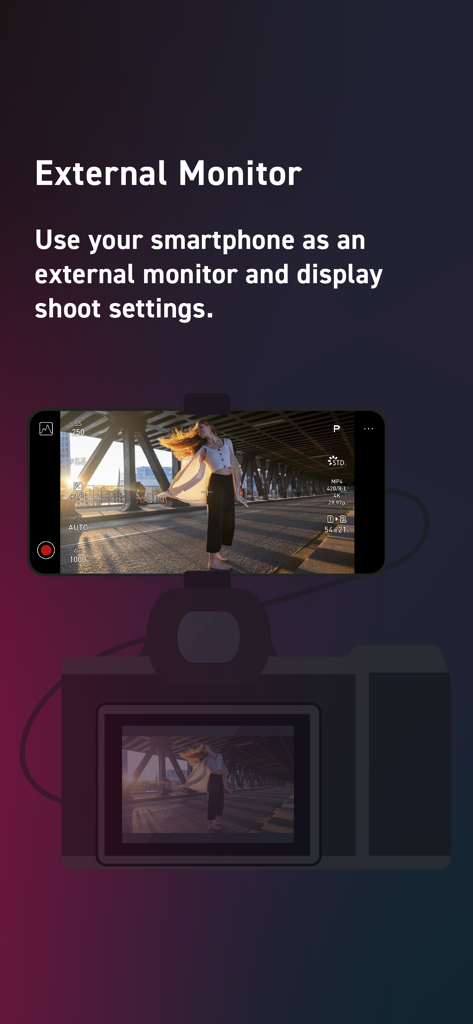
A smartphone mounted on a camera acting as an external monitor displaying video settings through the LUMIX Flow app
Description
Download
More Like This
Apps with similar features and user experience





This page is not an official page of the app or its developer, but an independent editorial publication created for informational and commentary purposes. Unless expressly stated otherwise, neither the app nor its developer is affiliated with, endorsed by, sponsored by, authorized by, or otherwise officially connected with MWM, Apple, Google Play, the app publisher, or the app's developer, and nothing on this page implies that the app was developed using MWM's services. Any trademarks, logos, screenshots, and other content remain the property of their respective owners.