
Parallel Space – Dual Accounts


Stop logging out. Stay online with two accounts simultaneously, protect your privacy with a dedicated passcode, and perfectly balance your work and personal life.
Publisher
Category
ReferenceDownloads
1M+User Rating
Total Ratings
14K+Locales
11Discover the interface used by 1M+ users.
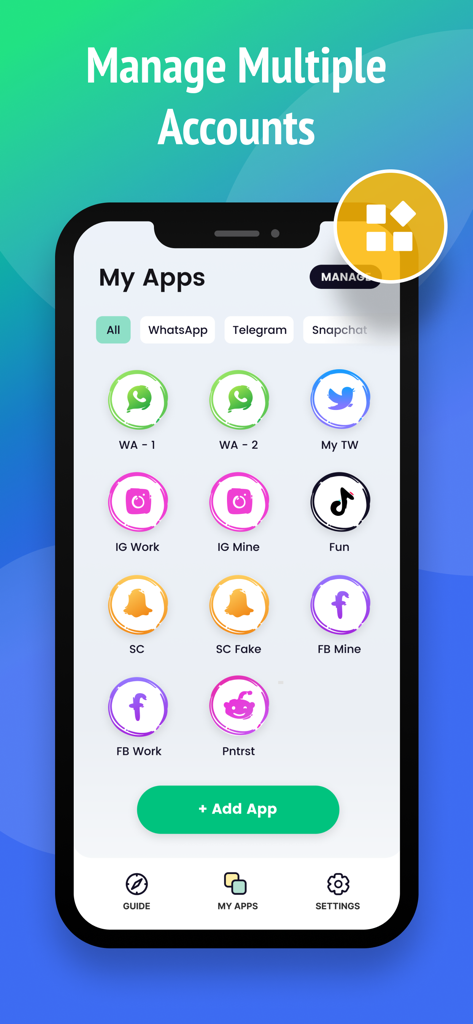
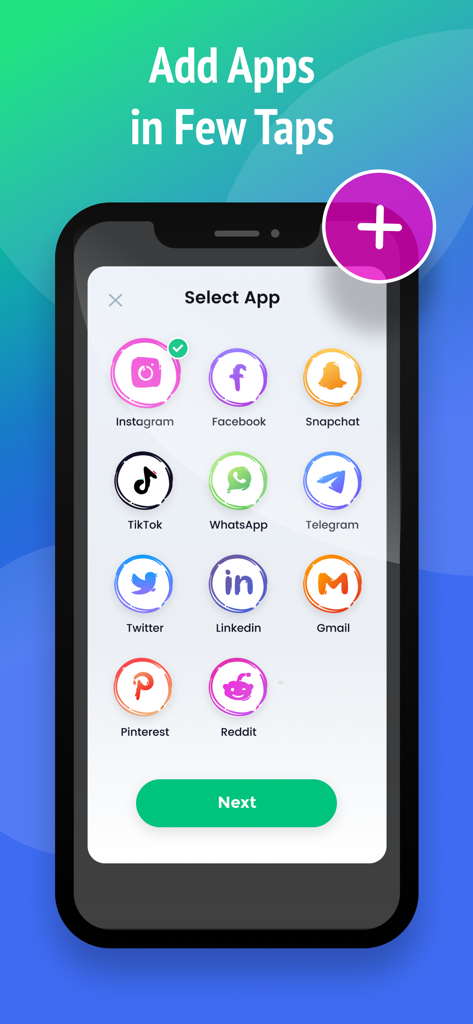
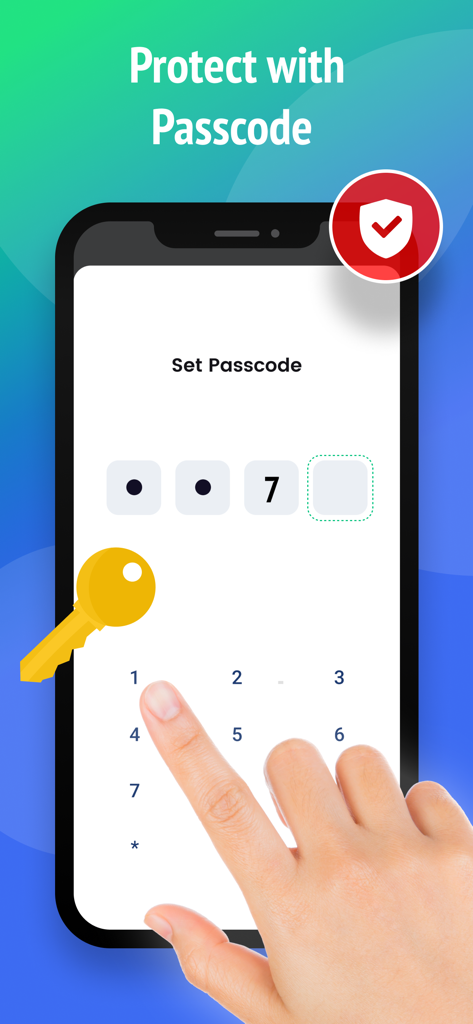
The tools that make this app stand out, trusted by 1M+ users.
Stay logged into work and personal accounts simultaneously. Stop the 'logout/login' fatigue and manage your professional brand and private life with ease.
Build a secure zone for sensitive accounts. Use a private passcode to hide specific apps from prying eyes and ensure your data remains strictly confidential.
Receive real-time notifications from all cloned apps. Toggle between personas in a single tap to respond to clients and friends without missing a beat.
Everything you need to know about Parallel Space – Dual Accounts.
Description
Latest Version
1.4
Size
44.1 MB
First Released
Oct 18, 2022
Join over 1 million power users who have ended the constant login-logout cycle. Secure your private accounts and master your professional personas with Parallel Space today.
Everything you need to know about Parallel Space – Dual Accounts
Parallel Space – Dual Accounts enables users to log into and manage multiple accounts for a single app on one phone. It provides account switching and data security features, supporting popular social media and services.
Yes, Parallel Space – Dual Accounts allows users to log into multiple accounts of the same application on a single device. Users can stay online with all accounts simultaneously and switch between them.
Yes, Parallel Space – Dual Accounts ensures data security and privacy. The app provides a passcode feature to protect private accounts, building a secure privacy zone for your information.
To add new applications in Parallel Space – Dual Accounts, navigate to the "My Apps" screen. Tap the "+ Add App" button, then select the desired applications from the presented list and confirm.
Parallel Space – Dual Accounts supports almost all popular social media and services for cloning. Examples include Instagram, Facebook, Snapchat, TikTok, WhatsApp, Telegram, and many others as shown in the app interface.
Yes, Parallel Space – Dual Accounts offers passcode protection. This feature allows users to set a passcode for applications, enhancing account security and creating a privacy zone for sensitive data.
Apps with similar features and user experience

中华 阳

Huong Le Thi
雨双 柯
碧 郑
SEAMOBI TECH PTE LTD

Shobhaben Ukani
Changsha Liangchao Technology Co., Ltd.

Kokila Ukani

Siddharth bhadani
App information, icons, screenshots, and descriptions displayed on this page are sourced from the Apple App Store and are the property of their respective developers. Download estimates and rankings are based on MWM's proprietary models and may not reflect actual figures. This page is provided for informational and analytical purposes only.
Believe this page infringes your intellectual property? File a dispute