
This page is not an official page of the app or its developer, but an independent editorial publication created for informational and commentary purposes. Unless expressly stated otherwise, neither the app nor its developer is affiliated with, endorsed by, sponsored by, authorized by, or otherwise officially connected with MWM, Apple, Google Play, the app publisher, or the app's developer, and nothing on this page implies that the app was developed using MWM's services. Any trademarks, logos, screenshots, and other content remain the property of their respective owners.


Partifier: extract score parts
Ditch the highlighters and manual cropping. Automatically extract clean, professional instrument parts from any PDF score for your next rehearsal or gig.
Downloads
10K+User Rating
Total Ratings
0Publisher
Category
MusicLocales
10Latest Version
2.0.1Size
9.0 MBFirst Released
Jul 12, 2020Master Your Rehearsals with Instant Part Extraction
Stop wasting hours manually cropping scores. Partifier uses smart detection to turn complex full scores into professional, ready-to-play individual parts in seconds.
Automated Part Splitting
Upload any ensemble PDF and let our intelligent engine detect and isolate individual instrument staves automatically, saving you hours of manual labor.
Precision Smart-Tap Editing
Refine your parts with a single touch. Use the intuitive Smart-tap mode to assign staves and adjust layouts without the steep learning curve of notation software.
The following screenshots and description are sourced directly from the app's official store listing and are the property of the app developer.
App Store
Screenshots
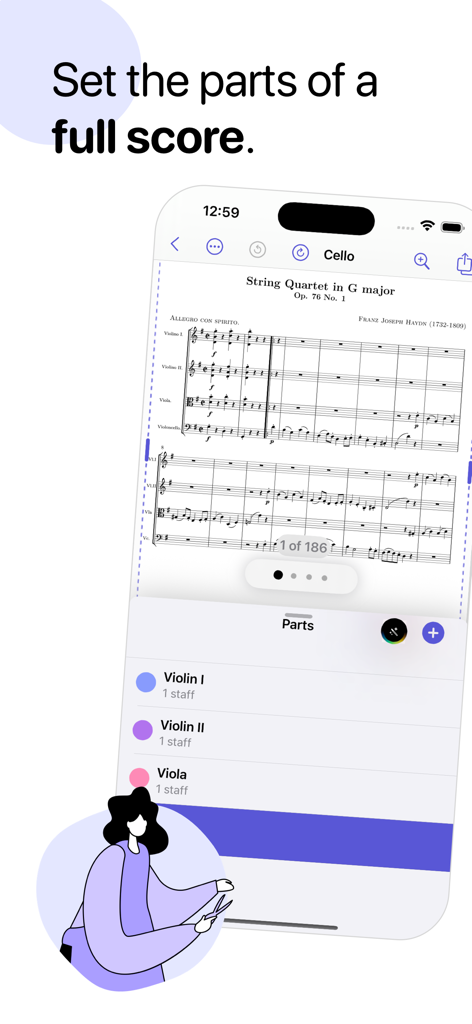
iPhone screen showing the Partifier app interface for extracting instrument parts from a full musical score
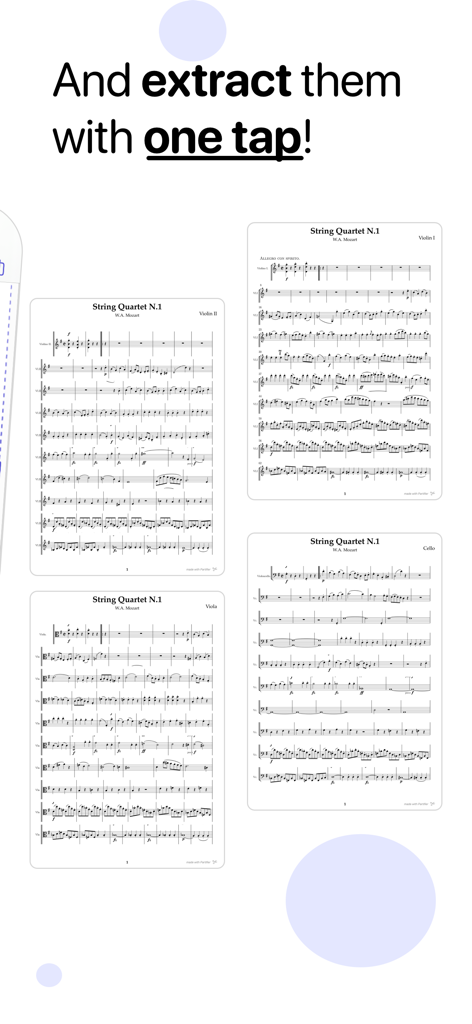
A screenshot of Partifier app showing extracted individual parts for a Mozart string quartet
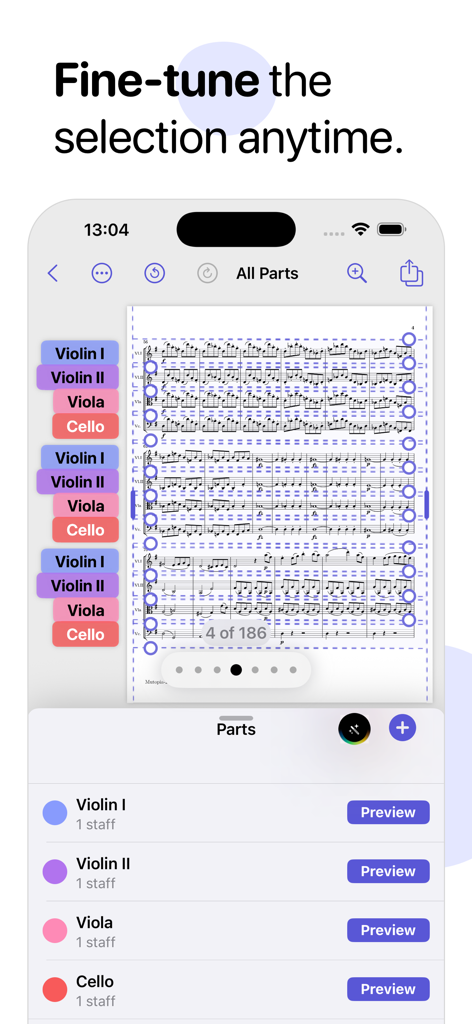
Interface of the Partifier app showing the selection of violin, viola, and cello parts from a full musical score for digital extraction.
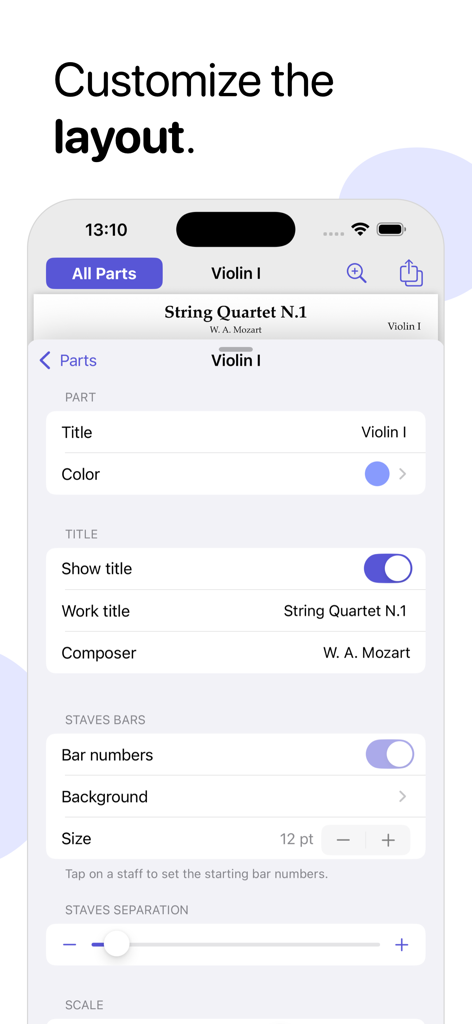
A screenshot of the Partifier app showing layout customization options like bar numbers and staves separation for a violin part
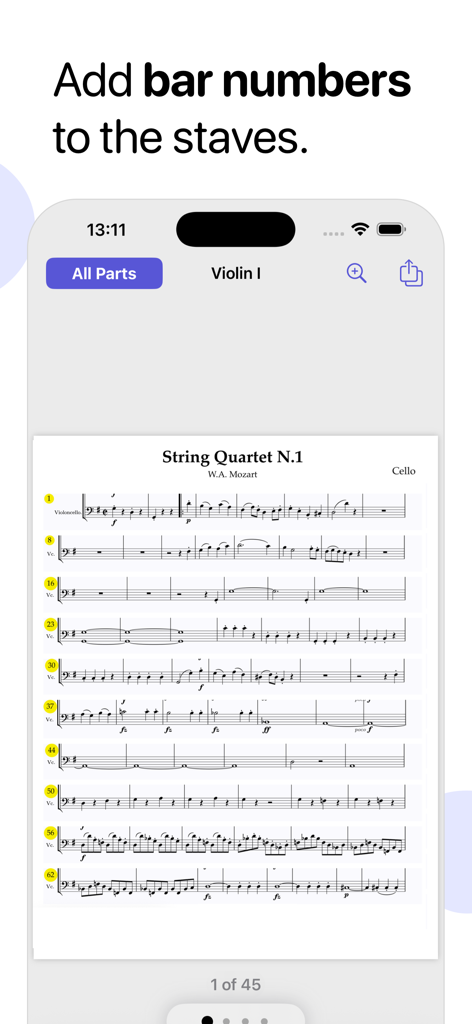
Musical score in Partifier app showing the feature to add bar numbers to staves.
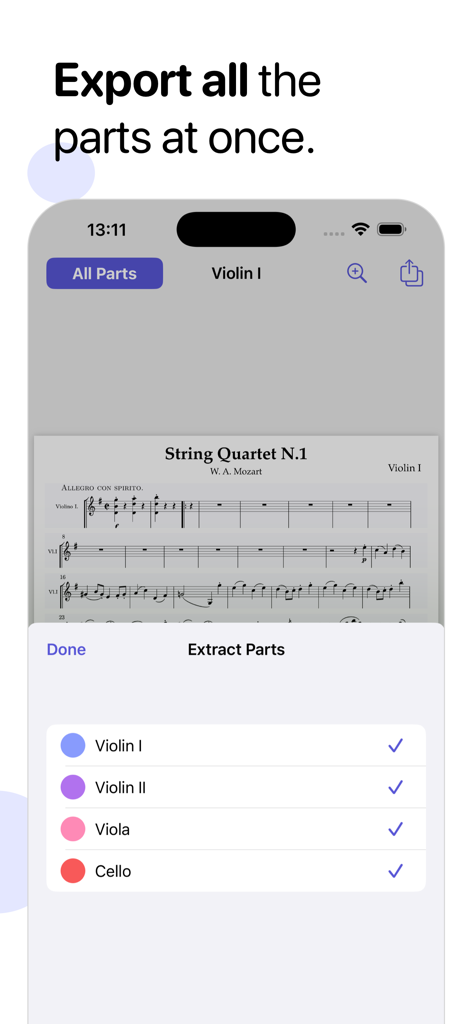
Partifier app interface showing the selection and export of multiple instrument parts from a Mozart string quartet score
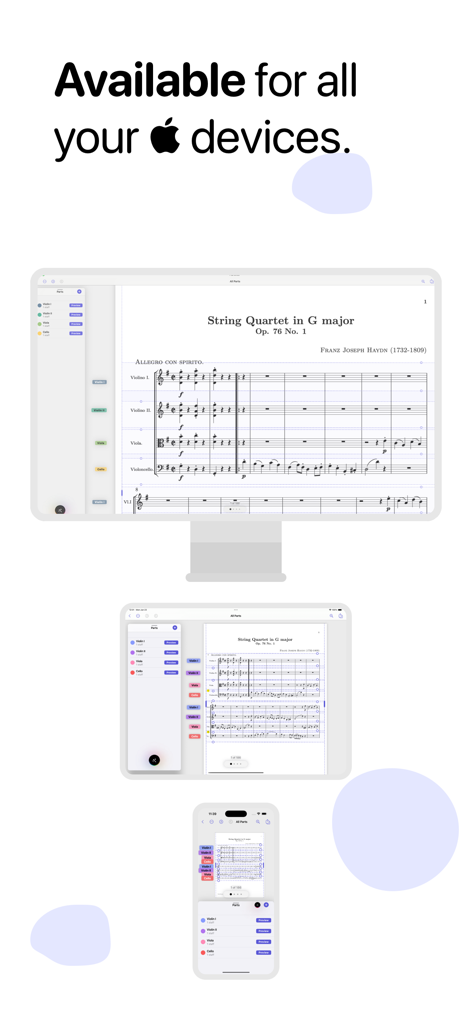
Partifier music score extraction app displayed on Mac iPad and iPhone
Description
Download
More Like This
Top-ranked apps in the same category

Spotify: Music and Podcasts
Spotify

YouTube Music
Google LLC

Shazam: Find Music & Concerts
Apple Inc.

SoundCloud: The Music You Love
SoundCloud Global Limited & Co KG

Suno - AI Songs & Music
Suno Inc.

QQ音乐 - 听我想听
Tencent Technology (Shenzhen) Company Limited

Audiomack - Play Music Offline
Audiomack, Inc.

GuitarTuna: Tune & Play Guitar
Yousician Ltd

BandLab – Music Maker & Beats
BandLab Singapore Pte Ltd
This page is not an official page of the app or its developer, but an independent editorial publication created for informational and commentary purposes. Unless expressly stated otherwise, neither the app nor its developer is affiliated with, endorsed by, sponsored by, authorized by, or otherwise officially connected with MWM, Apple, Google Play, the app publisher, or the app's developer, and nothing on this page implies that the app was developed using MWM's services. Any trademarks, logos, screenshots, and other content remain the property of their respective owners.