Pass4Wallet - store cards


Take control of your Apple Wallet by adding loyalty cards, gym memberships, and coupons that merchants missed. Effortless, customizable, and always ready on your iPhone or Apple Watch.
Publisher
Category
UtilitiesDownloads
677K+User Rating
Total Ratings
1K+Locales
8Discover the interface used by 677K+ users.
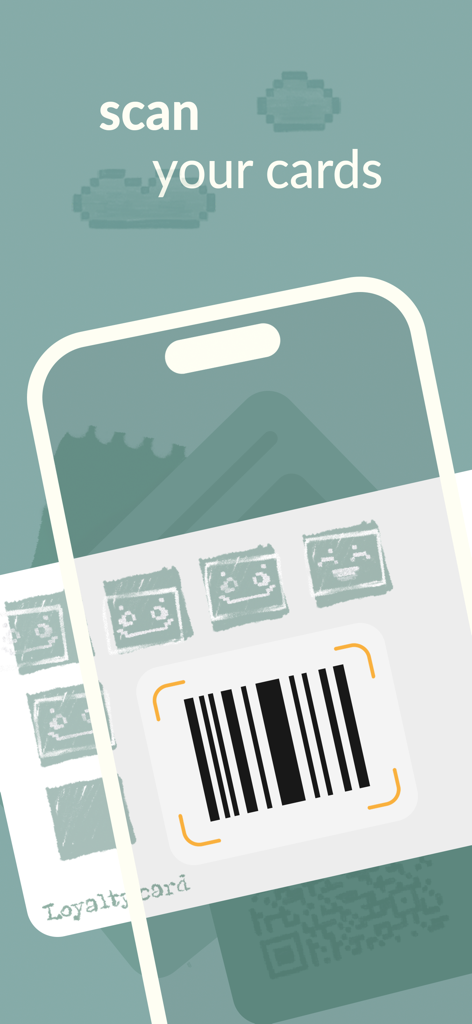
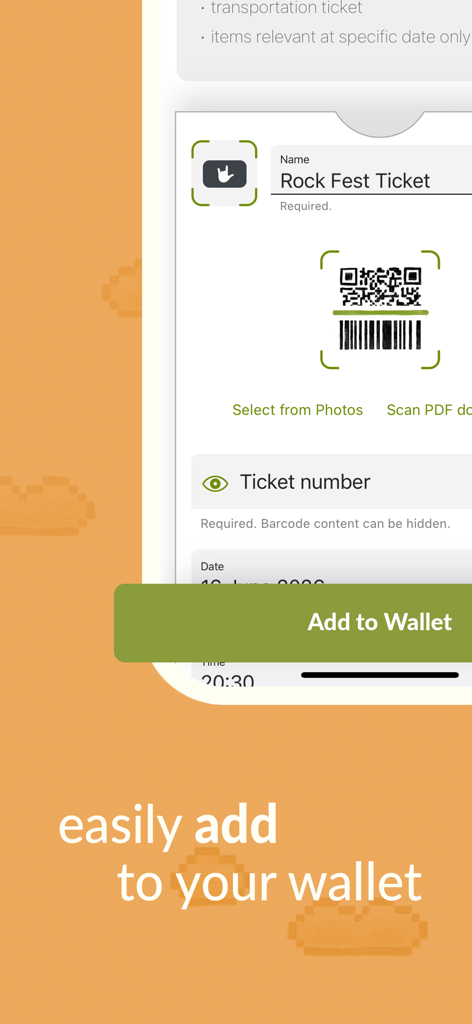
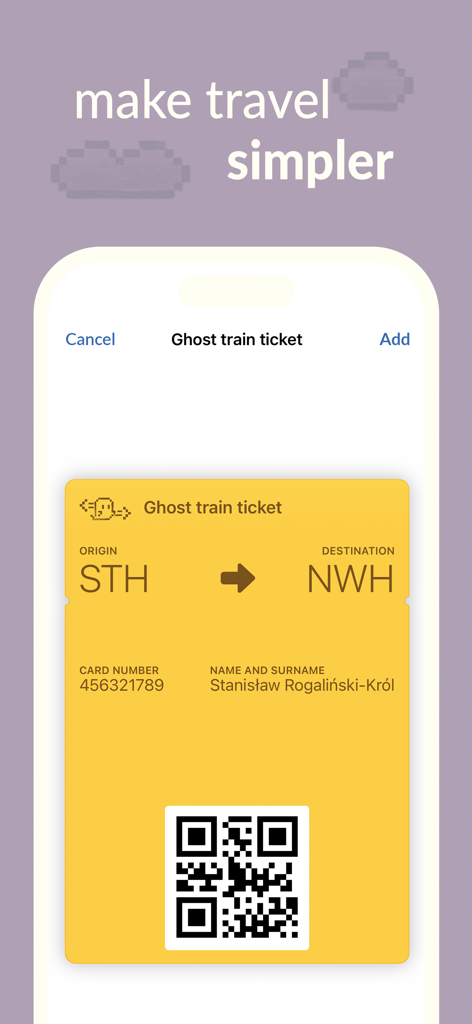
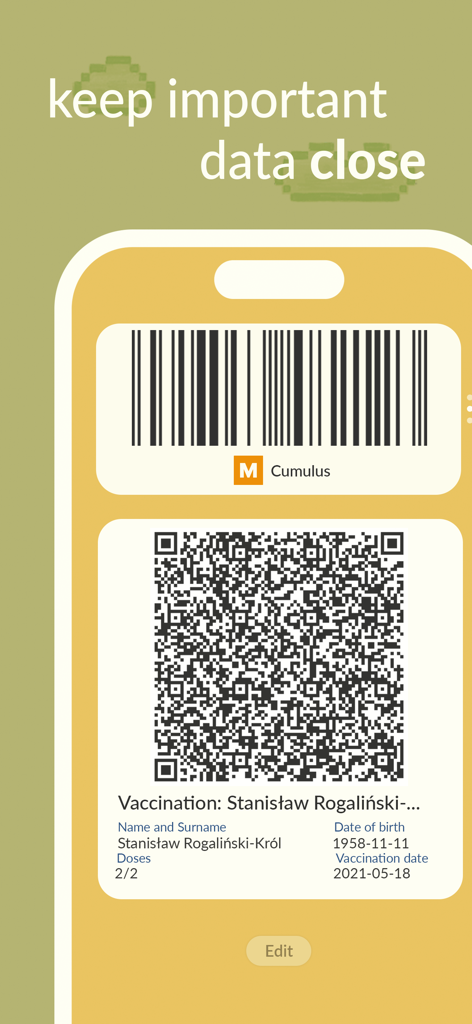
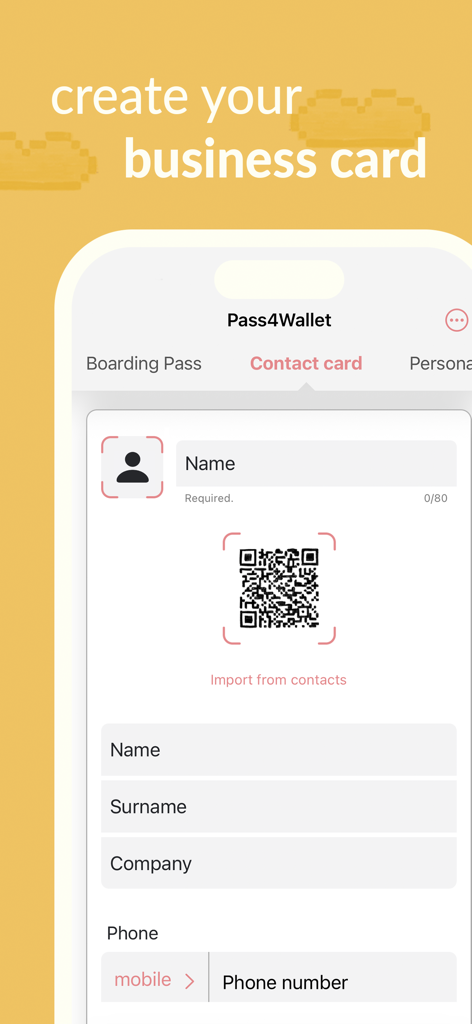

The tools that make this app stand out, trusted by 677K+ users.
Convert any plastic card or ID into a digital pass in seconds. Empower yourself to digitize memberships even when retailers don't provide a native Apple Wallet option.
Experience ultimate convenience. Your cards automatically appear on your lock screen the moment you arrive at your favorite stores, gym, or local library.
Go truly minimalist by leaving your phone in your pocket. Sync your barcodes to your wrist for a fast, hands-free checkout experience at any register.
Everything you need to know about Pass4Wallet - store cards.
Description
Latest Version
4.2.0
Size
29.0 MB
First Released
May 2, 2019
Join over 677,000 tech-savvy minimalists and transform your plastic cards into sleek, location-aware digital passes for your Apple Wallet and Watch today.
Everything you need to know about Pass4Wallet - store cards
Pass4Wallet digitalizes physical cards such as store cards, discount cards, coupons, and tickets. It also stores personal information like tax or social ID numbers, reducing physical wallet clutter.
Yes, Pass4Wallet allows users to add and update digital versions of store cards, membership cards, coupons, and discount cards. Users manage these directly within the Pass4Wallet application.
Yes, Pass4Wallet includes a free barcode scanner. This feature enables users to easily digitalize their cards by scanning existing barcodes directly into the app.
Pass4Wallet does not handle currency or cryptocurrency; it is not a digital wallet for financial transactions. Its purpose is to digitalize non-financial cards and personal information.
Pass4Wallet is not bound to merchant support for Apple Wallet. It allows users to manage their digital cards independently, providing broader format support than standard Apple Wallet options.
Pass4Wallet supports various barcode formats including QR, Aztec, PDF417, Code-128, EAN 8, EAN 13, Code-39, data matrix, UPC-E, ITF, Code 93, and Codabar.
No, not all Pass4Wallet barcode formats work on Apple Watch. QR, Aztec, and PDF417 are supported, but Code-128 and other additional formats are not compatible with the Apple Watch.
Yes, Pass4Wallet offers personalization options. Users can select colors, choose icons, add notes to the backside of cards, and specify relevant dates for reminders.
Yes, Pass4Wallet allows users to add relevant locations to their entries. This enables the cards to be shown on the locked screen when the user is near the specified location.
Yes, Pass4Wallet allows users to share their entries. This feature facilitates convenient sharing of digital cards or tickets with others directly from the application.
Apps with similar features and user experience
App information, icons, screenshots, and descriptions displayed on this page are sourced from the Apple App Store and are the property of their respective developers. Download estimates and rankings are based on MWM's proprietary models and may not reflect actual figures. This page is provided for informational and analytical purposes only.
Believe this page infringes your intellectual property? File a dispute