Passbook - Wallet Pass Creator

Declutter your life by digitizing gym memberships, loyalty cards, and event tickets. Create sleek, custom passes in seconds and make your iPhone the ultimate organized command center.
Publisher
Category
ShoppingDownloads
555K+User Rating
Total Ratings
2K+Locales
7Discover the interface used by 555K+ users.

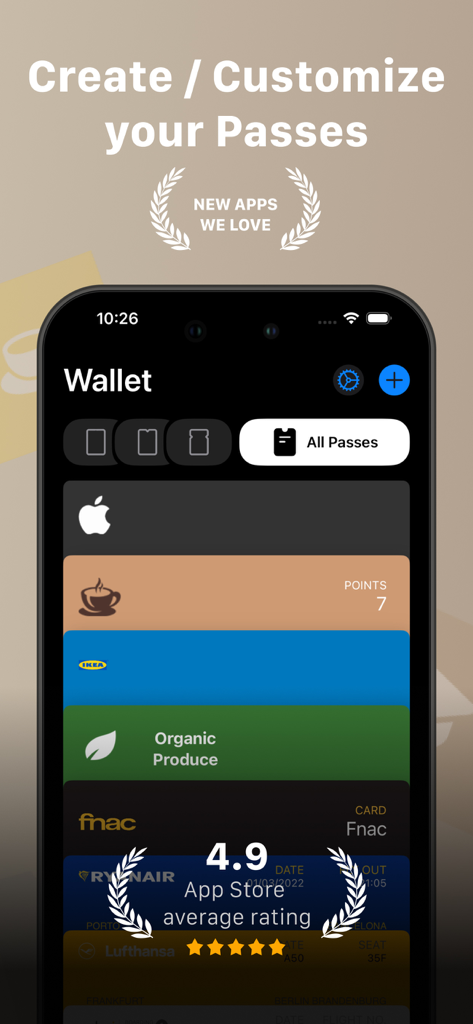
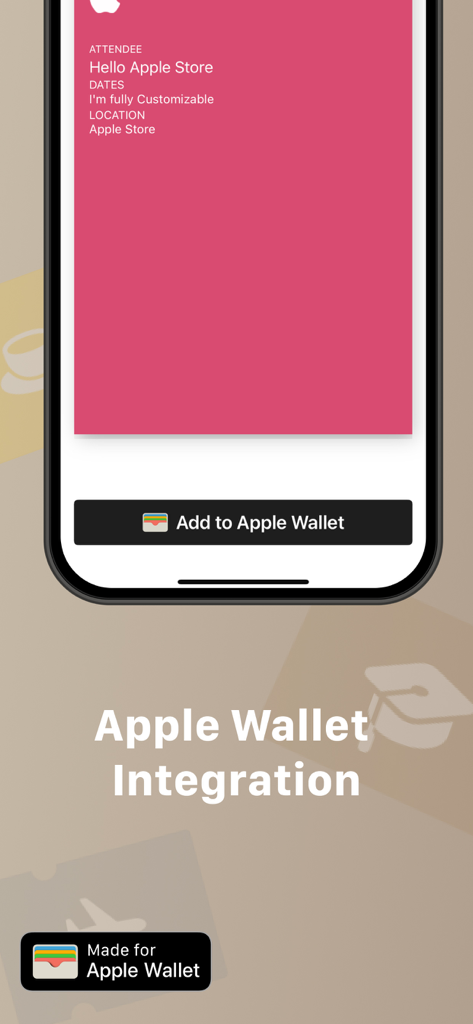
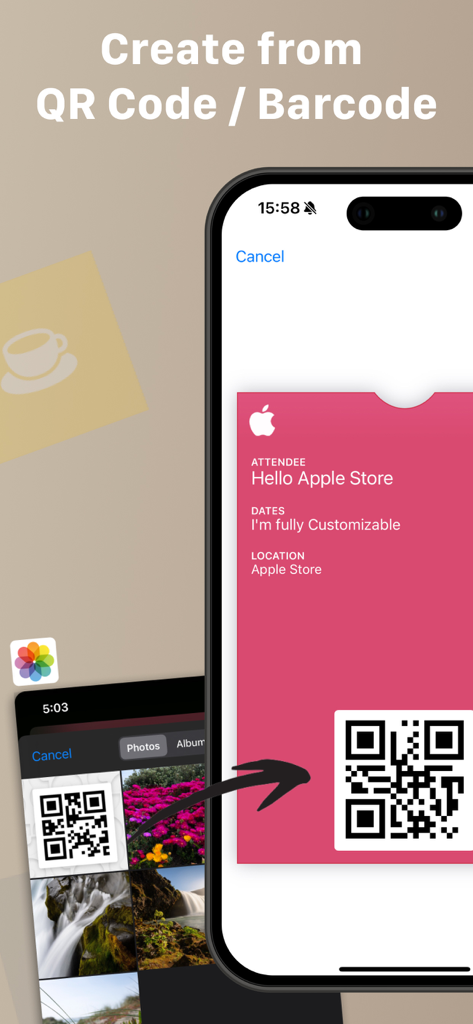
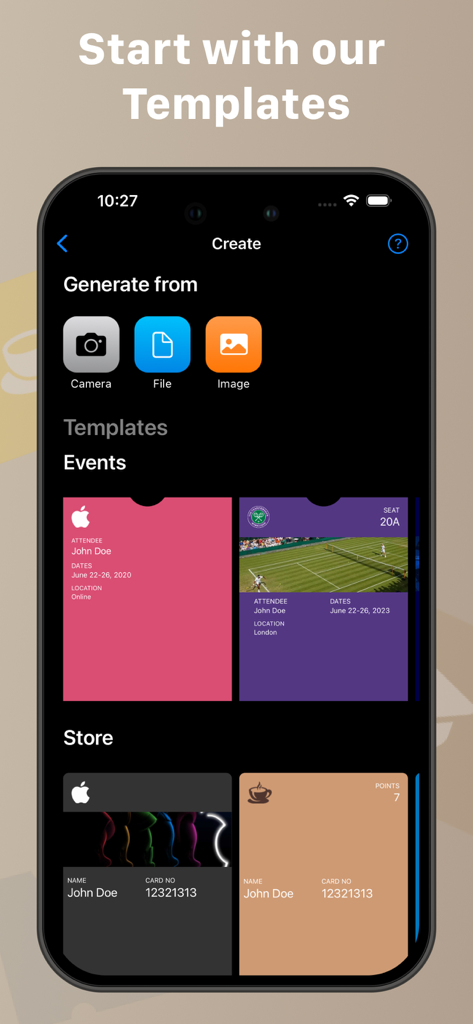
The tools that make this app stand out, trusted by 555K+ users.
Turn gym cards, library passes, and loyalty tags into sleek digital files. Just scan, edit, and add to your Apple Wallet in seconds.
Use designer templates to create beautiful passes that look native to iOS. Organize your digital wallet with a clean and professional aesthetic.
Access your passes directly from your lock screen. Experience a faster checkout and a truly cardless lifestyle without digging for PDFs.
Everything you need to know about Passbook - Wallet Pass Creator.
Description
Latest Version
3.12
Size
126.7 MB
First Released
Jul 7, 2022
Join over 550,000 power users and transform your physical cards, tickets, and memberships into sleek, native Apple Wallet passes in seconds.
Everything you need to know about Passbook - Wallet Pass Creator
Passbook - Wallet Pass Creator enables users to easily create, add, and edit custom Wallet Passes, including membership cards, customer cards, or tickets, directly into Apple Wallet.
Yes, Passbook - Wallet Pass Creator utilizes templates for events and store cards to simplify pass creation. Users can also generate passes from camera, file, or image sources.
Yes, Passbook - Wallet Pass Creator allows users to upload QR codes to generate new custom Wallet Passes. This feature streamlines the process of creating passes from existing codes.
Yes, Passbook - Wallet Pass Creator is designed for direct integration with Apple Wallet. Users can add and manage their custom-created passes within the Apple Wallet application.
The privacy policy for Passbook - Wallet Pass Creator is accessible at the provided URL: https://andremartingo.github.io/mobilepass/privacypolicy.html. This link details data handling practices.
Yes, Passbook - Wallet Pass Creator provides terms of service. These are available for review via the link: https://andremartingo.github.io/mobilepass/termsofservice.html.
Passbook - Wallet Pass Creator can manage various types of passes. These include membership cards, customer loyalty cards, and tickets for events, all integrated within Apple Wallet.
Apps with similar features and user experience
App information, icons, screenshots, and descriptions displayed on this page are sourced from the Apple App Store and are the property of their respective developers. Download estimates and rankings are based on MWM's proprietary models and may not reflect actual figures. This page is provided for informational and analytical purposes only.
Believe this page infringes your intellectual property? File a dispute