Password Manager App - SkyBox
Download on App Store

This page is not an official page of the app or its developer, but an independent editorial publication created for informational and commentary purposes. Unless expressly stated otherwise, neither the app nor its developer is affiliated with, endorsed by, sponsored by, authorized by, or otherwise officially connected with MWM, Apple, Google Play, the app publisher, or the app's developer, and nothing on this page implies that the app was developed using MWM's services. Any trademarks, logos, screenshots, and other content remain the property of their respective owners.

Logo of Password Manager App - SkyBox
Download on App Store

Password Manager App - SkyBox

Protect your credentials, credit cards, and crypto keys with military-grade AES-256 encryption. Experience total peace of mind with zero-knowledge security and seamless one-click autofill.

Key Figures

Downloads

51K+

User Rating

4.4/5

Total Ratings

100

Publisher

Circo, Inc.

Category

Business

Locales

1

Latest Version

2022.05.04

Size

60.3 MB

First Released

Jun 10, 2021
Features

Uncompromising Security for Your Digital Life

SkyBox is your personal secure cloud that stores your passwords, payment cards, and private notes with military-grade encryption and effortless one-click access.

Zero-Knowledge Encryption

Your data is encrypted locally with AES-256 before it reaches the cloud. Even we can't see it—your secrets are for your eyes only.

Seamless One-Click Autofill

Eliminate manual typing and frustrating lockouts. Automatically fill login credentials and payment details in any app or website instantly.

The following screenshots and description are sourced directly from the app's official store listing and are the property of the app developer.

App Store

Screenshots
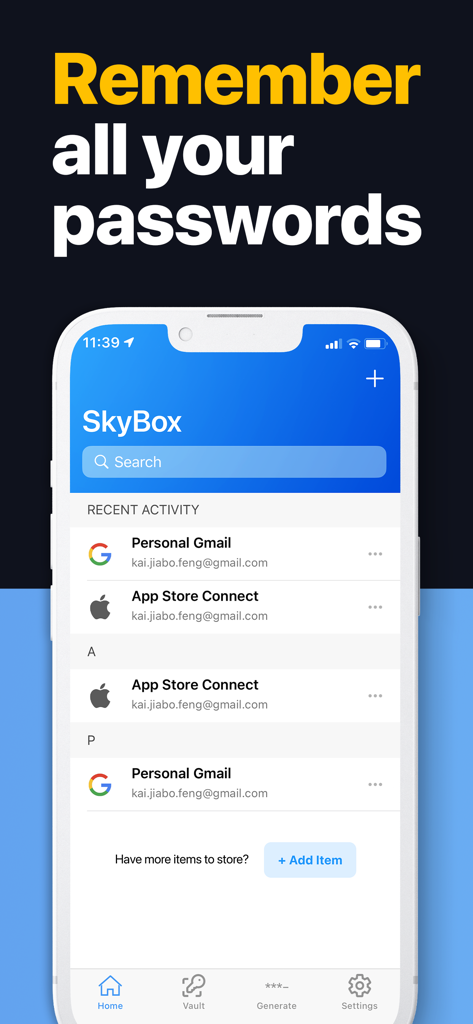
Password Manager App - SkyBox - SkyBox app interface displaying a list of saved passwords and recent activity
SkyBox app interface displaying a list of saved passwords and recent activity

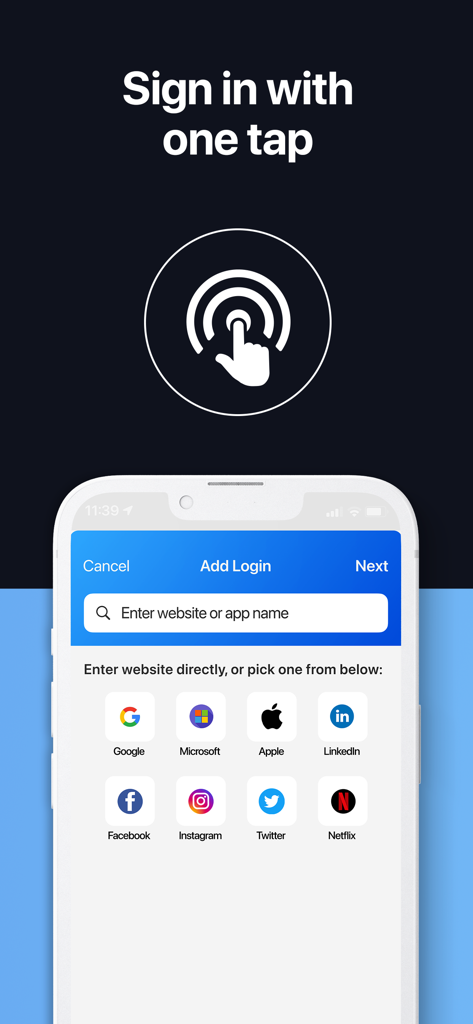
Password Manager App - SkyBox - SkyBox app interface showing the add login screen with quick links to popular platforms like Google Apple and Microsoft
SkyBox app interface showing the add login screen with quick links to popular platforms like Google Apple and Microsoft

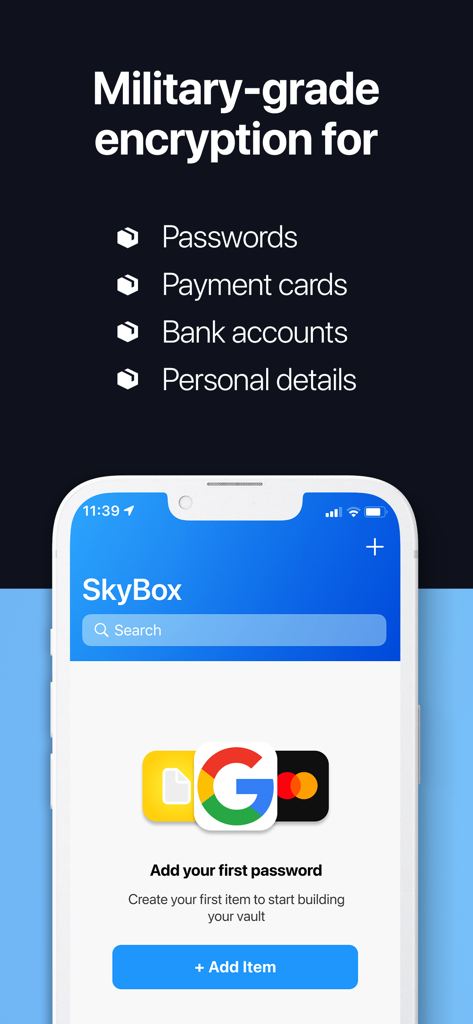
Password Manager App - SkyBox - SkyBox password manager app interface showing military grade encryption for passwords and financial details
SkyBox password manager app interface showing military grade encryption for passwords and financial details

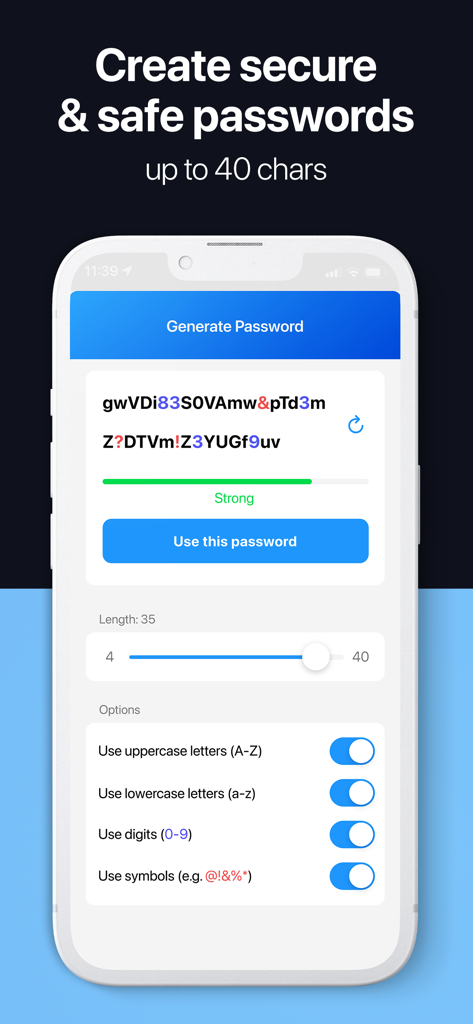
Password Manager App - SkyBox - Interface of SkyBox app showing a secure password generator with customizable length and character options
Interface of SkyBox app showing a secure password generator with customizable length and character options

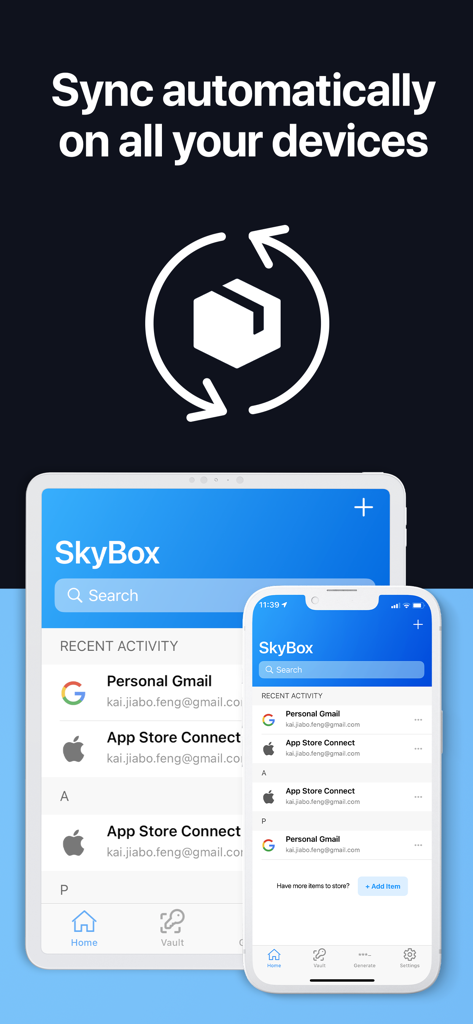
Password Manager App - SkyBox - SkyBox password manager interface showing automatic sync across iPhone and iPad
SkyBox password manager interface showing automatic sync across iPhone and iPad

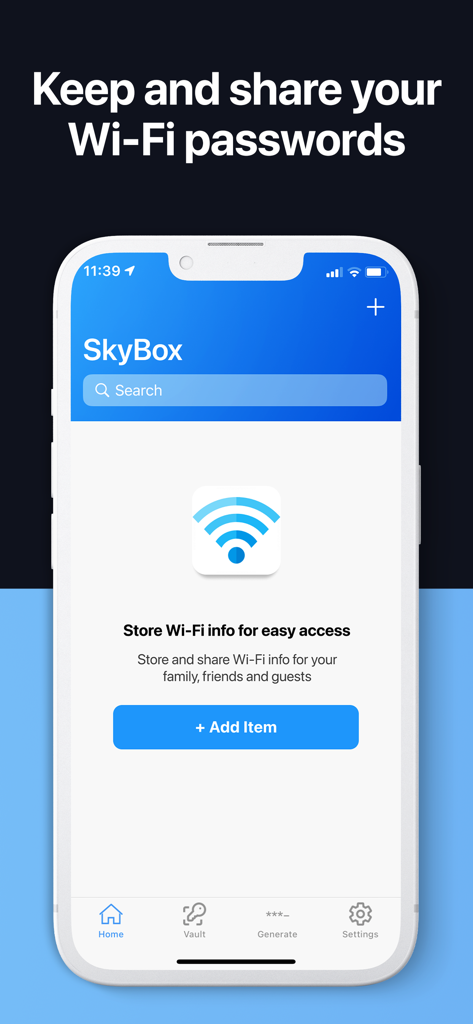
Password Manager App - SkyBox - iPhone screenshot of SkyBox app featuring a secure Wi-Fi password storage and sharing screen
iPhone screenshot of SkyBox app featuring a secure Wi-Fi password storage and sharing screen

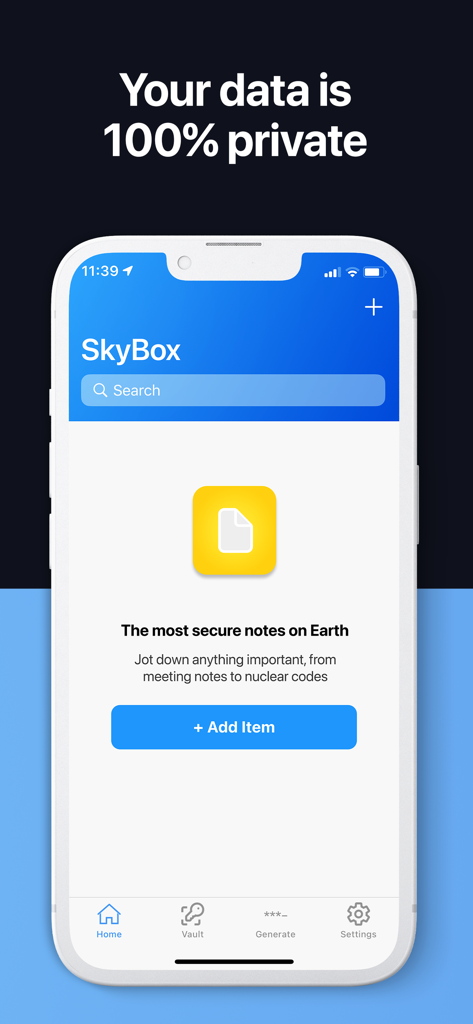
Password Manager App - SkyBox - SkyBox app interface for managing secure digital notes with a 100 percent private data guarantee.

SkyBox app interface for managing secure digital notes with a 100 percent private data guarantee.
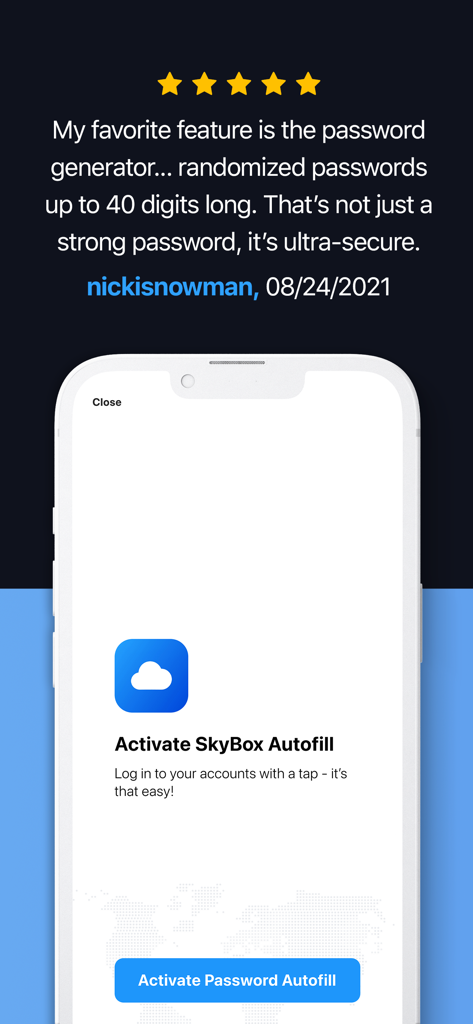
Password Manager App - SkyBox - A 5-star user review and a setup screen for activating the SkyBox autofill feature on a smartphone.

A 5-star user review and a setup screen for activating the SkyBox autofill feature on a smartphone.

Description

Stop getting locked out of your own accounts - store all your passwords and credentials securely in SkyBox. SkyBox is your personal secure cloud, automatically backing up all passwords, payment cards, bank accounts, and personal details using military-grade encryption, so that you don't have to worry about them. It's safe, like really safe. Every bit of sensitive information that you store with us is encrypted locally twice using the world's most sophisticated encryption algorithm before it's saved and backed up in the cloud, meaning no one (not even the developer) can view the data you store - your data is truly for your eyes only. It's convenient. Using SkyBox autofill, you can automatically fill the account name and password fields in any app or website with one click. No time-consuming manual entries, just click and go. Need to generate a new password? SkyBox's got you covered. With our state-of-the-art strong password generator that comes with the app, you will be able to generate secure passwords using custom configurations that you choose, and save the new password with one click so that you won't need to remember it - SkyBox does it for you. SkyBox is the world's best password manager, but it's more than just a password manager. SkyBox is your personal secure cloud, which carries all your most important information and makes it available to you wherever you go. It's your password manager, your card holder, your mobile wallet, your digital notebook, your cryptocurrency address vault, ... it is the world's #1 secrets manager, available for download for free. Frequently Asked Questions ---------------------------- Q: How does SkyBox make money? A: SkyBox is free to download and use. We do not sell your data - in fact, everything you store is encrypted using crazy-sophisticated algorithms, so no one could actually see it (except yourself). We make money through Premium subscriptions, which gives subscribers unlimited access to all features, including (but not limited to): - Store unlimited records - Access cloud backup & sync on any device - 24/7 priority technical support Q: What makes SkyBox so safe? A: SkyBox uses AES-256 encryption, which exponentially increases the security level of encrypted information before your data is ever stored. That means we have zero knowledge of your data - all anyone can see if they break open the database are scrambled bits that look like this: "UKGB3SFIT1f77dljwuAJ..." Q: What is your refund policy? A: Please note that we do not offer refunds. If you cancel your plan before the next renewal cycle, you will retain access to paid features until the end of your subscription period. When your subscription expires, you will lose access to paid features and all data associated with those features. Official website: https://tryskybox.com/home Terms of service: https://tryskybox.com/terms-of-services Privacy policy: https://tryskybox.com/privacy-policy Contact us: https://tryskybox.com/contact

Download

Download on App Store

This page is not an official page of the app or its developer, but an independent editorial publication created for informational and commentary purposes. Unless expressly stated otherwise, neither the app nor its developer is affiliated with, endorsed by, sponsored by, authorized by, or otherwise officially connected with MWM, Apple, Google Play, the app publisher, or the app's developer, and nothing on this page implies that the app was developed using MWM's services. Any trademarks, logos, screenshots, and other content remain the property of their respective owners.








