
This page is not an official page of the app or its developer, but an independent editorial publication created for informational and commentary purposes. Unless expressly stated otherwise, neither the app nor its developer is affiliated with, endorsed by, sponsored by, authorized by, or otherwise officially connected with MWM, Apple, Google Play, the app publisher, or the app's developer, and nothing on this page implies that the app was developed using MWM's services. Any trademarks, logos, screenshots, and other content remain the property of their respective owners.


Payment: Stripe Tap to Pay
Ditch the expensive card readers and monthly fees. Join over 200,000 modern entrepreneurs using the most trusted mobile app to accept contactless payments, manage subscriptions, and grow their Stripe revenue anywhere.
Downloads
243K+User Rating
Total Ratings
11K+Publisher
Category
BusinessLocales
30Latest Version
12.15.10Size
83.3 MBFirst Released
Jan 11, 2015Powerful Tools for Your Hybrid Business
Transform your iPhone into a professional POS system. Sync your existing Stripe account and accept payments instantly without monthly subscriptions or extra hardware.
Tap to Pay on iPhone
Accept all types of contactless payments directly on your device. Eliminate the need for extra card readers, dongles, or battery-dependent hardware.
Zero Monthly Subscriptions
Avoid fixed costs with our transparent 1.2% per-transaction fee. You only pay when you make a sale, making it perfect for seasonal events and pop-ups.
Frequently Asked Questions
Everything you need to know about Payment: Stripe Tap to Pay
Does Payment: Stripe Tap to Pay support Tap to Pay on iPhone?
Yes, Payment: Stripe Tap to Pay supports Tap to Pay on iPhone, enabling contactless payments directly on your iPhone without additional hardware.
What are the fees for using the Payment: Stripe Tap to Pay app?
The Payment app charges a 1.2% fee per charge, in addition to standard Stripe fees. It has no monthly fees, minimums, or limits.
What card readers are compatible with Payment: Stripe Tap to Pay?
Payment: Stripe Tap to Pay supports the Stripe Terminal suite of card readers, including the Stripe M2 Reader, BBPOS WisePOS e, BBPOS WisePad 3, and the Stripe Reader S700.
Can I sell products and subscriptions with Payment: Stripe Tap to Pay?
Yes, Payment: Stripe Tap to Pay allows selling one-time products and managing recurring subscriptions directly. Existing Stripe products automatically display in the app.
Can I add team members to Payment: Stripe Tap to Pay without sharing credentials?
Yes, the Enterprise feature in Payment allows you to add team members with a create-charges-only version of the app, controlling their experience without sharing your Stripe credentials.
Is Payment: Stripe Tap to Pay secure and private?
Yes, the Payment app is safe and secure. It does not store or share any financial or account data, prioritizing user privacy.
How many currencies does Payment: Stripe Tap to Pay support?
Payment: Stripe Tap to Pay supports over 135 currencies worldwide, enabling businesses to accept payments internationally.
Which ecommerce platforms integrate with Payment: Stripe Tap to Pay?
Payment: Stripe Tap to Pay works seamlessly with most ecommerce storefronts that use Stripe, including Squarespace, Shopify, Bigcommerce, BigCartel, Weebly, WooCommerce, and GoDaddy.
Can I process refunds using Payment: Stripe Tap to Pay?
Yes, Payment: Stripe Tap to Pay allows users to view recent charges and take action, including processing refunds, directly within the app.
Does Payment: Stripe Tap to Pay allow manual card entry?
Yes, the Payment app allows manual card number entry if a card reader is not available, ensuring flexibility in accepting payments.
The following screenshots and description are sourced directly from the app's official store listing and are the property of the app developer.
App Store
Screenshots
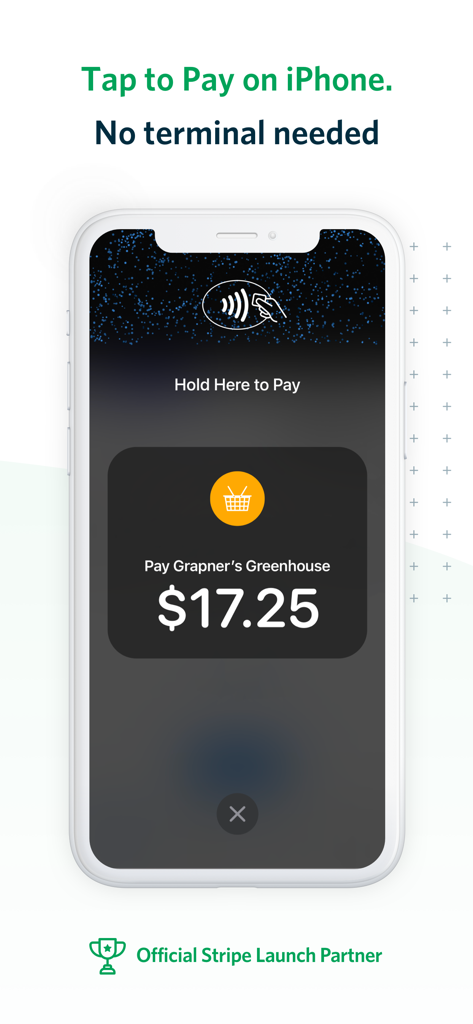
iPhone interface showing a contactless payment screen for a small business transaction
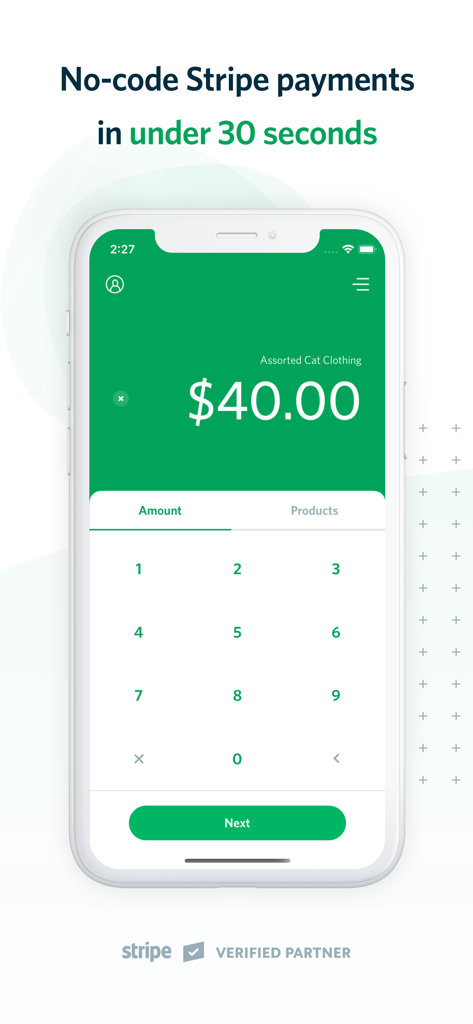
iPhone screen showing a forty dollar payment entry in the Stripe Tap to Pay mobile app interface
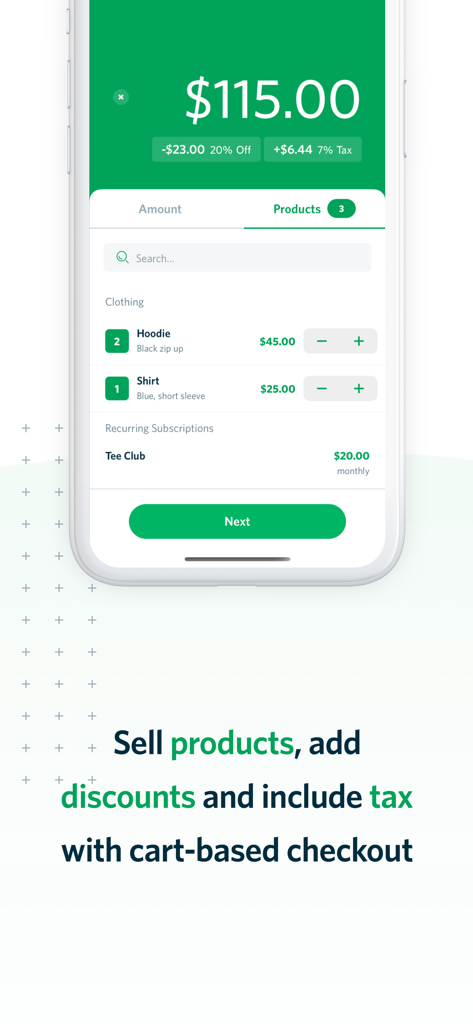
Mobile payment app interface showing cart checkout with products and discounts
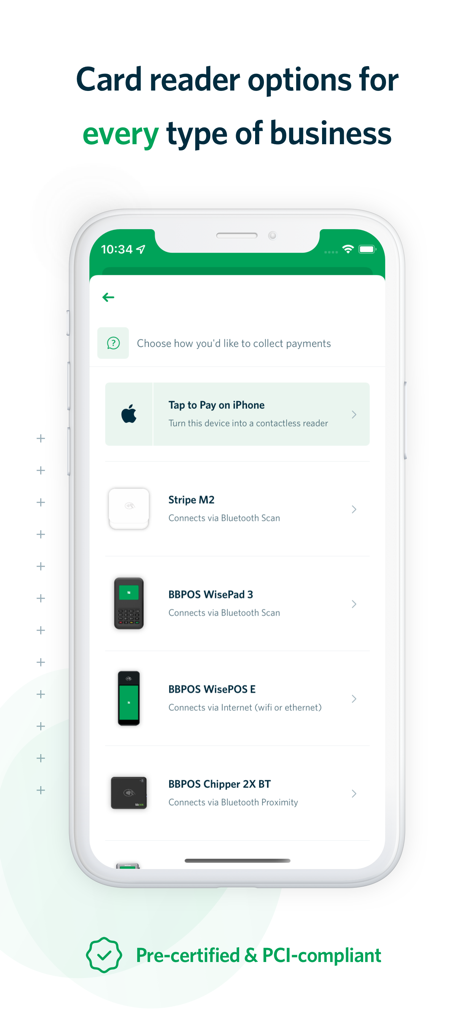
A mobile interface showing card reader options including Tap to Pay on iPhone and Stripe M2 readers
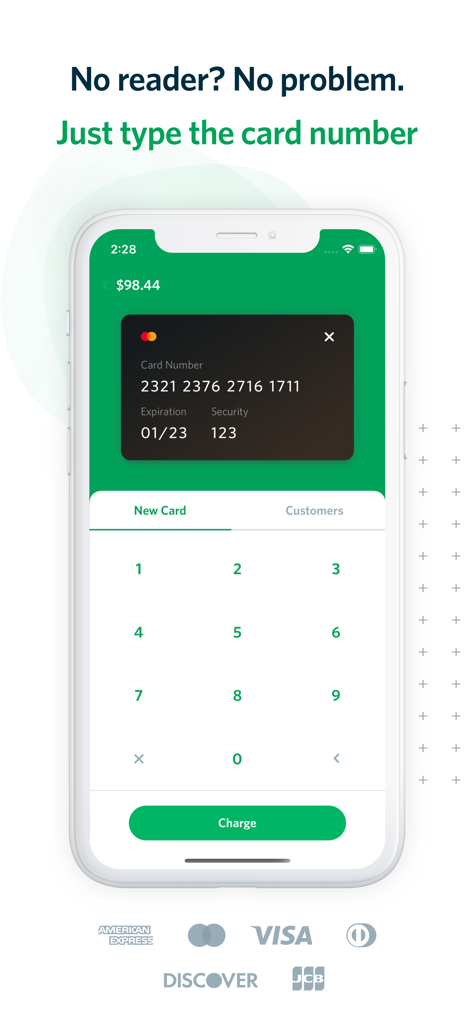
Interface for manual credit card entry in the Stripe payment app
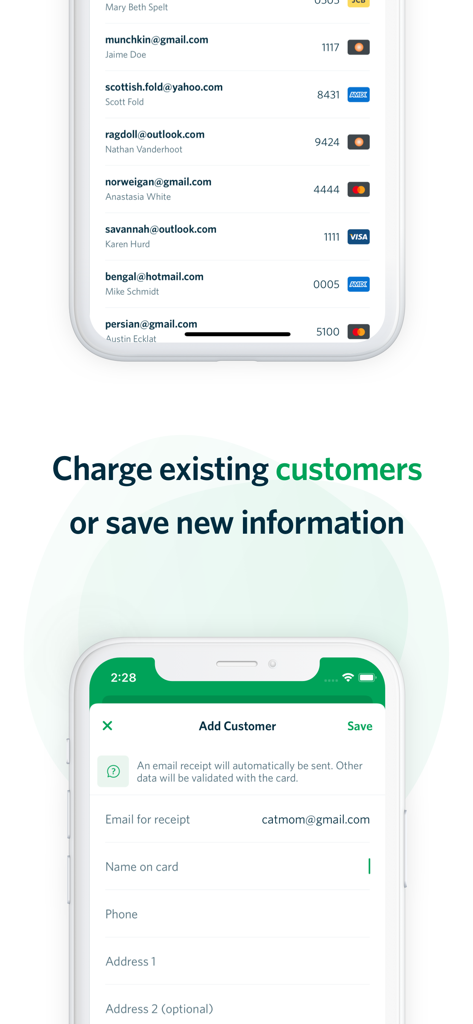
A mobile interface for managing existing customers and adding new customer details for Stripe payments
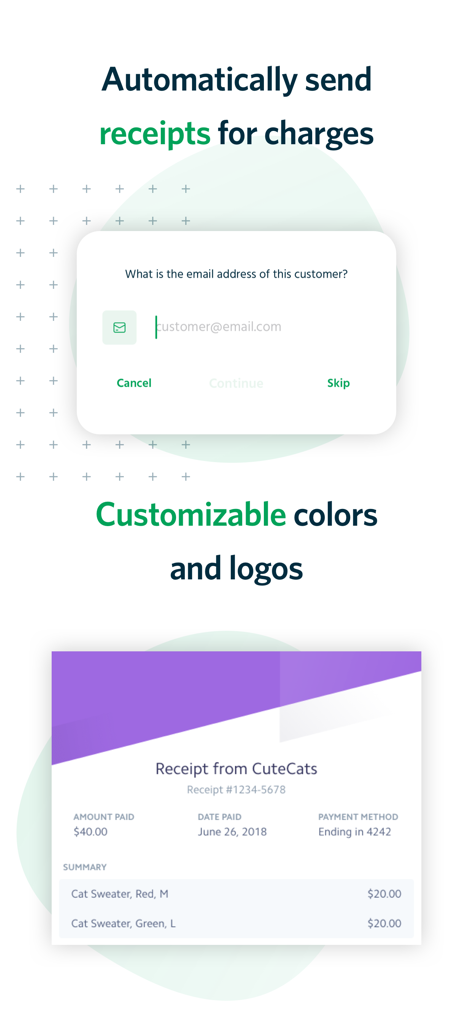
Interface for sending automatic email receipts and a customizable branded receipt sample
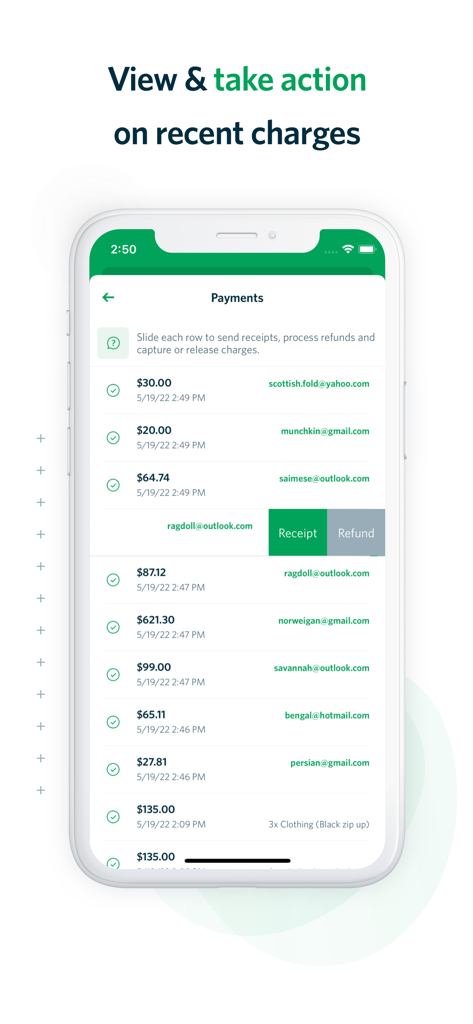
Mobile app screen showing a list of recent Stripe payments with options to send receipts or issue refunds.
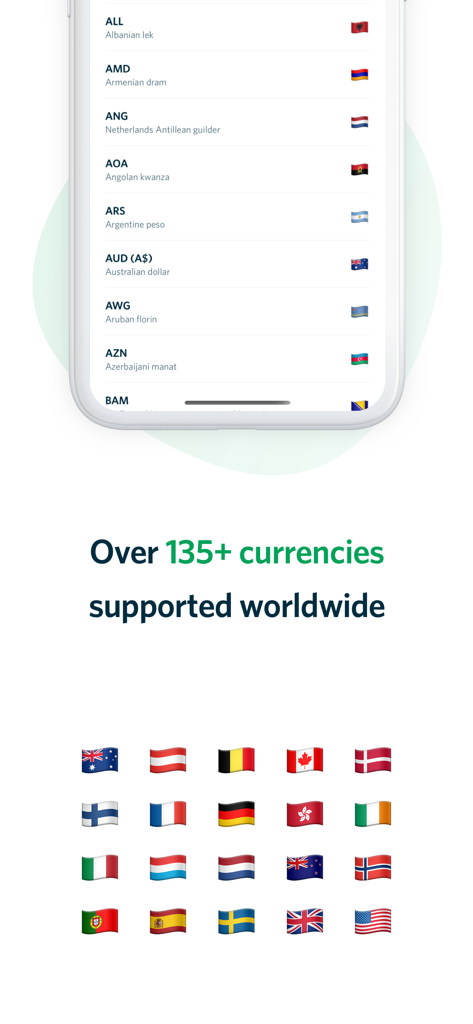
Stripe Tap to Pay app screen showing global currency support for international transactions.
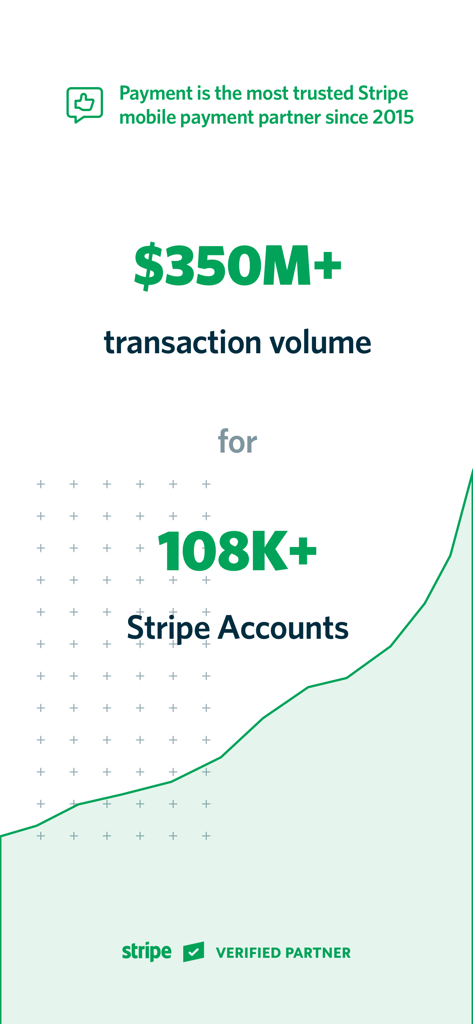
Infographic showing over 350 million dollars in transaction volume across more than 108 thousand Stripe accounts
Description
Download
More Like This
Top-ranked apps in the same category

Microsoft Teams
Microsoft Corporation

Zoom Workplace
Zoom Communications, Inc.

WhatsApp Business
WhatsApp Inc.

Indeed Job Search
Indeed Inc.

LinkedIn: Network & Job Finder
LinkedIn Corporation

Adobe Acrobat Reader: Sign PDF
Adobe Inc.

WeCom-Work Communication&Tools
Tencent Technology (Shenzhen) Company Limited

BOSS直聘-招聘求职找工作神器
Beijing China Product Bo Farce Network Technology Co., Ltd.

DingDing - Redefine Work in AI
DingTalk Technology Co., Ltd.
This page is not an official page of the app or its developer, but an independent editorial publication created for informational and commentary purposes. Unless expressly stated otherwise, neither the app nor its developer is affiliated with, endorsed by, sponsored by, authorized by, or otherwise officially connected with MWM, Apple, Google Play, the app publisher, or the app's developer, and nothing on this page implies that the app was developed using MWM's services. Any trademarks, logos, screenshots, and other content remain the property of their respective owners.