
PayPal POS (ex Zettle)


Turn your phone into a complete point of sale. Accept contactless payments, manage inventory, and track every sale with the security of PayPal—all with no setup costs or lock-in contracts.
Publisher
Category
BusinessDownloads
2M+User Rating
Total Ratings
47K+Locales
11Discover the interface used by 2M+ users.
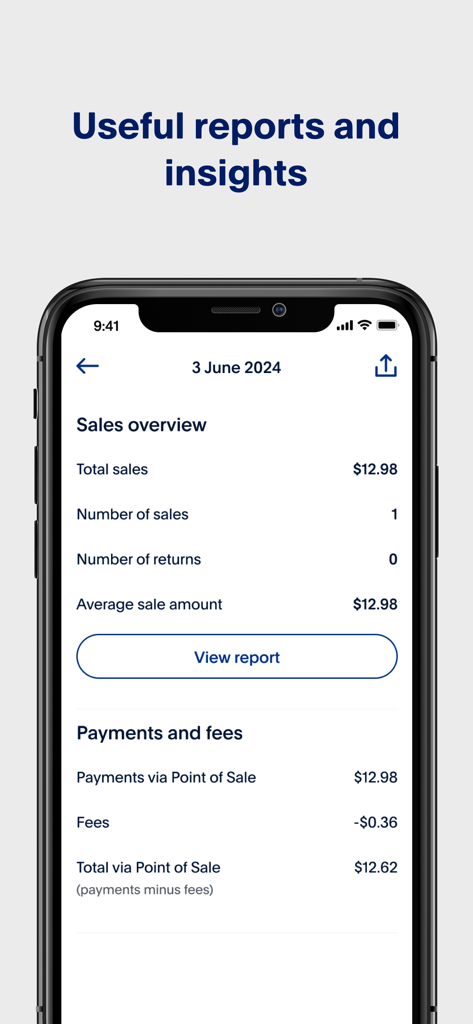
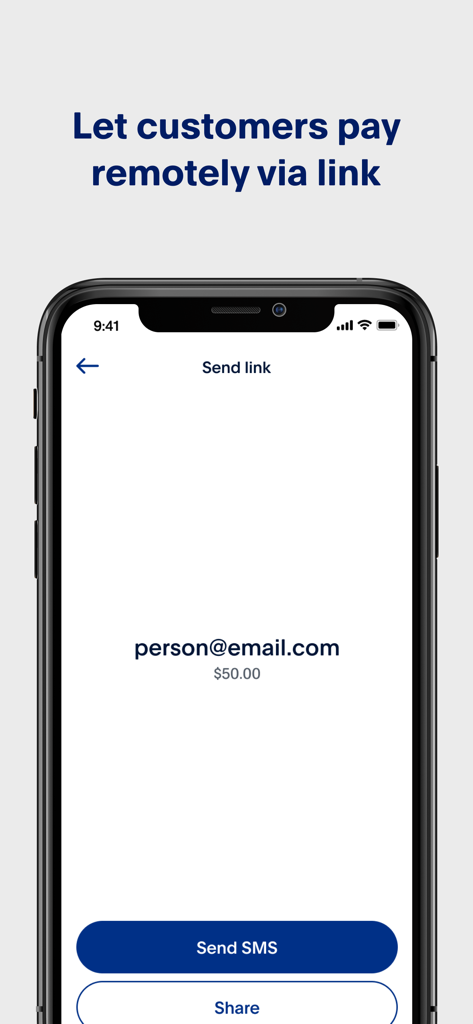
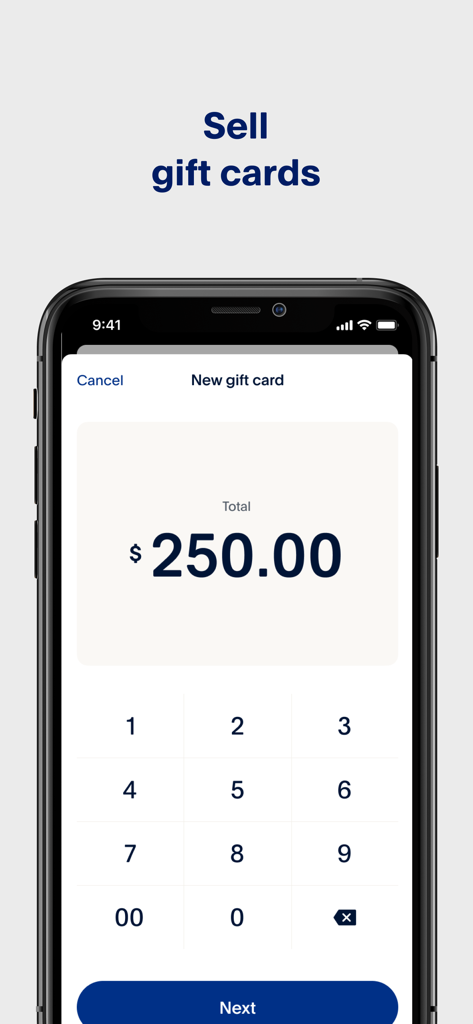
The tools that make this app stand out, trusted by 2M+ users.
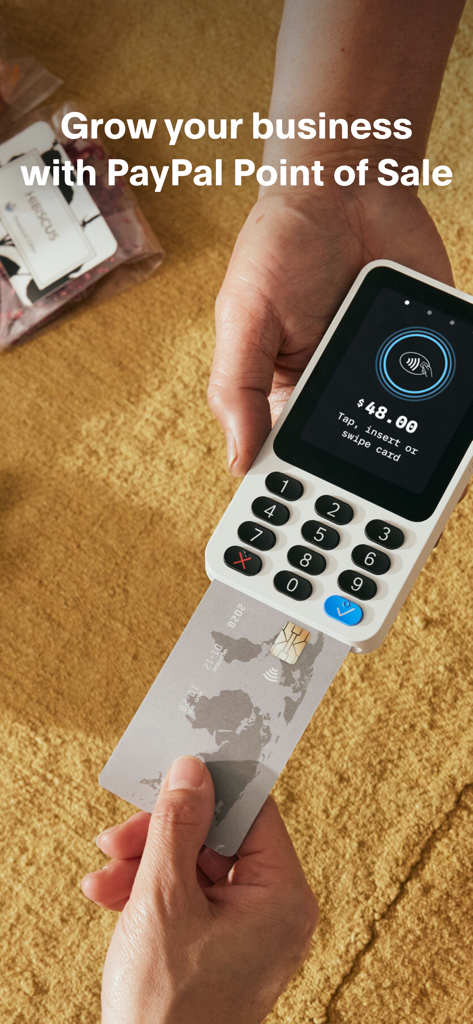
Turn your iPhone into a payment terminal. Accept contactless cards and digital wallets directly on your device—no extra hardware or card reader required for your next pop-up or market.
Keep more of what you earn. With no setup costs or monthly subscriptions, you only pay a small fee per transaction. It is the perfect low-risk solution for seasonal businesses and solopreneurs.
Look like a pro from day one. Manage your inventory in real-time, send custom digital receipts, and access detailed sales reports to see exactly what is driving your growth.
Insights from user reviews.
Sentiment Score
Summary
User feedback for the app is largely negative, although some appreciate its ease of use and the successful implementation of Tap-to-Pay functionality. Many users find the app user-friendly and value its performance, punctual payments, and competitive fees. However, these positives are overshadowed by widespread app instability, with reports of the app crashing on iPad Air m2 and not launching after updates, alongside persistent issues with tax and inventory management (including a bug setting VAT to 24% after an update). Significant dissatisfaction stems from high transaction fees, slow payout speeds, unhelpful customer support, and a frustrating login process, with many users also expressing disappointment over the transition from Zettle to PayPal and the removal of key features like invoicing.
Common Themes
Everything you need to know about PayPal POS (ex Zettle).
Description
Latest Version
8.20.1
Size
209.2 MB
First Released
May 3, 2021
Join over 2 million businesses using PayPal POS. No monthly fees, no contracts, and no hidden costs—just the tools you need to accept payments and grow on your own terms. Download for free today.
Everything you need to know about PayPal POS (ex Zettle)
The PayPal POS (ex Zettle) app enables businesses to accept in-person payments, manage inventory, and track sales using a single application. It supports card, contactless, and e-wallet payments.
No, the PayPal POS app does not charge monthly fees, set-up costs, or require lock-in contracts. It is free to download and use for businesses.
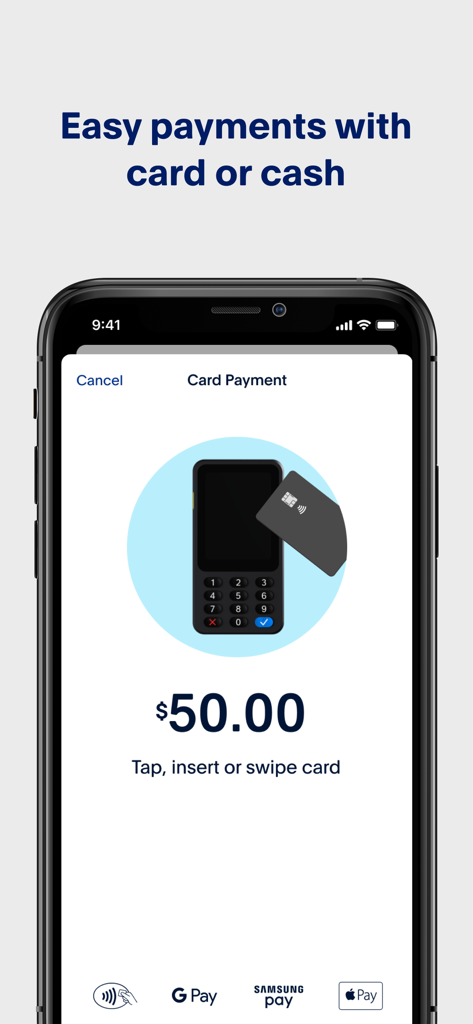
PayPal POS accepts card, contactless, and e-wallet payments, including Apple Pay, Google Pay, and Samsung Pay. Businesses can process these payments using Tap to Pay or a PayPal Card Reader.
To begin, download the PayPal POS app and sign up for an account. You can immediately accept contactless payments using Tap to Pay on your phone or order a PayPal Reader.
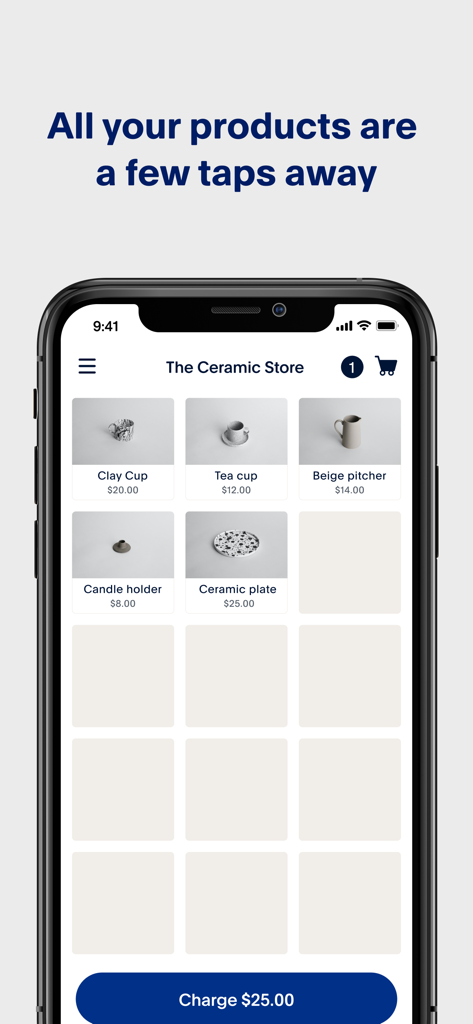
Yes, the PayPal POS app features an intuitive product library designed for inventory management. Businesses can easily organize, add, and track their products directly within the application.
Yes, PayPal POS provides comprehensive reporting features. It collects sales data and generates easy-to-understand reports showing total sales, number of sales, returns, and average sale amounts for business insights.
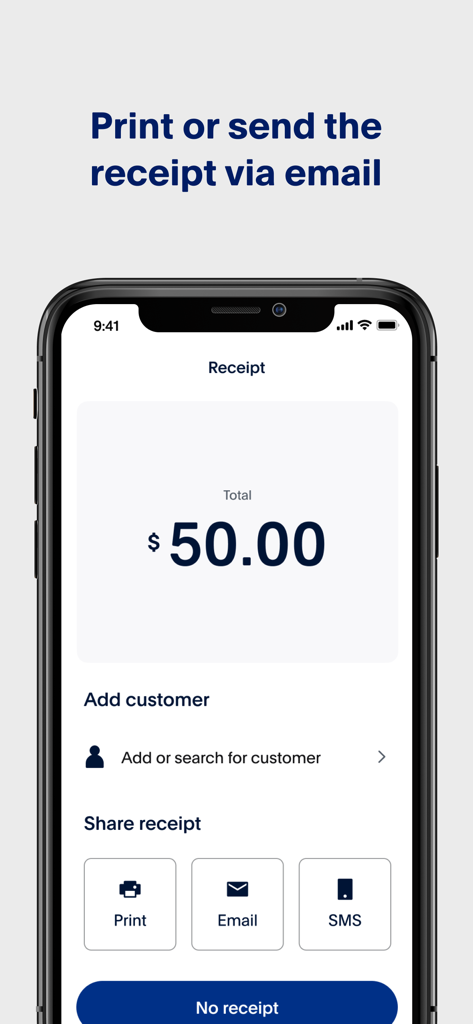
Yes, the PayPal POS app allows businesses to customize and send receipts. Options include printing receipts directly, or delivering them digitally via text message or email to customers.
No, a separate card reader is not always required. The PayPal POS app supports Tap to Pay, enabling contactless payments using only a smartphone without additional hardware.
Yes, PayPal POS card readers, such as the PayPal Reader, are secure and compliant. They are EMV-approved and PCI DSS-compliant, meeting all requirements from the payment industry.
Yes, PayPal POS enables businesses to accept remote payments. The app allows users to generate and send payment links to customers via SMS or other sharing options.
Yes, the PayPal POS app supports the creation of multiple staff accounts. This feature allows businesses to track individual staff members' sales and manage their performance.
Yes, PayPal POS offers a wide range of integrations. These include accounting and e-commerce integrations, as well as specialized integrations for restaurants, retail, and health & beauty businesses.
Apps with similar features and user experience

Shanghai Shouqianba Internet Technology Co., Ltd.

Cielo S.A.

Clover Network, Inc.

PagSeguro Internet S.A
Finan Pte. Ltd.

Anhui QiSeMi Information Technology Co., Ltd.

Logneks OOO

志国 成

Jarbas Software e Servicos LTDA
App information, icons, screenshots, and descriptions displayed on this page are sourced from the Apple App Store and are the property of their respective developers. Download estimates and rankings are based on MWM's proprietary models and may not reflect actual figures. This page is provided for informational and analytical purposes only.
Believe this page infringes your intellectual property? File a dispute