PB engage KH
PB engage KH
Download on App Store

This page is not an official page of the app or its developer, but an independent editorial publication created for informational and commentary purposes. Unless expressly stated otherwise, neither the app nor its developer is affiliated with, endorsed by, sponsored by, authorized by, or otherwise officially connected with MWM, Apple, Google Play, the app publisher, or the app's developer, and nothing on this page implies that the app was developed using MWM's services. Any trademarks, logos, screenshots, and other content remain the property of their respective owners.


Logo of PB engage KH
Download on App Store

PB engage KH

Securely manage your assets in Cambodia from the USA. Experience seamless Bakong transfers, real-time account control, and instant investment management tailored for the transnational professional.

Key Figures

Downloads

62K+

User Rating

3.9/5

Total Ratings

200

Publisher

CAMBODIAN PUBLIC BANK PLC

Category

Finance

Locales

1

Latest Version

1.60.0

Size

117.9 MB

First Released

Aug 12, 2020
Features

Seamlessly Connected to Cambodia

Experience the power of modern banking with tools designed to bridge your financial life between the USA and Cambodia.

Instant Cross-Border Transfers

Skip high wire fees. Use the integrated Bakong e-Wallet to send funds or top-up family accounts in real-time from the USA.

Advanced Security & Protection

Secure your transnational assets with device binding and biometric login, ensuring your international accounts stay protected.

The following screenshots and description are sourced directly from the app's official store listing and are the property of the app developer.

App Store

Screenshots
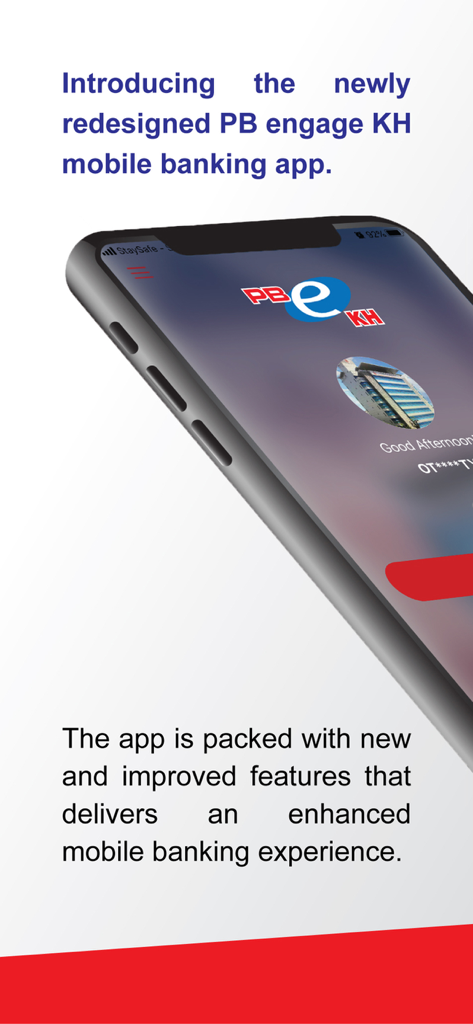
PB engage KH - Promotional screen for the redesigned PB engage KH mobile banking app on a smartphone
Promotional screen for the redesigned PB engage KH mobile banking app on a smartphone

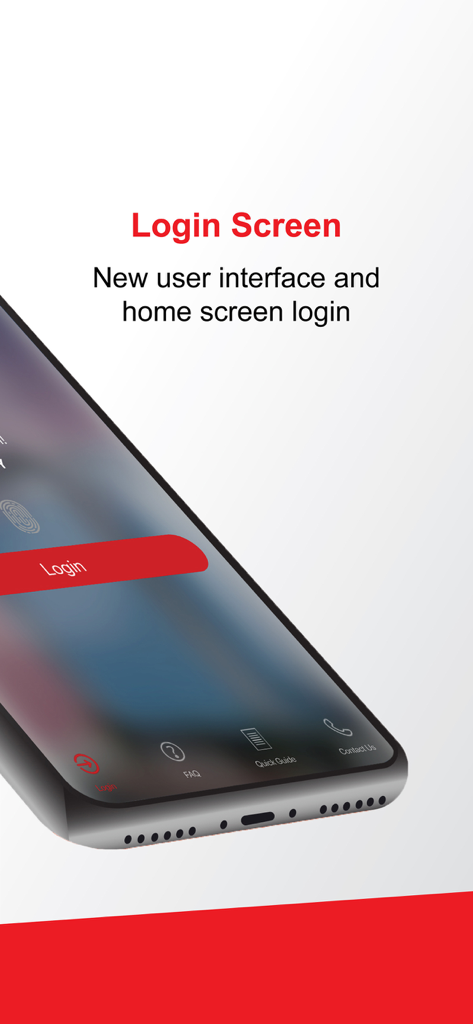
PB engage KH - PB engage KH mobile banking login screen showcasing the new user interface
PB engage KH mobile banking login screen showcasing the new user interface

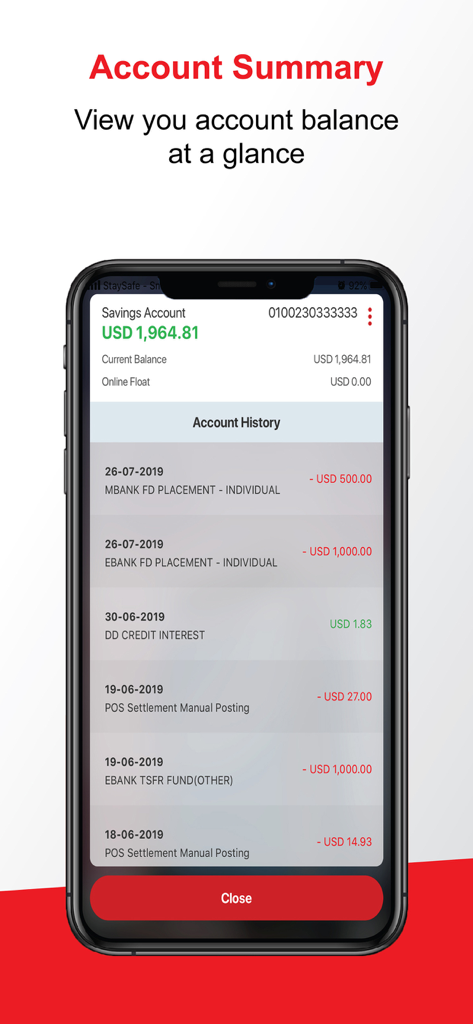
PB engage KH - PB engage KH mobile banking app account summary screen displaying savings account balance and transaction history
PB engage KH mobile banking app account summary screen displaying savings account balance and transaction history

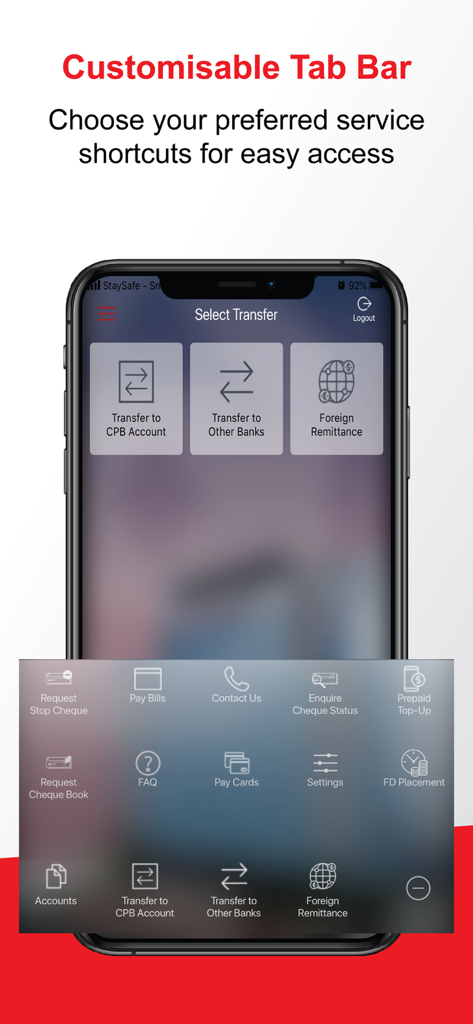
PB engage KH - PB engage KH app interface showing the customizable tab bar with various banking service shortcuts

PB engage KH app interface showing the customizable tab bar with various banking service shortcuts
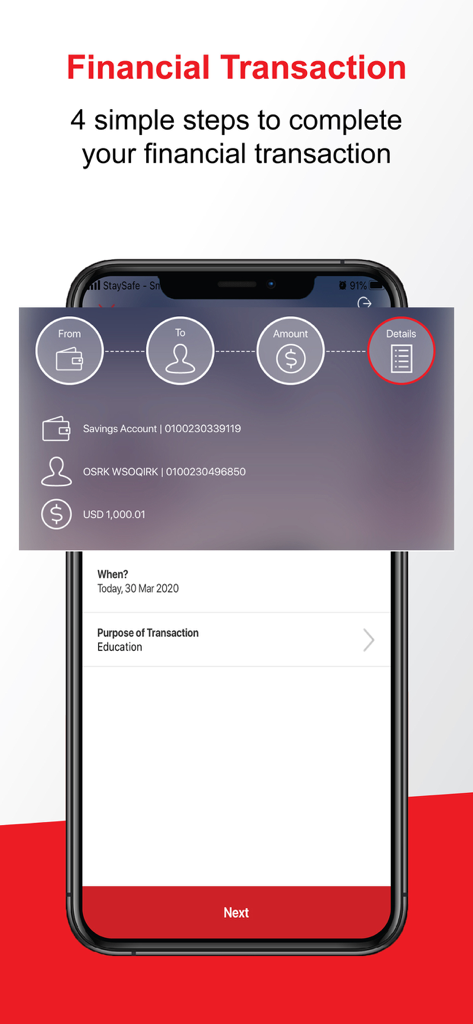
PB engage KH - Mobile screen showing the four steps to complete a financial transaction in the PB engage KH banking app
Mobile screen showing the four steps to complete a financial transaction in the PB engage KH banking app

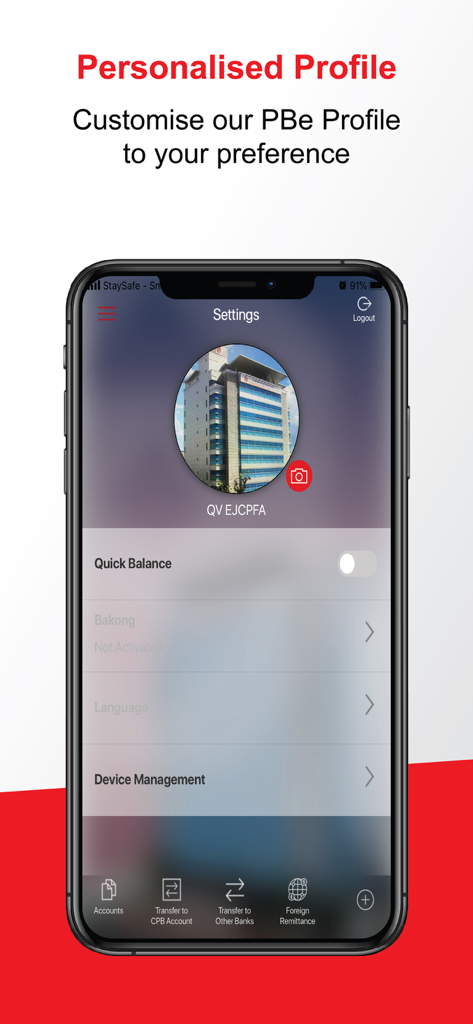
PB engage KH - PB engage KH mobile banking app settings screen showing personalized profile and account management options

PB engage KH mobile banking app settings screen showing personalized profile and account management options

Description

Welcome to our new PB engage KH Mobile Banking app. We’ve completely redesigned PB engage KH to improve the user experience and simplify the transaction flow. Download the new PB engage KH and login instantly with your existing Internet Banking User ID and password to enjoy the flexibility and convenience right at your fingertips. New Features: • New user interface and screen design • Share your transaction receipt Enhance Features: • Device Binding – Provide a better security for your mobile banking transaction by linking your PBe profile to your device • Quick Guide – Tutorial on our new app • Quick Action Menu (QAM) – Direct access to the financial transaction menu via Account Details 
• Customise preferred shortcuts for your post-login menu • Personalise your profile by including your profile picture or background theme • Transaction Summary on your logout New PB engage KH suite of services include: Bakong e-Wallet: Create your own Bakong e-Wallet with the following services: • Bakong Top-up • Send • Receive • QR Pay • Deposit Bakong Transfer: • Perform real-time fund transfer from your Savings Account / Current Account in USD or KHR to beneficiary’s Savings Account / Current Account with another participating bank / micro-finance institution. Peer-to-Peer (P2P): • Use QR Pay function to perform fund transfer to any Campu Bank account or create your own QR code to receive payment. Quick Balance View your account balances via Fingerprint login. Account Summary View your full account summary/details in real-time. Transfer Perform real-time fund transfer to your favourite and other CPB accounts and other bank’s account through Banker’s Cheuque, Credit Remittance and FAST Payment, and also to overseas banks. Payment
Perform real-time payment to your favourite and other Bills or CPB Cards Prepaid Top-Up Reload your prepaid mobile number on the go. FD Placement Place a FD receipt for your investment. Cheque Management Request Cheque Book, Request Stop Cheque and Enquire Cheque Status. Settings
Personalise your profile by uploading your own profile picture or setting a desired theme. Allow to manage your own devices that activated with Quick Balance. PB engage will seek permission for the following: • Access to your fingerprint for Quick Balance authorisation. • Access to your camera/photo for profile personalisation. • Access to your storage for profile personalisation and Device Binding. • Access to your location for device authentication and security purposes. •Access to your contact directory to give you the convenience to select your contacts when you perform Prepaid Top-Up. PB engage KH is available for all Cambodian Public Bank retail and business customers. The app works in iOS 10 and above. To find out more, visit https://www.cpbebank.com or contact our customer support at (855) 23 428 100 / (855) 23 998 896 / (855) 23 999 688 or email us at CustomerService@campubank.com.kh.

Download

Download on App Store

This page is not an official page of the app or its developer, but an independent editorial publication created for informational and commentary purposes. Unless expressly stated otherwise, neither the app nor its developer is affiliated with, endorsed by, sponsored by, authorized by, or otherwise officially connected with MWM, Apple, Google Play, the app publisher, or the app's developer, and nothing on this page implies that the app was developed using MWM's services. Any trademarks, logos, screenshots, and other content remain the property of their respective owners.