
This page is not an official page of the app or its developer, but an independent editorial publication created for informational and commentary purposes. Unless expressly stated otherwise, neither the app nor its developer is affiliated with, endorsed by, sponsored by, authorized by, or otherwise officially connected with MWM, Apple, Google Play, the app publisher, or the app's developer, and nothing on this page implies that the app was developed using MWM's services. Any trademarks, logos, screenshots, and other content remain the property of their respective owners.

PDF Converter - Image to PDF .
The all-in-one mobile tool to turn photos into professional documents. No registration, no cloud, and 100% offline—perfect for students and professionals who need results on the go.
Downloads
0User Rating
Total Ratings
0Publisher
Category
BusinessLocales
1Latest Version
2.1Size
23.4 MBFirst Released
Nov 5, 2021Master Your Documents in Seconds
The essential toolkit for students and professionals to convert, sign, and manage PDFs directly from their iPhone—no account needed.
Scan & Convert Instantly
Transform photos of notes, receipts, or IDs into clean, high-quality PDFs ready for school or work assignments.
Digital Signing & Editing
Sign contracts and add text on the fly. Skip the printer and finish your admin tasks in record time.
The following screenshots and description are sourced directly from the app's official store listing and are the property of the app developer.
App Store
Screenshots
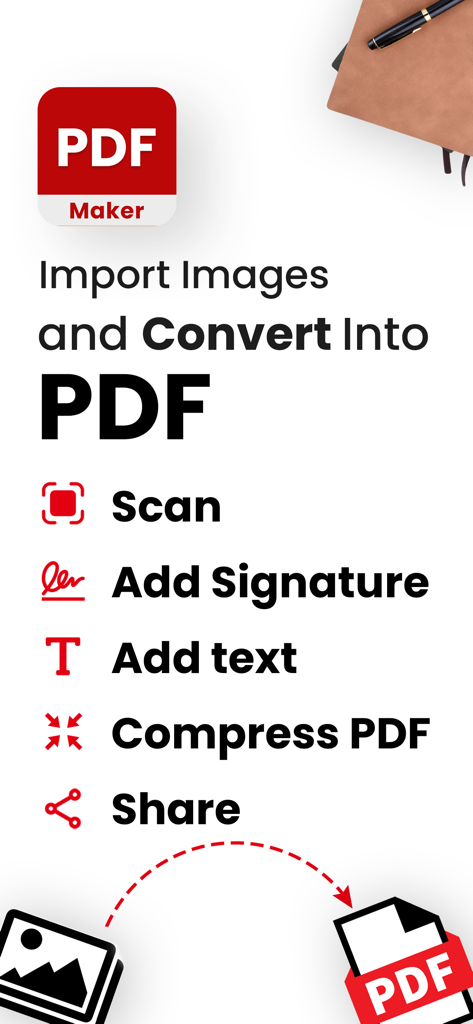
PDF Maker app screenshot showing features to scan, add signature, add text, compress PDF, and share files
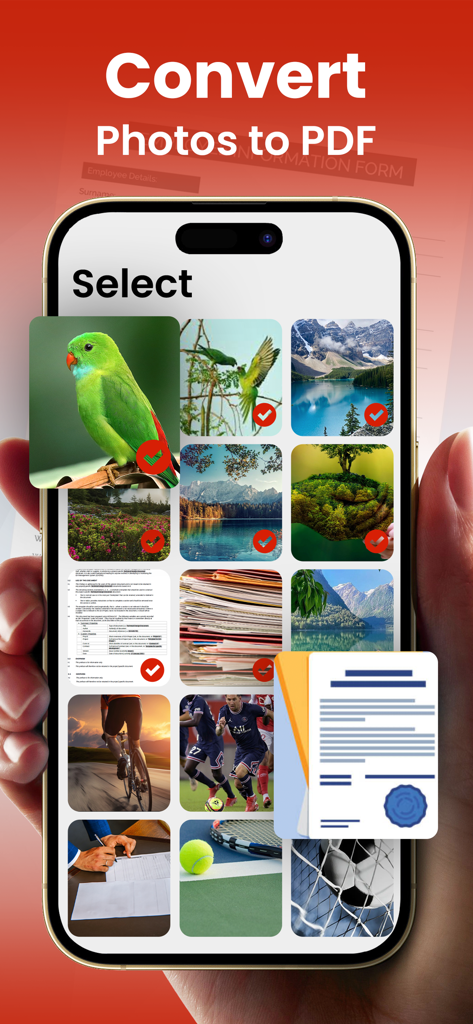
A mobile screen showing the photo selection interface for converting multiple images into a PDF document
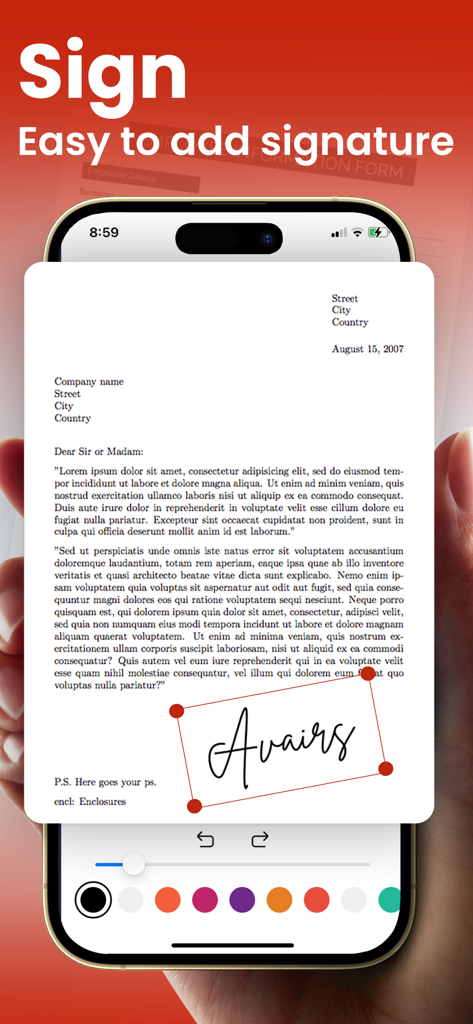
Mobile app interface showing how to add a digital signature to a PDF document
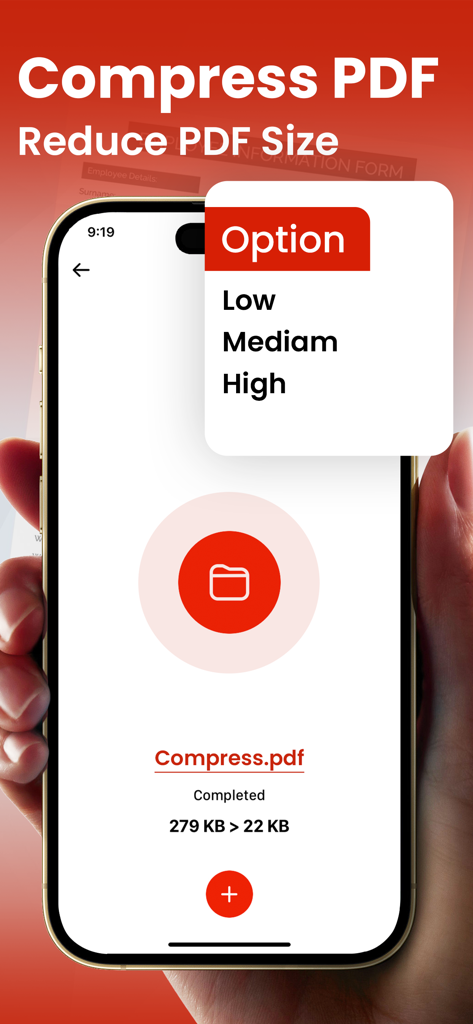
iPhone interface showing a PDF file reduced from 279 KB to 22 KB using the compress feature
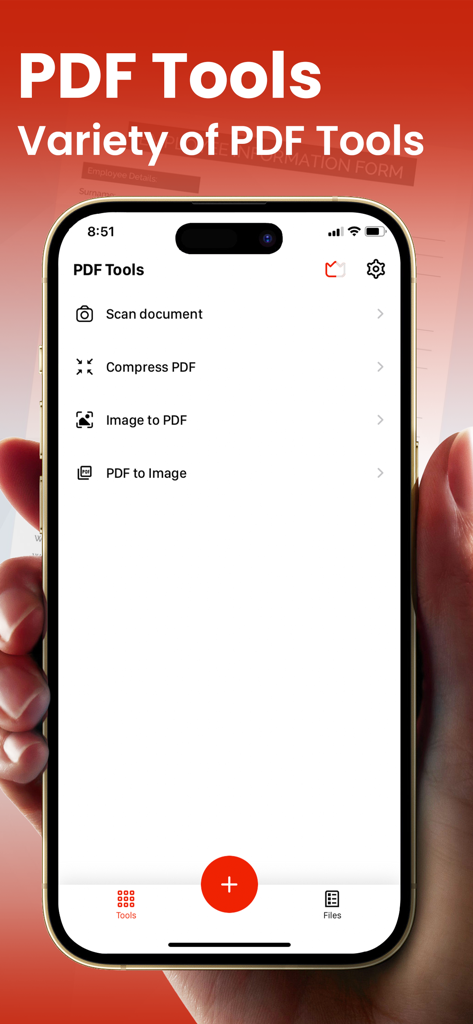
Mobile app screen showing a variety of PDF tools including scan document compress and image conversion
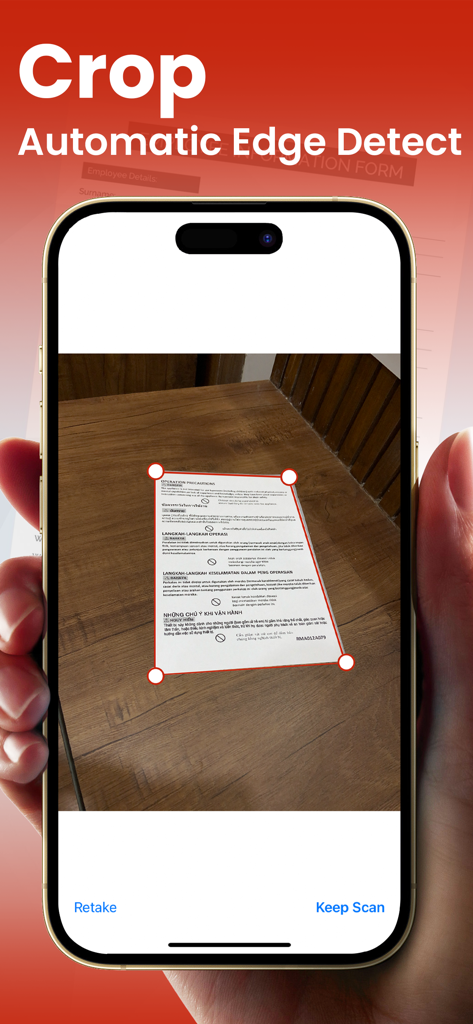
iPhone screen showing automatic document edge detection and cropping in the PDF Converter app
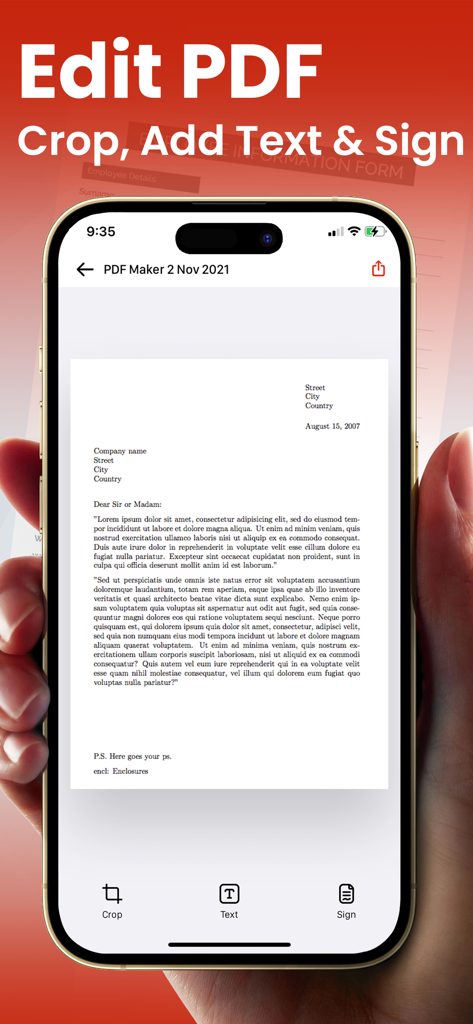
Smartphone screen showing PDF editing tools including crop add text and digital signature features
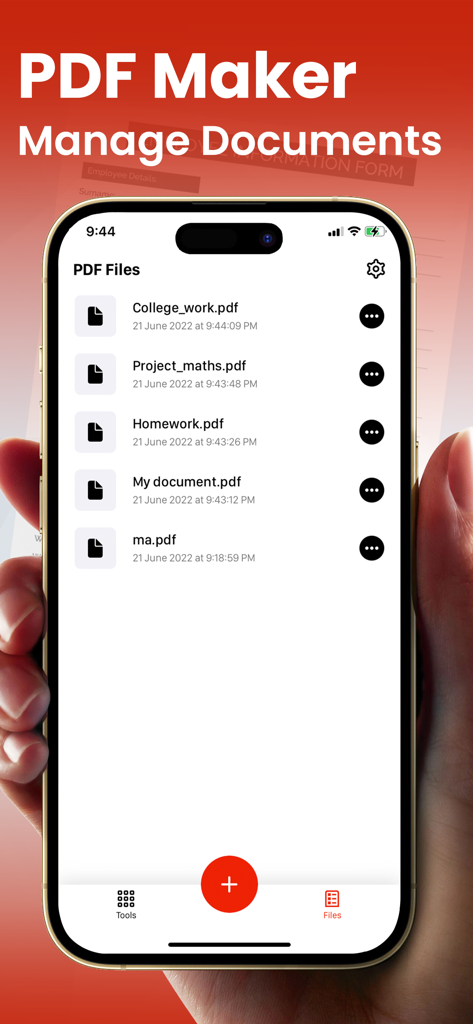
An iPhone displaying the document management screen of the PDF Maker app with a list of saved PDF files.
Description
Download
More Like This
Top-ranked apps in the same category

Microsoft Teams
Microsoft Corporation

Zoom Workplace
Zoom Communications, Inc.

WhatsApp Business
WhatsApp Inc.

Indeed Job Search
Indeed Inc.

LinkedIn: Network & Job Finder
LinkedIn Corporation

Adobe Acrobat Reader: Sign PDF
Adobe Inc.

DingDing - Redefine Work in AI
DingTalk Technology Co., Ltd.

WeCom-Work Communication&Tools
Tencent Technology (Shenzhen) Company Limited

Uber - Driver: Drive & Deliver
Uber Technologies, Inc.
This page is not an official page of the app or its developer, but an independent editorial publication created for informational and commentary purposes. Unless expressly stated otherwise, neither the app nor its developer is affiliated with, endorsed by, sponsored by, authorized by, or otherwise officially connected with MWM, Apple, Google Play, the app publisher, or the app's developer, and nothing on this page implies that the app was developed using MWM's services. Any trademarks, logos, screenshots, and other content remain the property of their respective owners.