PDF Notes
PDF Notes
Download on App Store

This page is not an official page of the app or its developer, but an independent editorial publication created for informational and commentary purposes. Unless expressly stated otherwise, neither the app nor its developer is affiliated with, endorsed by, sponsored by, authorized by, or otherwise officially connected with MWM, Apple, Google Play, the app publisher, or the app's developer, and nothing on this page implies that the app was developed using MWM's services. Any trademarks, logos, screenshots, and other content remain the property of their respective owners.

Logo of PDF Notes
Download on App Store

PDF Notes

Master your paperless workflow with powerful markup tools, unlimited folder structures, and seamless cloud integration designed for the modern professional.

Key Figures

Downloads

0

User Rating

1.0/5

Total Ratings

0

Publisher

UMATEY LLC

Category

Business

Locales

1

Latest Version

1.0.6

Size

39.3 MB

First Released

Nov 21, 2013
Features

Master Your Digital Workflow

From signing legal contracts to annotating research papers, PDF Notes provides a professional-grade toolkit to manage, mark up, and share your documents seamlessly.

Precision Annotation

Highlight text, add sticky notes, or use your Apple Pencil to draw and write directly on your documents with the natural feel of paper.

Advanced File Organization

Build a perfect digital library with unlimited subfolder depth and a powerful search tool to find any note or text across your entire archive.

The following screenshots and description are sourced directly from the app's official store listing and are the property of the app developer.

App Store

Screenshots
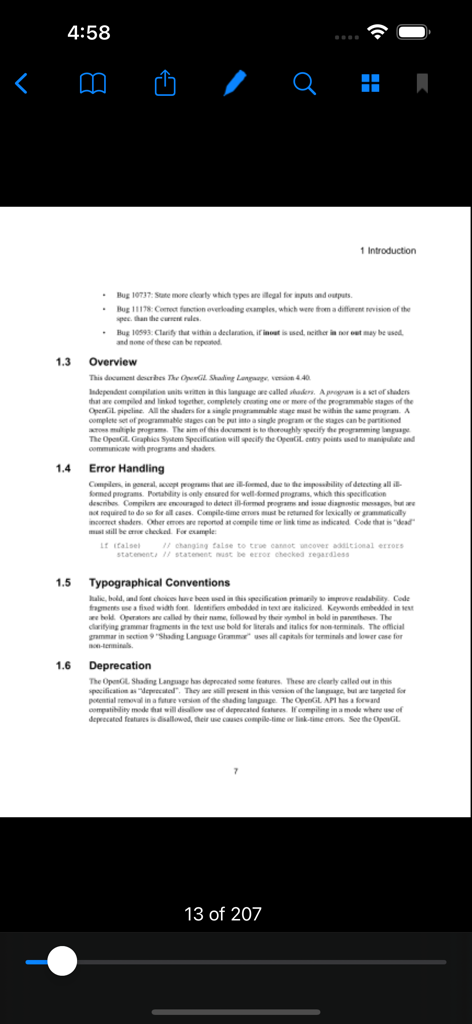
PDF Notes - PDF Notes app interface showing a document viewer with search and annotation tools
PDF Notes app interface showing a document viewer with search and annotation tools

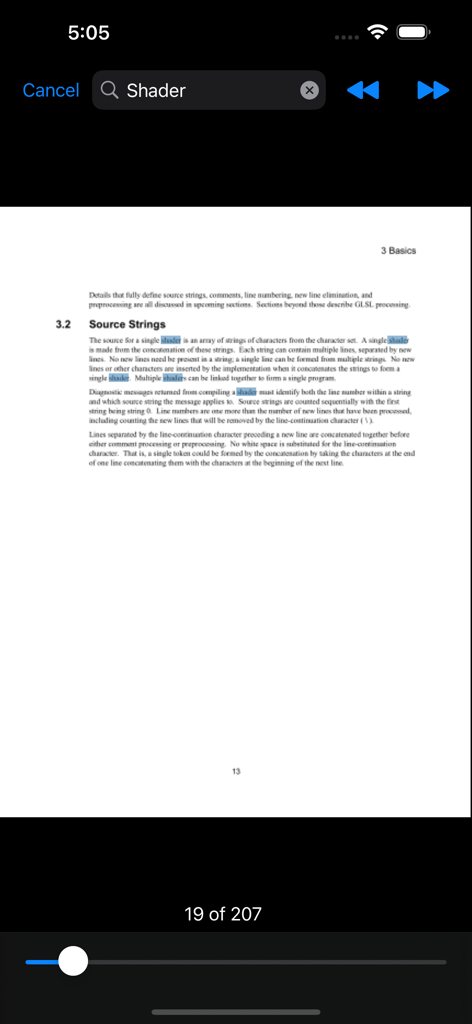
PDF Notes - A screenshot of the PDF Notes app showing a highlighted search for the word shader in a document
A screenshot of the PDF Notes app showing a highlighted search for the word shader in a document

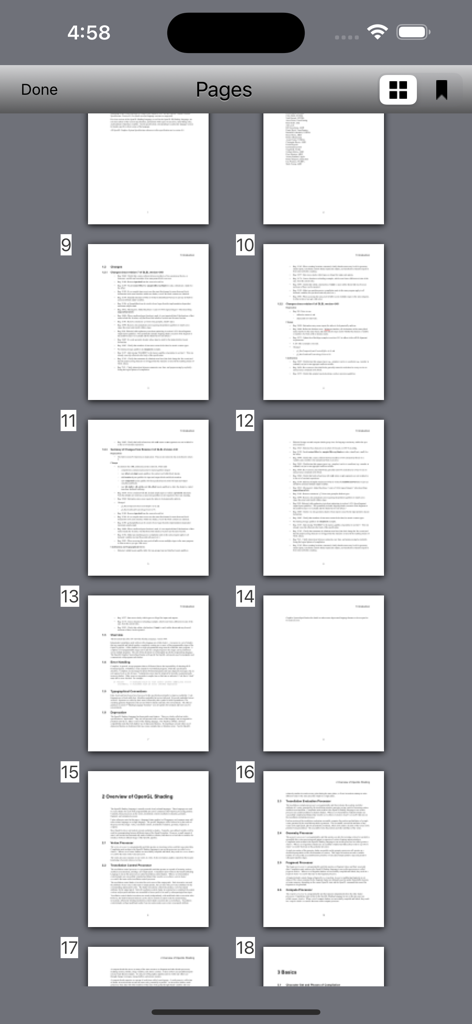
PDF Notes - Grid view of multiple PDF pages as thumbnails within the PDF Notes app
Grid view of multiple PDF pages as thumbnails within the PDF Notes app

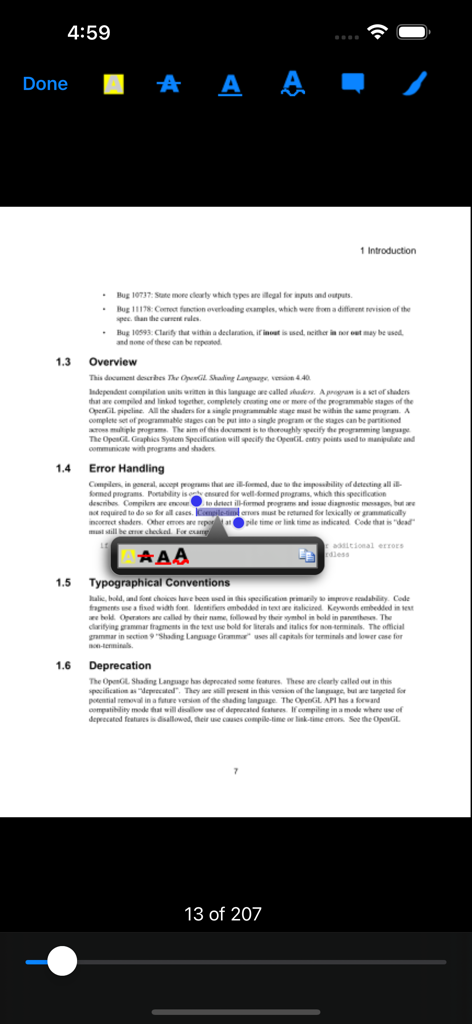
PDF Notes - Selecting and highlighting text in a technical document using the PDF Notes annotation tools.
Selecting and highlighting text in a technical document using the PDF Notes annotation tools.

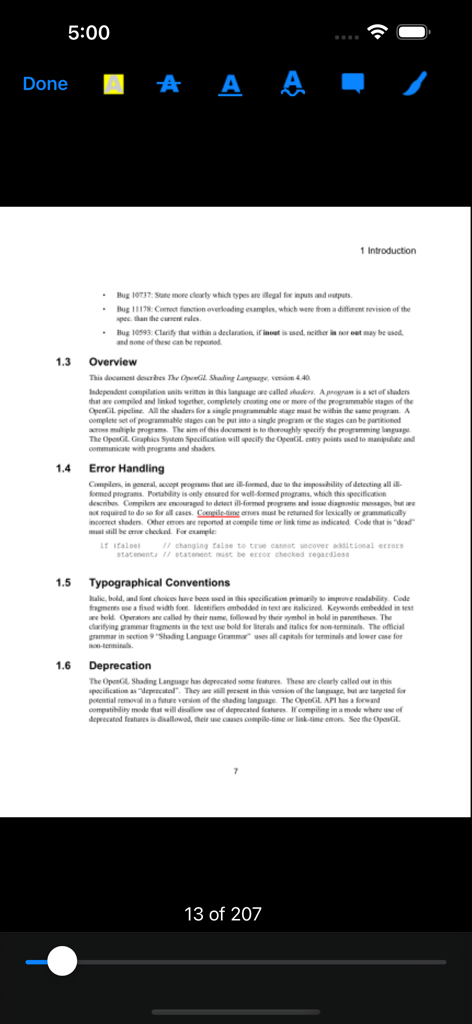
PDF Notes - Screenshot of PDF Notes app interface showing a technical document with annotation tools for highlighting and drawing
Screenshot of PDF Notes app interface showing a technical document with annotation tools for highlighting and drawing

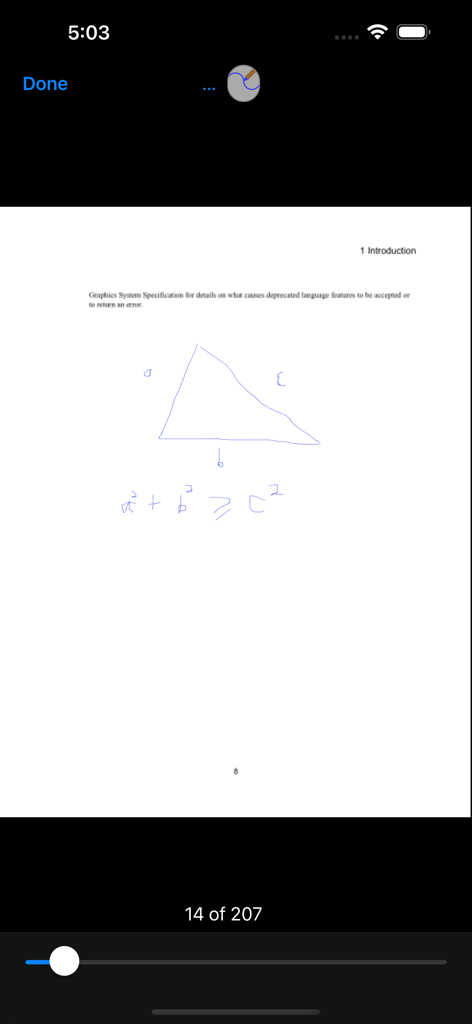
PDF Notes - Drawing a triangle and math formula on a PDF page
Drawing a triangle and math formula on a PDF page

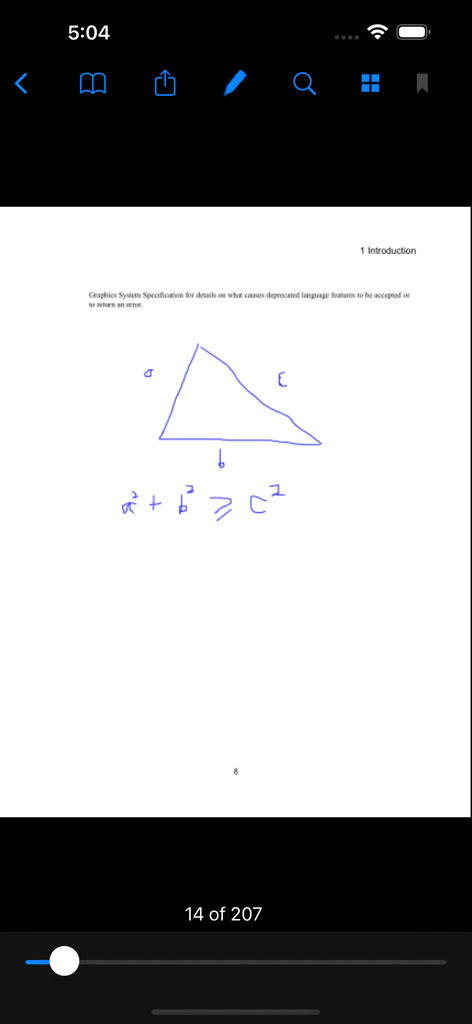
PDF Notes - Handwritten blue triangle and mathematical formula annotated on a PDF page in the PDF Notes app
Handwritten blue triangle and mathematical formula annotated on a PDF page in the PDF Notes app

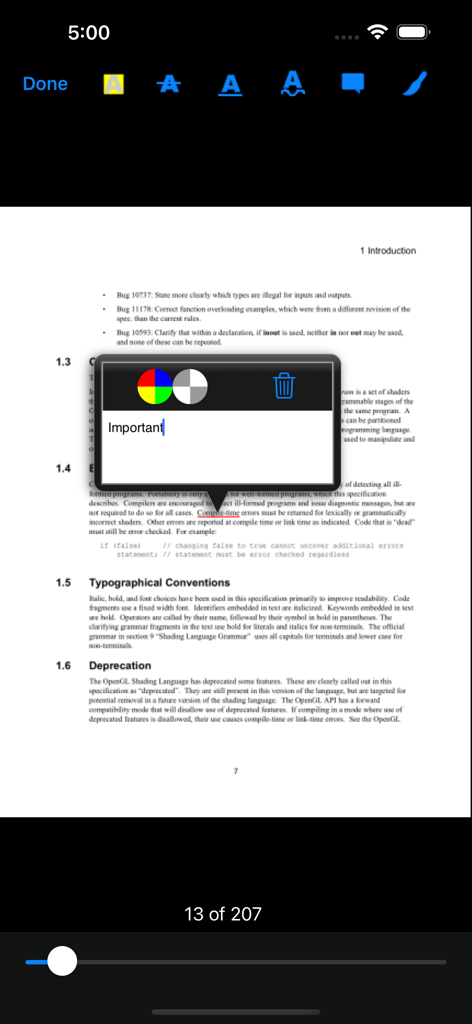
PDF Notes - PDF Notes app displaying a sticky note on a professional document

PDF Notes app displaying a sticky note on a professional document

Description

PDF Notes is a professional universal iOS PDF viewer which provides the capability to make notes on PDF documents. It gives you the ability to read, annotate, print, manage, and share your PDF files. Using PDF Notes, it is simple to take notes and browse notes, sign a PDF document, annotate PDF documents, add bookmarks, highlight text, search text over all the pages, draw anything with a touch pen or just your finger. PDF Notes has a simple but powerful built-in file management system, so it is very easy to import PDF files into PDF Notes or export them from PDF Notes. For example, you can copy PDF files between your computer and PDF Notes, open PDF files from email or send them out by email, send PDF files directly to other iOS devices(made in 2013 or later only) nearby if PDF Notes is installed on iOS devices made in 2013 or later, transfer PDF files between Cloud Storages(Dropbox, GoogleDrive, Sky Drive) and PDF Notes. Features: 1. Annotate PDF documents 1) Write down notes on your PDF documents and browse them later. 2) Highlight text with different colors, and link text notes with it. 3) Underline text with different colors, and link text notes with it. 4) Squiggly text with different colors, and link text notes with it. 5) Strikeout text with different colors, and link text notes with it. 6) Add sticky notes. 7) Draw anything with a touch pen or just your finger, and link text notes with it. 8) Sign PDF documents. 9) Add bookmarks to remember the important pages. 10) Powerful full text search for your notes on the PDF document. 2. Read PDF Documents 1) Browse a PDF Document using its outlines and bookmarks. 2) Browse a PDF Document using its links. 3) Powerful but simple to use full text search helps you find any text in your PDF document quickly and easily. 4) Browse a PDF Document using the notes you have taken. 5) Open password-protected PDF documents with a valid password. Drowse a PDF Document using thumbnail view. 3. PDF document sharing 1) Open PDF files directly from your email. 2) Send out PDF documents by email. 3) Print PDF document with your notes via AirPrint. 4) Print PDF document without your notes via AirPrint. 5) Open PDF files directly from any other apps which provide the ability to open a PDF file in another app. 6) Provide the ability to open a PDF file in another app. 7) Download from Dropbox or upload into Dropbox. 8) Download from GoogleDrive or upload into GoogleDrive. 9) Download from Sky Drive or upload into Sky Drive. 10) Download from Box or upload into Box. 11) Send and receive PDF files via AirDrop from iOS Device nearby made in 2013 or later. 4. File Management 1) Create folder or delete folder. 2) Copy, move, and delete a PDF file. 3) Rename a folder. 4) Rename a PDF file. 5) Display number of files in a folder. 6) Display file size and last modified date for a file. 7) Display statistics of a PDF document, such as last open time, current page, etc. 8) Provide unlimited depth for folders(you can create subfolder of unlimited sub level).

Download

Download on App Store

This page is not an official page of the app or its developer, but an independent editorial publication created for informational and commentary purposes. Unless expressly stated otherwise, neither the app nor its developer is affiliated with, endorsed by, sponsored by, authorized by, or otherwise officially connected with MWM, Apple, Google Play, the app publisher, or the app's developer, and nothing on this page implies that the app was developed using MWM's services. Any trademarks, logos, screenshots, and other content remain the property of their respective owners.