
This page is not an official page of the app or its developer, but an independent editorial publication created for informational and commentary purposes. Unless expressly stated otherwise, neither the app nor its developer is affiliated with, endorsed by, sponsored by, authorized by, or otherwise officially connected with MWM, Apple, Google Play, the app publisher, or the app's developer, and nothing on this page implies that the app was developed using MWM's services. Any trademarks, logos, screenshots, and other content remain the property of their respective owners.

PDF Scanner. Scan Document.
Effortlessly digitize contracts, receipts, and notes with crystal-clear precision. Experience smart auto-cropping and instant sharing designed for students, freelancers, and busy professionals.
Downloads
55K+User Rating
Total Ratings
0Publisher
Category
BusinessLocales
6Latest Version
1.0.2Size
27.3 MBFirst Released
Nov 19, 2025Your Professional Office, Anywhere
Transform your iPhone into a high-performance scanner to digitize, organize, and share documents in seconds with crystal-clear results.
Crystal-Clear Auto-Scanning
Intelligent edge detection and smart auto-crop ensure every document looks perfectly aligned and professional without manual effort.
Seamless Document Management
Easily merge multiple pages, reorder your scans, and keep your digital life organized and clutter-free.
Frequently Asked Questions
Everything you need to know about PDF Scanner. Scan Document.
What is PDF Scanner. Scan Document. app?
PDF Scanner. Scan Document. transforms your phone into a professional scanner. It captures documents, receipts, and notes in high quality, allowing you to save, edit, and share them as PDFs in seconds for work, school, or personal use.
How do I scan documents with PDF Scanner. Scan Document.?
The PDF Scanner. Scan Document. app captures documents instantly. It includes smart auto-crop and edge detection to ensure crystal-clear quality. You can then save, edit, and share your scans as PDFs.
Can I merge and reorder pages within the PDF Scanner. Scan Document. app?
Yes, PDF Scanner. Scan Document. allows you to merge, reorder, and organize scanned pages. This feature helps you manage and customize your documents effectively before saving or sharing them.
How much does PDF Scanner. Scan Document. cost?
PDF Scanner. Scan Document. offers a Weekly Plan for $4.99/week and a Yearly Plan for $19.99/year. Payment is charged to your iTunes Account, and subscriptions auto-renew unless cancelled.
Is it possible to sign documents using the PDF Scanner. Scan Document. app?
Yes, PDF Scanner. Scan Document. includes a "Fill & Sign PDF's Docs" feature. This functionality allows users to add signatures to their documents directly within the app.
Does PDF Scanner. Scan Document. support sharing documents to cloud services?
Yes, PDF Scanner. Scan Document. enables you to save or share your scanned documents via email, cloud services, or messaging applications. This ensures versatile document distribution.
How can I manage or cancel my PDF Scanner. Scan Document. subscription?
You can manage or cancel your PDF Scanner. Scan Document. subscription anytime through your iTunes Account settings. Auto-renewal must be turned off at least 24 hours before the period ends.
What kind of output does PDF Scanner. Scan Document. produce?
PDF Scanner. Scan Document. produces high-resolution PDF output. It converts captured documents into crystal-clear PDF files, ensuring professional-grade results for all your scans.
Does the PDF Scanner. Scan Document. app automatically detect edges?
Yes, the PDF Scanner. Scan Document. app features smart auto-crop and edge detection. This functionality ensures that your scanned documents are perfectly framed and presented.
Where can I find the Privacy Policy for PDF Scanner. Scan Document.?
The Privacy Policy for PDF Scanner. Scan Document. is available at the provided link: https://docs.google.com/document/d/1BPQyfDowG3CB_O6Wt9-uv562hYQwRaJiCRIzSk29d3M/edit?usp=sharing.
The following screenshots and description are sourced directly from the app's official store listing and are the property of the app developer.
App Store
Screenshots
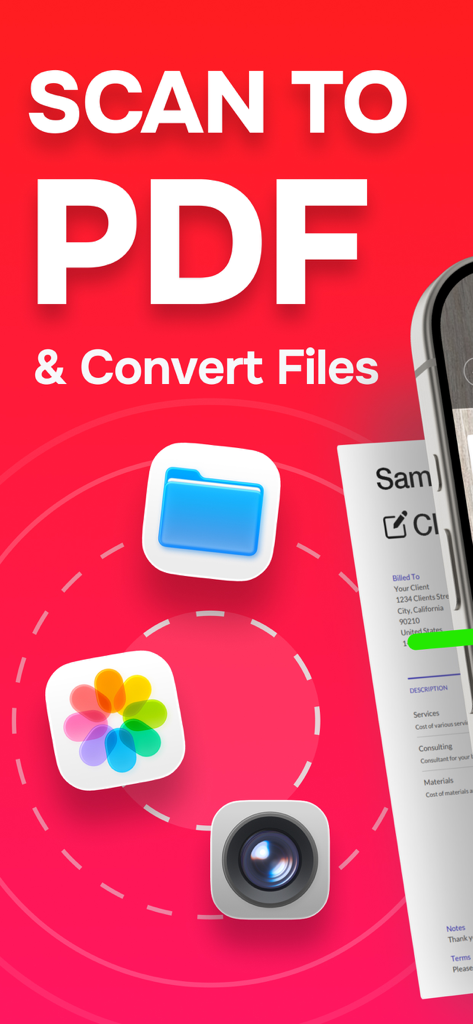
PDF scanner app screenshot displaying the scan to PDF and file conversion feature with camera and gallery icons
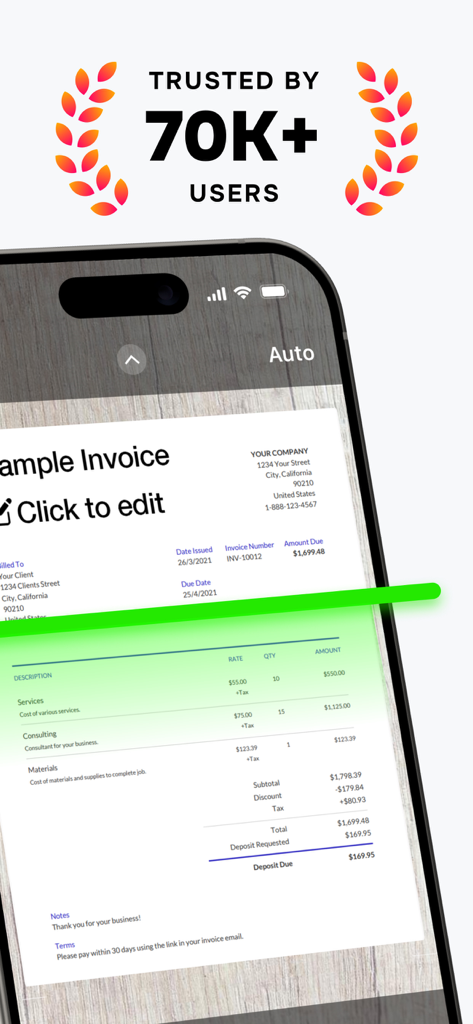
iPhone screen displaying the PDF Scanner app capturing an invoice with a green scan line and a trusted by 70K plus users badge
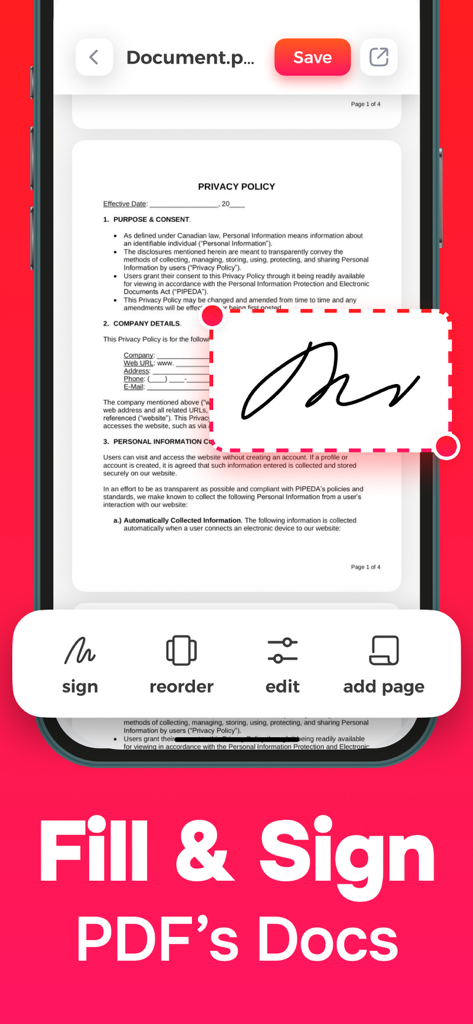
Mobile app interface showing how to add an electronic signature to a PDF document on an iPhone.
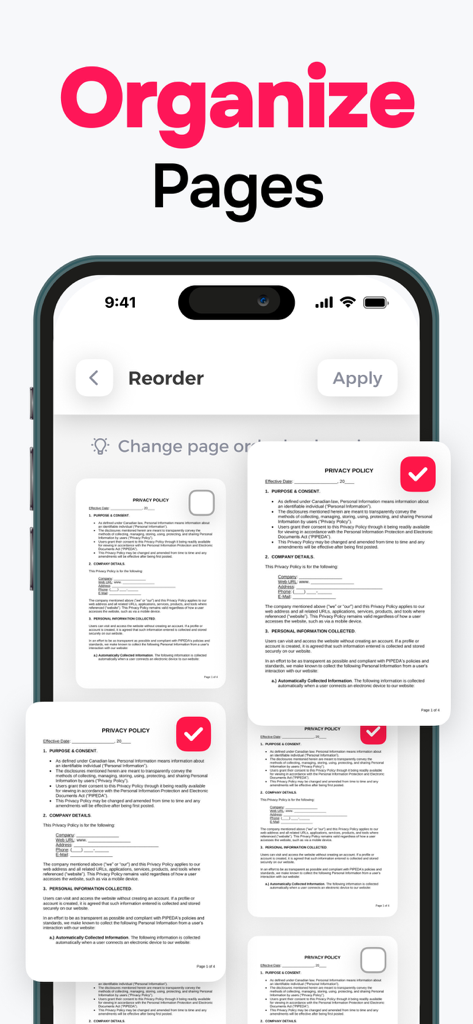
Iphone app interface showing how to reorder and organize multiple scanned document pages
Description
Download
More Like This
Top-ranked apps in the same category

Microsoft Teams
Microsoft Corporation

Zoom Workplace
Zoom Communications, Inc.

WhatsApp Business
WhatsApp Inc.

Indeed Job Search
Indeed Inc.

LinkedIn: Network & Job Finder
LinkedIn Corporation

Adobe Acrobat Reader: Sign PDF
Adobe Inc.

WeCom-Work Communication&Tools
Tencent Technology (Shenzhen) Company Limited

BOSS直聘-招聘求职找工作神器
Beijing China Product Bo Farce Network Technology Co., Ltd.

DingDing - Redefine Work in AI
DingTalk Technology Co., Ltd.
This page is not an official page of the app or its developer, but an independent editorial publication created for informational and commentary purposes. Unless expressly stated otherwise, neither the app nor its developer is affiliated with, endorsed by, sponsored by, authorized by, or otherwise officially connected with MWM, Apple, Google Play, the app publisher, or the app's developer, and nothing on this page implies that the app was developed using MWM's services. Any trademarks, logos, screenshots, and other content remain the property of their respective owners.