
This page is not an official page of the app or its developer, but an independent editorial publication created for informational and commentary purposes. Unless expressly stated otherwise, neither the app nor its developer is affiliated with, endorsed by, sponsored by, authorized by, or otherwise officially connected with MWM, Apple, Google Play, the app publisher, or the app's developer, and nothing on this page implies that the app was developed using MWM's services. Any trademarks, logos, screenshots, and other content remain the property of their respective owners.
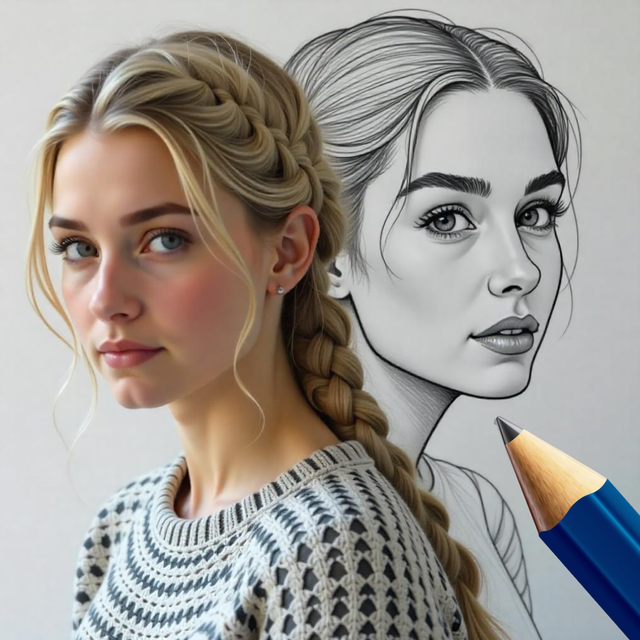

Photo Sketch Maker: Drawing
Unleash your inner artist with AR-powered tracing, 150+ artistic templates, and instant pencil filters. Whether you are sketching anime or designing custom posters, bridge the gap from photo to art effortlessly and share your creative journey.
Downloads
2K+User Rating
Total Ratings
0Publisher
Category
Graphics & DesignLocales
13Latest Version
2Size
104.7 MBFirst Released
Dec 30, 2024Master the Art of Sketching
From instant AI transformations to AR-powered drawing tutorials, discover the tools that turn your phone into a portable art studio and a content creation powerhouse.
Instant Photo Transformations
Convert your favorite memories into realistic pencil sketches and artistic masterpieces with over 150 unique styles designed for the perfect aesthetic.
Trace Anything with AR
Overcome the fear of a blank page using our transparent AR overlay to trace complex designs, from Anime to holiday themes, directly onto your sketchbook.
Frequently Asked Questions
Everything you need to know about Photo Sketch Maker: Drawing
What is Photo Sketch Maker: Drawing?
Photo Sketch Maker: Drawing is an app that transforms photos into pencil sketches and artistic masterpieces. Users can also draw on a sketch book or drawing canvas directly on their phone using various effects and artworks.
How does Photo Sketch Maker: Drawing convert images to sketches?
The Photo Sketch Maker: Drawing app converts images to sketches by allowing users to pick an image from their photo library or capture one with their camera, then apply various sketch effects.
Can users draw on a canvas with Photo Sketch Maker: Drawing?
Yes, Photo Sketch Maker: Drawing allows users to draw on a sketch book or drawing canvas on their phone. It offers over 150 unique artworks and supports drawing with an AR Camera.
What is the price of Photo Sketch Maker: Drawing?
Photo Sketch Maker: Drawing offers a yearly premium plan for $24.99 and a monthly plan for $6.99. All prices include applicable local sales taxes.
Is it possible to share creations from Photo Sketch Maker: Drawing?
Yes, Photo Sketch Maker: Drawing enables instant sharing of creations. Users can share their artistic masterpieces and sketches seamlessly with friends with just one tap.
Does Photo Sketch Maker: Drawing offer Augmented Reality (AR) drawing?
Yes, Photo Sketch Maker: Drawing supports Augmented Reality (AR) drawing. Users can draw using an AR Camera, with a transparent overlay feature assisting in drawing on a sketch book.
What kind of artwork is available for drawing in Photo Sketch Maker: Drawing?
Photo Sketch Maker: Drawing provides over 150 unique artworks for drawing. These include categories like Christmas, New Year, Animal, and Anime, available for use with AR Camera or on a drawing canvas.
Can users record their drawing process in Photo Sketch Maker: Drawing?
Yes, Photo Sketch Maker: Drawing allows users to capture or record their drawing process. This feature enables recording while drawing on the canvas or a sketch book.
What data does Photo Sketch Maker: Drawing collect?
Photo Sketch Maker: Drawing collects device-specific information, anonymized statistics, and analytics. It also collects payment data and an optional email for paid services.
How can a user cancel their Photo Sketch Maker: Drawing subscription?
Users can cancel their Photo Sketch Maker: Drawing subscription at any time. This is done by navigating to the iTunes and App Store Apple ID Settings.
The following screenshots and description are sourced directly from the app's official store listing and are the property of the app developer.
App Store
Screenshots
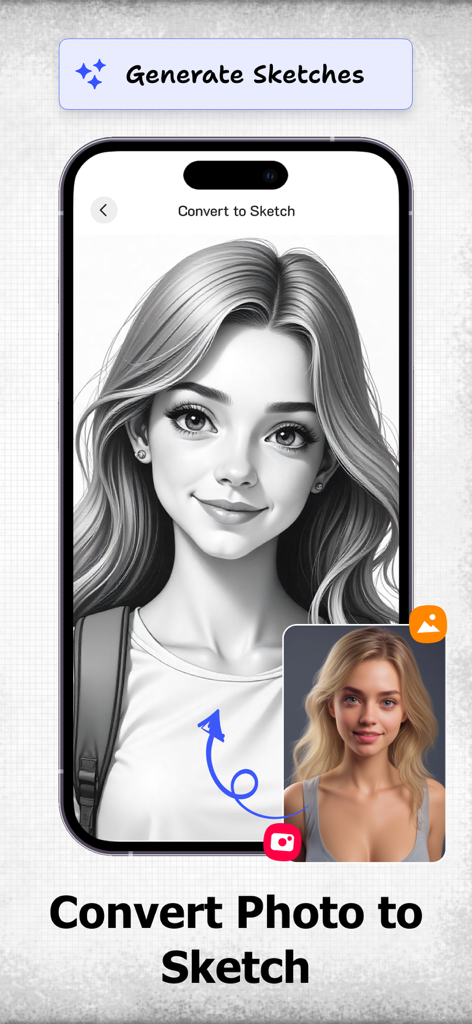
A smartphone screen showing a portrait photo of a woman being converted into a detailed black and white pencil sketch.
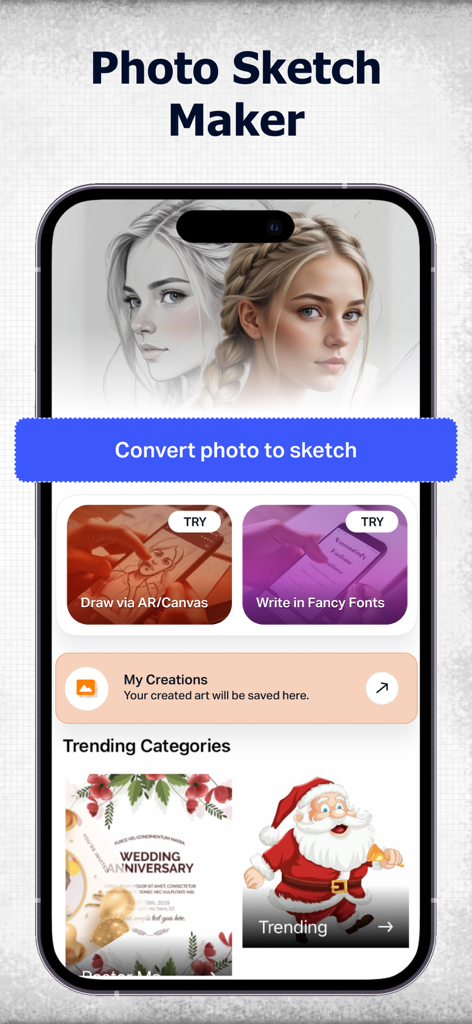
Home screen of Photo Sketch Maker app featuring photo to sketch conversion and AR drawing tools
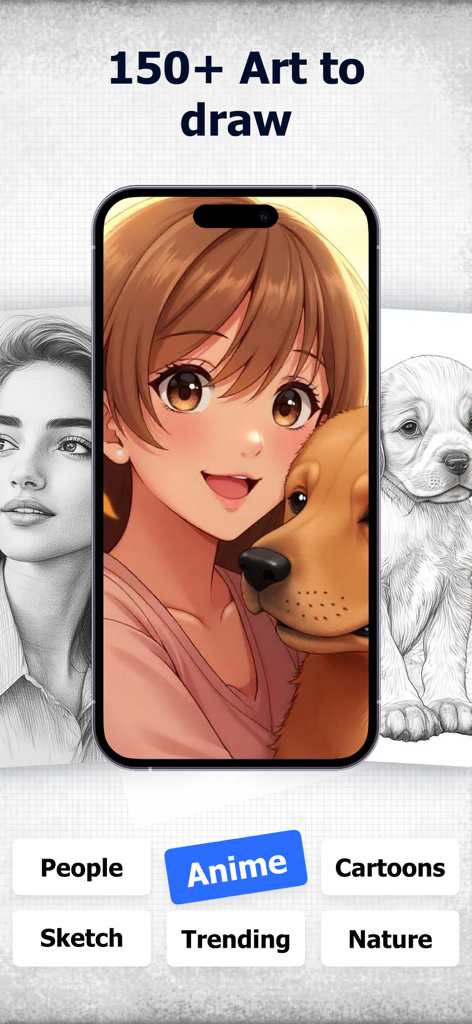
A smartphone display showing an anime character and a dog with various drawing categories like Anime and Nature below
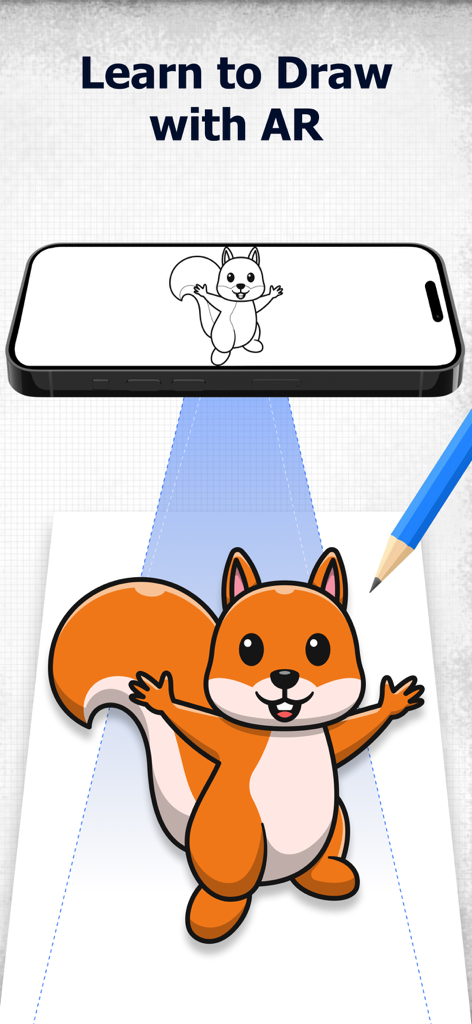
A smartphone using augmented reality to project a squirrel sketch onto paper for tracing and drawing practice
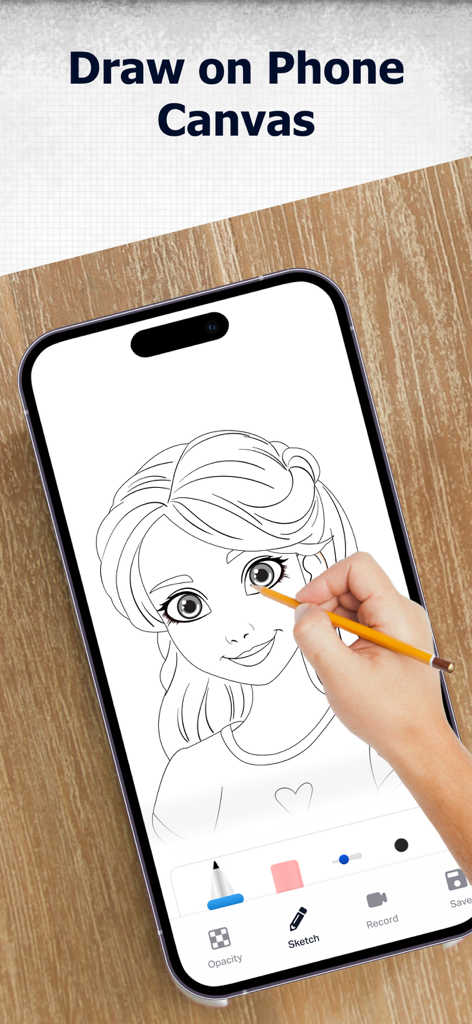
A smartphone screen showing an anime-style girl sketch being drawn on a digital canvas with a pencil.
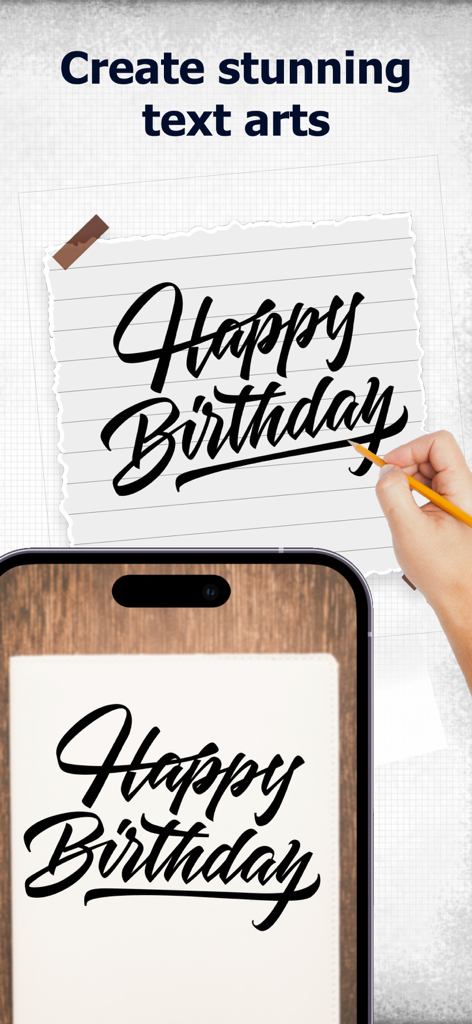
A person using a smartphone AR overlay to trace fancy Happy Birthday calligraphy on a piece of paper.
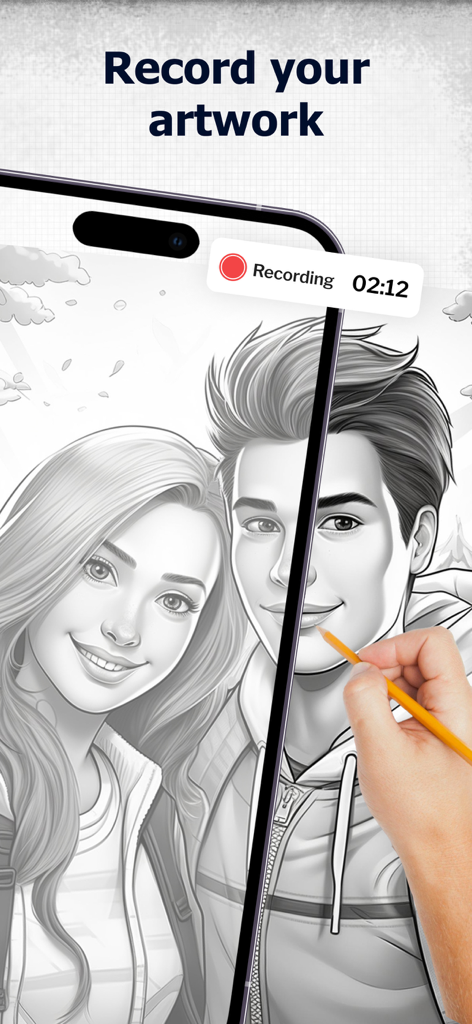
A user recording their drawing process of a pencil sketch portrait on a smartphone screen.
Description
Download
More Like This
Top-ranked apps in the same category

iScreen - Widgets & Wallpaper
Xiamen ShenZhuo Information Technology Co., Ltd.

Kling AI: AI Image&Video Maker
LOHAS GAMES PTE. LTD.

Home AI - AI Interior Design
HUBX YAZILIM HIZMETLERI ANONIM SIRKETI

ibis Paint X
ibis inc.

Dreamina AI: Image&Video Maker
BYTEDANCE PTE. LTD.

ThemeKit: Widget & Icon Themes
Woohoo Tech. Ltd.

Colorful Widget- Widget&Themes
Guangzhou ZHIFENG Information Technology Co.,Ltd.

Sketchbook®
Sketchbook, Inc.

AR Drawing: Sketch & Paint
Digital Solutions Technologies Limited
This page is not an official page of the app or its developer, but an independent editorial publication created for informational and commentary purposes. Unless expressly stated otherwise, neither the app nor its developer is affiliated with, endorsed by, sponsored by, authorized by, or otherwise officially connected with MWM, Apple, Google Play, the app publisher, or the app's developer, and nothing on this page implies that the app was developed using MWM's services. Any trademarks, logos, screenshots, and other content remain the property of their respective owners.