
This page is not an official page of the app or its developer, but an independent editorial publication created for informational and commentary purposes. Unless expressly stated otherwise, neither the app nor its developer is affiliated with, endorsed by, sponsored by, authorized by, or otherwise officially connected with MWM, Apple, Google Play, the app publisher, or the app's developer, and nothing on this page implies that the app was developed using MWM's services. Any trademarks, logos, screenshots, and other content remain the property of their respective owners.

Photo Translator : Translate!!
Unlock the world instantly with AI-powered vision. From complex menus to local street signs, get fast and accurate translations that make language barriers a thing of the past.
Downloads
1K+User Rating
Total Ratings
0Publisher
Category
TravelLocales
1Latest Version
1.0.19Size
104.4 MBFirst Released
Dec 25, 2023Travel Without Language Barriers
Experience the world like a local with advanced AI technology that instantly turns menus, signs, and documents into your native language.
Snap & Translate
Point your camera at any text—from complex restaurant menus to public notices—and get an instant, accurate translation.
AI-Powered Precision
Our unique AI doesn't just translate; it corrects and reformats text to ensure what you read is natural, readable, and 100% accurate.
Frequently Asked Questions
Everything you need to know about Photo Translator : Translate!!
What is Photo Translator: Snap to Ask?
Photo Translator: Snap to Ask is a mobile application that translates foreign text from product labels, menus, notices, and manuals by taking a photo. It uses advanced OCR and AI for accurate recognition and formatting.
How does Photo Translator: Snap to Ask translate text?
Photo Translator: Snap to Ask uses advanced OCR technology to recognize foreign text from a photo. It then applies unique AI functionality for error correction and reformatting to provide readable translations.
Does Photo Translator: Snap to Ask offer AI error correction?
Yes, Photo Translator: Snap to Ask features unique AI functionality for error correction and formatting of recognized text. This ensures the accuracy and readability of all translations.
Is Photo Translator: Snap to Ask free to use?
Yes, Photo Translator: Snap to Ask offers a free experience including 3 daily uses of its AI error correction and formatting services. Users can watch ads or subscribe for continued use.
What is included in the Photo Translator: Snap to Ask Premium subscription?
The Photo Translator: Snap to Ask Premium subscription is an annual service. It provides unlimited use of the app's AI error correction and formatting features.
How can I manage my Photo Translator: Snap to Ask subscription?
Users can manage their Photo Translator: Snap to Ask subscription and turn off auto-renewal by going to the user's Account Settings after purchase.
Can Photo Translator: Snap to Ask translate menus?
Yes, Photo Translator: Snap to Ask is capable of translating restaurant menus. It uses AI to decipher and format text, making foreign menus easy to read.
What languages does Photo Translator: Snap to Ask support?
Photo Translator: Snap to Ask supports multi-language translation, including English, Simplified Chinese, Traditional Chinese, Spanish, French, Portuguese, German, Japanese, Korean, and other Latin Scripts.
Is Photo Translator: Snap to Ask easy to use for travelers?
Yes, Photo Translator: Snap to Ask is designed with a user-friendly interface for travelers. It offers one-click photo translation, making it simple and fast.
Does Photo Translator: Snap to Ask have a Privacy Policy or EULA?
Yes, Photo Translator: Snap to Ask provides an End User License Agreement (EULA) and a Privacy Policy, which users can view via links provided in the app's description.
The following screenshots and description are sourced directly from the app's official store listing and are the property of the app developer.
App Store
Screenshots
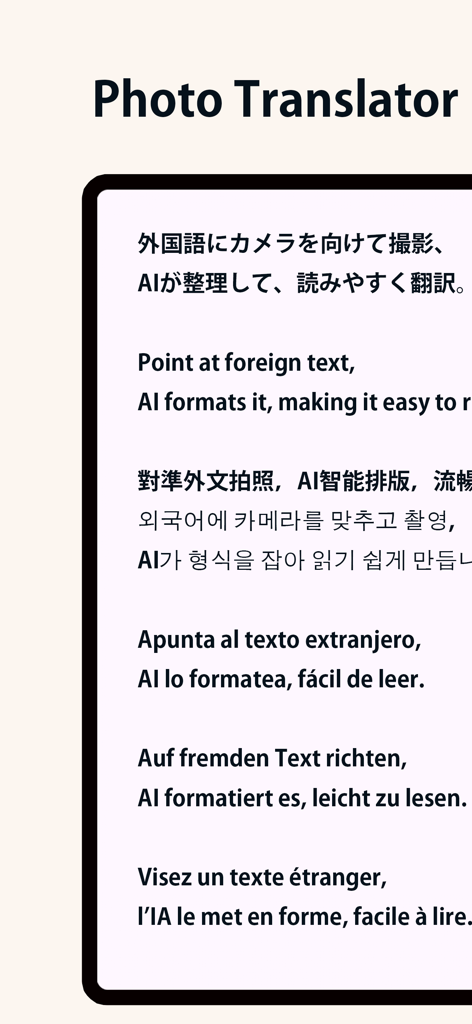
Photo Translator app interface showing AI text formatting and translation in multiple languages.
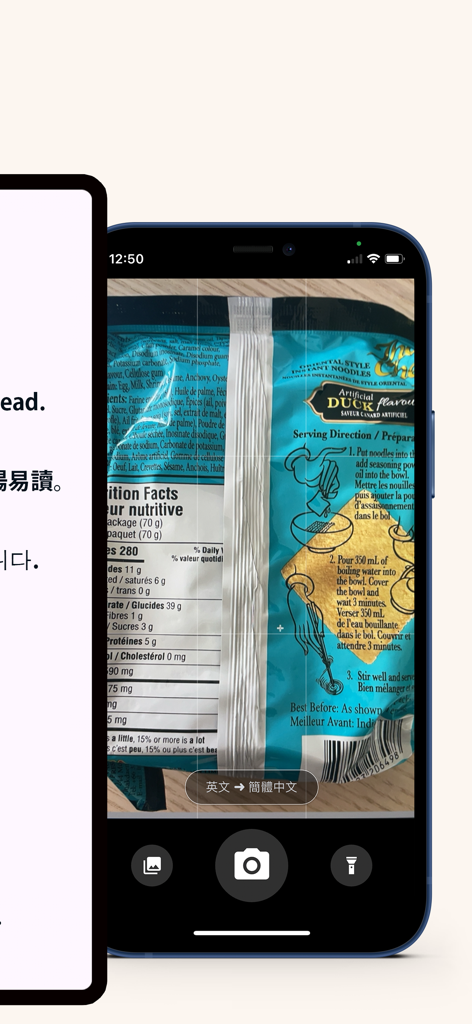
Screenshot of the Photo Translator app interface scanning a food package label for instant translation
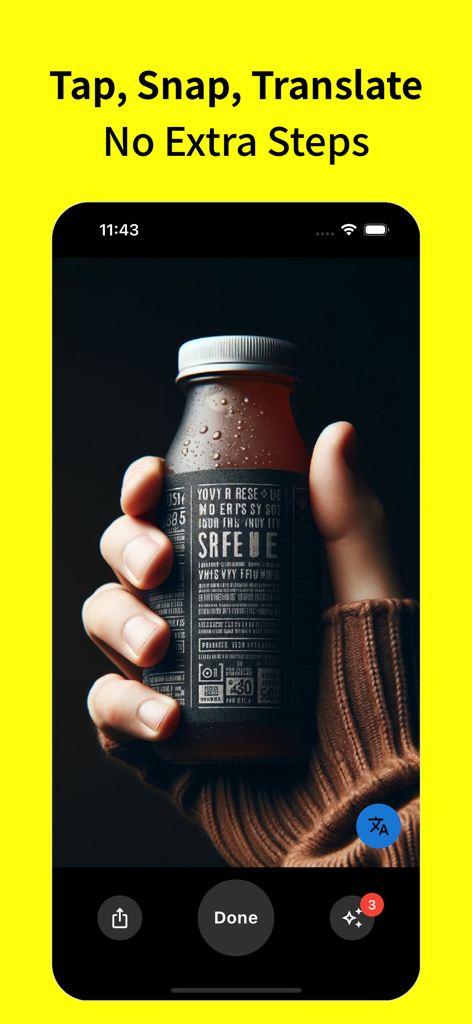
A hand holding a bottle with a foreign label inside the Photo Translator app interface with the text Tap Snap Translate
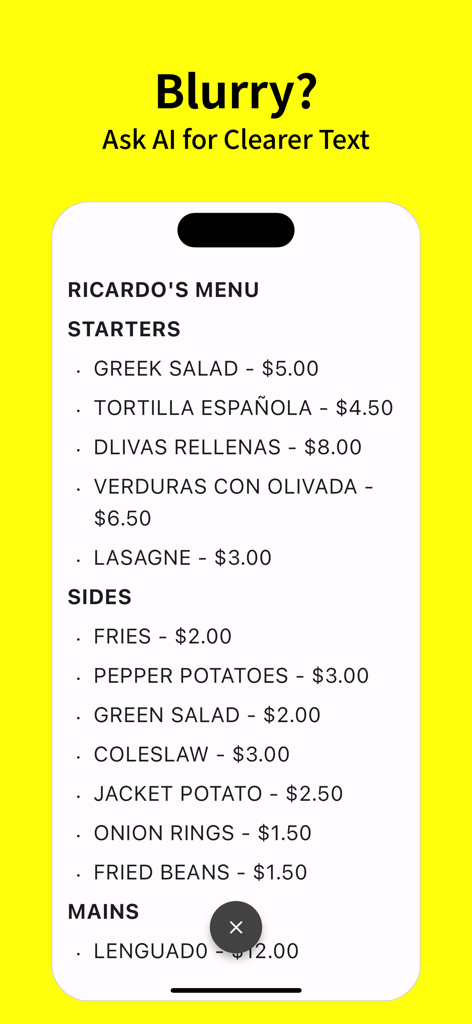
Photo Translator app interface showing AI text correction of a restaurant menu
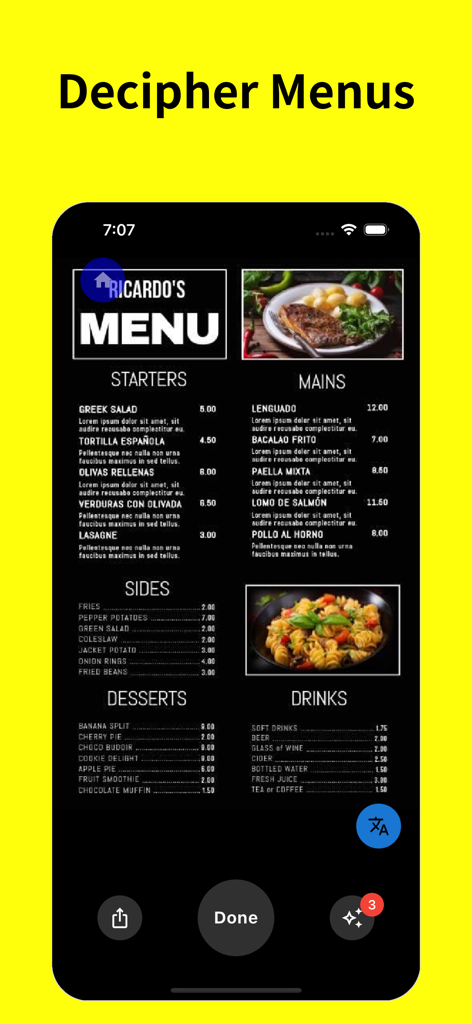
A mobile app screenshot titled Decipher Menus showing a restaurant menu with food and drink options being translated
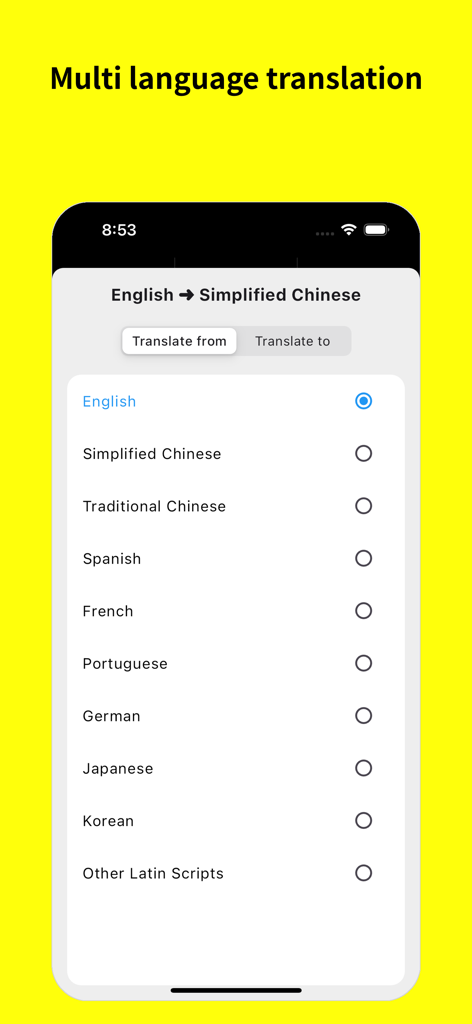
Mobile app screen showing a menu to select source and target languages for translation
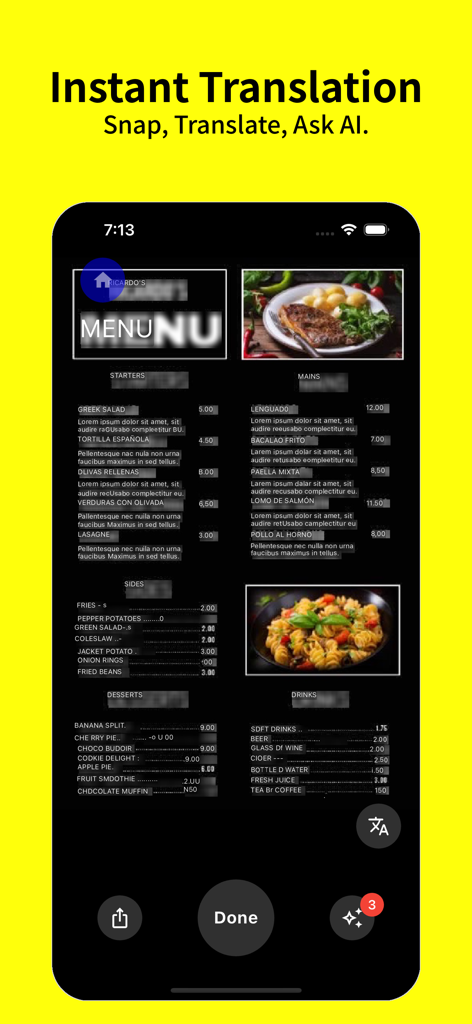
A restaurant menu being translated instantly on a smartphone using the Photo Translator app
Description
Download
More Like This
Top-ranked apps in the same category

Uber - Request a ride
Uber Technologies, Inc.

Airbnb
Airbnb, Inc.

铁路12306
ACADEMY OF RAILWAY SCIENCES CO., ltd.

Booking.com: Hotels & Travel
Booking.com B.V.

Grab: Taxi Ride, Food Delivery
GRABTAXI HOLDINGS PTE. LTD.

Trip.com: Book Flights, Hotels
Trip.com Travel Singapore Pte. Ltd.

DiDi China: Ride Hailing
Didi Chuxing (Beijing) Network Platform Technology Co., Ltd

去哪儿旅行-订酒店机票火车票
Beijing Qunar Information Technology Company Limit

Bolt: Request a Ride
BOLT TECHNOLOGY OU
This page is not an official page of the app or its developer, but an independent editorial publication created for informational and commentary purposes. Unless expressly stated otherwise, neither the app nor its developer is affiliated with, endorsed by, sponsored by, authorized by, or otherwise officially connected with MWM, Apple, Google Play, the app publisher, or the app's developer, and nothing on this page implies that the app was developed using MWM's services. Any trademarks, logos, screenshots, and other content remain the property of their respective owners.