
This page is not an official page of the app or its developer, but an independent editorial publication created for informational and commentary purposes. Unless expressly stated otherwise, neither the app nor its developer is affiliated with, endorsed by, sponsored by, authorized by, or otherwise officially connected with MWM, Apple, Google Play, the app publisher, or the app's developer, and nothing on this page implies that the app was developed using MWM's services. Any trademarks, logos, screenshots, and other content remain the property of their respective owners.

PianoMeter – Piano Tuner
Engineered for professional technicians, PianoMeter measures the unique tonal characteristics of every piano to calculate the perfect stretch, delivering aural-quality results with electronic speed.
Downloads
17K+User Rating
Total Ratings
100Publisher
Category
MusicLocales
17Latest Version
3.0.0Size
29.3 MBFirst Released
Aug 4, 2020Master the Art of Precision Tuning
Elevate your craft with advanced inharmonicity measurements and custom tuning curves that deliver aural-quality results with digital efficiency.
Custom Inharmonicity Mapping
Go beyond generic equal temperament. PianoMeter actively measures the unique tonal characteristics of every note to calculate the perfect custom stretch for each instrument.
High-Efficiency Pitch Raise
Accelerate your professional workflow with overpull calculations designed for rapid first-pass tuning on pianos that are extremely flat.
The following screenshots and description are sourced directly from the app's official store listing and are the property of the app developer.
App Store
Screenshots
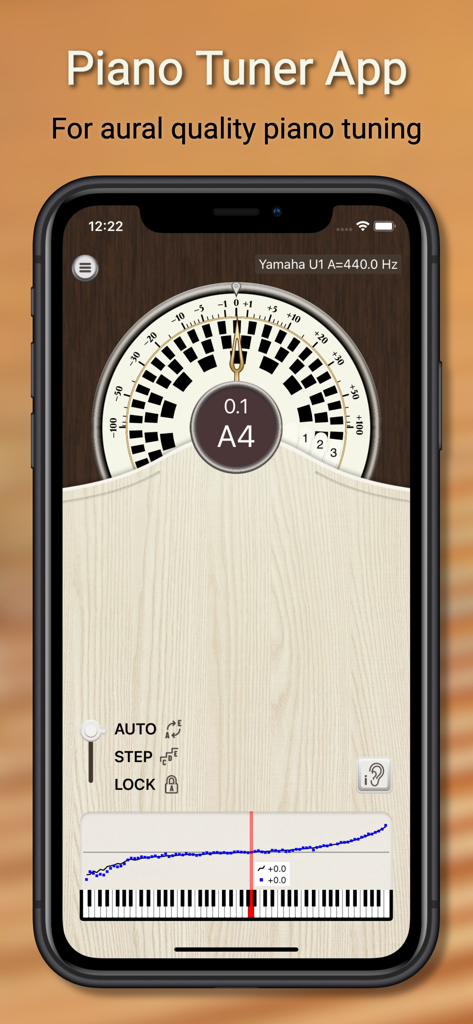
PianoMeter app interface showing a strobe tuner and a custom piano tuning curve.
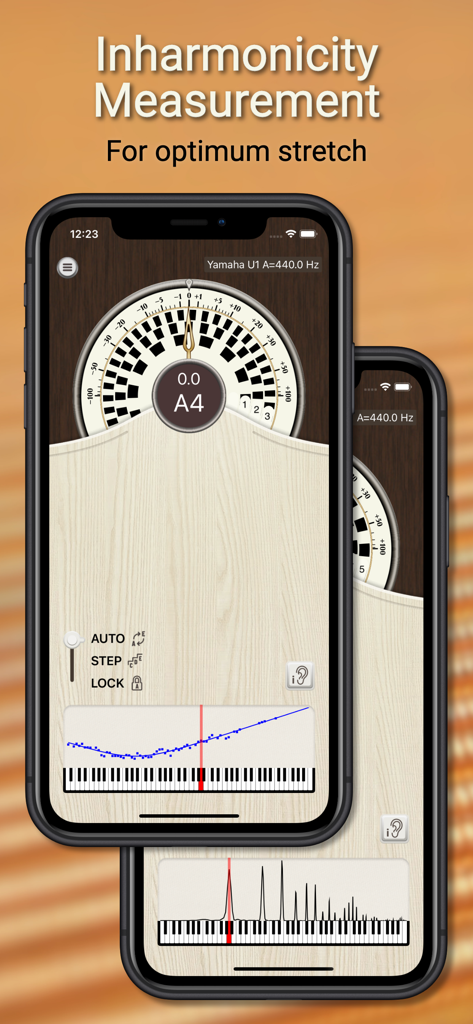
PianoMeter app showing inharmonicity measurement and tuning stretch for professional piano tuning.
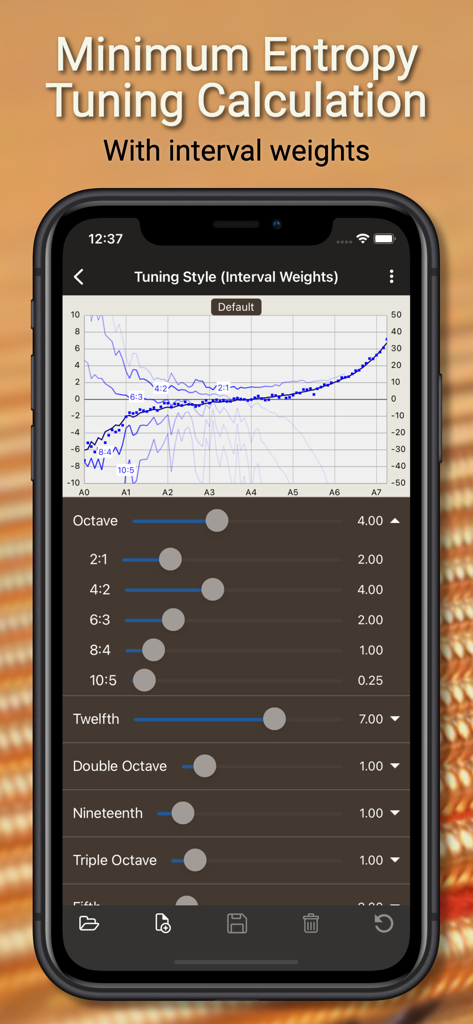
PianoMeter app interface for minimum entropy tuning calculation with interval weight sliders
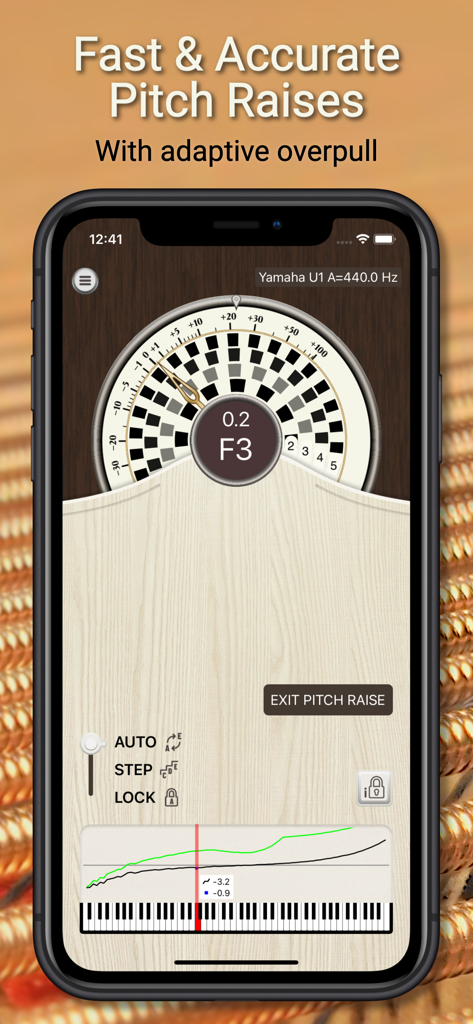
PianoMeter app interface showing the pitch raise mode with adaptive overpull for professional piano tuning
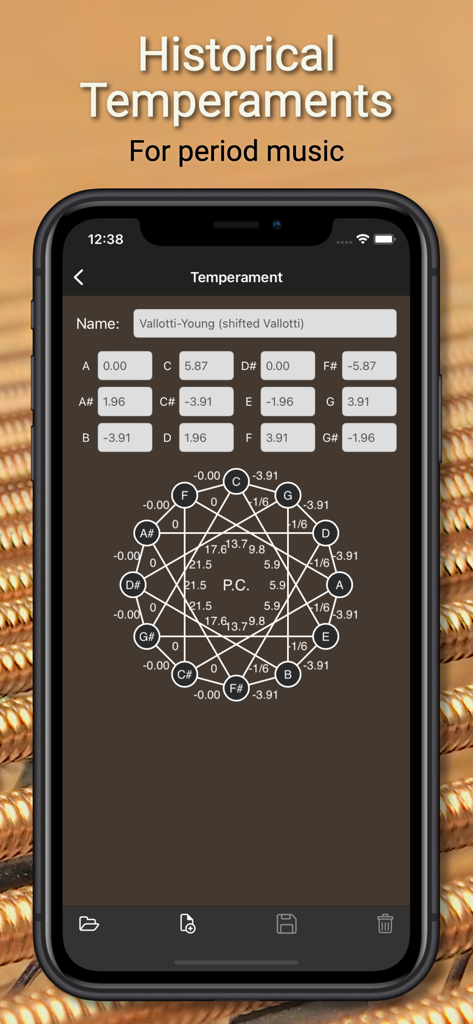
PianoMeter app interface displaying historical temperament settings with a geometric tuning chart for period music.
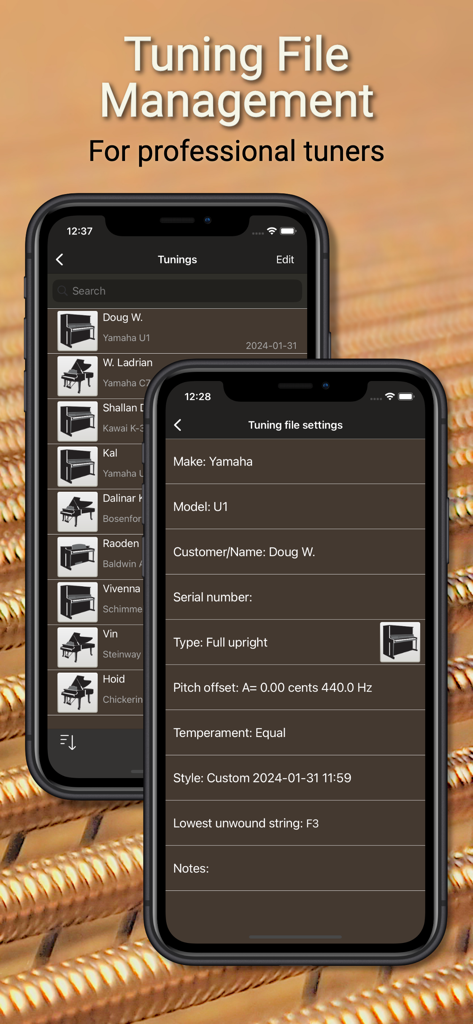
PianoMeter app interface for tuning file management and professional settings
Description
Download
More Like This
Apps with similar features and user experience

Open Sound Meter
Ehrenaudio GmbH

CyberTuner
Dean Reyburn

Guzheng Tuner
海 林
pianoscope – Piano Tuner
Frank Illenberger
TuneLab Piano Tuner
Real-Time Specialties, inc.

iStroboSoft
Peterson Strobe Tuners

RacquetTune - String Tension
Sten Kaiser

TechDisc
TechDisc Inc.

Auto-Key | Music key detection
Antares Audio Technologies, LLC
This page is not an official page of the app or its developer, but an independent editorial publication created for informational and commentary purposes. Unless expressly stated otherwise, neither the app nor its developer is affiliated with, endorsed by, sponsored by, authorized by, or otherwise officially connected with MWM, Apple, Google Play, the app publisher, or the app's developer, and nothing on this page implies that the app was developed using MWM's services. Any trademarks, logos, screenshots, and other content remain the property of their respective owners.