
This page is not an official page of the app or its developer, but an independent editorial publication created for informational and commentary purposes. Unless expressly stated otherwise, neither the app nor its developer is affiliated with, endorsed by, sponsored by, authorized by, or otherwise officially connected with MWM, Apple, Google Play, the app publisher, or the app's developer, and nothing on this page implies that the app was developed using MWM's services. Any trademarks, logos, screenshots, and other content remain the property of their respective owners.


PianoRemote
Unlock the full potential of your instrument with a sleek touchscreen interface. Effortlessly customize your sound with Virtual Technician settings, access hundreds of built-in lessons, and manage your music library seamlessly via Bluetooth MIDI.
Downloads
48K+User Rating
Total Ratings
200Publisher
Category
MusicLocales
2Latest Version
1.1.12Size
79.9 MBFirst Released
Apr 10, 2020Master Your Performance with Ease
Unlock the full potential of your Kawai digital piano with a sleek, intuitive interface designed to replace clunky buttons with modern touch control.
Intuitive Touch Interface
Skip complex manual codes. Effortlessly select sounds and adjust settings using a beautiful UI that mirrors the premium look of your Kawai instrument.
Professional Tone Customization
Become your own piano technician. Use the Virtual Technician to fine-tune acoustics, from hammer delay to damper resonance, via your iPad or iPhone.
The following screenshots and description are sourced directly from the app's official store listing and are the property of the app developer.
App Store
Screenshots
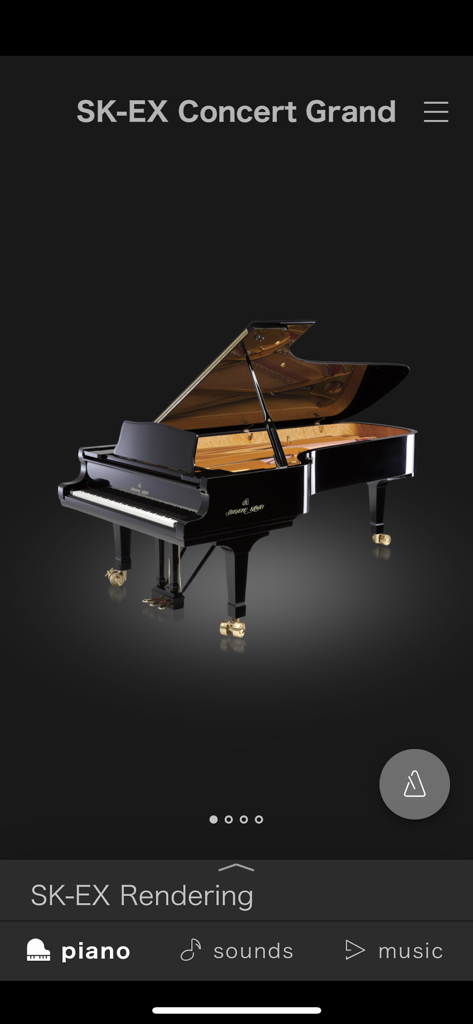
Interface of the PianoRemote app showing the SK-EX Concert Grand sound selection screen with a detailed piano rendering
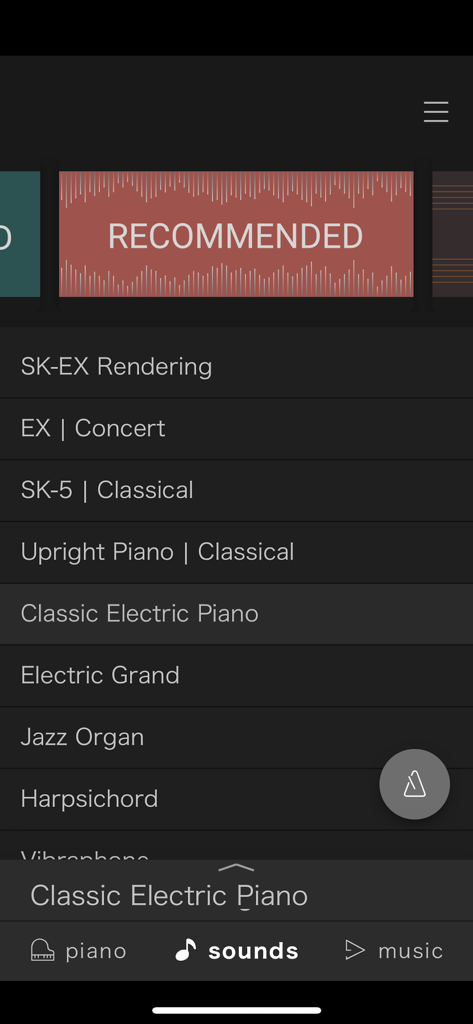
PianoRemote app interface showing a list of selectable digital piano sounds including concert grand upright and electric piano options
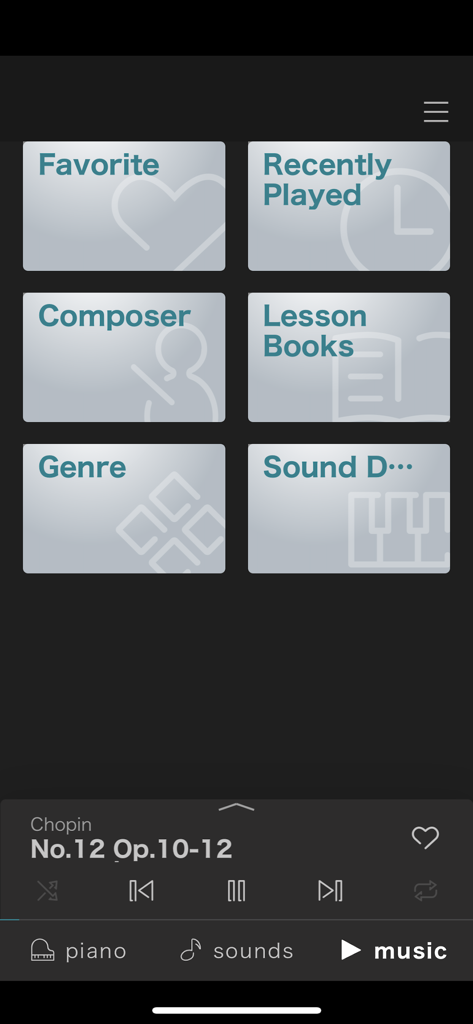
PianoRemote app music library interface showing categories like composer and lesson books with a playback controller
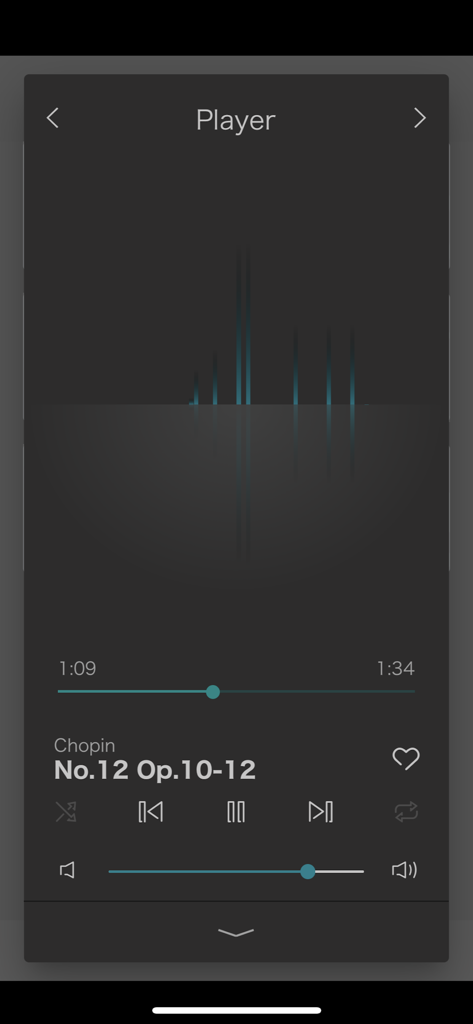
A screenshot of the PianoRemote app music player showing playback controls and a Chopin piano piece
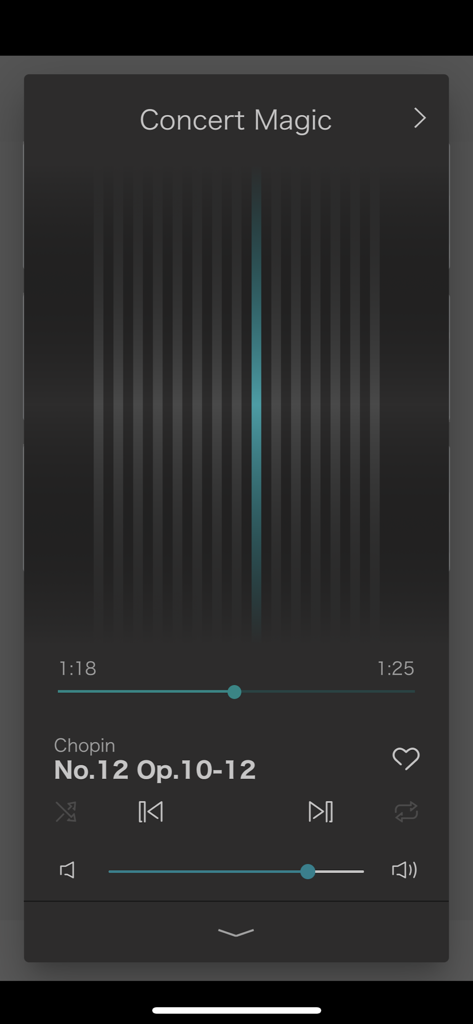
The Concert Magic music player interface within the PianoRemote app
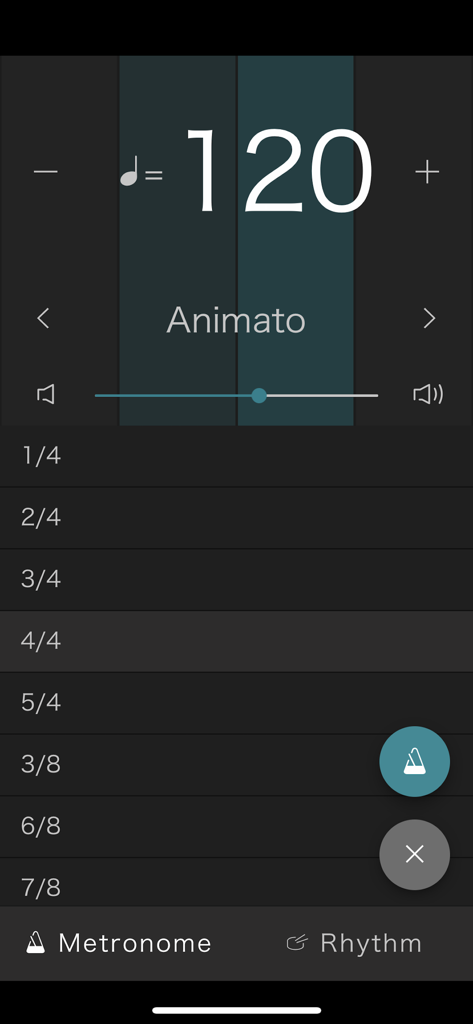
PianoRemote app metronome screen for Kawai digital pianos showing tempo at 120 BPM and time signature list.
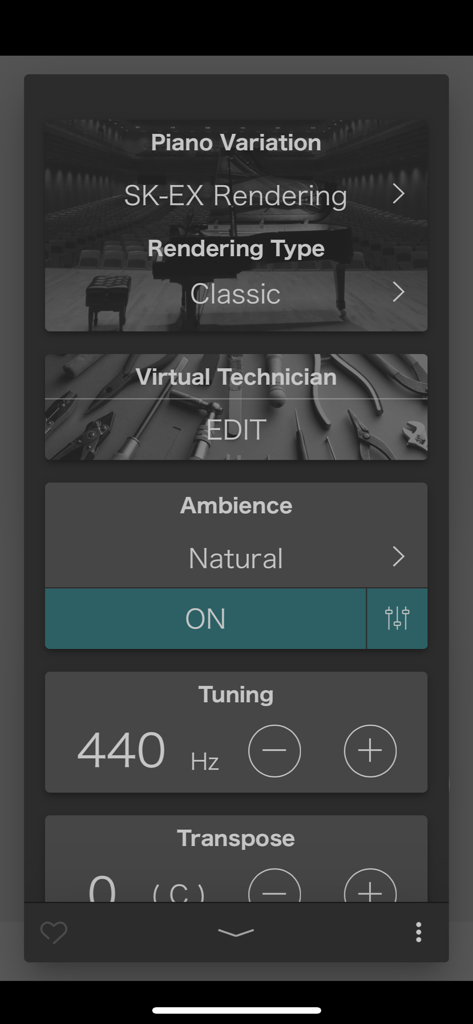
Kawai PianoRemote app interface showing piano variation and sound tuning settings
Description
Download
More Like This
Top-ranked apps in the same category

Spotify: Music and Podcasts
Spotify

YouTube Music
Google LLC

Shazam: Find Music & Concerts
Apple Inc.

SoundCloud: The Music You Love
SoundCloud Global Limited & Co KG

Suno - AI Songs & Music
Suno Inc.

QQ音乐 - 听我想听
Tencent Technology (Shenzhen) Company Limited

Audiomack - Play Music Offline
Audiomack, Inc.

GuitarTuna: Tune & Play Guitar
Yousician Ltd

BandLab – Music Maker & Beats
BandLab Singapore Pte Ltd
This page is not an official page of the app or its developer, but an independent editorial publication created for informational and commentary purposes. Unless expressly stated otherwise, neither the app nor its developer is affiliated with, endorsed by, sponsored by, authorized by, or otherwise officially connected with MWM, Apple, Google Play, the app publisher, or the app's developer, and nothing on this page implies that the app was developed using MWM's services. Any trademarks, logos, screenshots, and other content remain the property of their respective owners.