Piccolo Sim
Piccolo Sim
Download on App Store

This page is not an official page of the app or its developer, but an independent editorial publication created for informational and commentary purposes. Unless expressly stated otherwise, neither the app nor its developer is affiliated with, endorsed by, sponsored by, authorized by, or otherwise officially connected with MWM, Apple, Google Play, the app publisher, or the app's developer, and nothing on this page implies that the app was developed using MWM's services. Any trademarks, logos, screenshots, and other content remain the property of their respective owners.

Logo of Piccolo Sim
Download on App Store

Piccolo Sim

Experience authentic sampled sounds, microtonal tuning, and dynamic expression on your iPhone or iPad. Perfect for silent practice, composing, and sharing your musical masterpieces with the world.

Key Figures

Downloads

0

User Rating

1.0/5

Total Ratings

0

Publisher

Alper Kahriman

Category

Music

Locales

1

Latest Version

1.1.2

Size

117.5 MB

First Released

Dec 5, 2024
Features

Master the Piccolo Anywhere

From authentic orchestral sounds to advanced tuning, Piccolo Sim offers a professional-grade simulation designed for dedicated students and seasoned virtuosos.

Authentic Orchestral Sound

Experience meticulously sampled tones with dynamic key sensitivity for a truly expressive and realistic performance.

Tailored Practice Tools

Adjust key sizes to fit your hands and use silent mode to master complex runs without disturbing those around you.

The following screenshots and description are sourced directly from the app's official store listing and are the property of the app developer.

App Store

Screenshots
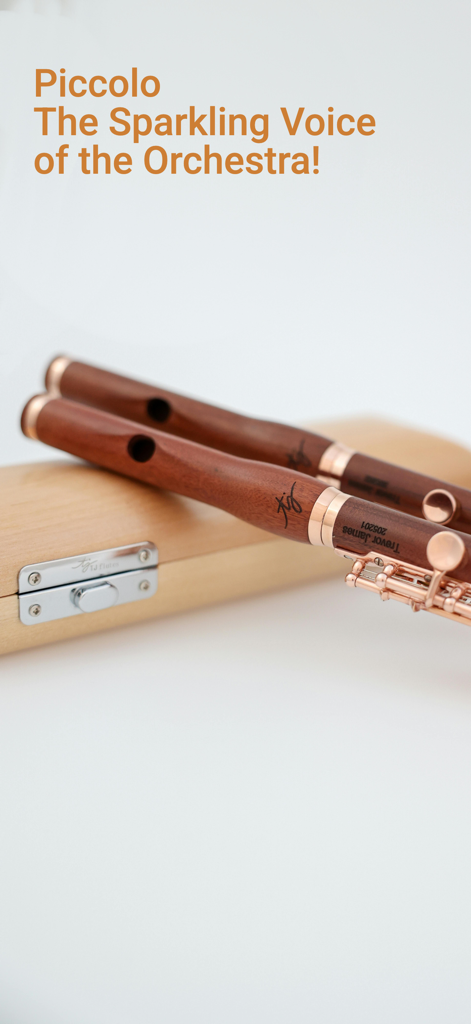
Piccolo Sim - Two wooden piccolos resting on a case with the text Piccolo The Sparkling Voice of the Orchestra
Two wooden piccolos resting on a case with the text Piccolo The Sparkling Voice of the Orchestra

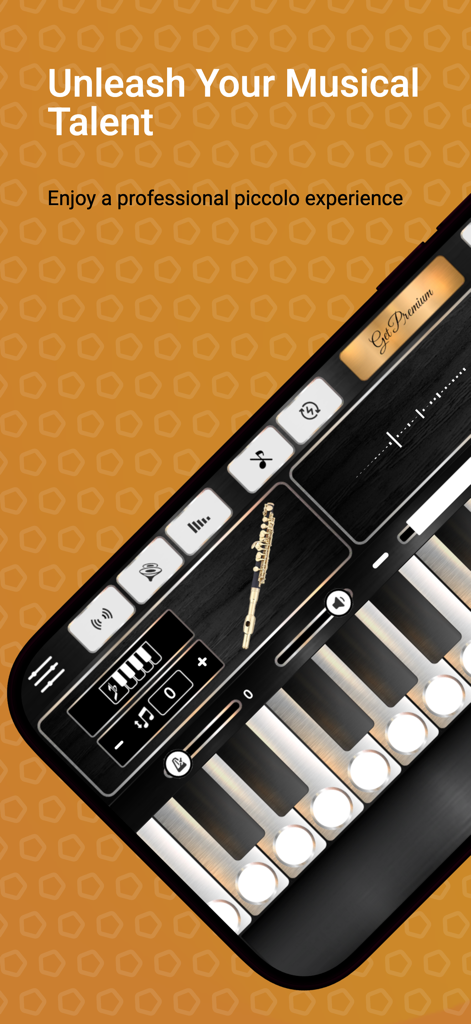
Piccolo Sim - Professional piccolo simulator app interface showing virtual keys and audio control settings
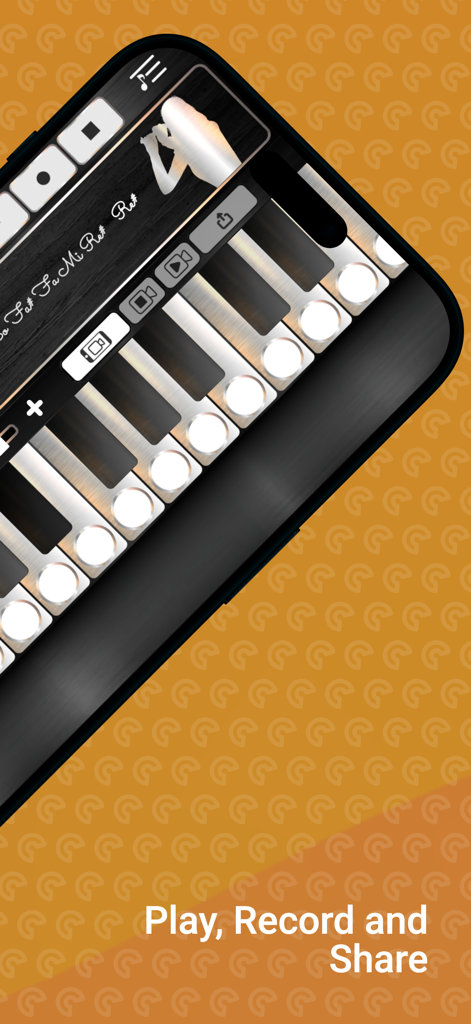
Professional piccolo simulator app interface showing virtual keys and audio control settings

Piccolo Sim - Piccolo Sim app interface showing musical keys and recording controls with the caption Play Record and Share
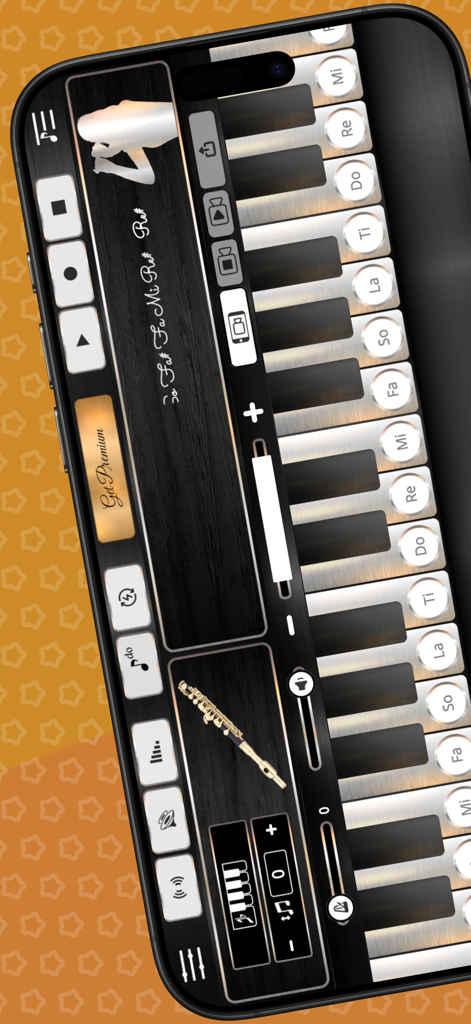
Piccolo Sim app interface showing musical keys and recording controls with the caption Play Record and Share

Piccolo Sim - Piccolo Sim app interface showing musical keys with solfege labels and recording controls on a smartphone screen
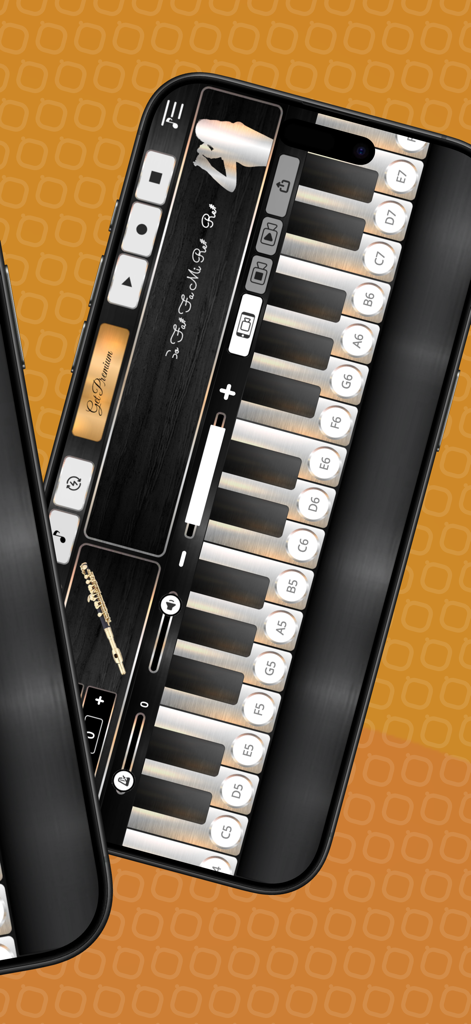
Piccolo Sim app interface showing musical keys with solfege labels and recording controls on a smartphone screen

Piccolo Sim - Screenshot of the Piccolo Sim app showing a virtual keyboard with music recording and tuning controls.
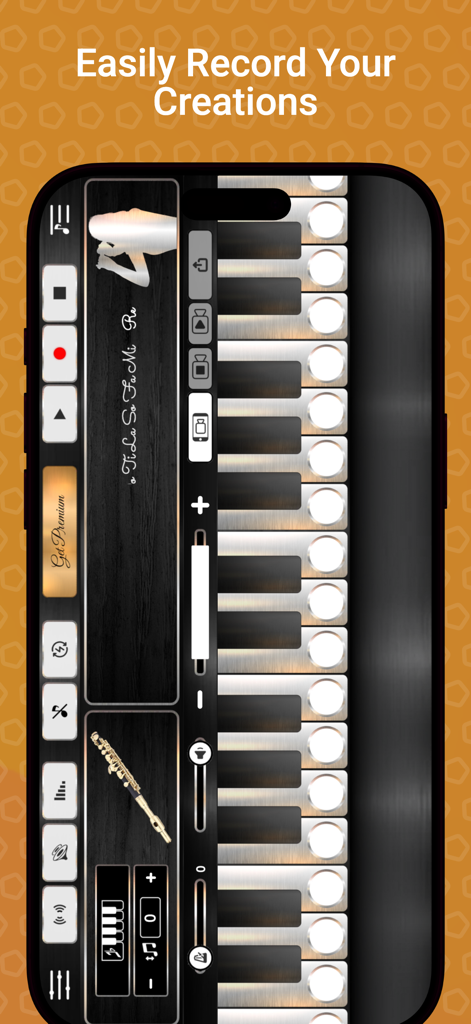
Screenshot of the Piccolo Sim app showing a virtual keyboard with music recording and tuning controls.

Piccolo Sim - Interface of the Piccolo Sim app showing recording controls and digital musical keys
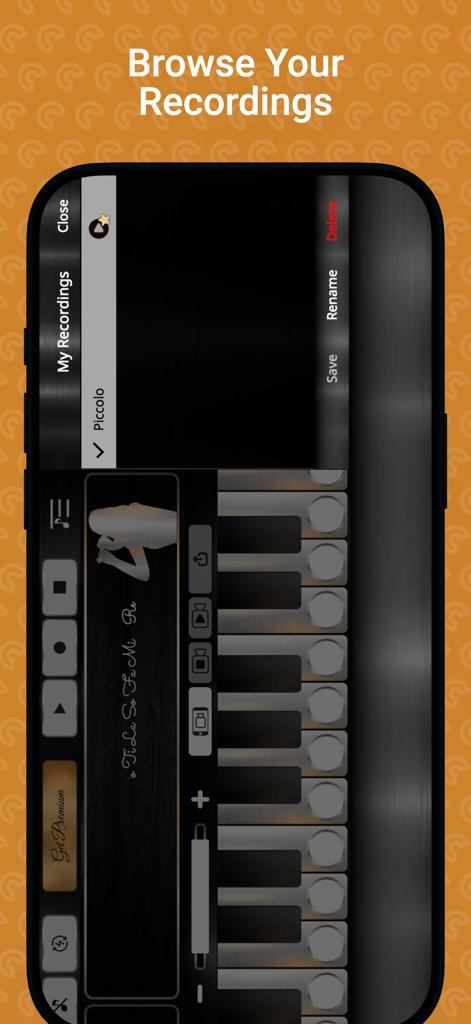
Interface of the Piccolo Sim app showing recording controls and digital musical keys

Piccolo Sim - Interface of the Piccolo Sim app showing the recording library and virtual keys
Interface of the Piccolo Sim app showing the recording library and virtual keys

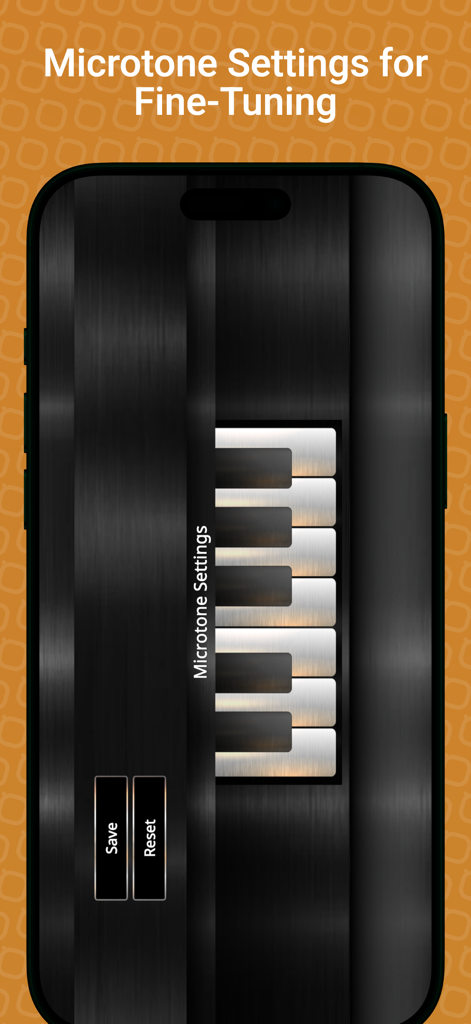
Piccolo Sim - Microtone settings screen in the Piccolo Sim app showing fine-tuning controls and keyboard interface for musicians.
Microtone settings screen in the Piccolo Sim app showing fine-tuning controls and keyboard interface for musicians.

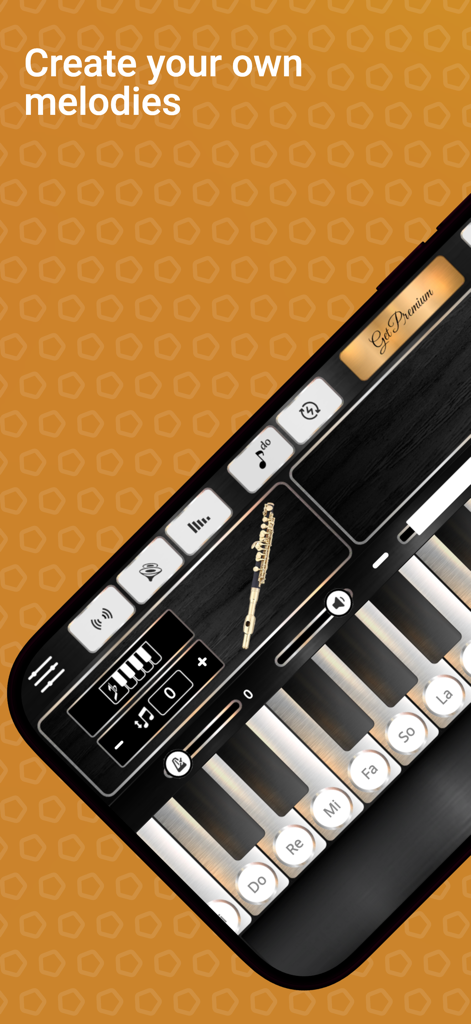
Piccolo Sim - Piccolo Sim app interface showing a musical keyboard and instrument display for creating melodies

Piccolo Sim app interface showing a musical keyboard and instrument display for creating melodies
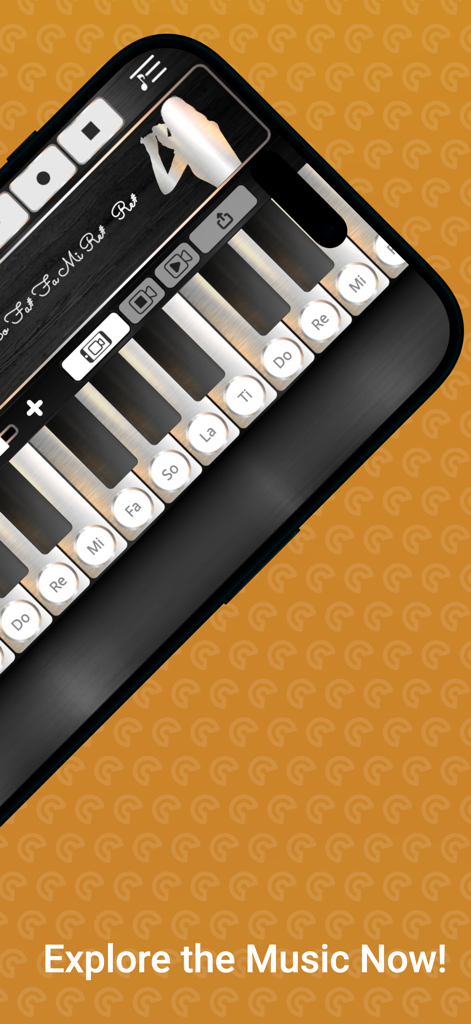
Piccolo Sim - Piccolo Sim app interface showing a musical keyboard with labeled notes and recording controls on a smartphone screen

Piccolo Sim app interface showing a musical keyboard with labeled notes and recording controls on a smartphone screen

Description

Discover the bright, melodious charm of the piccolo with Piccolo Sim, your ultimate piccolo-playing companion. Designed for both beginners and seasoned musicians, Piccolo Sim brings the authentic feel and sound of this iconic orchestral instrument right to your fingertips. With its user-friendly design and diverse features, you can create, play, and share music effortlessly. Key Features That Make Piccolo Sim Stand Out Authentic Piccolo Sounds Experience the genuine tone of a meticulously sampled professional piccolo. Every note is crafted to deliver the brilliance and clarity that defines the piccolo's unique character. Advanced Features for Enhanced Playability - Microtonal Tuning: Adjust pitches for traditional and experimental scales, ideal for contemporary compositions and world music exploration. - Transpose Adjustment: Easily shift keys to match your musical preferences or play along with other instruments. - Reverb Effects: Add depth and atmosphere to your performance with adjustable reverb. - Chorus Mode: Layer your notes with rich harmonies, creating a fuller and more dynamic sound. - Dynamic Key Sensitivity: Play with natural expression-soft presses produce quieter tones, while harder presses deliver louder, more powerful notes. Customizable Keys Adjust the size of the keys to suit your playing style. Whether you prefer wider keys for precise fingering or smaller ones for fast runs and trills, Piccolo Sim adapts to your needs. Three Dynamic Play Modes - Free Play Mode: Play multiple notes simultaneously and enjoy the full resonance of the piccolo. Perfect for creating spontaneous melodies and experimental passages. - Single Key Mode: Focus on one note at a time, ideal for learning and perfecting piccolo techniques. - Soft Release Mode: Add a natural touch with gentle fade-outs as you lift your fingers, creating a smooth and expressive playing experience. Record and Revisit Your Music Capture your performances with the built-in recording feature. Whether you're practicing, composing, or performing, your music is just a play button away. Share Your Masterpieces Seamlessly share your recordings with friends, family, or the world. Inspire others with your creativity and talent! Screen Recording Capability Elevate your musical creativity with Piccolo Sim's new screen recording feature. Capture your mesmerizing piccolo performances directly within the app, allowing you to effortlessly document your musical journey. Record your improvisations, practice sessions, or complete compositions with a single tap, and instantly share your artistic expressions with friends, fellow musicians, or on social media platforms. This intuitive recording functionality ensures that no moment of musical inspiration is lost, empowering you to preserve and share the unique, ethereal sounds of your piccolo exploration. Why Choose Piccolo Sim? - Realistic Experience: The app replicates the true feel and sound of a physical piccolo, making it the perfect tool for practice or performance. - Elegant Design: A sleek, user-friendly interface ensures that every musician, from novice to pro, feels right at home. - Creative Flexibility: With versatile modes, adjustable keys, and authentic sounds, Piccolo Sim puts you in control of your musical journey. Whether you're performing orchestral passages, composing contemporary pieces, or exploring the piccolo for the first time, Piccolo Sim offers endless possibilities. Download Piccolo Sim today and let the sparkling brilliance of the piccolo take you on a musical adventure!

Download

Download on App Store

This page is not an official page of the app or its developer, but an independent editorial publication created for informational and commentary purposes. Unless expressly stated otherwise, neither the app nor its developer is affiliated with, endorsed by, sponsored by, authorized by, or otherwise officially connected with MWM, Apple, Google Play, the app publisher, or the app's developer, and nothing on this page implies that the app was developed using MWM's services. Any trademarks, logos, screenshots, and other content remain the property of their respective owners.